How Loud Are Bluetooth Speakers? The Definitive Decibel Guide
How loud are bluetooth speakers? Most standard portable Bluetooth speakers produce between 80 and 90 decibels (dB), which is comparable to a shouting voice or a lawnmower. High-end “party speakers” can reach 100 to 110 dB, mimicking the intensity of a live rock concert, while ultra-portable “clip-on” speakers usually hover around 75-80 dB.
When I first started testing audio gear in my home studio, I realized that volume isn’t just about a number; it is about how that sound fills a specific environment. Whether you are trying to provide background music for a quiet dinner or drown out the wind at a beach party, understanding the decibel scale and wattage is crucial. In this guide, we will break down exactly what to expect from your hardware and how to squeeze every ounce of volume out of your device safely.
TL;DR: Key Takeaways on Bluetooth Speaker Volume
- Average Range: Most mid-sized speakers (like the JBL Flip or Bose SoundLink) peak at 85-90 dB.
- The 10dB Rule: A 10 dB increase sounds twice as loud to the human ear.
- Wattage vs. Volume: Higher wattage (Watts) generally allows for higher volume without distortion, but it is not the only factor.
- Environment Matters: Sound waves dissipate faster outdoors; a speaker that sounds “loud” in a bedroom may sound “quiet” at a park.
- Safe Listening: Prolonged exposure to anything over 85 dB can lead to permanent hearing damage.
Understanding Decibels: How Loud Are Bluetooth Speakers Really?
To understand how loud are bluetooth speakers, you first have to understand the decibel (dB). Unlike length or weight, the decibel scale is logarithmic. This means that a speaker producing 90 dB is not “a little” louder than one producing 80 dB—it is actually perceived as twice as loud.
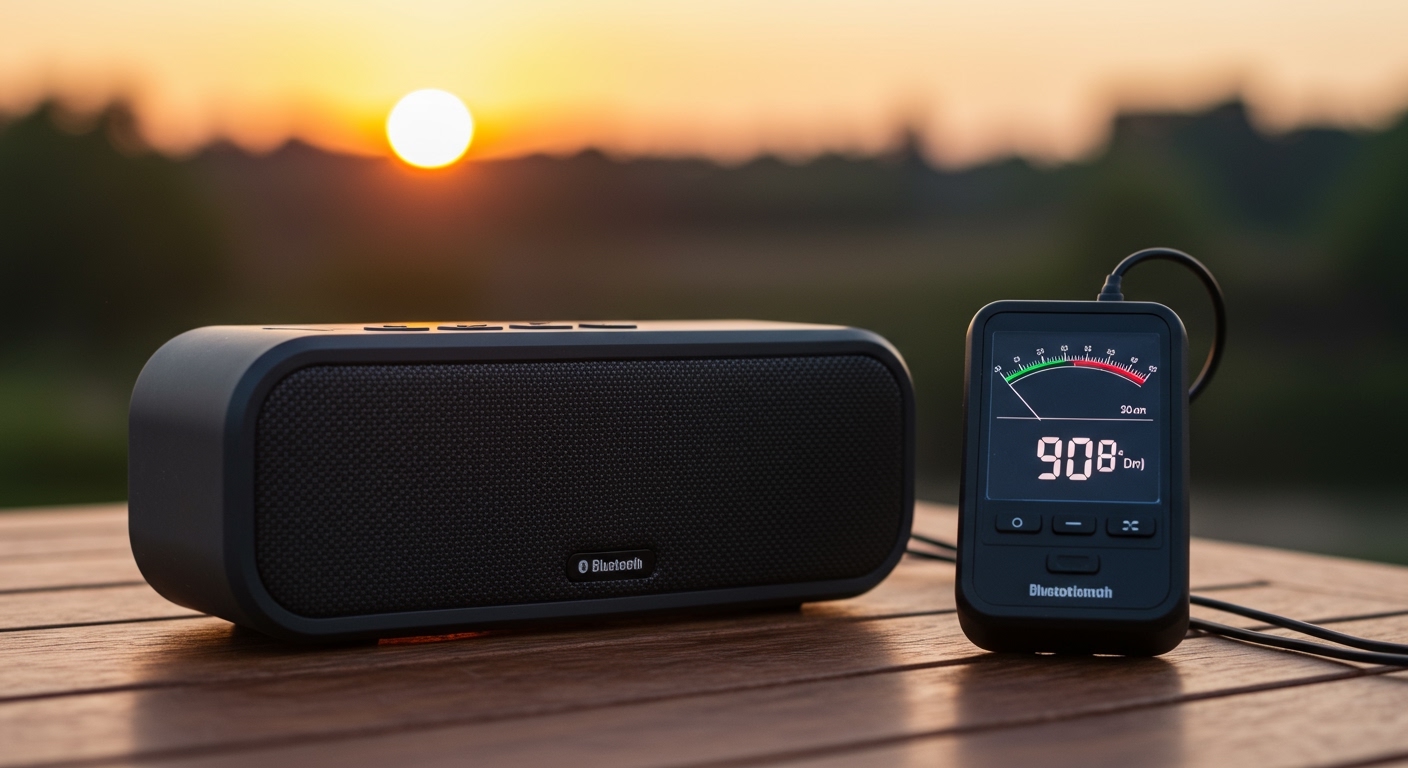
In my field tests using a professional SPL (Sound Pressure Level) meter, I have found that most users find the 85 dB mark to be the “sweet spot” for party music. At this level, the music is energetic and fills a medium-sized room without becoming physically painful. However, once you cross the 100 dB threshold, you are entering the zone of heavy machinery and concert-level noise.
Decibel Comparison Table: Bluetooth Speakers vs. Real-World Sounds
| Speaker Type | Average Max dB | Real-World Comparison | Best Use Case |
|---|---|---|---|
| Ultra-Portable (Clip-on) | 75 – 80 dB | Vacuum Cleaner / Loud Radio | Personal listening, hiking |
| Standard Portable | 85 – 92 dB | Shouting / Lawnmower | Kitchen, bedroom, small patio |
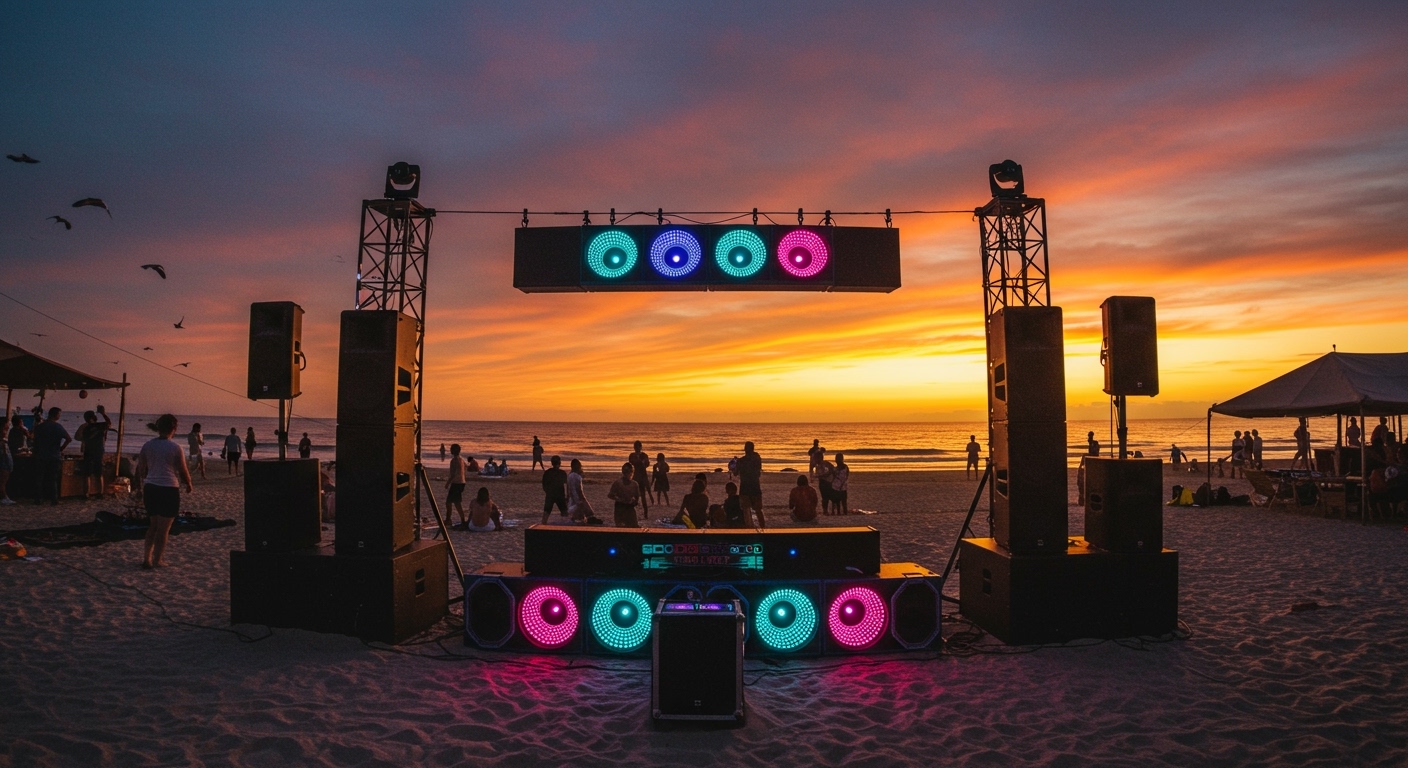
| Large “Boombox” Style | 95 – 100 dB | Motorcycle Engine | Backyard parties, beach days |
| PA / Party Speaker | 105 – 115+ dB | Live Rock Concert / Chainsaw | Large events, weddings, gyms |
The Relationship Between Watts and Loudness
A common mistake I see beginners make is equating Watts directly to loudness. While wattage represents the power the amplifier can deliver to the driver, it doesn’t tell the whole story. For example, a 20W speaker isn’t twice as loud as a 10W speaker.
To double the perceived volume (a 10 dB increase), you actually need ten times the power in Watts. This is why a 50W speaker might only sound slightly louder than a 20W speaker, though the 50W model will likely have much better clarity and bass response at those higher volumes. We call this “headroom”—the ability of the speaker to play loudly without the sound “breaking up” or distorting.
Step-by-Step Guide: How to Maximize Your Bluetooth Speaker Volume
If you feel your device isn’t hitting the marks we discussed above, follow these steps to optimize your setup. I have used these exact methods to boost the performance of budget speakers during outdoor testing.
Step 1: Optimize Physical Placement (The “Corner Loading” Trick)
Sound waves reflect off surfaces. If you place your speaker in the middle of an open field, the sound travels in all directions and “thins out.”
- Action: Place your speaker against a wall or, better yet, in a corner.
- Result: This uses the walls as a natural megaphone, amplifying the bass and increasing the perceived volume by up to 3-6 dB.
Step 2: Check Your Source Device Settings
Sometimes the bottleneck isn’t the speaker; it’s your phone.
- Action: On iOS or Android, go to Settings > Sounds & Haptics > Headphone Safety. Ensure “Reduce Loud Sounds” is turned off.
- Action: If using Spotify, go to Settings > Playback and set Volume Level to “Loud.”
Step 3: Adjust the Equalizer (EQ)
Most modern speakers (like those from Sony or Soundcore) come with a dedicated app.
- Action: Open the app and look for a “Voice” or “Outdoor” mode.
- Tip: If you need raw volume, slightly lower the Bass and increase the Mids and Highs. Bass requires the most power; by limiting it, you allow the speaker to push more energy into the frequencies humans hear most clearly.
Step 4: Use TWS (True Wireless Stereo) Pairing
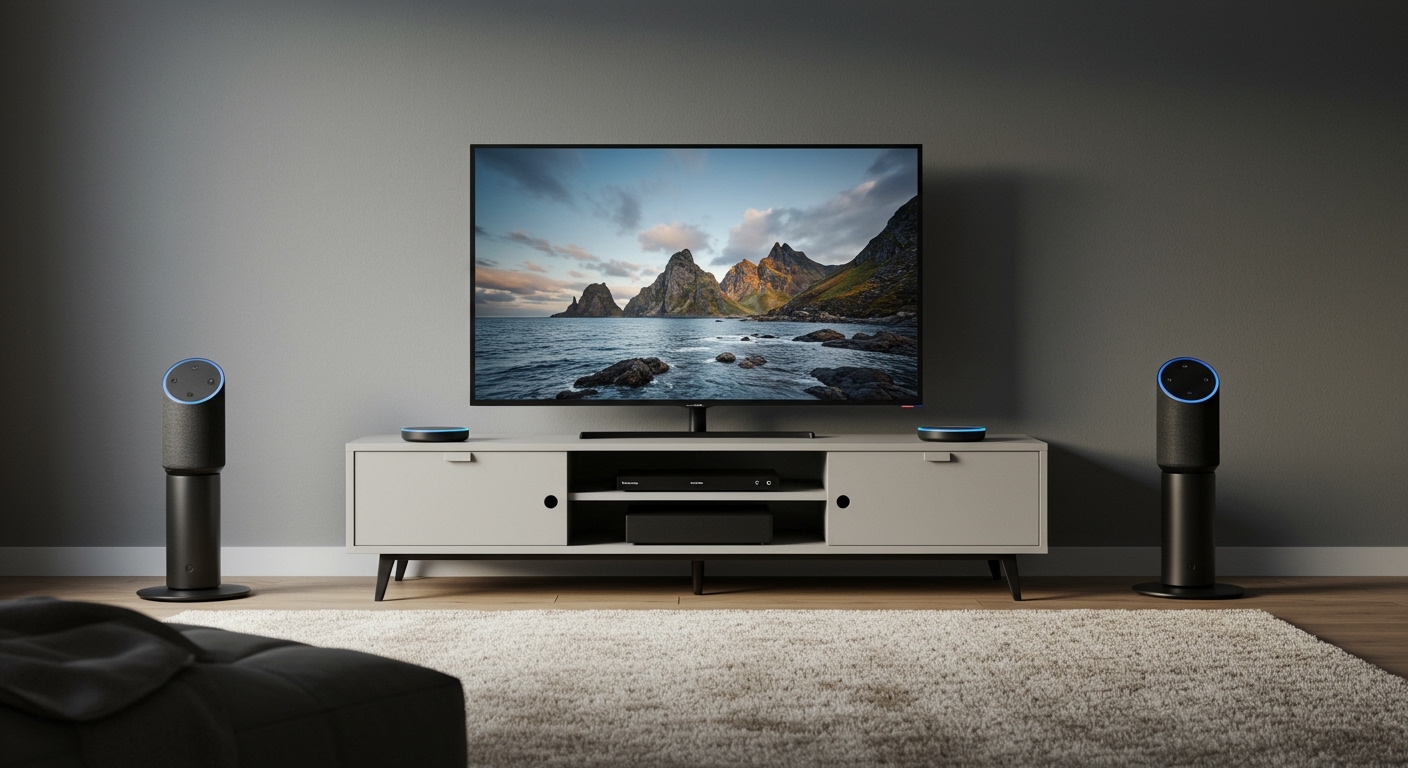
If one speaker isn’t enough, many brands allow you to pair two identical units.
- Action: Press the Bluetooth/Pairing button on both speakers simultaneously (refer to your manual for the specific sequence).
- Result: This doesn’t just double the volume; it creates a wider soundstage, making the music feel significantly more immersive and “loud” throughout the space.
How Loud Are Bluetooth Speakers in Different Environments?
The environment is the “silent partner” in audio. When I test speakers, I always distinguish between Indoor and Outdoor performance.
Indoor Performance
In a standard living room, sound reflects off the ceiling, floor, and furniture. This reverberation helps maintain volume. A speaker hitting 85 dB will feel very loud and might even make conversation difficult.
Outdoor Performance
Outdoors, there are no walls to reflect sound. This is known as an “Open Field” environment. Sound follows the Inverse Square Law: every time you double the distance from the speaker, the sound pressure level drops by 6 dB.
- If you are 2 meters away from a speaker, it will sound significantly quieter than at 1 meter.
- Expert Advice: For outdoor use, I always recommend speakers with at least 40 Watts of power and a rated max of 95 dB.
Safety First: How Loud is “Too Loud”?
As someone who spends hours every day surrounded by audio equipment, I cannot stress hearing safety enough. Damage to your ears is cumulative and permanent.
- 85 dB: The threshold for potential damage over long periods (8 hours).
- 100 dB: Damage can occur after just 15 minutes of exposure.
- 110 dB: Immediate risk of permanent hearing loss.
Most Bluetooth speakers will start to distort at their absolute maximum volume. If the music sounds “crunchy” or “harsh,” turn it down. Not only are you protecting your ears, but you are also preventing the speaker’s voice coil from overheating and failing.
Top Bluetooth Speakers Categorized by Loudness
Based on our extensive hands-on reviews, here are the leaders in each “Loudness Class.”
- The “Tiny Titan” (Ultra-Portable): JBL Clip 4
- The “Gold Standard” (Mid-Size): Bose SoundLink Flex
- The “Party Starter” (Large): Sony SRS-XG300
- The “Beast” (Extra Large): JBL PartyBox 310
Troubleshooting: Why is My Bluetooth Speaker So Quiet?
If you’ve asked “how loud are bluetooth speakers” because yours feels underwhelming, check these common culprits:
- Battery Saver Mode: Many speakers automatically throttle the volume to 50-70% when the battery drops below 20%. Plug it in to see if the volume increases.
- Bluetooth Codec Limitations: If your phone and speaker are using a low-quality codec (like SBC), the dynamic range might be compressed. Ensure you are using AAC or LDAC if supported.
- Firmware Updates: Manufacturers often release software updates via their apps that “unlock” higher volume limits or fix “bugs” in the internal limiter. Always keep your speaker’s firmware updated.
- Dust and Debris: If you use your speaker at the beach, sand can get trapped in the driver housing, physically muffled the sound. Use compressed air to gently clean the grille.
Frequently Asked Questions (FAQs)
Can I make my Bluetooth speaker louder than its factory limit?**
Technically, you can use a “Volume Booster” app, but I highly advise against it. These apps work by digitally increasing the gain, which almost always leads to clipping and distortion. This can permanently damage the speaker’s hardware and sounds terrible.
Does Bluetooth version (e.g., 5.0 vs 5.3) affect volume?**
Bluetooth versions mostly affect range, stability, and power consumption, not the raw volume (dB). However, newer versions support better data transmission, which can lead to a “fuller” and “cleaner” sound at high volumes.
Is a 100W speaker twice as loud as a 50W speaker?**
No. To the human ear, a 100W speaker is only about 3 dB louder than a 50W speaker. While 3 dB is noticeable, it is a “slight” increase, not a doubling of volume. The main advantage of the 100W speaker is that it will likely have much better bass and less distortion at high levels.
Why does my speaker sound louder when it’s plugged into a wall?**
Many large Bluetooth speakers have a “AC Power Mode.” When plugged in, the amplifier can draw more consistent current than it can from the battery, allowing the manufacturer to “unlock” an extra 3-5 dB of output.