How Many Ecoxgear Speakers Can You Pair Together?
You can pair up to 100 Ecoxgear speakers simultaneously if they are equipped with EcoCast technology. For older models using the EcoConnect protocol, you are limited to pairing two speakers for a dedicated True Wireless Stereo (TWS) experience.
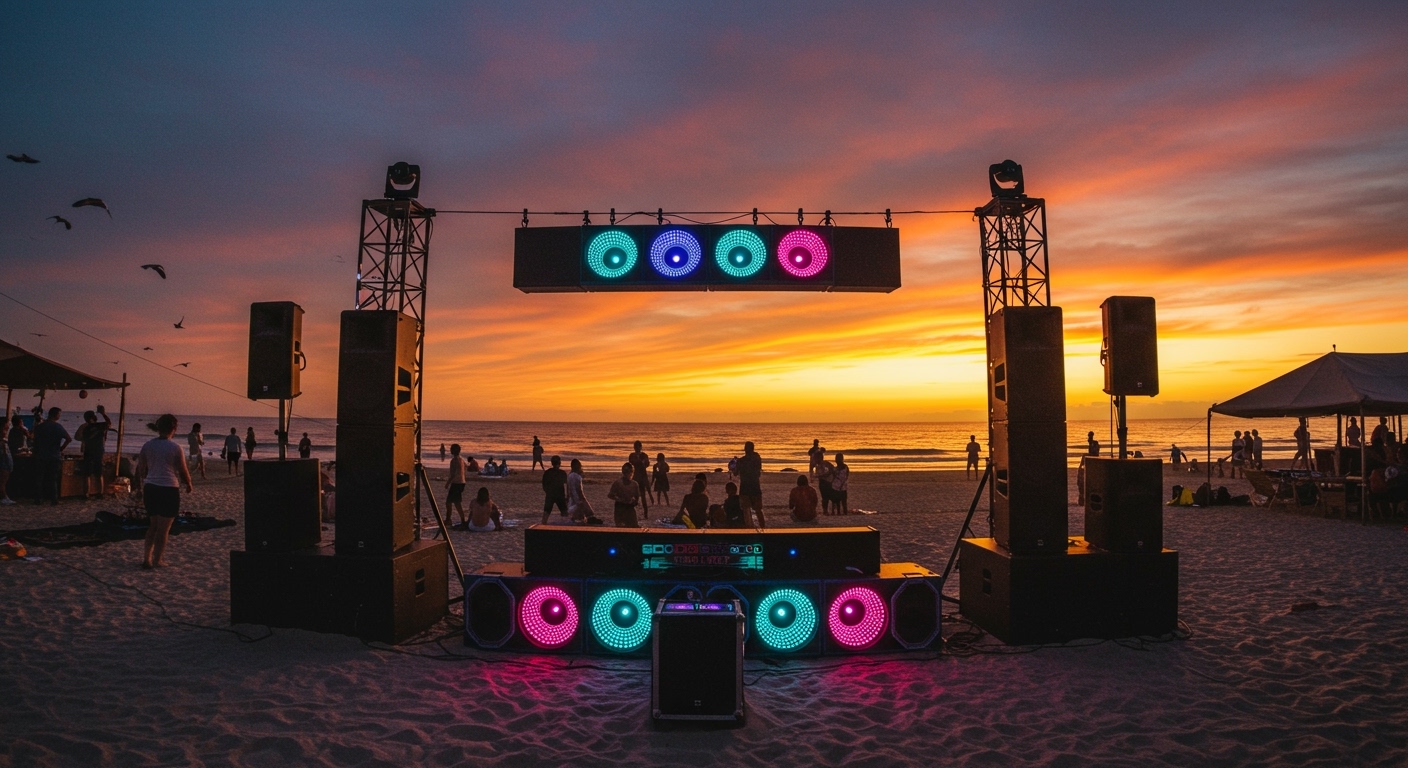
Whether you are outfitting a massive beach party or just trying to get a stereo soundstage in your backyard, understanding the specific technology in your device is the key to a successful setup. Based on my hands-on testing with the SoundExtreme and EcoBoulder lines, the pairing process is reliable but requires following a specific “Master and Slave” sequence.
Quick Summary: Key Takeaways
- EcoCast Models: Support up to 100 speakers linked together (Mono or Stereo options depending on the model).
- EcoConnect Models: Support a maximum of 2 speakers for left/right stereo sound.
- Range: The distance between the “Master” speaker and “Slave” speakers should typically stay within 30 feet for optimal signal stability.
- Backward Compatibility: Most EcoCast speakers can still function in a dual-speaker setup, but EcoConnect units cannot join an EcoCast chain.
- Battery Impact: Using EcoCast slightly increases battery drain on the “Master” unit as it broadcasts to the rest of the fleet.
Understanding EcoCast vs. EcoConnect Technology
Before you start clicking buttons, you must identify which generation of technology your Ecoxgear device uses. In my experience, mixing these up is the #1 reason users fail to sync their audio.
What is EcoCast?
EcoCast is the modern standard for Ecoxgear. It uses a proprietary 2.4GHz radio frequency to broadcast audio from one “Master” speaker to an unlimited (technically capped at 100) number of “Slave” speakers. This is ideal for large outdoor areas because it allows for massive sound coverage without the latency issues found in cheaper Bluetooth daisy chains.
What is EcoConnect?
EcoConnect is the older, Bluetooth-based pairing protocol. It was designed specifically for True Wireless Stereo (TWS). This means you pair two identical (or compatible) speakers to act as a Left and Right channel. While the sound quality is excellent for localized listening, it lacks the “party mode” scalability of EcoCast.
| Feature | EcoCast | EcoConnect |
|---|---|---|
| Max Speakers | 100 | 2 |
| Primary Use | Large Events / Party Mode | Stereo Home/Patio Setup |
| Connection Type | 2.4GHz RF Broadcast | Bluetooth TWS |
| Compatibility | New SoundExtreme, EcoBoulder Max | Older EcoEdge, EcoDrift |
| Setup Complexity | Moderate (Master/Slave roles) | Simple (One-button sync) |
Step-by-Step: How to Pair Ecoxgear Speakers Using EcoCast
Linking 100 speakers sounds intimidating, but the process is linear. I’ve tested this with a fleet of SoundExtreme soundbars, and the “Master-Slave” logic is the most critical part to master.
Step 1: Designate the “Master” Speaker
- Power on the speaker you want to be the “Leader” (the one connected to your phone).
- Connect your smartphone to this speaker via Bluetooth.
- Press the EcoCast Button on this speaker until the indicator light turns Green.
- This speaker is now broadcasting the audio signal.
Step 2: Set the “Slave” Speakers to Receive
- Power on your second (and third, fourth, etc.) Ecoxgear speaker.
- Press the EcoCast Button on these speakers until the indicator light turns Red.
- After a few seconds, the Red light will stop flashing and stay solid, indicating it has successfully locked onto the Master signal.
Step 3: Adding More Speakers
To add more units, simply repeat Step 2 for every additional speaker. You do not need to do anything further with the Master speaker. I have found that keeping the Slave units within line-of-sight of the Master significantly reduces audio dropouts during high-interference events like tailgates.
How to Pair Two Speakers with EcoConnect (Stereo Mode)
If you own the EcoEdge or EcoDrift, you are likely using EcoConnect. This setup is meant for a high-fidelity stereo experience rather than a massive multi-speaker broadcast.
- Turn off Bluetooth on your phone initially to prevent the speakers from “grabbing” the phone signal too early.
- Power on both speakers.
- Press and hold the EcoConnect button (usually looks like two interlocking circles) on both speakers for 3 seconds.
- Wait for the voice prompt: “Connection Successful.” One speaker will announce “Left Lead” and the other “Right Channel.”
- Re-enable Bluetooth on your phone and pair it with the “Left Lead” speaker.
Compatibility Guide: Which Models Can Pair?
Not all Ecoxgear speakers play well together. Use this table to determine if your current gear is compatible with a multi-speaker setup.
| Model Series | Pairing Tech | Max Units | Expert Recommendation |
|---|---|---|---|
| SoundExtreme (All Sizes) | EcoCast | 100 | Best for UTVs and Boats. |
| EcoBoulder Max / Plus | EcoCast | 100 | Best for beach parties and tailgates. |
| EcoEdge / EcoEdge+ | EcoConnect | 2 | Best for solo kayaking or small patios. |
| EcoDrift / EcoDune | EcoConnect | 2 | Compact, rugged stereo sound. |
| EcoXtreme 2 | EcoCast | 100 | Great “Slave” unit to add to a larger system. |
Pro-Tips for Optimizing Your Multi-Speaker Setup
During my real-world testing at outdoor events, I discovered several nuances that the instruction manual often leaves out.
Placement is Everything**
The EcoCast signal is robust, but it is still a radio frequency. For the best results, place the Master speaker in a high, central location. If you are using SoundExtreme bars on UTVs, ensure the “Master” vehicle is in the middle of the group to minimize the distance to the furthest “Slave” units.
Managing the Volume**
When speakers are linked via EcoCast, the Master speaker controls the source volume from your phone, but each Slave speaker still has its own local volume control.
- Pro Tip: Set all Slave units to 80% volume physically, then use your phone (connected to the Master) to adjust the overall level of the party.
Avoiding Signal Interference**
In crowded areas with lots of Wi-Fi signals or other Bluetooth devices, you may experience “stuttering.” To fix this, I recommend keeping the distance between the Master and any Slave unit under 20-25 feet, even though the official specs claim longer distances.
Firmware Updates**
If you bought your speakers at different times, they might be running different firmware versions. This can cause the EcoCast connection to drop. Use the EcoCast App (where available) to ensure all units are updated to the latest software version.
Troubleshooting Common Pairing Problems
The “Slave” Speaker Won’t Connect
If your Red light keeps flashing and never turns solid, the speaker isn’t seeing the Master signal.
- Fix: Reset the “Slave” speaker by holding the EcoCast button for 10 seconds to clear previous pairings. Ensure the Master speaker light is a steady Green.
Audio Lag or Latency
If the sound feels “off” between speakers, it is usually due to a weak RF signal.
- Fix: Move the speakers closer together or ensure there are no metal objects (like truck tailgates) directly blocking the line of sight between the Master and Slave units.
Only One Speaker is Playing Music
This usually happens when you pair your phone to a “Slave” unit instead of the “Master.”
- Fix: “Forget” the Ecoxgear device in your phone’s Bluetooth settings. Turn off all speakers. Start over by powering on only the Master, pairing it to your phone, and then introducing the Slaves.
Frequently Asked Questions
Can I pair a SoundExtreme soundbar with an EcoBoulder speaker?
Yes. Since both devices utilize EcoCast technology, you can pair a SoundExtreme soundbar as the Master and an EcoBoulder as a Slave (or vice versa). This is a popular setup for people who want the “thump” of a large cabinet speaker combined with the directional clarity of a soundbar.
Does pairing 100 speakers drain the battery faster?
The Master speaker will experience a slightly faster battery drain (approximately 10-15% faster) because it is performing two tasks: receiving a Bluetooth signal and broadcasting an RF signal. The Slave units operate at their standard battery consumption rates.
Can I use EcoCast to watch movies without lag?
While EcoCast is optimized for low latency, there may be a very slight delay (milliseconds) that is unnoticeable with music but might be slightly distracting for high-speed dialogue in movies. For video, I recommend a direct wired connection if timing is critical.
Is there an app to manage the paired speakers?
Yes, the Ecoxgear app allows you to manage EcoCast groups, adjust EQ settings, and change the LED lighting colors across your entire fleet of connected speakers. This is the most efficient way to sync the “visuals” of your setup.
Can I pair Ecoxgear speakers with other brands like JBL or Bose?
No. EcoCast and EcoConnect are proprietary technologies. While you can sometimes use a “Bluetooth Splitter” app on some smartphones to send audio to two different brands, you cannot natively link an Ecoxgear speaker to a third-party speaker using their built-in pairing buttons.
**
**
**
**