Understanding Your Tesla Model Y Audio Configuration
The Tesla Model Y Long Range and Performance trims are equipped with a 13-speaker premium audio system, which includes 1 subwoofer and 2 amplifiers. If you own the Model Y Rear-Wheel Drive (RWD), the system typically features a simplified 7-speaker layout with no dedicated subwoofer. Knowing how many speakers does model y have is the first step toward mastering your vehicle’s immersive “concert hall” experience.
Key Takeaways: Tesla Model Y Audio at a Glance
Premium Audio (LR/Performance): 13 speakers, 1 subwoofer, 2 amplifiers.
Standard Audio (RWD): 7 speakers, 1 amplifier, no subwoofer.
Immersive Sound: A proprietary Tesla software feature that creates a 3D soundstage.
Hardware Design: Engineered by former Bang & Olufsen engineers for high-fidelity output.
2023-2024 Updates: Recent builds maintain this count but have optimized software for Dolby Atmos support.
How Many Speakers Does Model Y Have? The Definitive Breakdown
When asking how many speakers in tesla model y, the answer depends entirely on your specific trim level. Tesla treats its audio systems as a major selling point, differentiating the “Premium” experience from the “Standard” version.
The Premium Audio System (Long Range & Performance)
This configuration is standard on all Dual Motor All-Wheel Drive versions. It is widely considered one of the best factory car audio systems on the market.
Dashboard: 3 high-frequency tweeters and 2 mid-range speakers.
A-Pillars: 2 “Immersive” speakers located near the windshield.
Front Doors: 2 large woofers for mid-bass.
Rear Doors: 2 mid-range speakers.
Rear Hatch/C-Pillars: 2 additional speakers for surround fill.
Trunk: 1 powerful 8-inch subwoofer located in the passenger-side rear quarter panel.
The Standard Audio System (Rear-Wheel Drive)
For the RWD model, Tesla simplifies the hardware. If you are wondering how many speakers in tesla model y RWD, the answer is 7.
Dashboard: 3 speakers.
Front Doors: 2 woofers.
Rear Doors: 2 speakers.
Note: The A-pillar speakers and the subwoofer are physically absent or disabled depending on the manufacturing year.
| Feature | Premium Audio (LR/Performance) | Standard Audio (RWD) |
|---|---|---|
| Total Speakers | 13 | 7 |
| Subwoofer | 1 (8-inch) | None |
| Amplifiers | 2 | 1 |
| Immersive Sound | Full Capability | Limited/Software-based |
| Dolby Atmos | Supported | Supported (limited by hardware) |
Step 1: Locate Every Speaker in Your Tesla Model Y
To truly appreciate the engineering, you should identify where the sound originates. Knowing how many speakers in model y locations exist helps you troubleshoot “dead zones” in your cabin.
Identify Front Stage Components
- Check the Dashboard: Look at the long grille running along the base of the windshield. There are five distinct drivers here providing the primary soundstage.
- Inspect the A-Pillars: These are the pillars on either side of the windshield. In the Premium Audio setup, you will see small grilles near the top; these provide “height” to the audio.
- Feel the Front Doors: The lower portion of the front doors houses high-excursion woofers that handle the “thump” of your music.
Identify Rear and Surround Components
- Open the Rear Doors: Each door contains a mid-range driver placed at a height that targets the ears of rear passengers.
- Look at the Hatch: If you have the Premium Audio, two speakers are mounted high up in the rear hatch area to create a surround-sound envelope.
- Locate the Subwoofer: Open your trunk and look at the right-hand (passenger) side wall. Behind the carpeted panel lies the dedicated subwoofer.
Step 2: Optimize Your Audio Settings for Maximum Fidelity
Now that you know how many speakers in tesla model y 2023 or newer models you have, you need to tune them. Tesla’s software allows for granular control.
Access the Audio Settings
- Tap the Music Icon: Located on the bottom bar of your touchscreen.
- Open the Settings Gear: This is usually in the top right corner of the media player.
- Select the “Tone” Tab: Here you will find the 5-band Equalizer (EQ).
Expert EQ Tuning Guide
Sub/Bass (Left Sliders): Set these to +1.5 or +2.0 for a punchier feel without distorting the door woofers.
Mids (Middle Slider): Keep this at 0.0 or -0.5 to prevent the vocals from sounding “boxy.”
Treble (Right Sliders): Boost to +1.0 for crisper details in cymbals and high-pitched instruments.
Configure Immersive Sound
Off: Best for pure purist listening (2-channel style).
Standard: Ideal for most podcasts and news.
High: Recommended for movies and high-quality music streaming (Spotify/Tidal). This utilizes the A-pillar speakers to expand the soundstage.
Step 3: Test for Speaker Functionality
Commonly, owners worry that some speakers aren’t working. Because of the Immersive Sound processing, some speakers only activate during specific frequencies.
- Use the Balance/Fader Tool: Drag the crosshair to each corner of the car on the screen.
- Listen Closely: Ensure sound is emitting from the specific door or pillar you have selected.
- Check the Subwoofer: Play a bass-heavy track (like EDM or Hip-Hop) and place your hand on the rear passenger-side trunk trim. You should feel a distinct vibration.
Tools Needed for Tesla Audio Maintenance & Upgrades
If you plan on cleaning your speaker grilles or performing a DIY upgrade to increase what speakers are in tesla model y performance, keep these tools handy.
| Tool | Purpose |
|---|---|
| Microfiber Cloth | Cleaning dust from delicate mesh grilles. |
| Non-Marring Pry Tools | Removing door panels without scratching the interior. |
| T20 Torx Screwdriver | The standard screw size for Tesla door panels. |
| Compressed Air | Removing debris trapped inside the dashboard grille. |
| Harness Adapter | Required for adding an aftermarket sub to an RWD model. |
Expert Tips for the Best Model Y Audio Experience
As an expert who has spent hundreds of hours inside the Tesla Model Y, I recommend these pro-level adjustments:
Source Quality Matters: Spotify in a Tesla is capped at 160kbps or 320kbps. For the best experience, use Tidal (HiFi) or a USB Drive with FLAC files. The 13-speaker system reveals the flaws in low-quality streams.
The “Subwoofer Rattle” Fix: If you hear a rattling in the rear, it’s often the plastic clips on the subwoofer panel. A small piece of foam tape behind the panel usually solves this instantly.
Seat Calibration: The audio is tuned specifically for the driver’s head position. Ensure your seat is calibrated so the Immersive Sound algorithms hit your ears correctly.
Software Resets: If your audio suddenly sounds “thin,” perform a scroll-wheel reset (hold both buttons on the steering wheel) to reboot the MCU and the audio amplifiers.
Common Mistakes to Avoid
Maxing Out the EQ: Never set all EQ sliders to the maximum. This causes “clipping,” which can permanently damage the voice coils of your Tesla Model Y speakers.
Blocking the Dashboard: Avoid placing sunshades or dash mats that cover the long speaker grille. This muffled the high frequencies and ruins the soundstage.
Ignoring the Hatch: Putting heavy luggage directly against the subwoofer grille in the trunk can lead to muffled bass or overheating of the sub-amplifier.
Frequently Asked Questions
(FAQs)
How many speakers does the Tesla Model Y 2023 Long Range have?
The 2023 Tesla Model Y Long Range comes standard with 13 speakers, 1 subwoofer, and 2 amplifiers. This is part of the Premium Audio package that Tesla includes in all dual-motor configurations.
Can I add a subwoofer to a Model Y RWD?
Yes, but it requires an aftermarket wiring harness and a dedicated amplifier. Since the Model Y RWD does not have the factory subwoofer or the secondary amp, you must tap into the front door woofer signals to provide an audio source for an added sub.
Why are some speakers in my Model Y RWD not making sound?
In many Model Y RWD units (Standard Range), the A-pillar speakers and the dashboard tweeters are physically present but disconnected at the software or wiring level. Some third-party companies sell “activation harnesses” to enable these hidden speakers.
Does the Tesla Model Y support Dolby Atmos?
Tesla has rolled out software updates that support Dolby Atmos and Spatial Audio, specifically for users with the Premium Audio system. This enhances the 13-speaker layout to provide a more spherical sound experience.
What brand of speakers does Tesla use?
Tesla does not use a third-party brand name like Bose or Harman Kardon. Instead, they design their systems in-house using an engineering team composed of former Bang & Olufsen and Harman experts. The speakers are manufactured by high-end OEM suppliers to Tesla’s proprietary specifications.
Conclusion
Understanding how many speakers does model y have allows you to fully utilize one of the most advanced automotive audio systems in the world. Whether you have the 7-speaker Standard system or the 13-speaker Premium setup, the key to great sound lies in your settings.
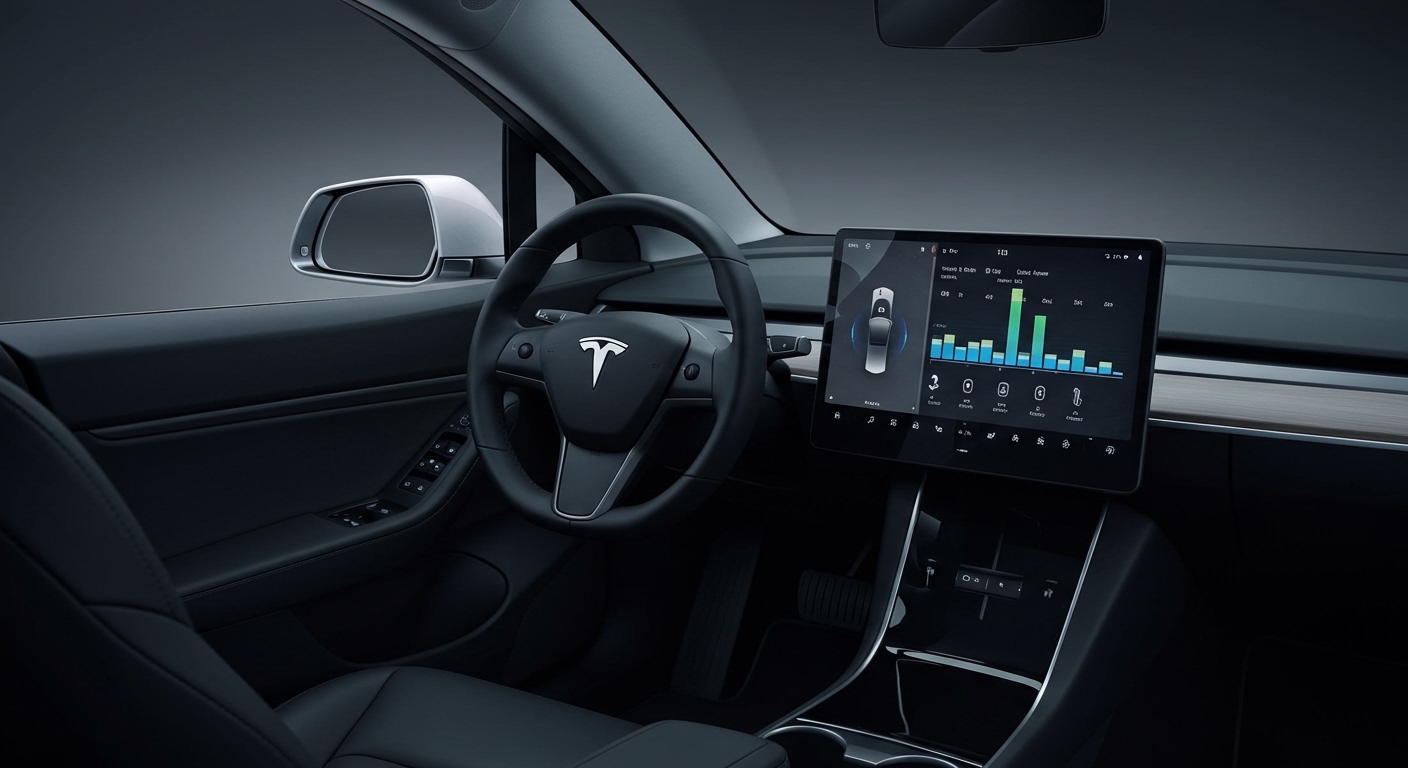
By following the EQ optimization steps and ensuring your source material is high-quality, you can turn your Tesla Model Y into a rolling concert hall. If you are an audiophile looking for more, consider a professional DSP (Digital Signal Processor) upgrade to take the existing hardware to the next level.
Ready to upgrade your drive? Check your software version today to ensure you have the latest Dolby Atmos updates and start rediscovering your favorite tracks!