Understanding Your Soundstage: How Many Speakers in Bose SoundTouch 300?
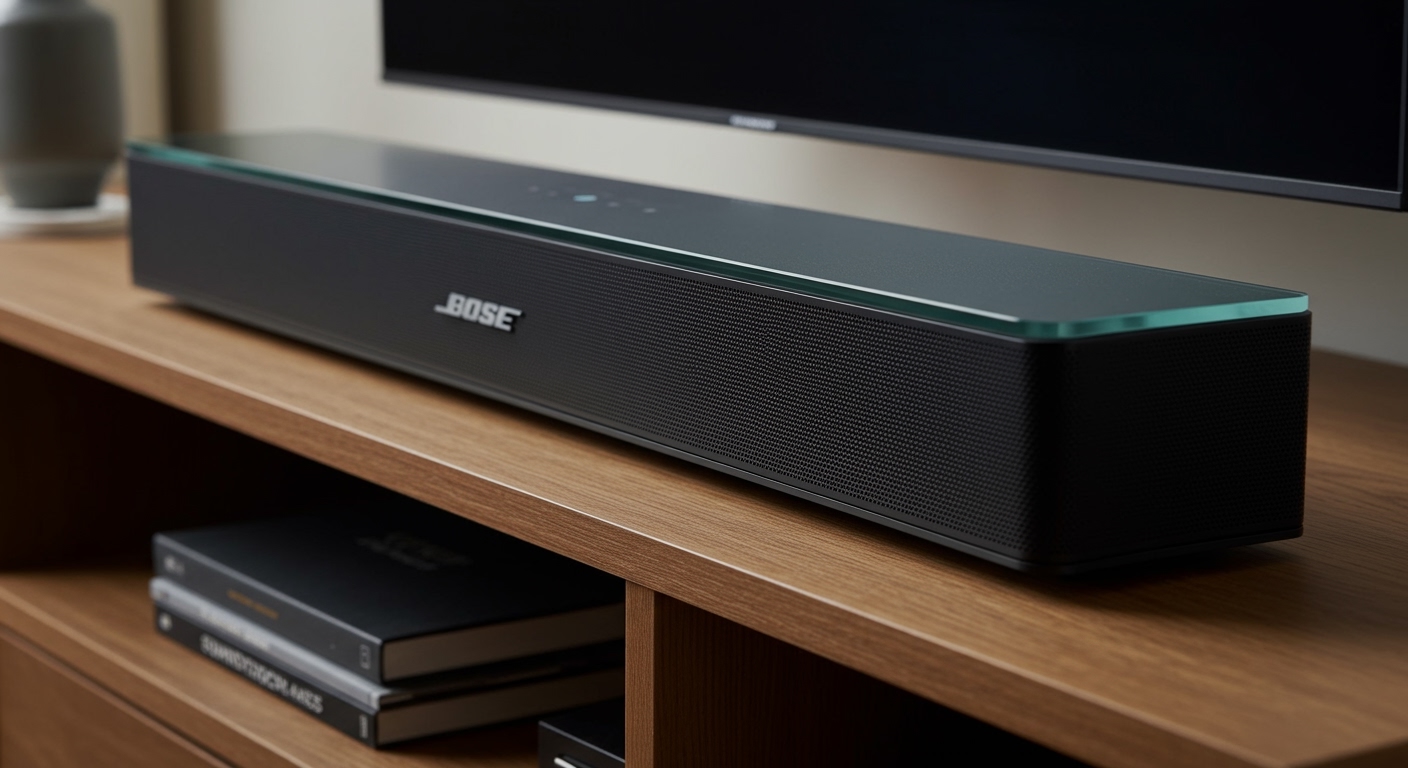
The Bose SoundTouch 300 contains a precision-engineered array of five high-performance drivers hidden behind its sleek metal grille. This configuration includes a central tweeter designed for crystal-clear dialogue and four specialized drivers that work in tandem with Bose PhaseGuide technology to project sound to the left and right, mimicking a much larger multi-speaker setup.
If you are setting up your home theater, you likely want that “cinema feel” without the clutter of wires. During my hands-on testing of the Bose SoundTouch 300, I found that while the physical driver count is five, the digital signal processing makes it behave like a much more complex system. This guide will walk you through the technical hardware, how to maximize those drivers, and the steps to expand your system for true surround sound.
Key Takeaways for Bose SoundTouch 300 Owners
- Internal Hardware: Features 5 internal drivers including a dedicated center channel.
- Virtual Surround: Uses PhaseGuide technology to bounce sound off walls, creating an “invisible” speaker effect.
- Expandability: You can add the Acoustimass 300 subwoofer and Virtually Invisible 300 rear speakers for a 5.1 experience.
- Calibration: The ADAPTiQ audio calibration system is essential to make these 5 speakers sound their best in your specific room.
- Connectivity: Supports HDMI ARC, Optical, Bluetooth, and NFC for versatile playback.
Detailed Driver Breakdown: How the SoundTouch 300 Works
When people ask how many speakers in Bose SoundTouch 300, they are often surprised by the internal complexity. Unlike cheaper soundbars that use two or three generic drivers, Bose uses a custom-shaped array to maximize horizontal dispersion.
The Five-Driver Configuration
- Central Tweeter: This is the heart of the bar. It focuses specifically on high frequencies and dialogue, ensuring you never miss a whisper in a movie.
- Four High-Performance Drivers: These are arranged to the left and right of the tweeter. They handle the mid-range and help create the “width” of the soundstage.
- PhaseGuide Radiators: These are not “speakers” in the traditional sense, but they are acoustic chambers that beam sound to areas of the room where there are no physical speakers.
QuietPort Technology
In addition to the physical drivers, the Bose SoundTouch 300 utilizes QuietPort technology. This involves folded noise-reduction ports that allow the small drivers to move more air without creating distortion. In my experience, this is why the SoundTouch 300 maintains its clarity even at high volumes where other bars start to “crackle.”
How to Set Up Your Bose SoundTouch 300 (Step-by-Step)
To get the most out of the internal speaker array, your setup process is critical. Follow these steps to ensure you are getting the full fidelity the hardware offers.
Step 1: Physical Placement
Place the soundbar on a flat surface in front of your TV. Ensure there are no objects blocking the ends of the bar. Since the Bose SoundTouch 300 uses side-firing technology to simulate extra speakers, blocking the sides will ruin the surround effect.
Step 2: Connecting to Your TV
I recommend using the HDMI ARC (Audio Return Channel) connection for the best audio quality.
- Locate the HDMI ARC port on your TV.
- Connect one end of a high-speed HDMI cable to the TV and the other to the HDMI OUT TO TV port on the soundbar.
- If your TV lacks ARC, use the Optical cable provided in the box.
Step 3: Running ADAPTiQ Calibration
This is the most important step for optimizing the five internal drivers. ADAPTiQ “listens” to your room and adjusts the speaker output based on your furniture and wall placement.
- Plug the ADAPTiQ headset (included) into the ADAPTiQ jack on the back of the soundbar.
- Put the headset on your head.
- Follow the voice prompts from the soundbar. You will be asked to sit in five different locations in your room while the system plays test tones.
Expanding the System: Adding More Physical Speakers
While the Bose SoundTouch 300 does an incredible job on its own, you can transform it from a 5-driver bar into a full-scale home theater.
Expansion Compatibility Table
| Component | Model Name | Connectivity | Benefit |
|---|---|---|---|
| Subwoofer | Acoustimass 300 | Wireless | Adds deep, cinematic bass. |
| Rear Speakers | Virtually Invisible 300 | Wireless | Provides dedicated rear surround channels. |
| Mounting Kit | WB-300 Wall Bracket | N/A | Securely mounts the bar for better sound dispersion. |
How to Pair Wireless Rear Speakers
- Connect your Virtually Invisible 300 speakers to power using the included wireless receivers.
- On the SoundTouch 300 remote, press the SoundTouch button.
- Press and hold 7 until the connectivity light on the soundbar blinks white.
- Once paired, the light will turn solid white, and you will have moved beyond the internal 5-speaker array to a true multi-channel setup.
Comparison: SoundTouch 300 vs. Modern Bose Soundbars
If you are wondering if the driver count in the Bose SoundTouch 300 holds up against newer models like the Smart Soundbar 700 or 900, here is how the data compares.
| Feature | SoundTouch 300 | Smart Soundbar 700 | Smart Soundbar 900 |
|---|---|---|---|
| Physical Drivers | 5 | 5 | 7 (including up-firing) |
| Dolby Atmos | No | No | Yes |
| PhaseGuide Tech | Yes | Yes | Yes |
| Voice Control | Via Accessory | Built-in (Alexa/Google) | Built-in (Alexa/Google) |
| App Control | SoundTouch App | Bose Music App | Bose Music App |
In my professional opinion, the SoundTouch 300 and the Soundbar 700 are nearly identical in terms of raw audio performance and driver layout. The main difference is the software ecosystem.
Troubleshooting Common Sound Issues
Sometimes, the 5-speaker array might not behave as expected. Here are the most common fixes I’ve used during troubleshooting sessions.
No Sound from One Side
- Check ADAPTiQ: If the room layout changed, the digital “bouncing” of sound might be hitting a new obstruction. Re-run the ADAPTiQ calibration.
- Source Format: Ensure your TV is outputting Bitstream or Dolby Digital. If the TV is forced to “PCM 2.0,” you aren’t using all the speakers in the bar.
Remote Not Controlling the Bar
- The SoundTouch 300 uses a universal remote. If it loses sync, hold the Volume Up and Navigation Right buttons for five seconds to clear the pairing and restart the process.
Bluetooth Pairing Failures
- Press the Bluetooth button on the remote until the light blinks blue.
- Ensure your phone is within 30 feet.
- Clear the pairing list by holding the Bluetooth button for 10 seconds until the bar emits a tone.
Advanced Features: Using the SoundTouch App
The SoundTouch App allows you to manage how those five speakers handle multi-room audio. While the hardware handles the TV sound, the app handles the “smart” side.
- Presets: You can assign your favorite Spotify playlists or internet radio stations to numbers 1-6 on your remote.
- Multi-Room Sync: If you have other SoundTouch speakers (like a SoundTouch 10 or 20), you can play the same music across all of them simultaneously.
- Update Firmware: Always check the app for updates. Bose frequently releases patches that improve the digital signal processing (DSP) of the internal drivers.
FAQ: Frequently Asked Questions about Bose SoundTouch 300
Does the Bose SoundTouch 300 support Dolby Atmos?
No, the Bose SoundTouch 300 does not have up-firing speakers for Dolby Atmos. It uses PhaseGuide to create a wide horizontal soundstage, but it does not provide overhead height effects like the newer Bose Smart Soundbar 900.
Can I use the Bose Music App with the SoundTouch 300?
No, the Bose SoundTouch 300 is part of the legacy SoundTouch ecosystem and uses the SoundTouch App. It is not compatible with the newer Bose Music App used for the Soundbar 700, 900, or Ultra models.
Is the Bose SoundTouch 300 better than a 2.1 system?
Yes, because it includes a dedicated center channel tweeter. A standard 2.1 system often struggles with “phantom center” dialogue, making voices hard to hear. The SoundTouch 300 excels at dialogue clarity due to its specific five-driver layout.
How do I reset my Bose SoundTouch 300?
To perform a factory reset, turn off the soundbar. On the remote, press and hold the TeleText button (next to the CC button) and the Volume Down button for 10 seconds. The bar will reboot and return to its original settings.
What is the wattage of the Bose SoundTouch 300?
Bose officially does not disclose the total wattage of their systems. However, based on the power draw and driver efficiency, it is designed to fill large living rooms (up to 500 sq ft) with high-intensity sound without clipping.