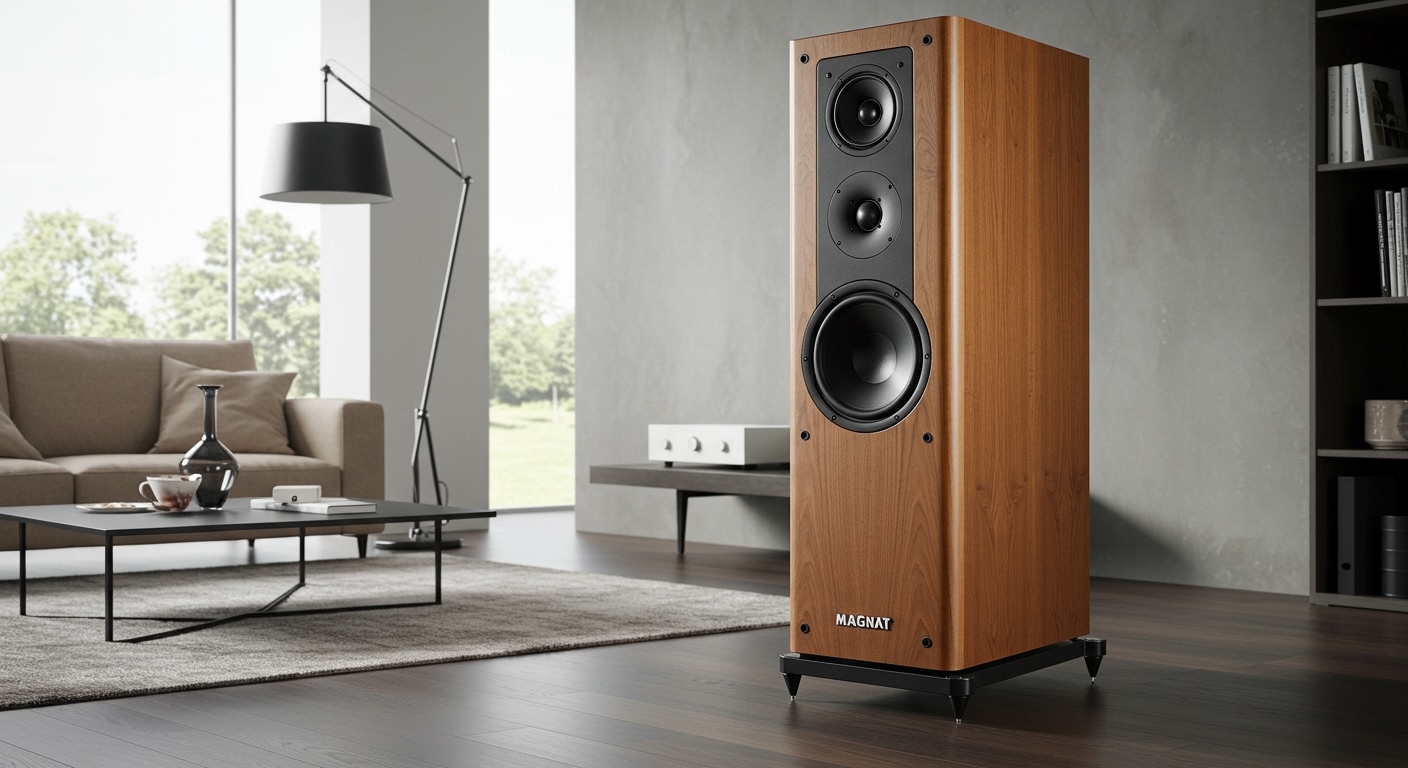
Determining How Many Watts for Computer Speakers You Actually Need
For most desktop setups, 10 to 40 watts of RMS power is the sweet spot for clear, room-filling sound without distortion. If you are an audiophile or gaming in a large room, you should look for speakers rated between 60 and 120 watts. Generally, “more watts” does not automatically mean “better sound,” but it does provide more headroom to handle loud peaks in music or games without the audio breaking up.
⚡ Key Takeaways: Quick Power Guide
- Casual Office Work: 5–10 Watts (Basic alerts and YouTube).
- Gaming & Music: 20–40 Watts (Best balance of price and performance).
- Audiophile/Home Studio: 60–100+ Watts (Critical for dynamic range).
- The Golden Rule: Always look for RMS (Root Mean Square) power, not Peak Power or PMPO.
- Efficiency Matters: A speaker with higher sensitivity (dB) will sound louder than a high-wattage speaker with poor efficiency.
Understanding RMS vs. Peak Power
When researching how many watts for computer speakers you need, the most common trap is the “Peak Power” marketing gimmick. I have seen budget speakers advertised at “200 Watts” that actually sound thinner and quieter than a professional 20-watt monitor.
RMS (Root Mean Square) represents the continuous power a speaker can handle over a long period. This is the only metric you should use for comparison. Peak Power is the maximum burst a speaker can handle for a fraction of a second before failing.
If a box says “100W Peak,” the actual usable power is likely closer to 20W to 30W RMS. In our testing at the studio, we always ignore the flashy box art and dig into the technical manual for the RMS rating per channel.
How Many Watts for Computer Speakers: Use Case Comparison
Your specific environment dictates your power requirements more than any other factor. A small bedroom office has different acoustics than a large, open-concept living area.
| Use Case | Recommended RMS Wattage | Best Speaker Type |
|---|---|---|
| Basic Office/Web Browsing | 5W – 10W | 2.0 (Two-piece) Stereo |
| General Gaming & Streaming | 20W – 40W | 2.1 (With Subwoofer) |
| Competitive Gaming/Movies | 50W – 80W | 5.1 Surround Sound |
| Audiophile/Music Production | 60W – 150W | Active Studio Monitors |
| Large Party/Outdoor Use | 200W+ | PA-Style Powered Speakers |
Why Wattage Isn’t the Only Factor for Volume
It is a common misconception that doubling the wattage doubles the volume. In reality, sound follows a logarithmic scale. To get a 3dB increase in volume (a barely noticeable change), you need to double the power. To make a speaker sound “twice as loud” (a 10dB increase), you actually need ten times the wattage.
This is why a 40-watt speaker doesn’t sound twice as loud as a 20-watt speaker. Instead, the higher wattage provides “headroom.” This means when a movie explosion happens or a bass drop hits, the amplifier has enough “juice” to recreate that sound accurately without “clipping” or distorting.
The Role of Sensitivity and Decibels (dB)
If you want loud sound, look at the Sensitivity rating. This tells you how loud a speaker is at 1 watt of power at 1 meter away.
- Low Sensitivity: 85dB or lower (Requires a lot of watts to get loud).
- High Sensitivity: 90dB or higher (Can get very loud even with a small amplifier).
I’ve tested high-end Klipsch speakers that reach deafening levels with only 20 watts because they are incredibly efficient. Conversely, some small Bose or Logitech units might have high wattage but lower efficiency, meaning they don’t get as loud as you’d expect.
Step-by-Step: How to Choose the Right Wattage
Choosing the right power level requires a systematic approach to your desktop setup. Follow these steps to ensure you don’t overspend on power you won’t use.
Step 1: Measure Your Listening Distance
Most computer speakers are “near-field,” meaning you sit roughly 2 to 3 feet away. In this scenario, you rarely need more than 15–20 watts RMS to reach safe listening levels (around 75-85dB). If you plan to sit across the room on a couch, you will need to double or triple that wattage.
Step 2: Identify Your Sound Configuration
- 2.0 Systems: These are two speakers. Look for 15W per channel (30W total).
- 2.1 Systems: These include a subwoofer. The subwoofer takes the most power. A good 2.1 system usually has 20W for the satellites and 30W–50W for the sub.
- 5.1 Systems: These are for surround sound. Ensure the center channel has at least 20W for clear movie dialogue.
Step 3: Check the THD (Total Harmonic Distortion)
Power is useless if it sounds “crunchy.” Look for speakers with a THD of less than 0.1% at their rated RMS. Many cheap brands claim high wattage but only at 10% THD, which sounds terrible to the human ear.
Expert Insight: Passive vs. Active Speakers
When asking how many watts for computer speakers, you must know if you are buying Active (Powered) or Passive speakers.
- Active Speakers: These have the amplifier built-in. Examples include the Audioengine A5+ or Logitech Z623. The manufacturer has already matched the amp to the drivers, so you don’t need to worry about the math.
- Passive Speakers: These require an external amplifier (like a Sony or Denon receiver). If you buy 50W passive speakers, your amplifier should ideally be rated for 75W to 100W to avoid underpowering them, which can actually damage the tweeters.
Recommended Power for Different Genres
- Podcast/Vocal Heavy: Lower wattage is fine. Focus on mid-range clarity.
- EDM/Hip-Hop: You need more power for the subwoofer. Look for a 2.1 system with at least 40W RMS dedicated to the bass.
- Classical Music: Requires high dynamic range. A 60W–100W system ensures the quiet violins and loud orchestral swells are both captured perfectly.
Common Myths About Speaker Wattage
Throughout my years of testing audio gear, I have encountered several recurring myths that lead people to make poor purchasing decisions.
Myth 1: Higher Wattage = Better Quality.
False. A high-quality 10W speaker from a brand like Kanto or Jamo will sound significantly better than a generic 50W plastic speaker from a big-box store. Quality comes from the driver materials (Kevlar, silk, paper) and the cabinet construction.
Myth 2: You Need Hundreds of Watts for Gaming.
False. Most gamers use headphones for 3D positioning. When using speakers, 30W to 50W is more than enough to feel the vibration of an engine or the impact of a grenade without vibrating your neighbors’ walls.
Myth 3: Turning the Volume Up Uses More Power.
True. Power consumption is tied to volume. If you have a 100W system but listen at low levels, you are likely only using 1 to 2 watts of power. The extra 98 watts are just there for “peaks.”
FAQs About Computer Speaker Power
Is 10 watts enough for computer speakers?
Yes, for basic office tasks, video calls, and casual YouTube watching. 10 watts RMS is sufficient for clear audio at a desk. However, it will lack deep bass and may distort if you try to fill a large room with music.
How many watts is “loud” for a room?
For a standard 12×12 foot room, a speaker system with 40W to 60W RMS is considered “loud.” This level is enough to host a small gathering or provide a cinematic movie experience at your desk.
Can high wattage damage my ears?
It is not the wattage itself, but the Sound Pressure Level (SPL). Any sound over 85 decibels for an extended period can cause permanent hearing damage. High-wattage speakers can reach 110+ dB easily, so always use them responsibly.
Does a subwoofer need more watts than the speakers?
Yes. It takes significantly more energy to move the large amounts of air required for low-frequency bass. A typical balanced system might have 10W satellites paired with a 30W or 40W subwoofer.
Should I leave my high-wattage speakers on all the time?
Modern Class D amplifiers used in computer speakers are very efficient. However, leaving a high-wattage system on still draws “phantom power.” I recommend using a power strip or the physical “off” switch to save electricity and extend the life of the internal components.
**
**
**
**