

Understanding the Mechanics: How to Cause Interference with Speakers
To understand how to cause interference with speakers, you must look at how electromagnetic fields interact with unshielded audio components. Interference occurs when external signals—like Radio Frequency (RF) or Electromagnetic Induction (EMI)—leak into the signal path, resulting in unwanted hums, clicks, or even radio broadcasts playing through your woofers. This guide explores the technical vulnerabilities of audio systems to help you diagnose, simulate, or resolve these common audio issues.
🚀 Expert Summary: Key Takeaways
Primary Culprits: Mobile phones, Wi-Fi routers, and poorly shielded cables are the most common ways to induce noise.
Mechanism: Interference happens when a speaker cable or internal circuit acts as an antenna, picking up stray electromagnetic waves.
The “Buzz” Test: Placing a smartphone near an active, unshielded speaker during a data transmission is the fastest way to demonstrate how to cause interference with speakers.
Prevention: Switching to balanced XLR cables and using ferrite beads can eliminate 90% of common interference issues.
What Causes Interference in Speakers?
Before learning the steps to manipulate these signals, it is vital to understand what causes interference in speakers from a technical standpoint. Most modern electronics emit a “cloud” of electromagnetic energy. When your audio equipment isn’t properly hardened against these fields, it absorbs that energy and converts it into audible sound.
Common Sources of Audio Noise
| Source Type | Common Device | Type of Noise Produced |
|---|---|---|
| Radio Frequency (RF) | Cell phones, Radio towers | Rhythmic “da-da-dit” clicking or faint voices |
| Electromagnetic (EMI) | Microwave ovens, Fluorescent lights | Constant 60Hz hum or sharp buzzing |
| Ground Loops | PC connected to Amp | Low-frequency “mains” hum |
| Switching Noise | LED dimmers, AC adapters | High-pitched whining or static |
Step-by-Step: How to Cause Interference with Speakers (for Testing and Diagnostics)
If you are an audio engineer trying to stress-test a system or a student learning about shielding, follow these steps to see how to interfere with speakers effectively.
Step 1: Use Unbalanced and Unshielded Cables
The easiest way to invite noise is to use long, low-quality cables. Unbalanced cables (like standard RCA or 1/4″ TS cables) lack a noise-canceling third wire. To maximize interference, use a cable longer than 20 feet, as the increased surface area acts as a more efficient antenna for stray signals.
Step 2: Introduce High-Frequency Wireless Devices
To see how to cause interference with speakers instantly, place a GSM-enabled smartphone or a Wi-Fi router directly on top of the speaker cabinet or near the amplifier’s input stage. When the phone receives a text or searches for a signal, the “burst” of RF energy will likely bypass the speaker’s internal shielding.
Step 3: Bundle Power and Audio Cables Together
In the professional audio world, we call this “crosstalk.” By running high-voltage power strips directly parallel to your speaker wires, the electromagnetic field from the AC current induces a 60Hz hum into the audio line. This is a classic example of how to stop electrical interference in speakers by doing the exact opposite.
Step 4: Create a Ground Loop
Connect your speakers to one wall outlet and your audio source (like a desktop PC) to a different outlet on a separate circuit. The slight difference in “ground potential” creates a loop where electricity flows through the audio cable’s ground shield, creating a persistent, annoying hum.
How to Get Rid of Interference on Speakers
Once you have identified the source, the next priority is usually learning how to fix interference on speakers. As someone who has spent a decade in recording studios, I can tell you that “clean power” is the foundation of high-fidelity sound.
🛠 Tools and Materials Needed for a Fix
| Tool | Purpose | Effectiveness |
|---|---|---|
| Ferrite Chokes | Clip onto cables to block high-frequency RFI | High (for radio noise) |
| Balanced Cables (XLR) | Uses phase cancellation to remove noise | Maximum (Industry Standard) |
| Power Conditioner | Filters “dirty” electricity from the wall | Medium to High |
| Shielded Wire | Prevents the “antenna effect” | High |
Actionable Steps to Stop the Noise
- Shorten Your Cables: Keep audio runs as short as possible to minimize the “antenna” surface area.
- Cross Cables at 90 Degrees: If a power cable must cross an audio cable, ensure they cross in a “plus” (+) shape rather than running parallel. This minimizes induction.
- Install Ferrite Beads: If you are wondering how to stop radio interference on speakers, these small magnetic clips are the answer. Snap them near the end of the cable closest to the speaker.
- Use a DI Box: For long runs (like from a guitar to a mixer), use a Direct Injection (DI) box to convert an unbalanced signal to a balanced one.
Expert Advice: How to Prevent Radio Interference in Speakers
One of the most frustrating experiences is hearing a local AM/FM station through your high-end monitors. Knowing how to get rid of radio interference in speakers requires a specific approach because RF signals are persistent.
Check the Input Stage: Often, the interference isn’t entering the speaker wire, but the internal circuitry of the amplifier itself. If the noise persists even when no cables are plugged in, the amp needs internal copper-foil shielding.
The Aluminum Foil Hack: In emergency field situations, I have wrapped unshielded plastic connectors in aluminum foil (grounded to the chassis) to create a temporary Faraday cage. This is a crude but effective way to demonstrate how to stop radio interference on speakers.
Upgrade to TRS/XLR: If your equipment supports it, never use TS (Tip-Sleeve) cables. Moving to TRS (Tip-Ring-Sleeve) balanced connections is the professional’s gold standard for how to stop interference on speakers.
Common Mistakes to Avoid
Ignoring the “Cheap” Power Strip: Many people buy $2,000 speakers and plug them into a $5 power strip. Cheap strips often lack the filtering necessary to stop electrical interference in speakers.
Coiling Excess Cable: Never coil your extra speaker wire into a neat circle. This creates an inductor, which is significantly more prone to picking up interference. Instead, use a “figure-eight” pattern to cancel out the magnetic fields.
Placing Speakers Near Appliances: Keeping your audio setup near a refrigerator, air conditioner, or microwave is a guaranteed way to experience what causes interference in speakers.
Frequently Asked Questions
(FAQs)
Why am I hearing a radio station through my speakers?
This is caused by Radio Frequency Interference (RFI). Your speaker wires are acting as an antenna and the amplifier is “rectifying” the signal into audible sound. To fix this, learn how to prevent radio interference in speakers by using shielded cables and ferrite chokes.
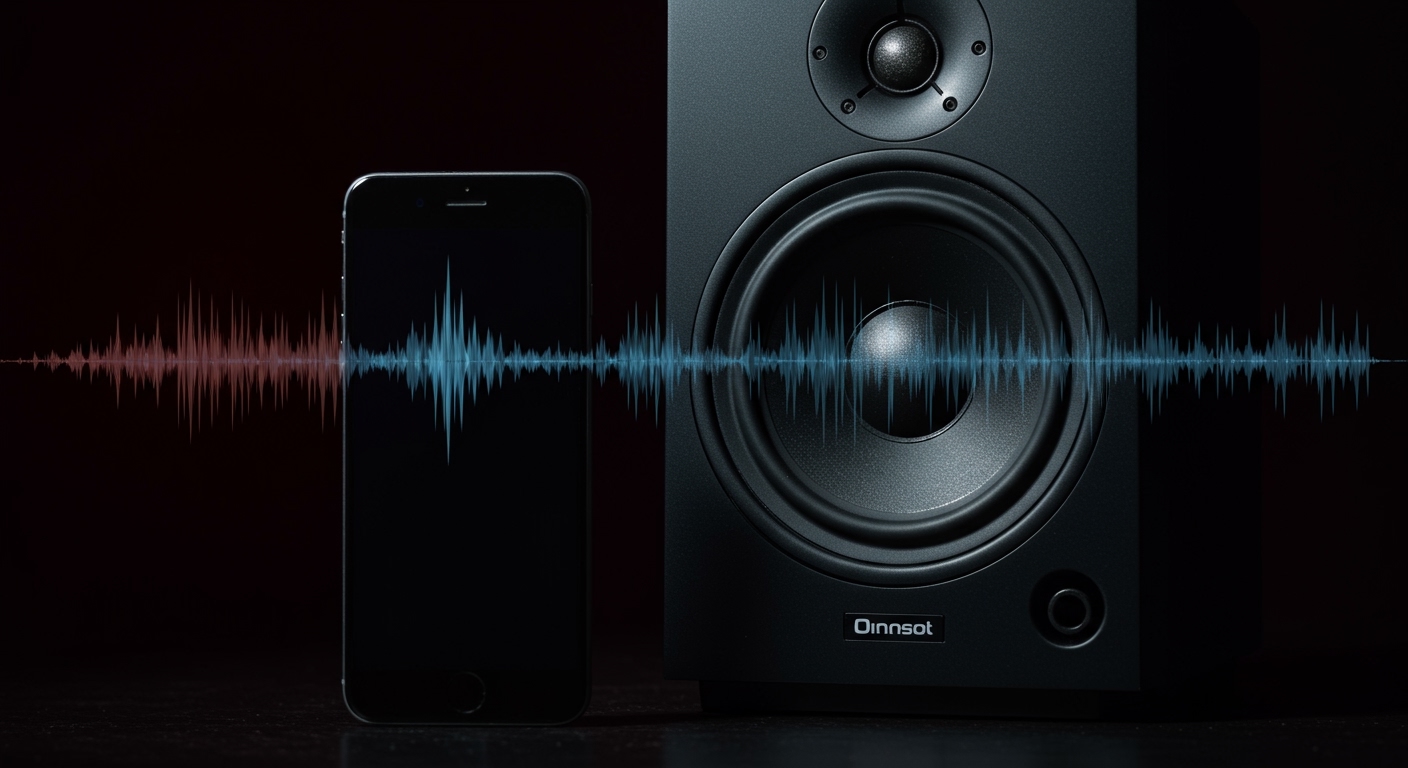
Can a cell phone damage my speakers with interference?
While the “clicking” sound is annoying, it is unlikely to cause physical damage to the speaker drivers. However, it can be hard on your ears and can ruin a professional recording. Moving the phone at least 5 feet away is the best way how to stop interference on speakers.
What is the difference between hum and hiss?
Hum is usually a low-frequency (60Hz) sound caused by power lines or ground loops. Hiss is usually “white noise” caused by the internal electronic components (the “noise floor”) of the amplifier. Knowing this distinction helps you determine how to fix interference on speakers more accurately.
Will expensive cables really stop interference?
You don’t need “audiophile” cables that cost hundreds of dollars, but you do need shielded cables. A basic shielded cable from a reputable brand will outperform an unshielded “boutique” cable in terms of noise rejection every time.
Conclusion
Mastering how to cause interference with speakers provides a unique perspective on the vulnerabilities of audio engineering. By intentionally creating noise through unshielded lines, proximity to RF devices, and ground loops, you gain the “expert eye” needed to eliminate those same issues in a professional environment.
Whether you are looking for how to stop interference on speakers or trying to understand the physics of the “antenna effect,” the solution always comes back to three things: Shielding, Balancing, and Distance. Protect your signal path, and your audio will remain pristine.
Ready to upgrade your sound? Start by replacing your longest unbalanced cables with shielded alternatives and experience the silence of a professional-grade setup.









