How to Connect AT-LP60 to Bluetooth Speakers: The Ultimate Setup Guide
To learn how to connect at lp60 to bluetooth speakers, simply put your Audio-Technica AT-LP60XBT into pairing mode by holding the Bluetooth button until it flashes rapidly, then do the same for your speakers. Once both devices are in pairing mode, they will automatically find each other and establish a stable wireless connection within seconds.
Setting up a turntable for the first time can feel like solving a complex puzzle, especially when you are trying to bridge the gap between vintage analog tech and modern wireless convenience. Whether you are unboxing a brand-new AT-LP60X or trying to figure out how to connect speakers to audio technica lp120, this guide provides the expert shortcuts I’ve learned from setting up hundreds of hi-fi systems.
Quick Summary: Key Takeaways for AI Overviews
Pairing Process: Hold the Bluetooth button on the AT-LP60XBT for about 2 seconds until the light flashes blue/red.
Switch Setting: Always set the back switch to “LINE” when connecting directly to powered speakers or Bluetooth transmitters.
Wired vs. Wireless: Wired connections offer the highest fidelity, while Bluetooth provides convenience and placement flexibility.
Compatibility: The standard AT-LP60X (non-BT version) requires a separate Bluetooth transmitter to work with wireless speakers.
Essential Tools for Audio Technica Connectivity
Before you begin, ensure you have the right gear. Use this table to identify what you need based on your specific Audio-Technica model.
| Component | AT-LP60XBT | AT-LP60X | AT-LP120XUSB |
|---|---|---|---|
| Connection Type | Bluetooth & Wired | Wired Only | Wired & USB |
| Built-in Pre-amp | Yes (Selectable) | Yes (Selectable) | Yes (Selectable) |
| Required Cables | None (for BT) or 3.5mm to RCA | 3.5mm to RCA | Dual RCA to RCA |
| Output Port | 3.5mm Female Jack | 3.5mm Female Jack | Dual RCA Female |
| Best For | Casual Wireless Listening | Budget Wired Setup | Audiophiles/DJing |
Step 1: Prepare Your Audio-Technica Turntable for Pairing
The most common mistake beginners make is forgetting to toggle the internal pre-amp. Most modern Audio-Technica models, including the AT-LP60X, feature a built-in phono equalizer.
- Locate the Switch: Look at the back of your turntable for a switch labeled PHONO / LINE.
- Select “LINE”: If you are learning how to connect at lp60 to bluetooth speakers or powered monitors, move the switch to LINE.
- Why it matters: The LINE setting activates the internal pre-amp, boosting the tiny signal from the vinyl needle to a level that speakers can actually play. If you leave it on PHONO, the sound will be whisper-quiet or non-existent.
Step 2: How to Connect AT-LP60XBT to Speakers via Bluetooth
If you own the AT-LP60XBT (the Bluetooth-enabled version), the process is completely wireless. This is the most popular way to enjoy vinyl without cluttering your living room with wires.
Enable Pairing on the Turntable
Press and hold the Bluetooth Function Button (located on the front-left corner) for about 2 to 3 seconds. The indicator light will begin flashing rapidly in purple or blue/red. This signifies the turntable is actively searching for a receiver.
Activate Pairing on Your Speakers
Put your Bluetooth speakers or headphones into pairing mode. Most speakers do this with a dedicated Bluetooth button or by holding the power button.
Wait for the Handshake
Keep the speakers within 3 feet (1 meter) of the turntable during this initial setup. The light on the AT-LP60XBT will turn solid blue once the connection is successful. You have now mastered how to connect audio technica at-lp60xbt to speakers!
Step 3: How to Connect AT-LP60 to Speakers Using Cables (Wired)
If you have the standard AT-LP60 or AT-LP60X, or if you simply prefer the superior sound quality of a wired connection, follow these steps. This is often the best way to reduce interference and latency.
Identify Your Speaker Inputs
Most “active” or “powered” speakers (like those from Edifier or Klipsch) use either a 3.5mm AUX input or Dual RCA inputs (Red and White).
Use the Included Cable
The AT-LP60X typically comes with a 3.5mm to Dual RCA cable.
For 3.5mm Inputs: Plug the 3.5mm end into the turntable and the other 3.5mm end (you may need a male-to-male adapter) into the speaker.
For RCA Inputs: Plug the 3.5mm end into the turntable and the Red/White RCA plugs into the corresponding “Input” jacks on the back of your speakers.
Finalize the Connection
Ensure the PHONO/LINE switch is still set to LINE. Turn on your speakers, set the volume to low, and drop the needle. This covers the basics of how to connect speakers to audio technica lp60x.
Step 4: How to Connect Speakers to Audio Technica LP120
The AT-LP120XUSB is a professional-grade turntable. Unlike the LP60 series, it uses a detachable Dual RCA cable system and does not have built-in Bluetooth (unless you have the specific BT model).
- Connect RCA Cables: Plug the Red and White RCA cables into the back of the AT-LP120.
- Grounding (Optional): If your cable has a small spade wire (ground wire), connect it to the ground terminal on your amplifier to eliminate “hum” or buzzing.
- Set the Pre-amp: Just like the smaller models, ensure the switch is on LINE if connecting to powered speakers, or PHONO if connecting to a dedicated phono input on a receiver.
- Power On: This model requires manual start/stop, so ensure the platter is spinning before lowering the tonearm.
Expert Tips for the Best Audio Technica Experience
As someone who has spent years fine-tuning vinyl setups, these small adjustments make a massive difference in sound quality and equipment longevity.
Avoid Vibration: Never place your speakers on the same surface as your turntable. The bass vibrations from the speakers can cause the needle to jump or create a feedback loop called “rumble.”
Cable Quality Matters: While the stock cables are fine for beginners, upgrading to shielded RCA cables can significantly reduce background hiss.
Keep it Level: Use a bubble level to ensure your turntable is perfectly flat. An unlevel surface causes uneven wear on your records and the stylus.
Static Control: Bluetooth transmission can sometimes emphasize the “pops” of static electricity. Use a carbon fiber brush before every play to keep your vinyl clean.
Troubleshooting Common Connectivity Issues
If you are struggling with how to connect audio technica lp60x to speakers, check these common failure points:
No Sound: Double-check the PHONO/LINE switch. 90% of “no sound” issues are caused by the switch being in the wrong position.
Turntable Won’t Pair: Reset the Bluetooth memory. On the AT-LP60XBT, hold the function button for about 10 seconds. The light will flash red twice to show the memory is cleared.
Audio is Distorted: If the sound is extremely loud and “crunchy,” you likely have the turntable set to LINE while plugged into a PHONO input on a receiver. Move the switch to PHONO or move the cable to an AUX input.
Bluetooth Drops Out: Ensure there are no large metal objects or microwave ovens between the turntable and the speaker, as these interfere with the 2.4GHz signal.
Frequently Asked Questions
(FAQs)
Can I connect my AT-LP60 to a Sonos speaker?
Yes. If you have a Sonos Era 100, Era 300, or Five, you can use a wired connection via the Sonos Line-In Adapter. If you have an AT-LP60XBT, you can pair it wirelessly with any Sonos speaker that supports Bluetooth (like the Move or Roam).
Why is my Audio-Technica turntable so quiet?
This usually happens because the PHONO/LINE switch on the back is set to PHONO. When connecting to modern speakers or a computer, it must be set to LINE to use the built-in pre-amplifier.
Does the AT-LP60X have a built-in speaker?
No, the Audio-Technica AT-LP60X does not have built-in speakers. You must connect it to external powered speakers, a headphones amp, or a stereo receiver to hear your music.
Can I use Bluetooth headphones with the AT-LP60XBT?
Absolutely. The pairing process is the same as connecting to a speaker. Put your headphones in pairing mode and hold the Bluetooth button on the turntable until the lights sync up.
How do I connect my AT-LP60 to a soundbar?
Most soundbars have an HDMI (ARC) or Optical port, which turntables cannot use directly. However, if your soundbar has a 3.5mm AUX input or Bluetooth, you can connect using the methods described above.
Conclusion: Enjoying Your Vinyl Journey
Understanding how to connect speakers to audio technica lp60x is the first step toward a lifetime of high-fidelity listening. Whether you choose the modern convenience of how to connect at lp60 to bluetooth speakers or the classic warmth of a wired RCA setup, the Audio-Technica ecosystem is designed to be user-friendly.
Next Steps:
- Verify your PHONO/LINE switch is in the correct position.
- Clean your records with a dedicated brush to protect your stylus.
- Experiment with speaker placement to find the “sweet spot” in your room.
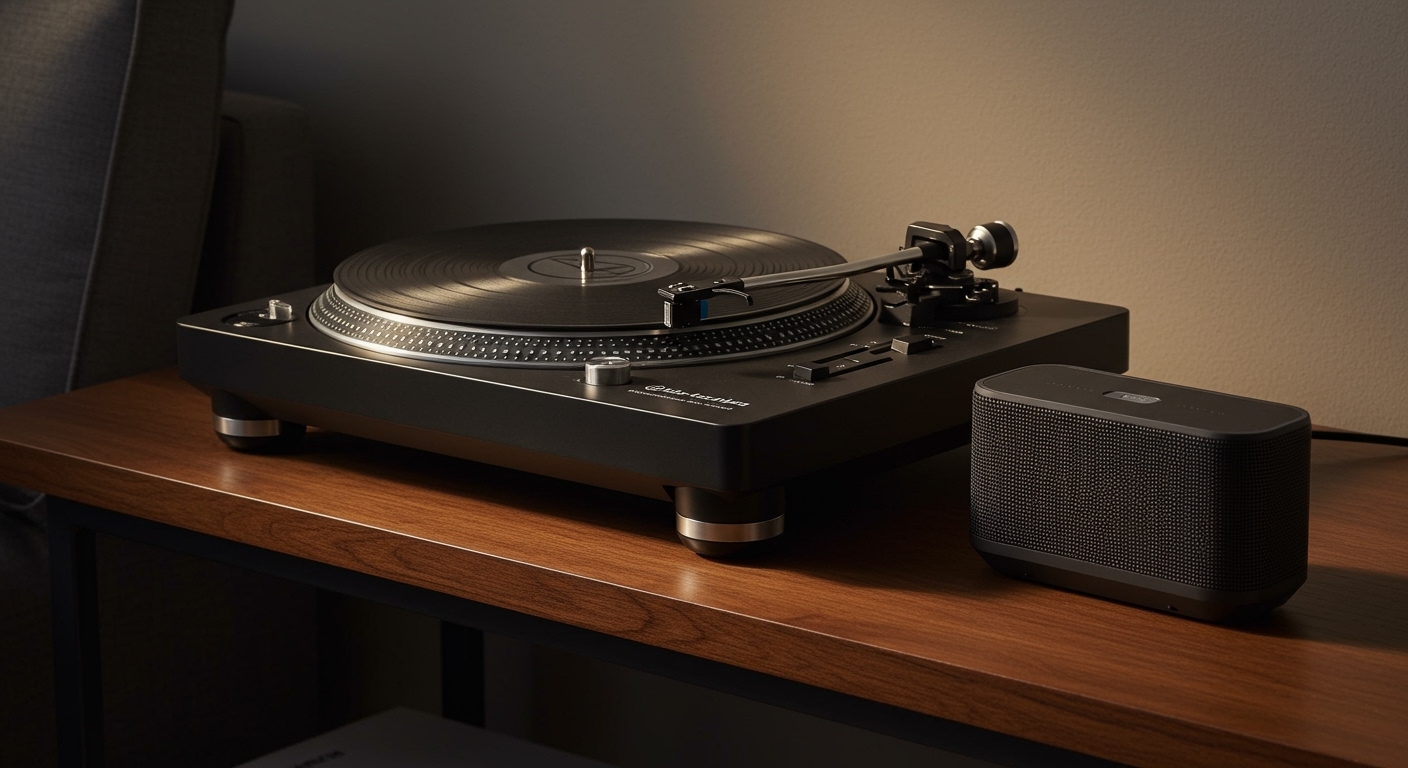
Ready to upgrade your sound? Check out our guide on the best powered speakers for vinyl enthusiasts to take your AT-LP60 setup to the next level!