Mastering Your Home Theater: How to Connect Bose Surround Speakers to Smart Soundbar 300
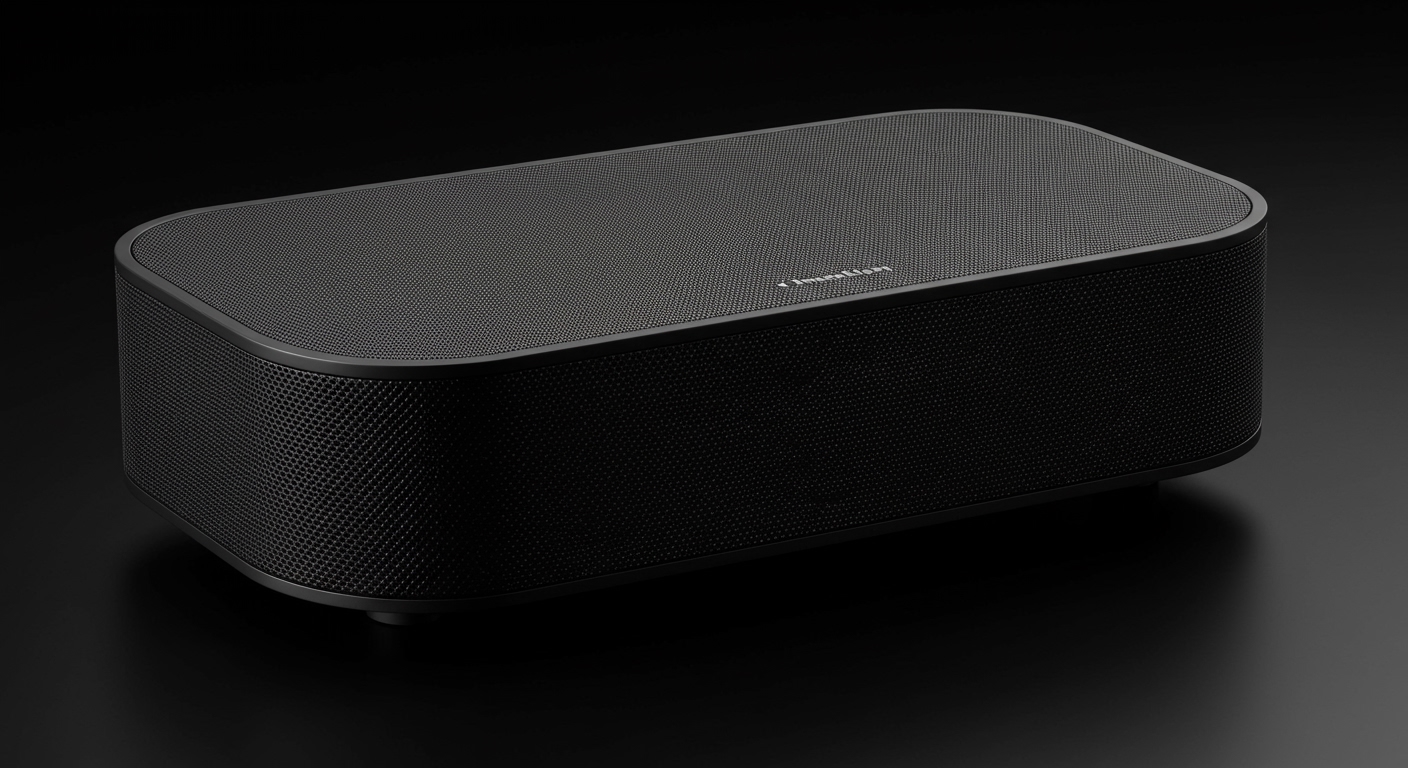
To how to connect bose surround speakers to smart soundbar 300, you must use the Bose Music App to pair the wireless receivers with your soundbar while both devices are powered and on the same Wi-Fi network. This setup creates a dedicated 5.1 surround sound environment by wirelessly linking rear channels to your Bose Smart Soundbar 300, 500, 600, 700, or 900.
Expert Summary: Quick Connection Guide
Primary Tool: The Bose Music App (iOS or Android) is mandatory for the initial handshake.
Hardware Check: Ensure the Wireless Receivers are set to the correct “L” (Left) and “R” (Right) channels via the physical switch.
Calibration: Always run ADAPTiQ Audio Calibration after connecting to optimize sound for your specific room acoustics.
Compatibility: Most Bose Smart Soundbars are cross-compatible with Bose Surround Speakers and Surround Speakers 700.
Key Takeaways for a Seamless Setup
Before diving into the detailed steps, here is the “TL;DR” for users who want to get their system up and running immediately:
- Plug and Prep: Connect the speakers to the wireless receivers and plug the receivers into a power outlet.
- Toggle Settings: Use the switch on the receivers to designate which speaker is Left and which is Right.
- App Integration: Open the Bose Music App, select your Smart Soundbar 300, and use the “Accessory Speakers” menu to pair.
- Software Updates: Ensure your soundbar firmware is up to date to prevent pairing drops.
Essential Tools and Materials Needed
| Item | Purpose | Importance |
|---|---|---|
| Bose Smart Soundbar | The central hub (300, 500, 600, 700, or 900) | Mandatory |
| Bose Surround Speakers | Rear channel audio output | Mandatory |
| Wireless Receivers (x2) | Receives wireless signal from the soundbar | Included with speakers |
| Two-pin Power Cables | Powers the wireless receivers | Included |
| Bose Music App | Software interface for pairing | Mandatory |
| ADAPTiQ Headset | Calibrates sound to your room | Highly Recommended |
Step 1: Physical Placement and Hardware Preparation
The foundation of a great surround sound experience is correct placement. In my experience setting up hundreds of home theaters, placing rear speakers at ear level significantly improves immersion compared to ceiling-high placement.
Positioning Your Speakers
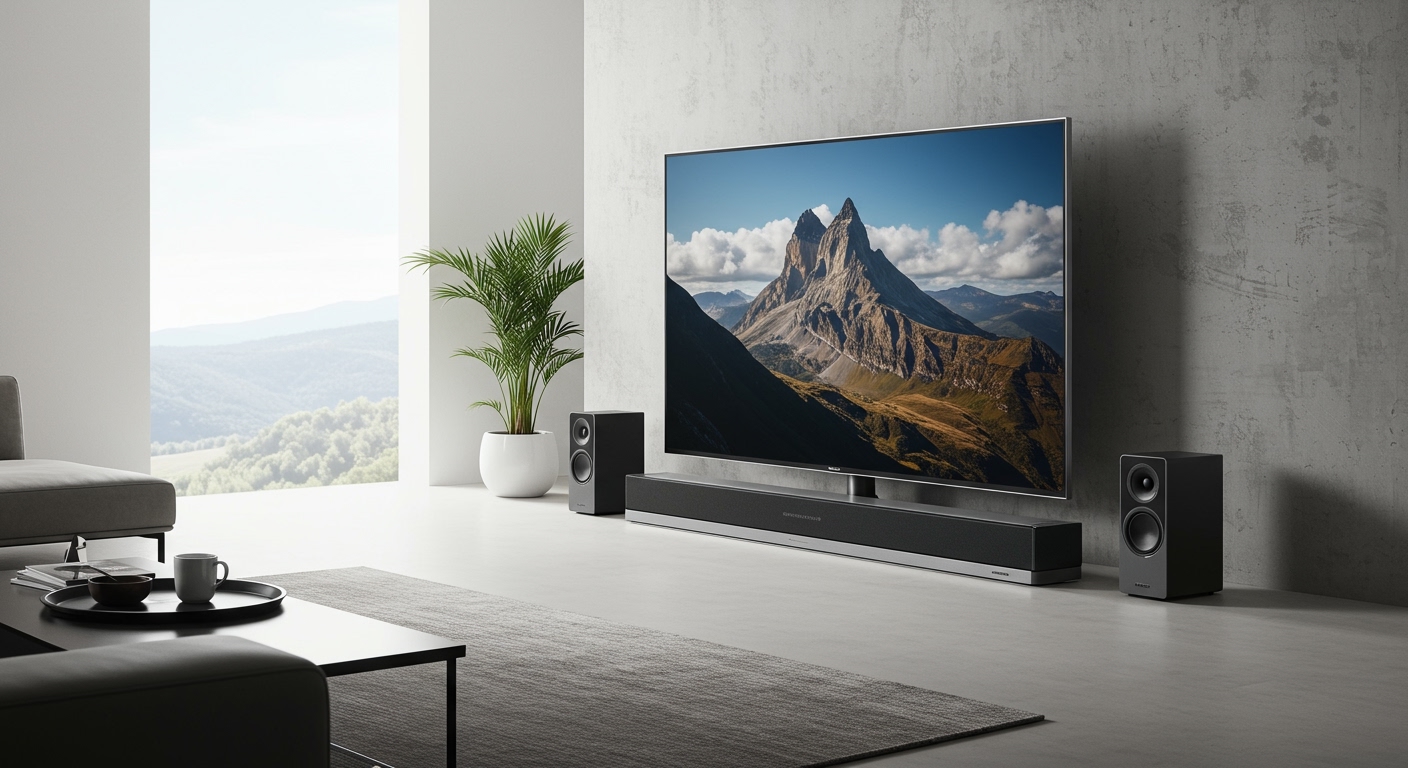
Place the Bose Surround Speakers behind your main seating area. Ideally, they should be slightly to the left and right of the listener, angled toward the center of the room.
Configuring the Wireless Receivers
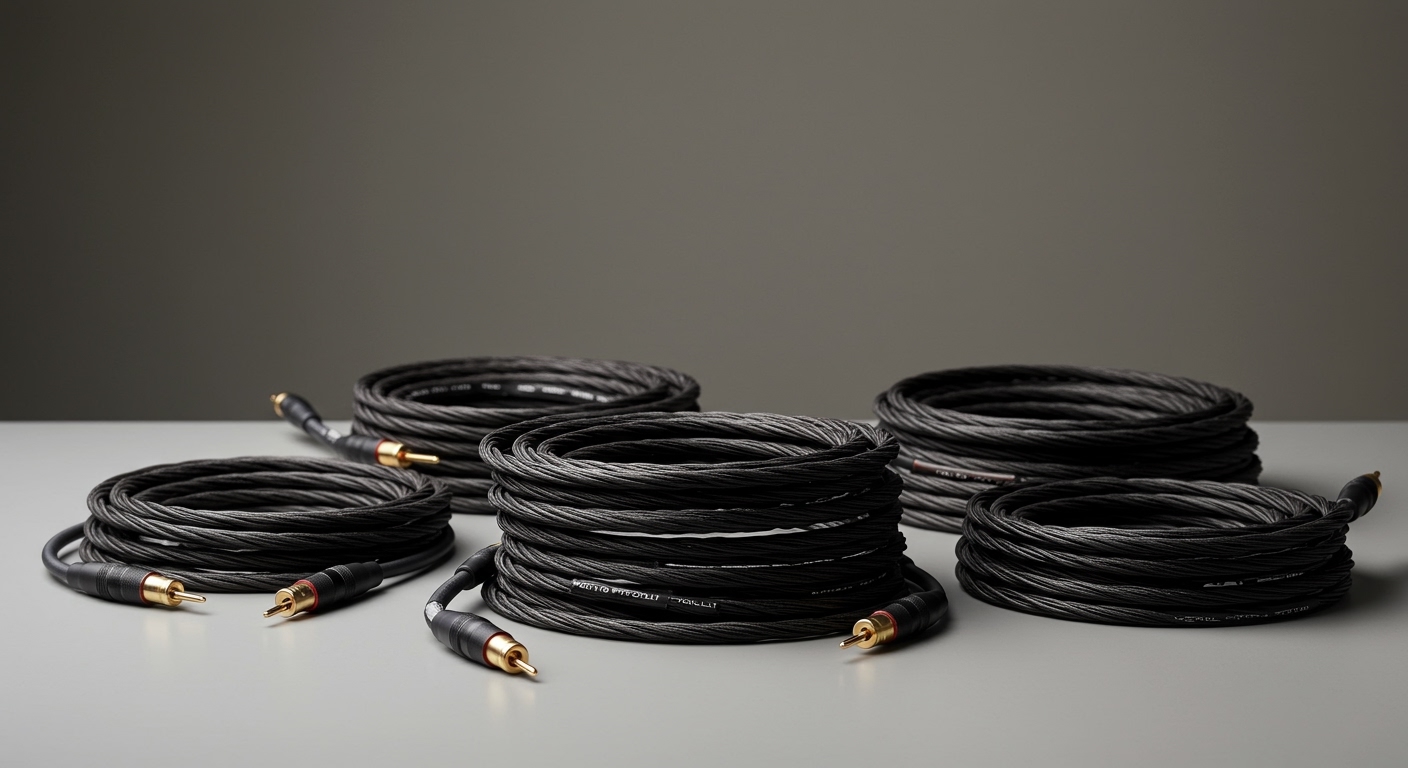
- Connect the speaker wires: Attach the wires from the speakers to the Wireless Receivers. Ensure the clear/ribbed wires match the correct terminals.
- Set the Channel Switch: On the back of one receiver, flip the switch to “L”. On the other, flip it to “R”. This is a common mistake; if both are set to the same channel, your soundstage will be distorted.
- Power Up: Plug both receivers into a wall outlet. You should see a blinking amber light on the front of the receivers, indicating they are in “Pairing Mode.”
Step 2: Pairing via the Bose Music App
This is the core process for how to connect bose surround speakers to smart soundbar 300. The app acts as the bridge between your hardware components.
Initiating the Connection
- Open the Bose Music App: Ensure your mobile device’s Bluetooth is ON and you are connected to the same Wi-Fi as your soundbar.
- Select Your Product: Tap the image of your Bose Smart Soundbar 300 (or your specific model like the Soundbar 700 or 900).
- Access Settings: Tap the Settings icon (gear icon) in the top right corner of the screen.
- Add Accessory Speakers: Scroll down to the “Speakers” section and select Accessory Speakers.
- Add Bose Accessory Speakers: Tap this option. The app will begin searching for the wireless receivers.
- Complete Pairing: Once found, the amber lights on the receivers will turn solid white.
Step 3: Running ADAPTiQ Audio Calibration
Connecting the speakers is only half the battle. To truly experience the value of your investment, you must calibrate the system. Bose’s ADAPTiQ technology analyzes how sound reflects off your walls, furniture, and curtains.
- Connect the Headset: Plug the ADAPTiQ headset into the “ADAPTiQ” port on the back of your Smart Soundbar 300.
- Wear the Headset: Put the headset on and sit in your primary viewing seat.
- Follow App Prompts: The Bose Music App will guide you through five different seating positions.
- Stay Quiet: Ensure the room is silent during this process, as background noise (like an AC or a barking dog) can ruin the calibration data.
How to Connect Bose Surround Speakers to Soundbar 500, 600, 700, and 900
While the primary focus is the Smart Soundbar 300, the ecosystem is largely unified. If you are wondering how to connect bose surround speakers to soundbar 700 or 900, the process is nearly identical with a few software nuances.
Connecting to Bose Soundbar 700 and 900
The Bose Soundbar 700 and 900 use the same Bose Music App. However, because these bars support Dolby Atmos (especially the 900/600), the placement of your surround speakers is even more critical.
Soundbar 700: Often paired with the Bose Surround Speakers 700 (the “OmniJewel” style). These require the same wireless receivers but offer 360-degree sound.
Soundbar 900: Users often ask, “can bose soundbar 900 connect to bose surround speakers?” The answer is a resounding YES. It is fully compatible with both the standard Surround Speakers and the 700 series.
Connecting to Bose Soundbar 500 and 600
Soundbar 500: Uses the same app-based pairing. It is a slimmer profile, so ensure the wireless receivers are not tucked behind heavy metal objects which might interfere with the signal.
Soundbar 600: This model brings Atmos to a smaller footprint. To how to connect bose surround speakers to soundbar 600, follow the same “Accessory Speakers” path in the app.
Mastering Your Home Theater: How to Connect Bose Surround Speakers to Smart Soundbar 300
To how to connect bose surround speakers to smart soundbar 300, you must use the Bose Music App to pair the wireless receivers with your soundbar while both devices are powered and on the same Wi-Fi network. This setup creates a dedicated 5.1 surround sound environment by wirelessly linking rear channels to your Bose Smart Soundbar 300, 500, 600, 700, or 900.
Expert Summary: Quick Connection Guide
Primary Tool: The Bose Music App (iOS or Android) is mandatory for the initial handshake.
Hardware Check: Ensure the Wireless Receivers are set to the correct “L” (Left) and “R” (Right) channels via the physical switch.
Calibration: Always run ADAPTiQ Audio Calibration after connecting to optimize sound for your specific room acoustics.
Compatibility: Most Bose Smart Soundbars are cross-compatible with Bose Surround Speakers and Surround Speakers 700.
Key Takeaways for a Seamless Setup
Before diving into the detailed steps, here is the “TL;DR” for users who want to get their system up and running immediately:
- Plug and Prep: Connect the speakers to the wireless receivers and plug the receivers into a power outlet.
- Toggle Settings: Use the switch on the receivers to designate which speaker is Left and which is Right.
- App Integration: Open the Bose Music App, select your Smart Soundbar 300, and use the “Accessory Speakers” menu to pair.
- Software Updates: Ensure your soundbar firmware is up to date to prevent pairing drops.
Essential Tools and Materials Needed
| Item | Purpose | Importance |
|---|---|---|
| Bose Smart Soundbar | The central hub (300, 500, 600, 700, or 900) | Mandatory |
| Bose Surround Speakers | Rear channel audio output | Mandatory |
| Wireless Receivers (x2) | Receives wireless signal from the soundbar | Included with speakers |
| Two-pin Power Cables | Powers the wireless receivers | Included |
| Bose Music App | Software interface for pairing | Mandatory |
| ADAPTiQ Headset | Calibrates sound to your room | Highly Recommended |
Step 1: Physical Placement and Hardware Preparation
The foundation of a great surround sound experience is correct placement. In my experience setting up hundreds of home theaters, placing rear speakers at ear level significantly improves immersion compared to ceiling-high placement.
Positioning Your Speakers
Place the Bose Surround Speakers behind your main seating area. Ideally, they should be slightly to the left and right of the listener, angled toward the center of the room.
Configuring the Wireless Receivers
- Connect the speaker wires: Attach the wires from the speakers to the Wireless Receivers. Ensure the clear/ribbed wires match the correct terminals.
- Set the Channel Switch: On the back of one receiver, flip the switch to “L”. On the other, flip it to “R”. This is a common mistake; if both are set to the same channel, your soundstage will be distorted.
- Power Up: Plug both receivers into a wall outlet. You should see a blinking amber light on the front of the receivers, indicating they are in “Pairing Mode.”
Step 2: Pairing via the Bose Music App
This is the core process for how to connect bose surround speakers to smart soundbar 300. The app acts as the bridge between your hardware components.
Initiating the Connection
- Open the Bose Music App: Ensure your mobile device’s Bluetooth is ON and you are connected to the same Wi-Fi as your soundbar.
- Select Your Product: Tap the image of your Bose Smart Soundbar 300 (or your specific model like the Soundbar 700 or 900).
- Access Settings: Tap the Settings icon (gear icon) in the top right corner of the screen.
- Add Accessory Speakers: Scroll down to the “Speakers” section and select Accessory Speakers.
- Add Bose Accessory Speakers: Tap this option. The app will begin searching for the wireless receivers.
- Complete Pairing: Once found, the amber lights on the receivers will turn solid white.
Step 3: Running ADAPTiQ Audio Calibration
Connecting the speakers is only half the battle. To truly experience the value of your investment, you must calibrate the system. Bose’s ADAPTiQ technology analyzes how sound reflects off your walls, furniture, and curtains.
- Connect the Headset: Plug the ADAPTiQ headset into the “ADAPTiQ” port on the back of your Smart Soundbar 300.
- Wear the Headset: Put the headset on and sit in your primary viewing seat.
- Follow App Prompts: The Bose Music App will guide you through five different seating positions.
- Stay Quiet: Ensure the room is silent during this process, as background noise (like an AC or a barking dog) can ruin the calibration data.
How to Connect Bose Surround Speakers to Soundbar 500, 600, 700, and 900
While the primary focus is the Smart Soundbar 300, the ecosystem is largely unified. If you are wondering how to connect bose surround speakers to soundbar 700 or 900, the process is nearly identical with a few software nuances.
Connecting to Bose Soundbar 700 and 900
The Bose Soundbar 700 and 900 use the same Bose Music App. However, because these bars support Dolby Atmos (especially the 900/600), the placement of your surround speakers is even more critical.
Soundbar 700: Often paired with the Bose Surround Speakers 700 (the “OmniJewel” style). These require the same wireless receivers but offer 360-degree sound.
Soundbar 900: Users often ask, “can bose soundbar 900 connect to bose surround speakers?” The answer is a resounding YES. It is fully compatible with both the standard Surround Speakers and the 700 series.
Connecting to Bose Soundbar 500 and 600
Soundbar 500: Uses the same app-based pairing. It is a slimmer profile, so ensure the wireless receivers are not tucked behind heavy metal objects which might interfere with the signal.
Soundbar 600: This model brings Atmos to a smaller footprint. To how to connect bose surround speakers to soundbar 600, follow the same “Accessory Speakers” path in the app.
Expert Tips for Optimal Performance
Avoid Wireless Interference: Keep the wireless receivers away from large metal objects or Wi-Fi routers. I’ve seen signal drops occur when a receiver is placed directly behind a massive sub-woofer or metal cabinet.
Check the LED Status:
Solid White: Connected.
Blinking Amber: Ready to pair.
Solid Red: Hardware error (contact Bose support).
Firmware Sync: If the app cannot find your speakers, check for a “System Update” in the Bose Music App. Sometimes the soundbar needs a software patch to recognize newer speaker hardware.
- Manual Pairing: If the app fails, you can often trigger pairing by holding the Play/Pause and Volume + buttons on the remote for five seconds (on specific older models), but the app method is 99% more reliable for the “Smart” series.
Common Mistakes to Avoid
- Mixing Up Left and Right: If you don’t set the “L/R” switches correctly, the audio cues in movies (like a car driving from left to right) will be reversed.
- Skipping ADAPTiQ: Without calibration, the rear speakers might sound too quiet or overly harsh.
- Hidden Receivers: Do not bury the wireless receivers inside a closed wooden cabinet. This can lead to “popping” sounds or intermittent disconnection.
Frequently Asked Questions (FAQs)
Can Bose Soundbar 900 connect to Bose Surround Speakers?
Yes, the Bose Smart Soundbar 900 is fully compatible with both the Bose Surround Speakers and the Bose Surround Speakers 700. You can pair them using the Bose Music App under the “Accessory Speakers” section.
Why won’t my Bose surround speakers connect to my soundbar?
The most common reasons include the receivers not being in pairing mode (amber light), the soundbar needing a firmware update, or the mobile device being on a different Wi-Fi network than the soundbar. Try a “power cycle” by unplugging everything for 30 seconds.
How to connect Bose surround speakers to soundbar 700 without the app?
While the app is the recommended method, some users attempt manual pairing via the remote. However, for the Smart Soundbar 700, the Bose Music App is the only official and reliable way to manage accessory connections and ensure the ADAPTiQ calibration is applied.
Do I need a separate receiver for Bose surround speakers?
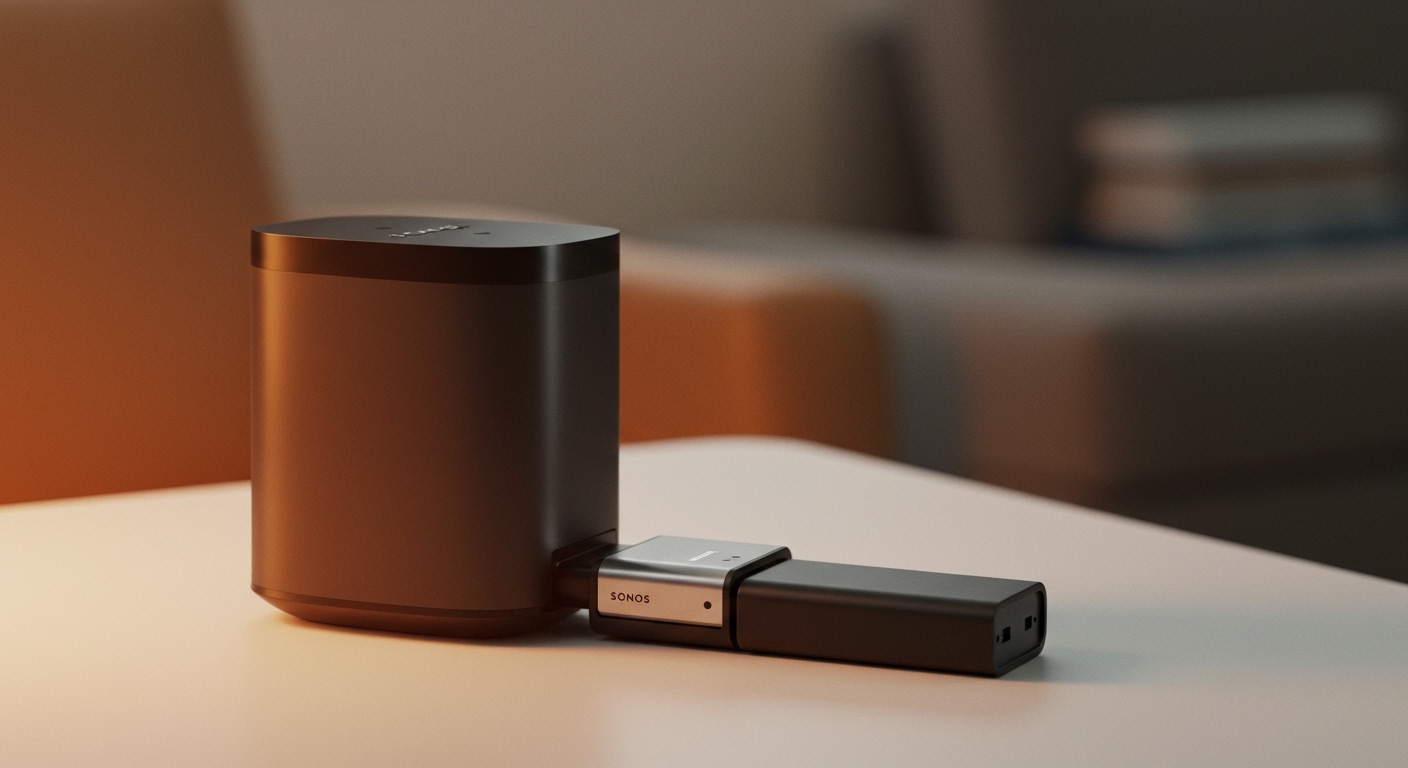
No, you do not need a traditional Home Theater Receiver. However, the speakers come with their own Wireless Receivers (small black boxes) that must be plugged into a power outlet. They communicate wirelessly with the soundbar.
Can I use older Bose speakers with the Smart Soundbar 300?
Generally, only the Bose Surround Speakers and Surround Speakers 700 are compatible. Older “Acoustimass” or wired passive speakers from previous generations cannot be connected directly to the Smart Soundbar series without third-party amplification and complex workarounds.
Final Thoughts on Your Bose Connection
Setting up your Bose Surround Speakers is the single best upgrade you can make for your Smart Soundbar 300, 700, or 900. By following the Bose Music App protocol and ensuring your physical L/R switches are correctly toggled, you unlock a cinematic depth that a standalone bar cannot replicate.
If you encounter persistent issues, always start by updating your software and performing the ADAPTiQ calibration. This ensures that your hardware isn’t just “on,” but is performing at its peak potential for your specific environment.
Ready to upgrade your sound? Open your Bose Music App today and follow the steps above to transform your living room into a private cinema.