How to Connect DAC to Speakers: The Ultimate Audiophile Setup Guide
To connect a DAC to speakers, you must identify if your speakers are active (powered) or passive. For active speakers, connect the DAC’s RCA or XLR outputs directly to the speaker inputs; for passive speakers, you must connect the DAC to an amplifier, which then powers the speakers.
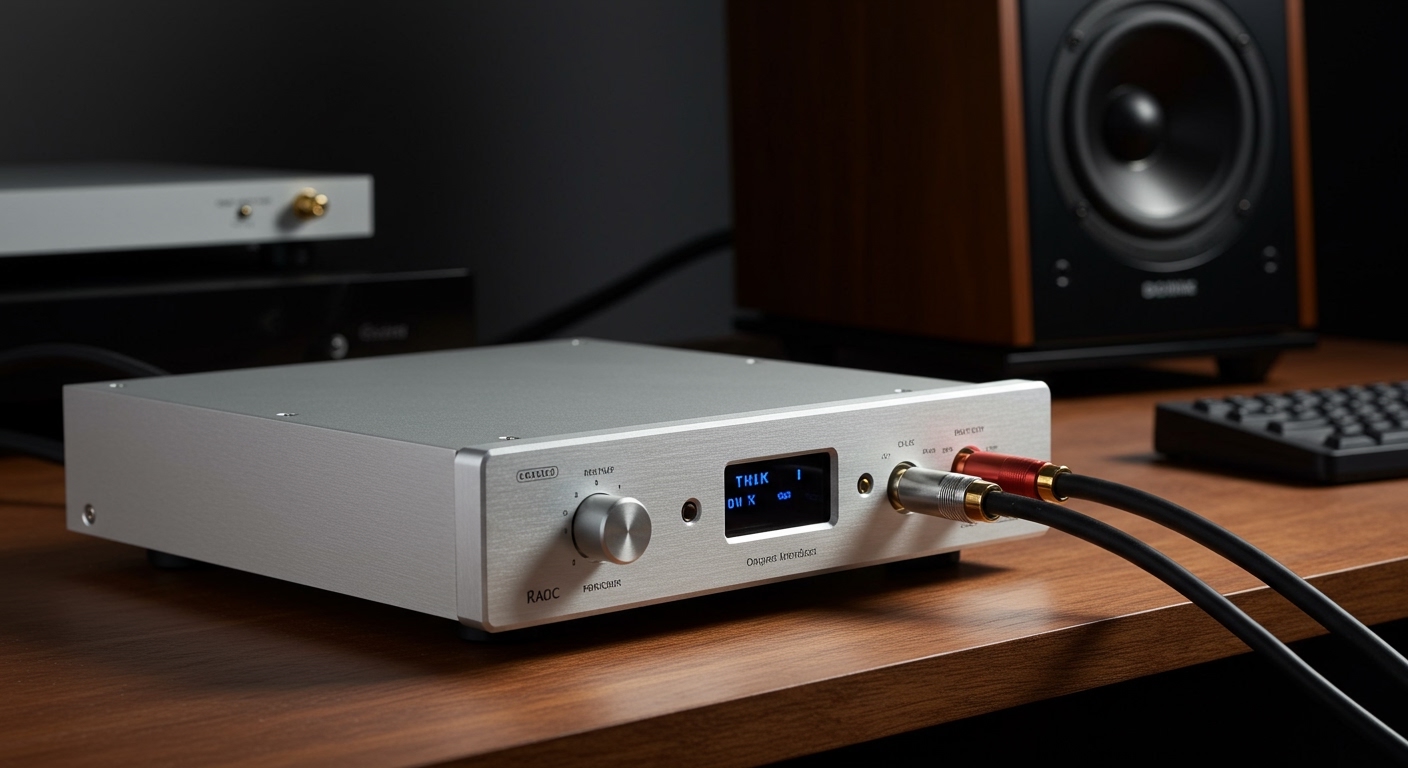
Using an external Digital-to-Analog Converter (DAC) is the single most effective way to bypass the low-quality sound cards found in laptops and smartphones. In my years of testing high-end audio gear, I have found that even a budget DAC like the Schiit Modi or IFi Zen DAC provides a clearer soundstage and better instrument separation than any standard headphone jack. This guide will walk you through every cable and setting you need to get your system singing.
🚀 Quick Summary: Key Takeaways
- Active Speakers: Connect DAC → RCA/XLR Cables → Speakers.
- Passive Speakers: Connect DAC → RCA/XLR Cables → Amplifier → Speaker Wire → Speakers.
- Best Connection: Use USB or Optical from your source to the DAC for the cleanest signal.
- Pro Tip: Always turn your DAC on first and your speakers/amp last to avoid a “pop” that could damage your drivers.
- Software Matters: Set your computer’s audio output to the highest available bit depth (usually 24-bit or 32-bit) and sample rate.
Understanding the Signal Path: How a DAC Fits In
Before plugging things in, you need to understand the “chain.” A DAC takes digital 1s and 0s from your phone or computer and turns them into an electrical pulse (analog sound).
If you are wondering how to connect dac to speakers, you first need to look at your speaker’s back panel. If the speakers have a power cord that plugs into a wall, they are Active Speakers. These have a built-in amplifier.
If your speakers only have red and black wire terminals and no power plug, they are Passive Speakers. These require an external Integrated Amplifier or Power Amp to function. The DAC sits between your digital source and that amplifier.
Comparison: Active vs. Passive Speaker Connections
| Feature | Active (Powered) Speakers | Passive Speakers |
|---|---|---|
| Required Gear | Source, DAC, Speakers | Source, DAC, Amplifier, Speakers |
| Cables Needed | RCA or XLR | RCA/XLR + Speaker Wire |
| Complexity | Simple / Plug-and-Play | Moderate / Modular |
| Audio Control | Often handled by DAC or Speaker | Handled by Amplifier |
| Best For | Desktops, Small Rooms | Living Rooms, Hi-Fi Systems |
Step 1: Connecting Your Source to the DAC
The first step in how to connect dac to speakers is getting the digital audio into the DAC. Most modern units offer multiple input options.
- USB Connection: This is the most common for PC and Mac users. Use a high-quality USB-B to USB-A or USB-C cable. USB allows for the highest data rates, supporting Hi-Res Audio and DSD files.
- Optical (Toslink): Best for connecting a TV or a gaming console like a PlayStation 5 (via an extractor) or Xbox. It uses light pulses, which helps prevent electrical interference or “ground loops.”
- Coaxial: Similar to optical but uses a copper cable. Many audiophiles prefer this for CD players as it often has lower jitter than optical.
In my testing, I prefer USB for desktop setups because it allows the DAC to “clock” the data, ensuring the timing of the music is perfect.
Step 2: How to Connect DAC to Speakers (Active/Powered)
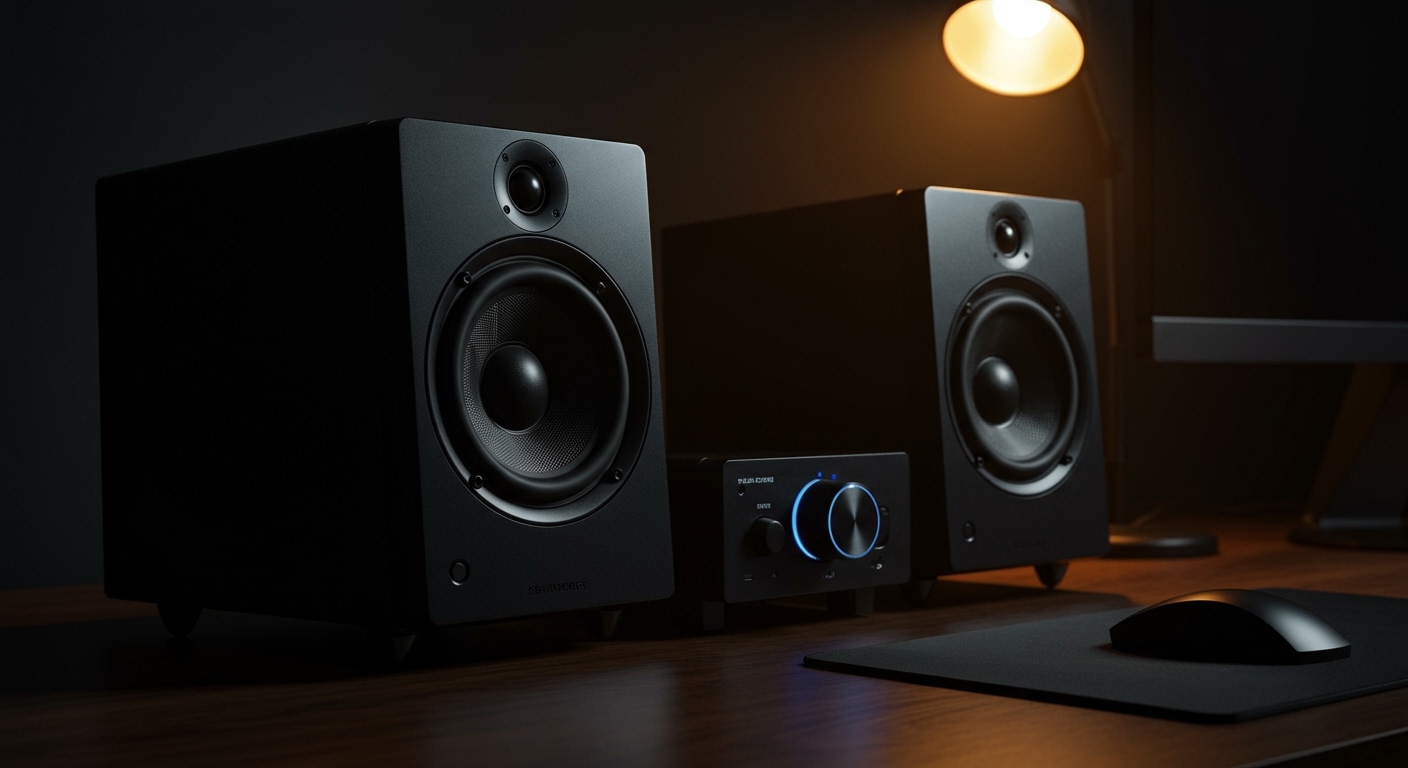
If you have a pair of Audioengine A5+, Kanto YU6, or Yamaha HS5 monitors, this is your path. These speakers are popular because they don’t require a bulky receiver.
Follow these steps:
- Identify Outputs: Locate the RCA (Red and White) or XLR (Balanced) outputs on the back of your DAC.
- Choose Your Cable: For most home setups, an RCA-to-RCA cable is sufficient. If your DAC and speakers both support XLR, use that to reduce background hiss.
- Connect the DAC: Plug the cables into the Line Out section of the DAC.
- Connect the Speakers: Plug the other end into the Line In or Aux In on your primary active speaker.
- Set the Volume: Turn the volume on your speakers to about 50%, then use your DAC or computer to control the final output level.
Many people ask, can you connect speakers to a dac directly? If they are powered, the answer is a resounding yes. It provides a much cleaner signal than using a 3.5mm headphone-to-RCA adapter.
Step 3: Connecting a DAC to Passive Speakers (The Amp Method)
For a traditional Hi-Fi setup using brands like KEF, Klipsch, or ELAC, you cannot plug the DAC directly into the speakers. You must go through an Amplifier.
The Connection Chain:
- DAC Output: Connect an RCA cable to the Analog Out on your DAC.
- Amplifier Input: Plug those cables into an available input on your Integrated Amplifier (labeled CD, Tuner, or Aux). Do not use the “Phono” input, as this is for turntables and will distort your sound.
- Speaker Wire: Connect your Speaker Wire (14-gauge or 16-gauge) from the Amplifier’s binding posts to the Speakers. Ensure red goes to red and black goes to black.
- Power On: Switch on the DAC first, wait three seconds, then turn on your Amplifier.
By adding a DAC to an older receiver, you can breathe new life into vintage gear. I recently added a Topping E30 II to a 1970s Marantz receiver, and the clarity improvement was staggering.
Balanced vs. Unbalanced Connections: Which Should You Use?
When learning how to connect dac to speakers, you will encounter two main types of analog connectors: RCA and XLR.
- RCA (Unbalanced): This is the standard consumer connection. It works perfectly for cable runs under 10 feet.
- XLR (Balanced): These are 3-pin circular connectors. They are designed to cancel out noise and electromagnetic interference.
If you are using Studio Monitors (like JBL or Adam Audio) on a desk near a lot of computer equipment and monitors, I highly recommend using XLR. It eliminates the “buzz” or “hum” often caused by ground loops in complex PC setups.
Software Configuration for Optimal Sound
Simply plugging in the hardware isn’t enough. Your operating system often limits audio quality by default.
For Windows Users:
- Go to Sound Settings > More Sound Settings.
- Right-click your DAC (often listed by brand name like Focusrite or SMSL) and select Properties.
- Under the Advanced tab, select the highest bit depth and frequency (e.g., 24-bit, 192000 Hz).
- Check the boxes for Exclusive Mode to allow apps like Tidal or Qobuz to take direct control of the DAC.
For macOS Users:
- Open Audio MIDI Setup (found in Applications > Utilities).
- Select your DAC from the left sidebar.
- Change the Format to the highest supported sample rate.
Common Mistakes to Avoid
- The “Double Amping” Trap: If you connect a DAC/Amp combo to Active Speakers, you are running the signal through two volume controls. Set the DAC to “Fixed” or “Line Out” mode to bypass its internal volume and use the speaker’s knob instead.
- Cheap Cables: You don’t need $500 silver cables, but avoid the $2 cables that come in the box. Use Oxygen-Free Copper (OFC) cables with good shielding to prevent interference.
- Digital Volume at Low Levels: Try to keep your computer’s digital volume at 100% and use the DAC or Amplifier to lower the sound. Reducing volume digitally can sometimes lower the bit depth, reducing audio resolution.
Troubleshooting Your DAC Connection
If you followed the steps on how to connect dac to speakers but don’t hear anything, check these common fixes:
- Input Selection: Ensure the DAC is set to the correct input (USB, OPT, or COAX).
- Power Supply: Many small DACs are “bus-powered” via USB. If your computer’s USB port doesn’t provide enough juice, the DAC may disconnect. Use a powered USB hub if necessary.
- Driver Installation: While most DACs are “Plug-and-Play,” high-end models from brands like Chord or RME require specific ASIO drivers for Windows.
- Mute Button: It sounds simple, but many DACs have a remote or a push-knob that mutes the output.
FAQ: Frequently Asked Questions
Can you connect speakers to a dac without an amplifier?
Only if they are active/powered speakers. Passive speakers require an amplifier or receiver because a DAC only outputs a low-level “line signal” that cannot physically move large speaker drivers.
Does a DAC improve sound quality on all speakers?
Yes, but the improvement is most noticeable on high-quality speakers. If you are using $20 plastic computer speakers, a DAC won’t help much. If you have entry-level Hi-Fi speakers, a DAC will significantly improve clarity and detail.
Should I use Optical or USB to connect my DAC?
USB is generally superior for music because it supports higher sample rates (like 384kHz or DSD). Optical is limited to 96kHz or 192kHz but is excellent for TVs because it prevents electrical hum.
Do I need a DAC if my computer already has a headphone jack?
Your computer has a built-in DAC, but it is often shielded poorly, leading to background hiss and “jitter.” An external DAC provides a cleaner, more accurate conversion process.