How to Connect to McDonald’s Speakers: A Professional Guide
To connect to McDonald’s speakers, you must have physical access to the restaurant’s internal media player (usually a Mood Media or PlayNetwork device) located in the manager’s office or server rack. Public customers cannot connect via Bluetooth or Wi-Fi due to strictly controlled commercial licensing and network security protocols.
While the idea of playing your own playlist during a 2:00 AM nugget run sounds enticing, the reality of commercial audio architecture makes it nearly impossible for an outsider to hijack the system. Based on my years of experience with commercial audio-visual (AV) installations, these systems are designed to be “closed-loop” to prevent unauthorized broadcasts and ensure compliance with music licensing laws (ASCAP, BMI, and SESAC).
TL;DR: Key Takeaways for McDonald’s Audio
- Customer Access: Zero. There are no public Bluetooth or AUX connections available in the dining area.
- Employee Access: Possible via the back-office amplifier or media controller, typically using a 3.5mm AUX input or a networked override.
- The Hardware: Most franchises use 70-volt commercial systems featuring TOA amplifiers, Bose Professional speakers, or JBL Professional ceiling mounts.
- Drive-Thru Systems: These use separate HME or 3M wireless intercom systems that are strictly for communication and cannot be used for music playback.
- Legal Note: Playing unlicensed music in a commercial space can result in heavy fines for the franchise owner.
Understanding the McDonald’s Audio Infrastructure
Before attempting to learn how to connect to McDonald’s speakers, you need to understand exactly what you are dealing with. Unlike your home theater, a restaurant uses a 70V (70-volt) distributed audio system.
In a 70V system, a single amplifier drives dozens of speakers wired in parallel. Each speaker has a transformer that steps the voltage down. This allows for long wire runs without signal loss. If you were to somehow “tap” into a wire in the ceiling, you wouldn’t be able to just plug in a phone; you would likely fry your device or get no sound at all.
The Role of the Media Player
The “brain” of the operation is usually a ProFusion player (by Mood Media). This device is connected to the internet and downloads curated, licensed playlists. These players are often locked in a ventilated rack in the back office, far from public reach.
How to Connect to McDonald’s Speakers (Internal Guide)
If you are an authorized employee or an AV technician tasked with testing the system, here is the technical process for connecting an external audio source.
Step 1: Locate the Amplifier Rack
The amplifier is the heart of the system. Look for a rack-mounted unit, often branded as TOA, Crown, or QSC. It is typically located near the Point of Sale (POS) servers or in the manager’s office.
Step 2: Identify the Input Channels
Look at the back of the amplifier for the following labels:
- Input 1 / BGM (Background Music): This is where the Mood Media player is currently plugged in.
- AUX / Line In: This is an open port for external devices.
- Priority Input: Some systems have a “muting” input used for the drive-thru override or emergency pages.
Step 3: Use the Correct Adapter
Most commercial amplifiers use Euroblock (Phoenix) connectors or RCA inputs. To connect a modern smartphone or laptop, you will need a 3.5mm to Dual RCA cable.
Step 4: Adjust the Gain and Master Volume
Once plugged in, you must balance the Input Gain on the specific channel and the Master Volume for the entire zone (Dining Room vs. Kitchen).
Pro Tip: Always start with your device volume at 50% to avoid “clipping” the commercial amplifier, which can damage the transformer-taps in the ceiling speakers.
Comparison: McDonald’s Speaker System Components
| Component | Common Brands | Purpose | Can You Connect? |
|---|---|---|---|
| Media Player | Mood Media, PlayNetwork | Streams licensed music via the cloud. | No (Proprietary) |
| Amplifier | TOA, Crown, QSC | Powers the 70V speaker line. | Yes (Via AUX/RCA) |
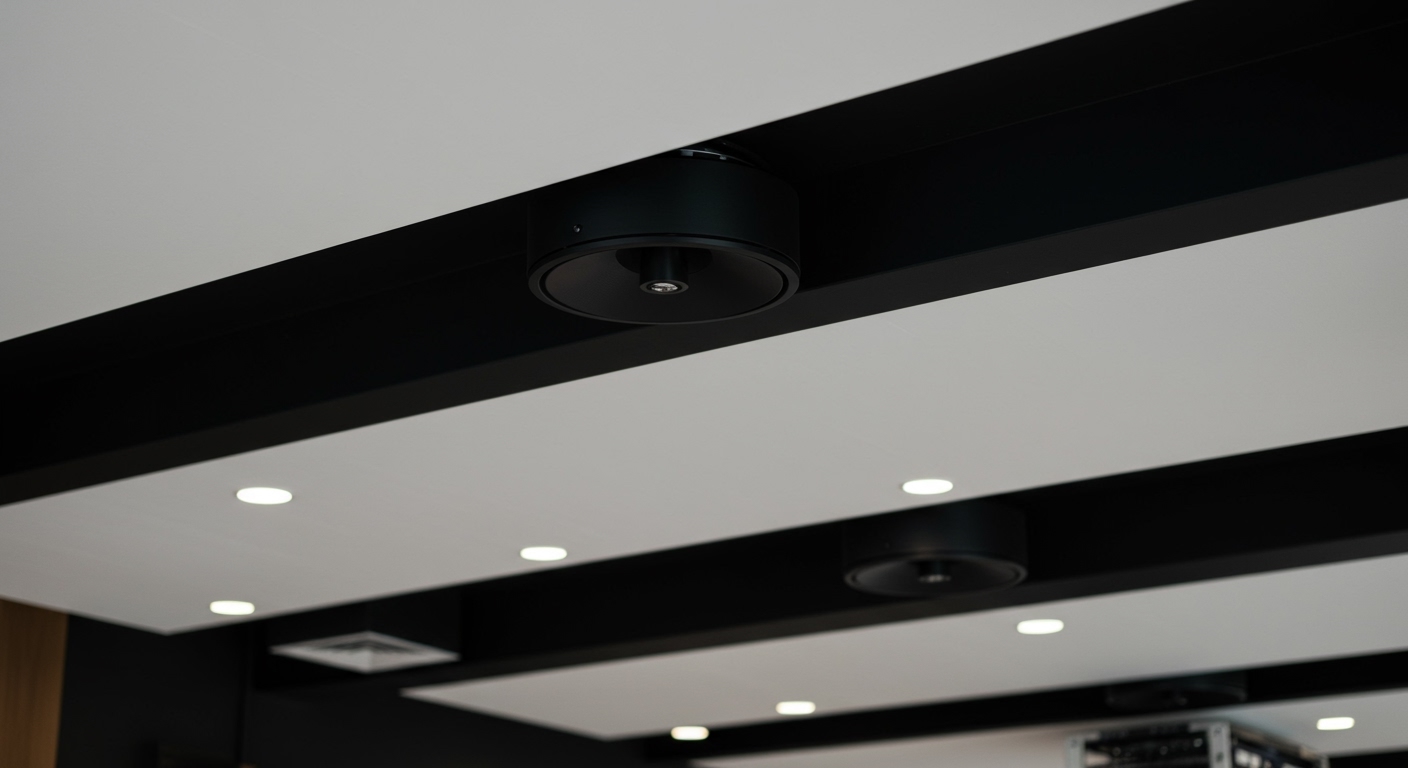
| Ceiling Speakers | Bose, JBL, AtlasIED | Distributes sound evenly. | No (Hardwired) |
| Drive-Thru Headset | HME, 3M, Quail Digital | Order taking and communication. | No (Encrypted) |
The Myth of the Bluetooth “Hack”
You may have seen viral videos claiming you can use a “Universal Bluetooth Remote” or a specific app to learn how to connect to McDonald’s speakers from your table.
These are 100% false.
Here is why:
- No Bluetooth Receivers: Commercial speakers are “dumb” devices. They are wired directly to an amplifier. They do not have built-in Bluetooth chips.
- Network Isolation: Even if the restaurant uses Sonos (which is rare for McDonald’s), these devices sit on a secured VLAN (Virtual Local Area Network) that is separate from the Wayport_Access or McDonald’s Free Wi-Fi provided to customers.
- Encrypted Intercoms: The drive-thru speakers operate on proprietary 2.4GHz or DECT frequencies (like HME EOS | HD). These are encrypted to prevent people with walkie-talkies from interfering with orders.
Why You Can’t (and Shouldn’t) Connect as a Customer
While the technical hurdles are high, the legal and safety hurdles are even higher.
Licensing and Legal Liability**
McDonald’s pays monthly fees to organizations like ASCAP to legally play music. If a customer connects and plays a song that isn’t covered by the commercial license, the franchise can be sued for copyright infringement. Fines can reach $150,000 per song.
The “Priority Mute” Safety Feature**
In many modern McDonald’s locations, the audio system is integrated with the Fire Alarm Control Panel (FACP). If you were to bypass the system with your own connection, you might inadvertently disable the “auto-mute” feature that allows emergency announcements to be heard over the music.
Brand Standards and “Family-Friendly” Atmosphere**
McDonald’s corporate has strict “Brand Standards.” The music is curated to be high-tempo during lunch rushes to encourage faster turnover and “chill” during late nights. Unauthorized music breaks these operational “vibes.”
Troubleshooting McDonald’s Audio Issues
If you are an employee and the speakers aren’t working, here is a quick checklist before you call for professional AV support:
- Check the “Music on Hold” (MOH) settings: Sometimes the amplifier gets stuck in a “Mute” state because it thinks a phone call or drive-thru order is active.
- Verify the ProFusion Status: Look at the media player in the office. If the “Status” light is red, the internet connection is down, and the music has stopped.
- Inspect the 70V Transformer: If one specific speaker is crackling, the tap setting might be loose. Do not touch this while the system is on, as 70V can provide a significant electric shock.
- Volume Zone Check: Ensure the “Dining Room” dial hasn’t been accidentally turned to zero during cleaning.
Expert Perspective: The Future of McDonald’s Audio
In my experience, we are seeing a shift toward Networked Audio-over-IP (AoIP). Newer “Experience of the Future” (EOTF) McDonald’s locations are moving away from traditional copper wiring toward Dante-enabled speakers.
These systems are controlled via software on a tablet. This makes it even harder for unauthorized users to connect, as the “connection” happens via a digital handshake on a locked server rather than a physical plug.
Frequently Asked Questions (FAQ)
Can I play music through the McDonald’s drive-thru speaker?
No. The drive-thru speaker is a transducer designed specifically for voice frequencies (300Hz to 3kHz). It is connected to an HME base station that only activates when the ground loop (the metal sensor under your car) detects a vehicle. It does not have an auxiliary input for music.
Do McDonald’s speakers have Bluetooth?
Standard McDonald’s ceiling speakers (like the Bose DS 16F) do not have Bluetooth. They are passive speakers powered by a central amplifier located in the back of the store.
How do I change the music at McDonald’s?
Only managers have the authority to change the music. This is typically done through the Mood Media ProFusion control panel or a dedicated web portal where they can choose from pre-approved corporate playlists.
What happens if I try to hack the speakers?
Tampering with the restaurant’s electronics is considered vandalism or interfering with business operations. Additionally, since the systems are tied to the store’s network, any “digital” attempt to gain access could be flagged by their cybersecurity monitoring.
Is there an AUX cord for the lobby speakers?
The only AUX cord is usually located on the amplifier rack in the manager’s office. There are no public AUX ports available in the dining area or at the kiosks.