Mastering Your Home Audio: How to Control Ceiling Speakers
To learn how to control ceiling speakers, you must first identify if your speakers are passive or active. Most ceiling speakers are passive, meaning they require a connection to an external amplifier or AV receiver which acts as the central control hub via Wi-Fi, Bluetooth, or wired wall controllers. By connecting a smart streaming amplifier like the Sonos Amp or WiiM Amp, you can manage volume, EQ, and music selection directly from your smartphone or through voice commands.
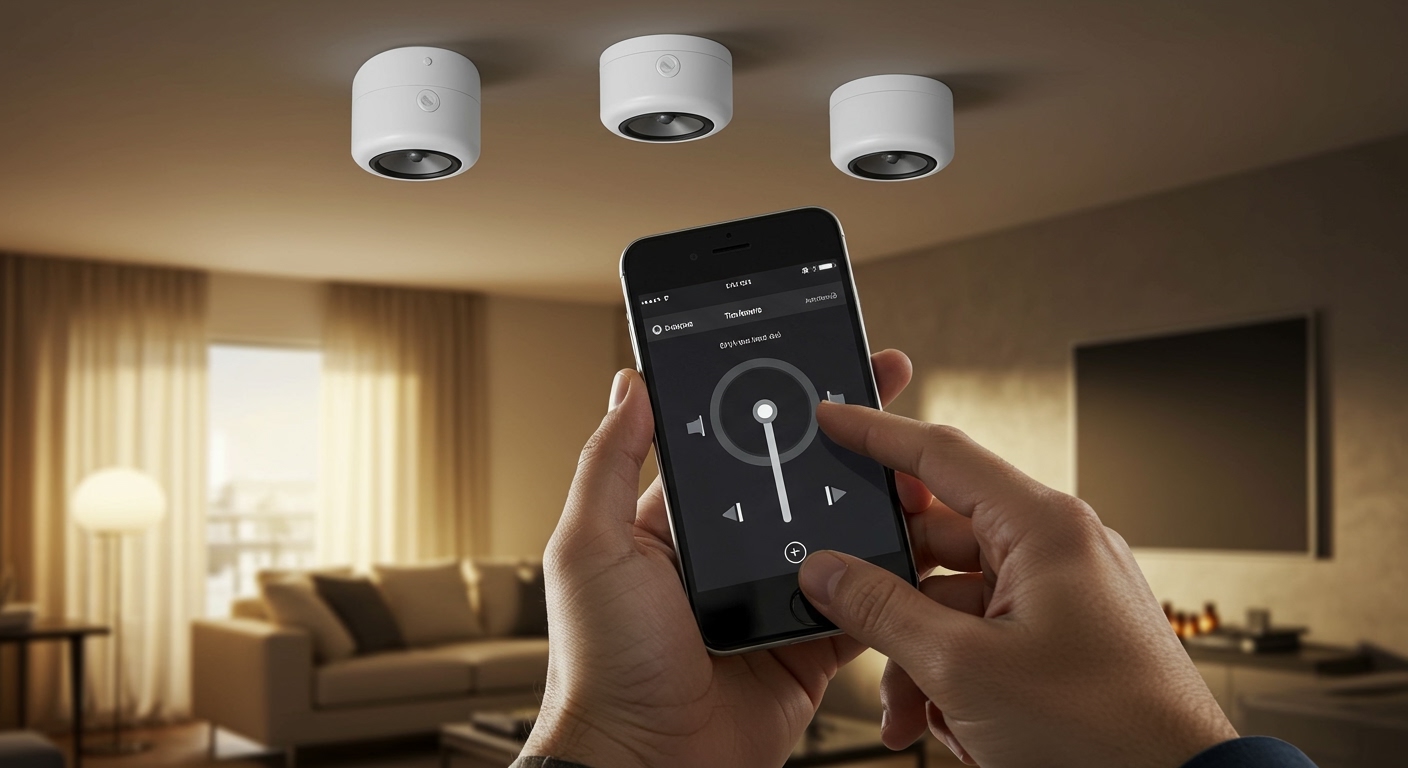
Key Takeaways: Quick Control Guide
- Best for Smart Homes: Use Wi-Fi-enabled streaming amplifiers to control everything via a dedicated mobile app.
- Best for Budget: Use a Bluetooth-integrated wall plate for simple, single-room streaming.
- Tactile Option: Install in-wall volume controls (rotary or sliders) for quick, physical adjustments without a phone.
- Multi-Room Setup: Utilize a multi-zone matrix amplifier to play different music in different rooms simultaneously.
- Voice Control: Connect your system to Alexa, Google Home, or Apple AirPlay 2 for hands-free operation.
Understanding the Hardware: Passive vs. Active Speakers
Before you can determine how to control ceiling speakers, you need to know what kind of power they use. In my years of installing custom home audio, I’ve found that 95% of residential installations use passive speakers.
Passive speakers have no internal power source. They rely on speaker wire (usually 16/2 or 14/2 gauge) running back to a central “brain.” This brain is where your control actually happens.
Active (or Powered) speakers are less common but simpler for DIYers. These have built-in amplifiers and often include Bluetooth or Wi-Fi receivers directly in the speaker unit. You simply provide power and connect your phone.
The Best Methods to Control Your Ceiling Speakers
Choosing the right control method depends on your budget and how you use your home. Below is a breakdown of the most reliable ways we implement ceiling speaker control for our clients.
Smartphone App Control (Wi-Fi Streaming)**
This is the gold standard for modern homes. By using a Wi-Fi amplifier, you connect your speakers to your local network.
Systems like Sonos, Bluesound, and Denon HEOS offer intuitive apps. You can group rooms together, play Spotify, Tidal, or Apple Music, and adjust volumes independently for the kitchen, living room, and patio.
In-Wall Volume Controls**
Sometimes, you don’t want to dig through your pockets for a phone. Analog in-wall volume controls are wired between the amplifier and the speakers.
These are perfect for high-traffic areas like kitchens or bathrooms. They use a transformer-based rotary dial or slider to “choke” the power going to the speakers, allowing for instant local adjustment.
Voice Control Integration**
If you have an Amazon Echo or Google Nest device, you can link it to your speaker amplifier. By saying, “Alexa, play jazz in the kitchen,” your smart amplifier wakes up and routes the audio to your ceiling speakers.
Bluetooth Wall Plates**
For a single-room setup, such as a master bedroom, a Bluetooth wall plate is a cost-effective solution. These plates fit into a standard electrical gang box and act as a local receiver. You pair your phone just like you would with a portable speaker.
Comparison: Ceiling Speaker Control Methods
| Method | Connection Type | Best Use Case | Control Device |
|---|---|---|---|
| Wi-Fi Amp | Wireless Network | Whole-house audio | Smartphone/Tablet |
| In-Wall Dial | Wired (Analog) | Quick adjustments | Physical Knob |
| AV Receiver | Wired/HDMI | Home Theater | Remote/App |
| Bluetooth Plate | Wireless (Local) | Single small room | Smartphone |
| Smart Hub | Zigbee/Matter | Full automation | Voice/Automations |
Step-by-Step: Setting Up Wi-Fi Control
Setting up how to control ceiling speakers via Wi-Fi is the most popular request we receive. Follow these steps to get your system online.
Step 1: Terminate Your Wiring
Ensure your ceiling speaker cables are pulled to a central location, often a media closet or a cabinet. Strip the ends of the 16-gauge speaker wire to expose about half an inch of copper.
Step 2: Connect to a Streaming Amplifier
Insert the wires into the back of a streaming amp like the Sonos Amp or WiiM Amp. Match the positive (+) and negative (-) terminals carefully to avoid phase issues, which can make your bass sound weak.
Step 3: Download the Controller App
Open the manufacturer’s app on your phone. Most modern amps use BLE (Bluetooth Low Energy) to find the device during the initial setup.
Step 4: Connect to Local Wi-Fi
Follow the in-app prompts to bridge the amplifier to your home network. Once connected, the app will likely perform a firmware update to ensure the latest streaming protocols are active.
Step 5: Name Your Zones
Give your speakers a clear name, such as “Dining Room Ceiling.” This makes it much easier when you want to use voice control or AirPlay 2 later.
Advanced Control: Multi-Zone Matrix Systems
For large homes with more than six pairs of speakers, a single “smart amp” per room becomes expensive. This is where a Multi-Zone Matrix Amplifier comes in.
A Matrix system allows you to take multiple inputs (like a turntable, a CD player, and a streaming box) and route them to any combination of rooms.
Expert Insight: When we design these systems, we often use 12-channel amplifiers (which cover 6 zones). This centralizes all hardware in one rack, making it easier to manage and cool. You then use a unified interface like Control4 or Josh.ai to manage the entire ecosystem.
Critical Wiring Considerations for Control
You cannot talk about how to control ceiling speakers without discussing impedance matching. If you connect too many speakers to a single amplifier without the right controller, you risk “frying” your equipment.
- Parallel Wiring: Most common, but it drops the impedance (Ohms). Two 8-ohm speakers in parallel create a 4-ohm load.
- Impedance-Matching Selectors: If you are using one standard receiver to power four rooms, you must use an impedance-matching speaker selector. This device protects your amplifier from overheating by maintaining a safe load.
- Gauge Matters: For runs over 50 feet, I always recommend 14-gauge wire. Thinner wire (18-gauge) can cause voltage drops, leading to poor volume control and distorted sound at high levels.
Troubleshooting Common Control Issues
The App Can’t Find My Speakers
This is usually a network discovery issue. Ensure your phone is on the same SSID (Wi-Fi name) as your amplifier. If you have a mesh network (like Eero or Nest WiFi), make sure the amp isn’t stuck on a 2.4GHz band while your phone is on 5GHz.
Volume is Too Low in One Room
Check your in-wall volume control. These often have impedance jumpers on the back. If the jumper is set incorrectly (e.g., set to 8x when it should be 1x), the output volume will be significantly limited.
Crackling Sound When Adjusting Volume
If you have physical wall dials, dust can settle in the potentiometer. A quick spray of electronic contact cleaner (like DeoxIT) usually fixes the static noise.
Frequently Asked Questions
Can I control my ceiling speakers with my TV remote?
Yes, if your ceiling speakers are connected to an AV Receiver or an amplifier with an HDMI ARC/eARC port. When you connect the TV to the amp via HDMI, the CEC (Consumer Electronics Control) protocol allows your TV remote to adjust the speaker volume.
Do I need a separate app for every room?
No. If you stay within one brand ecosystem (like Sonos, Denon HEOS, or Yamaha MusicCast), you can control every room in your house from a single, unified app. Mixing brands is generally not recommended as it complicates the user experience.
How do I add Bluetooth control to old ceiling speakers?
You can buy a small Bluetooth Receiver or a Bluetooth-enabled Amplifier. Plug your existing speaker wires into the new amplifier, and you will instantly be able to stream music from any Bluetooth-enabled device.
Can I use Alexa to control my existing “dumb” speakers?
Yes. You can connect an Echo Link or an Echo Dot (via the 3.5mm output) to your existing amplifier’s input. This effectively turns your old-school wired system into a voice-controlled smart system.
What is the best way to control volume in a bathroom?
Because of high humidity, I recommend using voice control or a waterproof Bluetooth remote. Physical wall dials can eventually corrode in steamy environments unless they are specifically rated for outdoor/marine use.