How to eliminate hum from speakers effectively involves identifying the source of electrical interference, usually a ground loop or electromagnetic interference (EMI), and isolating the audio signal path. By following a systematic troubleshooting process—starting with cable management and moving to hardware isolation—you can achieve a silent, high-fidelity background.
### Expert Summary: Key Takeaways Primary Cause: Most humming is caused by ground loops, where multiple devices are grounded at different voltage potentials. Quick Fix: Use a Ground Loop Isolator or switch to balanced XLR/TRS cables to instantly break the loop. Cable Hygiene: Never run power cables parallel to audio signal cables; if they must cross, do so at a 90-degree angle. Hardware Check: Ensure all audio equipment is plugged into the same power strip/circuit to maintain a common ground.
What causes humming in speakers?
Before you can fix the noise, you must understand what causes a hum in speakers. In my decade of experience setting up professional studios and home theaters, I have found that 90% of hum issues stem from three specific electrical phenomena.
Ground Loops
A ground loop occurs when two or more pieces of equipment are connected to different ground points with a slight difference in electrical potential. This creates an unintended loop where electrical current flows through the audio cables, manifesting as a steady 60Hz (or 50Hz) hum.
Electromagnetic Interference (EMI)
EMI is “airborne” noise. It is caused by proximity to devices that emit strong magnetic fields, such as:
WiFi Routers and smartphones.
Fluorescent lighting and LED dimmers.
Power transformers inside large amplifiers or PC power supplies.
Dirty Power and Poor Shielding
Sometimes the issue is the electricity itself. “Dirty power” contains high-frequency noise from other household appliances (like refrigerators or vacuum cleaners). If your audio cables are poorly shielded, they act like antennas, picking up this “trash” and sending it straight to your speakers.
Tools and Materials Needed for Troubleshooting
If you want to remove hum from speakers like a professional, you should have these items on hand:
| Tool/Material | Purpose | Estimated Cost |
|---|---|---|
| Ground Loop Isolator | Breaks the electrical connection between devices while passing audio. | $10 – $25 |
| Balanced XLR/TRS Cables | Uses phase cancellation to eliminate noise over long distances. | $15 – $40 |
| Power Conditioner | Filters “dirty” electricity and regulates voltage. | $50 – $200 |
| Contact Cleaner (DeoxIT) | Cleans oxidation off jacks and plugs for better conductivity. | $15 |
| Velcro Cable Ties | Organizes and separates power from signal lines. | $5 |
Step 1: Isolate the Source of the Noise
The first step in how to fix hum in speakers is finding out which device is the culprit. You don’t want to buy expensive filters if the problem is just a loose wire.
- Turn off the volume: If the hum persists even when the volume is at zero, the issue is likely the power amp or the speaker’s internal circuitry.
- Disconnect all inputs: Unplug every cable from the back of your speakers or amplifier except the power cord.
- Listen closely: If the hum is gone, the problem is coming from your source (PC, Turntable, Mixer).
- Add devices back one by one: Plug in one source at a time. When the hum returns, you have found the offending device.
Step 2: How to reduce humming in speakers through Cable Management
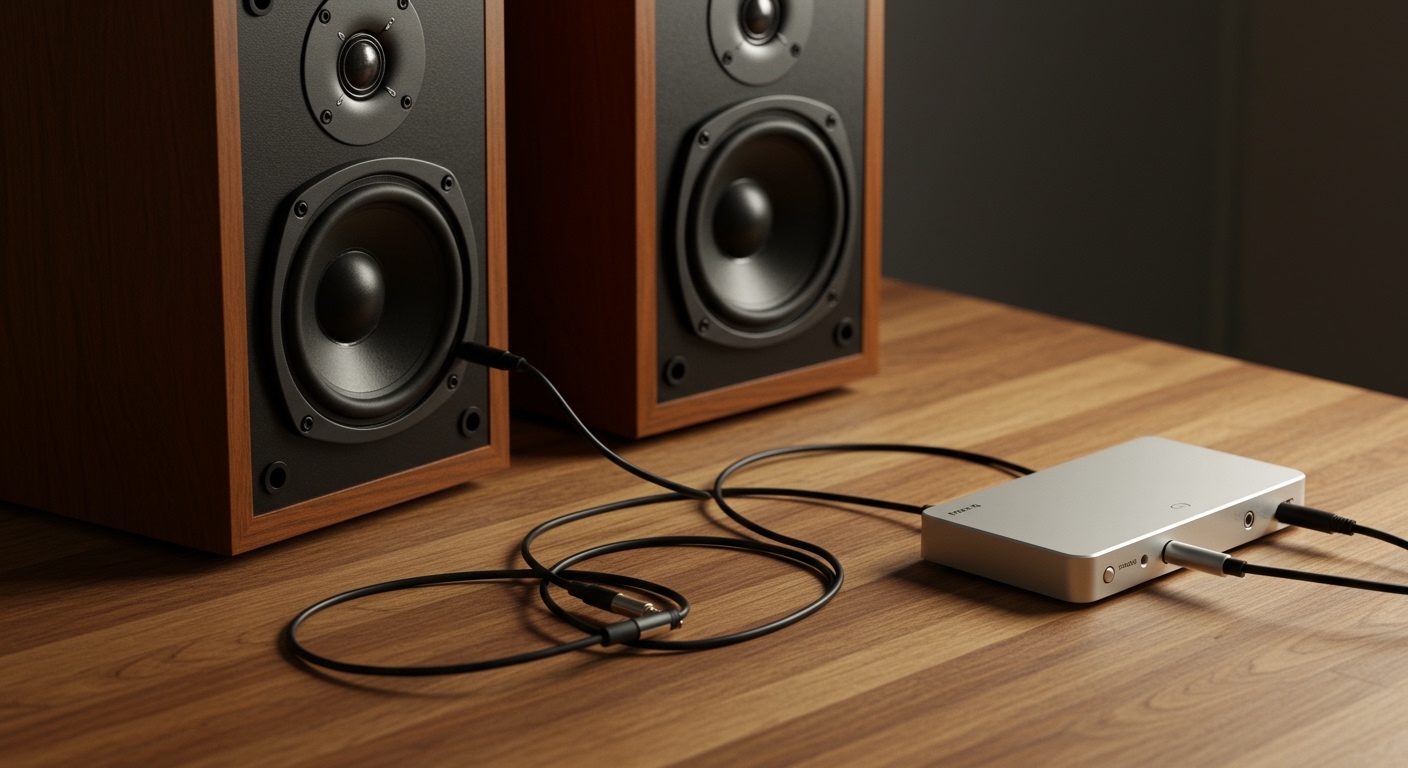
In many home setups, the “spaghetti” of wires behind the desk is the primary reason for what causes humming noise in speakers. High-voltage power lines bleed into low-voltage audio lines.
Separate Power and Signal
Keep your power cables at least 6 inches away from your RCA or 3.5mm audio cables. If they must cross, ensure they cross in a “cross” (+) shape rather than running side-by-side. This minimizes the induction of magnetic fields.
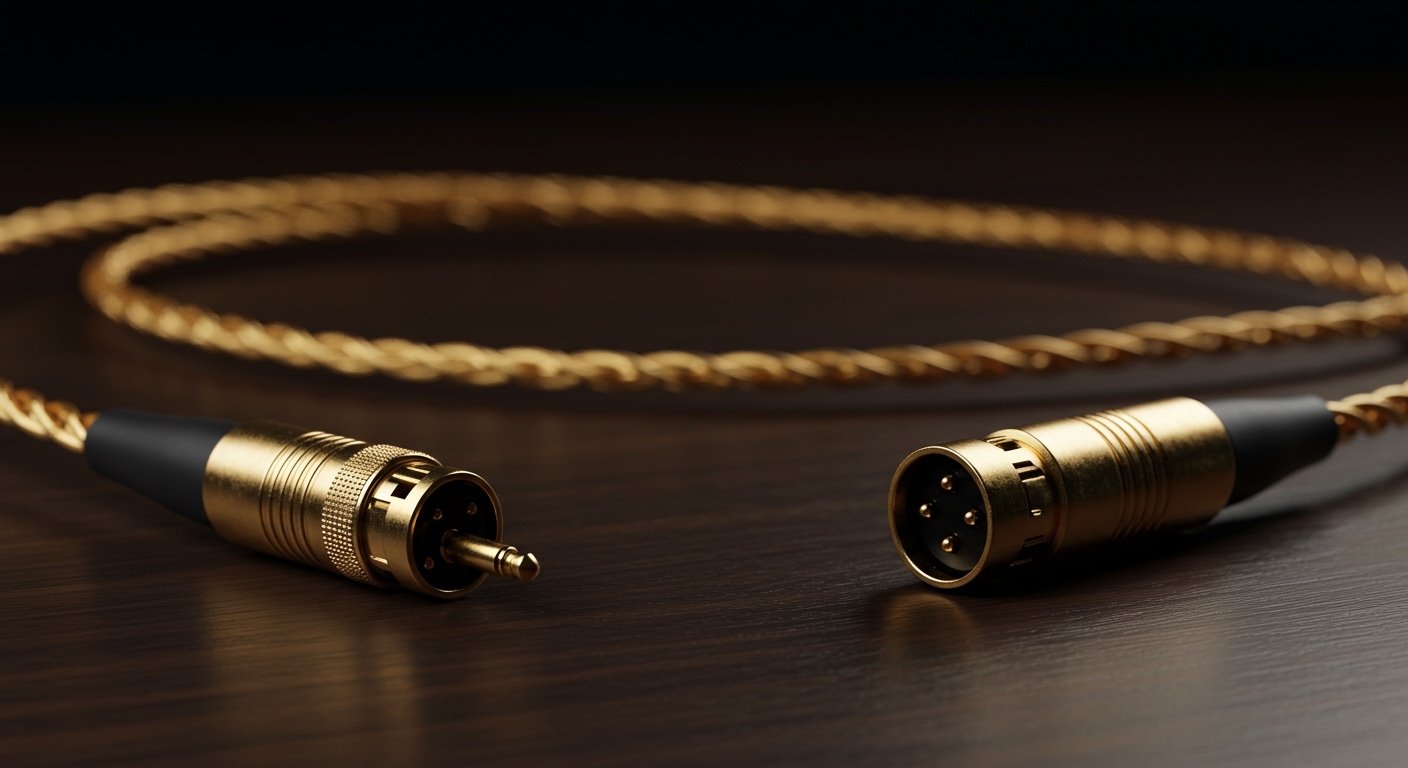
Upgrade to Shielded Cables
Cheap “pack-in” cables that come with electronics often have zero shielding. I recommend replacing them with Oxygen-Free Copper (OFC) cables with braided shielding. This acts as a Faraday cage, blocking external EMI.
Step 3: Eliminate Ground Loops with a Common Ground
To reduce hum in speakers caused by ground loops, you must ensure all devices “see” the same ground.
- Use a single power strip: Plug your PC, monitor, and speakers into the same high-quality surge protector. This forces them to share a single path to the wall’s ground.
- Check for “Cheater Plugs”: While some people use 3-to-2 prong adapters to lift the ground, I strongly advise against this. It is a major fire and electrocution hazard.
- Install a Ground Loop Isolator: If you are connecting a PC to an amp, place a small transformer-based Ground Loop Isolator in between. It physically breaks the copper connection while allowing the audio signal to pass via magnetic induction.
Step 4: Switch to Balanced Audio Connections
If your equipment supports it, switching to balanced connections is the single most effective way how to eliminate hum from speakers permanently.
Unbalanced (RCA/TS): Uses two wires. Any noise picked up by the cable is added to the audio signal.
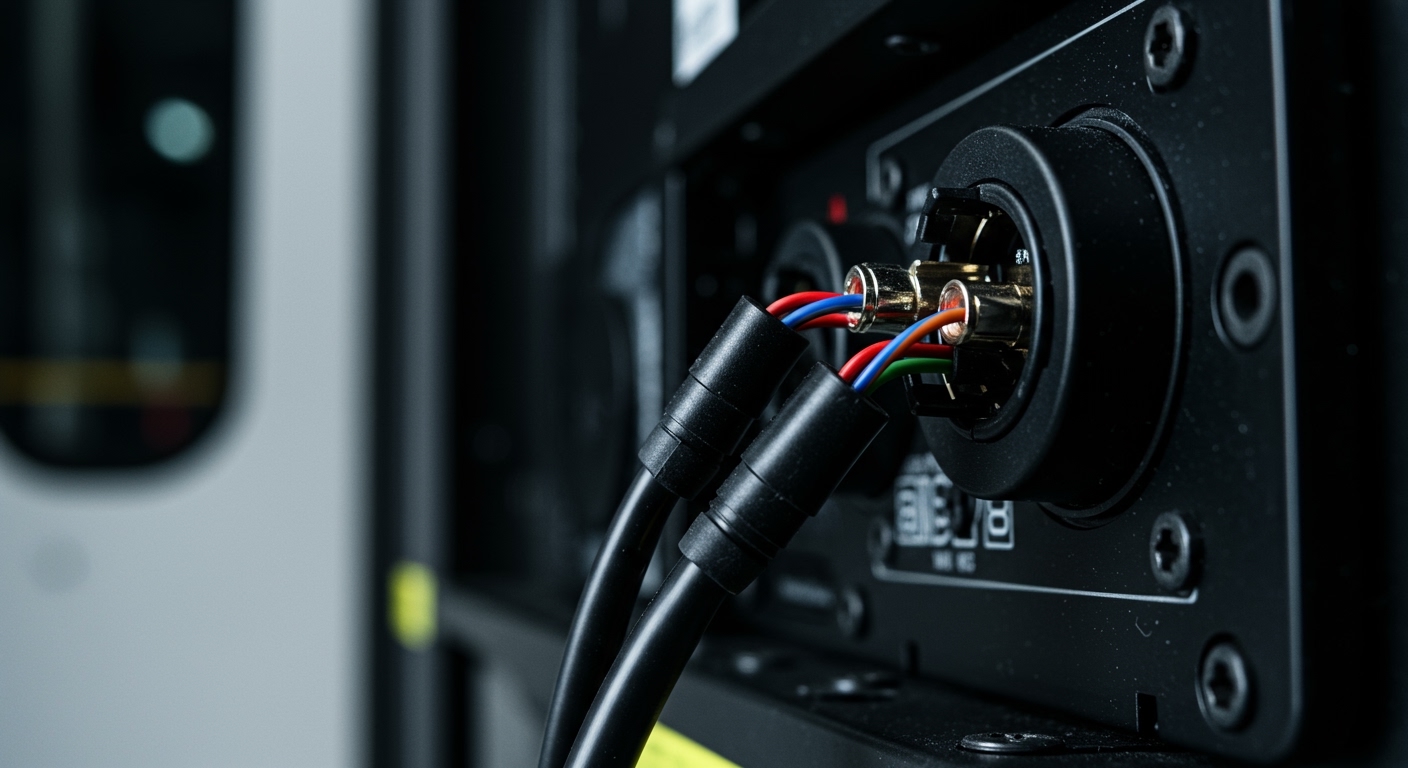
Balanced (XLR/TRS): Uses three wires (Hot, Cold, Ground). The “Cold” wire carries an inverted version of the signal. At the end of the cable, the signals are flipped back, which cancels out any noise picked up along the way.
Expert Pro Tip: If your speakers have XLR inputs but your computer only has a 3.5mm jack, use a USB Audio Interface or a DI Box to convert the signal to balanced. This is a “pro-audio” secret for crystal-clear sound.
Step 5: Address Turntable Specifics
If you are wondering how to get rid of hum in speakers specifically when using a record player, the solution is usually a dedicated ground wire.
- Locate the Ground Lug: Most turntables have a small silver screw or wire labeled “GND.”
- Connect to the Pre-amp: Run a copper wire from the turntable’s ground lug to the ground screw on your phono pre-amplifier or receiver.
- Tighten firmly: A loose ground wire is the #1 cause of “phono hum.”
Advanced Solutions for Persistent Hum
If you have tried the steps above and still hear a humming noise in speakers, you may be dealing with more complex electrical issues.
Use a Power Conditioner
Standard power strips do not filter noise. A dedicated Power Conditioner (like those from Furman or APC) uses capacitors and inductors to “clean” the AC sine wave before it reaches your sensitive audio gear. This is essential if you live in an old building with outdated wiring.
Identify Dimmer Switch Interference
Light dimmers are notorious for injecting noise into electrical circuits. If the hum changes intensity when you dim the lights, you have found your problem.
Fix: Replace the dimmer with a “noise-free” electronic dimmer or move your audio gear to a different circuit breaker.
Check for DC Offset
Sometimes, a small amount of Direct Current (DC) leaks into the AC line from appliances like hair dryers. A DC Blocker (like the iFi SilentPower) can stop this “transformer hum” at the source.
Common Mistakes to Avoid
Cutting the Ground Pin: Never snap off the third prong of a power plug. It’s a safety feature designed to save your life during a short circuit.
Coiling Excess Cable: Don’t coil long audio cables into neat circles. This creates an inductor that is much more likely to pick up hum. Use a “figure-eight” pattern instead.
- Ignoring the “Gain Staging”: If your source volume is very low and your speaker volume is very high, you are amplifying the noise floor. Keep source volume at 80-90% and adjust the final loudness at the speakers.
Frequently Asked Questions (FAQs)
Why do my speakers hum even when no music is playing?
This is usually caused by a ground loop or EMI from nearby electronics like a WiFi router or a smartphone. Even without an audio signal, the amplifier is still “on” and amplifying the electrical noise it picks up from the environment or the power line.
Can a cheap audio cable cause humming?
Yes. Cheap cables often lack proper shielding. Without a braided or foil shield, the internal copper wire acts as an antenna for radio frequencies (RFI) and electromagnetic interference (EMI), leading to a constant humming noise in speakers.
Is a speaker hum dangerous for my equipment?
A low-level hum is generally not dangerous to the hardware, but it is a sign of electrical inefficiency. However, if the hum is accompanied by a “pop” or “crackle,” it could indicate a failing capacitor or a short circuit, which could eventually damage your speaker drivers.
How do I know if my hum is 60Hz or something else?
A 60Hz hum (in the US) sounds like a deep, low-pitched “Mmmmmm.” If the sound is higher-pitched, like a “Bzzzzz,” it is likely EMI from a digital device or a switching power supply (like a laptop charger).
Will a “Ferrite Core” help remove hum from speakers?
Ferrite cores are effective at stopping high-frequency RFI (Radio Frequency Interference) but are usually ineffective against low-frequency 60Hz ground hum. They are best used on power cables to stop digital noise from “bleeding” into other devices.
Conclusion
Learning how to eliminate hum from speakers is a rite of passage for any audiophile or home studio owner. By systematically checking for ground loops, upgrading to balanced cables, and practicing good cable management, you can remove almost any unwanted noise.
Start with the free fixes—like moving your router away from your amp and plugging everything into one strip. If the noise persists, invest in a Ground Loop Isolator or a Power Conditioner. Your ears (and your speakers) will thank you for the silent, pitch-black background.
**