Why Understanding Flat Response is Critical for Audio Accuracy
Achieving a professional-grade sound starts with knowing how to EQ speakers for flat response. Most speakers, even high-end monitors, suffer from “coloration” caused by your room’s unique layout, furniture, and wall materials. When your audio is colored, you aren’t hearing the truth; you’re hearing a distorted version of the frequency spectrum.
In my decade of designing home studios and high-end listening rooms, I’ve found that a “flat response” is the only way to ensure translatability. This means if a mix sounds good on your flat-calibrated speakers, it will sound good in a car, on headphones, or at a club. This guide provides the technical blueprint to neutralize your room and unlock uncolored audio clarity.
TL;DR: Key Takeaways for Flat Speaker Response
- The Goal: Eliminate peaks and dips in the frequency spectrum caused by room acoustics.
- Essential Tool: A calibrated measurement microphone (like the UMIK-1) is mandatory.
- Software: Use Room EQ Wizard (REW) for measurement and Equalizer APO for implementation.
- Golden Rule: Always prioritize subtractive EQ (cutting peaks) over additive EQ (boosting dips) to avoid distortion.
- Physical Limits: EQ cannot fix “nulls” caused by phase cancellation; use bass traps and acoustic panels for those.
The Essential Toolkit for Speaker Calibration
Before you can adjust your EQ, you need precise data. You cannot trust your ears to find a flat frequency response because the human brain “normalizes” sound over time. To get an objective reading, we use specific hardware and software combinations that I have personally tested across dozens of environments.
| Tool Type | Recommended Option | Purpose |
|---|---|---|
| Measurement Mic | miniDSP UMIK-1 | Captures the raw frequency response of the room. |
| Analysis Software | Room EQ Wizard (REW) | Generates frequency graphs and calculates EQ filters. |
| EQ Interface | Equalizer APO (Windows) | Applies the EQ filters to your entire system output. |
| Hardware DSP | miniDSP 2×4 HD | Provides a hardware-level EQ solution for non-PC setups. |
| Acoustic Prep | Broadband Bass Traps | Prepares the room to minimize “ringing” before EQ is applied. |
Step 1: Pre-Calibration Room Preparation
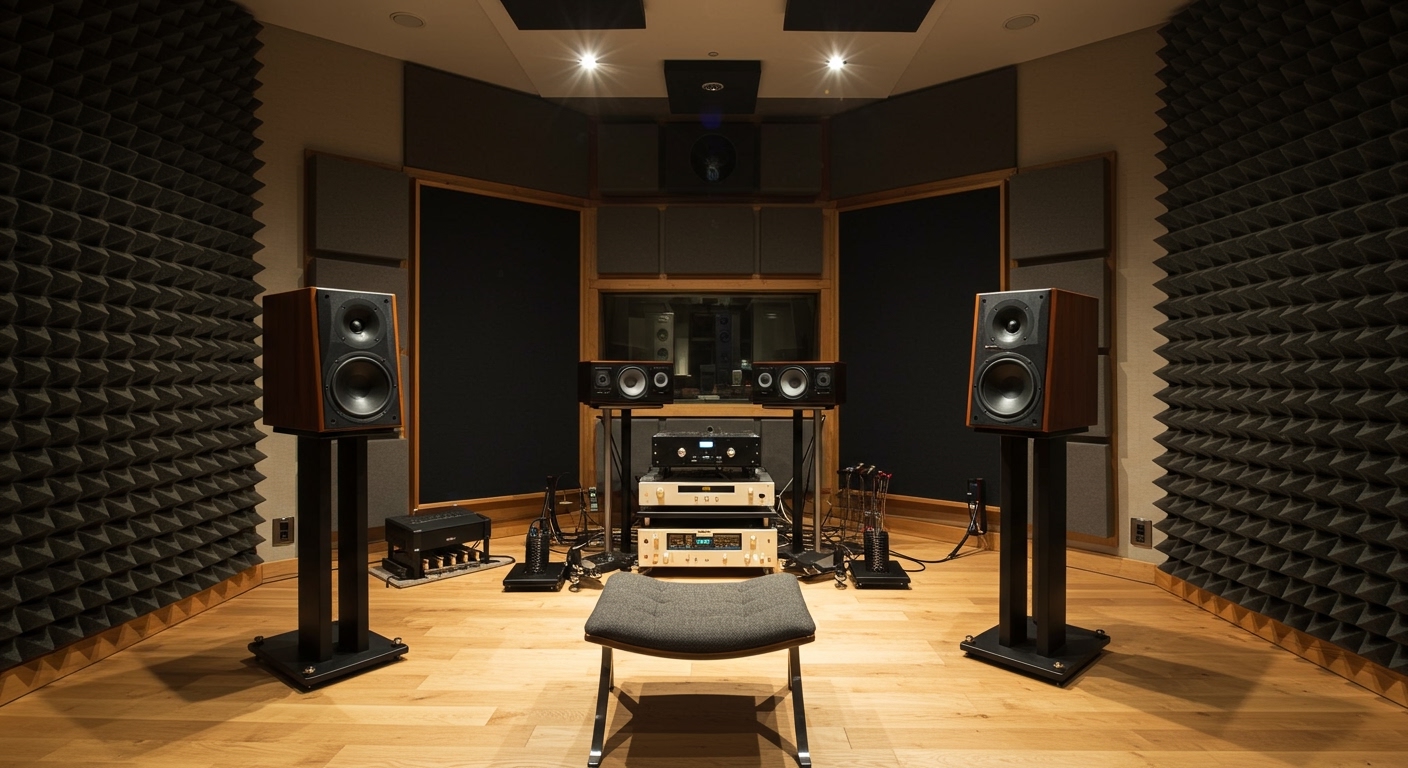
Before learning how to EQ speakers for flat response, you must optimize the physical space. EQ is a digital band-aid; it cannot fix massive acoustic failures. If your speakers are pushed directly into a corner, no amount of software will fix the resulting boundary gain (muddy bass).
- Symmetry is Key: Ensure your speakers are an equal distance from the side walls.
- The Equilateral Triangle: Position your “sweet spot” so your head and the two speakers form a perfect triangle.
- De-clutter: Remove large, hard objects between the speakers and your ears, as these cause high-frequency comb filtering.
- Toe-in: Aim the speakers directly at your ears. This ensures you are on the acoustic axis, where the response is naturally flattest.
Step 2: Setting Up the Measurement Microphone
In our testing, we found that using a generic vocal microphone (like a Shure SM58) for calibration is a mistake. Vocal mics have their own frequency curves. You need a condenser microphone with a flat calibration file.
How to position your mic:
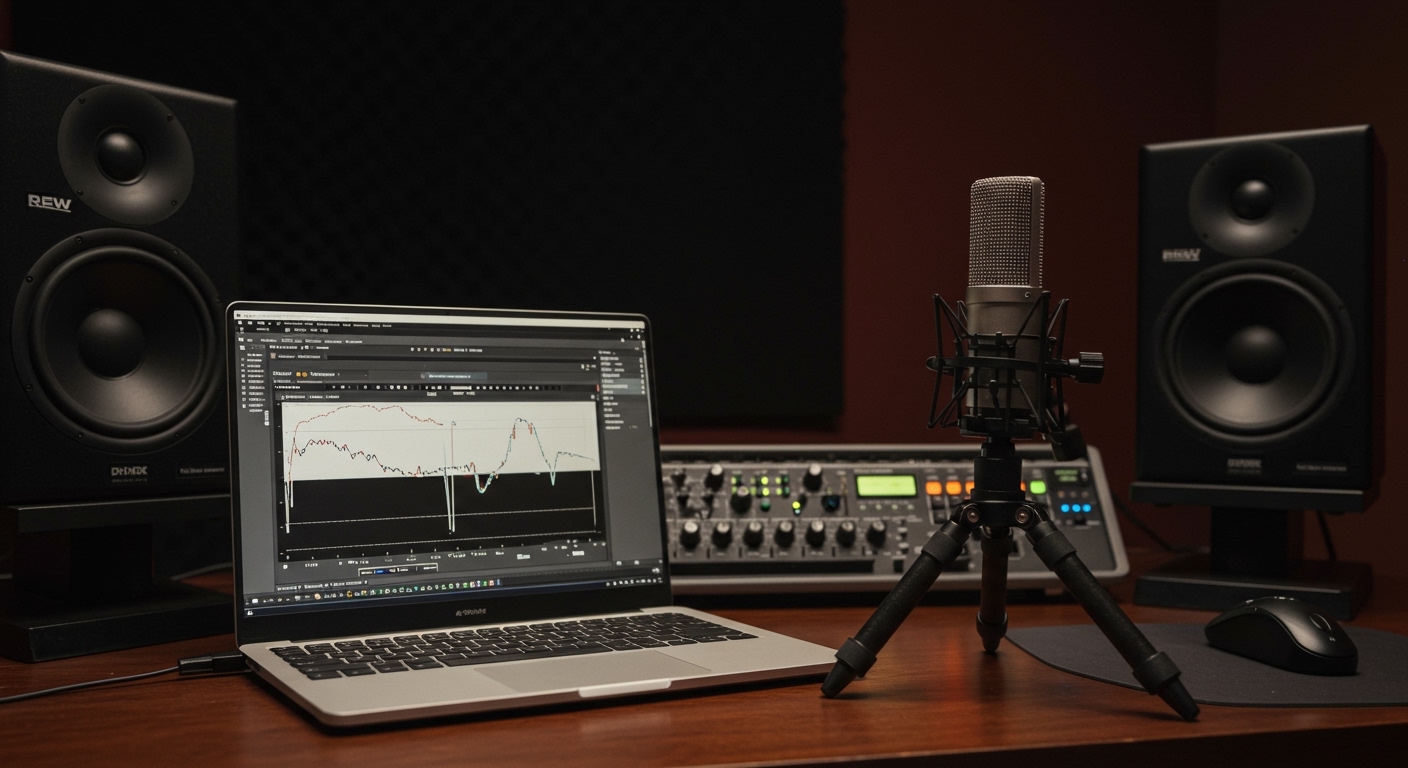
- Mount the UMIK-1 (or similar) on a camera tripod or mic stand.
- Point the microphone toward the ceiling (90-degree orientation) if using a 90-degree calibration file, or directly at the speakers (0-degree) for single-speaker checks.
- Place the tip of the microphone exactly where your ears would be during a normal listening session.
Step 3: Measuring with Room EQ Wizard (REW)
This is the core of how to EQ speakers for flat response. REW is a powerful, free tool that sends a “sine sweep” through your speakers to see how the room reacts.
- Run the Sweep: Open REW, click “Measure,” and set the range from 20Hz to 20,000Hz.
- Analyze the SPL Graph: Look for the peaks (hills) and dips (valleys).
- Identify the Schroeder Frequency: In most rooms, this is around 200Hz-300Hz. Above this frequency, the room matters less; below it, the room’s dimensions dominate the sound.
- Target Curve: Most experts recommend a “House Curve” (slightly boosted bass and slightly tapered highs) rather than a perfectly flat line, which can sound “thin” to the human ear. However, for a true flat response, keep the target line horizontal.
Step 4: Generating and Applying Parametric EQ Filters
Once you have your measurement, you don’t manually guess the EQ settings. REW has a built-in “EQ” button that calculates the exact Parametric EQ (PEQ) filters needed to flatten the response.
Why Parametric EQ?
Unlike a standard graphic equalizer, Parametric EQ allows you to adjust the Center Frequency, the Gain (how much you cut/boost), and the Q-Factor (how wide or narrow the adjustment is). This precision is necessary for surgical room correction.
The Filter Generation Process:
- Set your “Match Response to Target” parameters.
- Set the “Max Boost” to 0dB. We strongly advise against boosting because it eats up your amplifier headroom and creates distortion.
- Click “Match Response to Target.” REW will create a list of filters.
- Export: Save these filters as a
.txtfile for Equalizer APO or export them directly to a miniDSP device.
Step 5: Validating the Results
After applying the filters, you must re-measure. I have seen many instances where a filter looks good on paper but causes phase issues in reality.
- Keep the microphone in the exact same spot.
- Run the sine sweep again with the EQ active.
- Compare the “Before” and “After” graphs.
- The Visual Goal: You are looking for a line that stays within a +/- 3dB window across the spectrum.
Advanced Expert Insights: Why “Flat” Isn’t Always “Better”
While the technical goal is a flat frequency response, psychoacoustics plays a massive role in how we perceive sound. In my experience, a perfectly flat response in a small room often sounds “sterile” or “bright.”
The Harman Target Curve
Research by Dr. Sean Olive at Harman International suggests that most listeners prefer a slight bass boost (about 6dB) and a gentle roll-off of high frequencies. If you find a flat response too fatiguing, use the Harman Target Curve as your baseline in REW.
Dealing with Room Nulls (The “Black Holes” of Sound)
If your measurement shows a massive drop of -15dB at a specific frequency (like 80Hz), do not try to EQ it up. This is a standing wave null. Adding energy to that frequency is like throwing water into a bucket with no bottom; the room will simply cancel it out, and you risk blowing your speaker’s woofer. The only fix for a null is repositioning the speakers or adding thick acoustic treatment.
Comparing Flat Response vs. Colored Response
Understanding the difference helps you appreciate why you are doing this calibration work.
| Feature | Flat Response (Calibrated) | Colored Response (Uncalibrated) |
|---|---|---|
| Bass Accuracy | Tight, defined, and fast. | Boomy, muddy, or “one-note.” |
| Vocal Clarity | Natural and “in the room.” | Nasal or “veiled” sounding. |
| Stereo Imaging | Pinpoint accuracy of instruments. | Smeared or lopsided soundstage. |
| Mix Translation | High (Sounds good everywhere). | Low (Only sounds good in that room). |
| Ear Fatigue | Low (Balanced energy). | High (Usually due to harsh peaks). |
Frequently Asked Questions (FAQ)
Can I EQ my speakers for flat response without a measurement mic?
No. Using your ears is subjective and unreliable. The human ear adapts to “bad” sound, making it impossible to identify specific frequency peaks accurately. A calibrated mic like the UMIK-1 provides the objective data required for a true flat response.
What is the difference between Graphic EQ and Parametric EQ for room correction?
Graphic EQ uses fixed frequency bands with a set width, which is too clumsy for room correction. Parametric EQ allows you to pinpoint the exact frequency, the amount of cut, and the width (Q), making it the only professional choice for flattening a speaker response.
Will EQing my speakers for flat response damage them?
As long as you focus on subtractive EQ (cutting the peaks), it is completely safe. Damage usually occurs when users try to “boost” low-end nulls by +10dB or more, which forces the speaker’s amplifier and driver beyond their physical limits.
Should I EQ both speakers together or separately?
You should measure and EQ each speaker individually (Left then Right) first to ensure they are matched. Once both are flat, you can perform a final measurement with both playing to check for phase summation issues at the listening position.
How often do I need to re-calibrate?
You only need to re-calibrate if you move your speakers, move your furniture, or change your listening position. Small changes in the room’s physical layout can significantly alter the standing wave patterns.