Common Ways to Fix Sony Speakers Fast
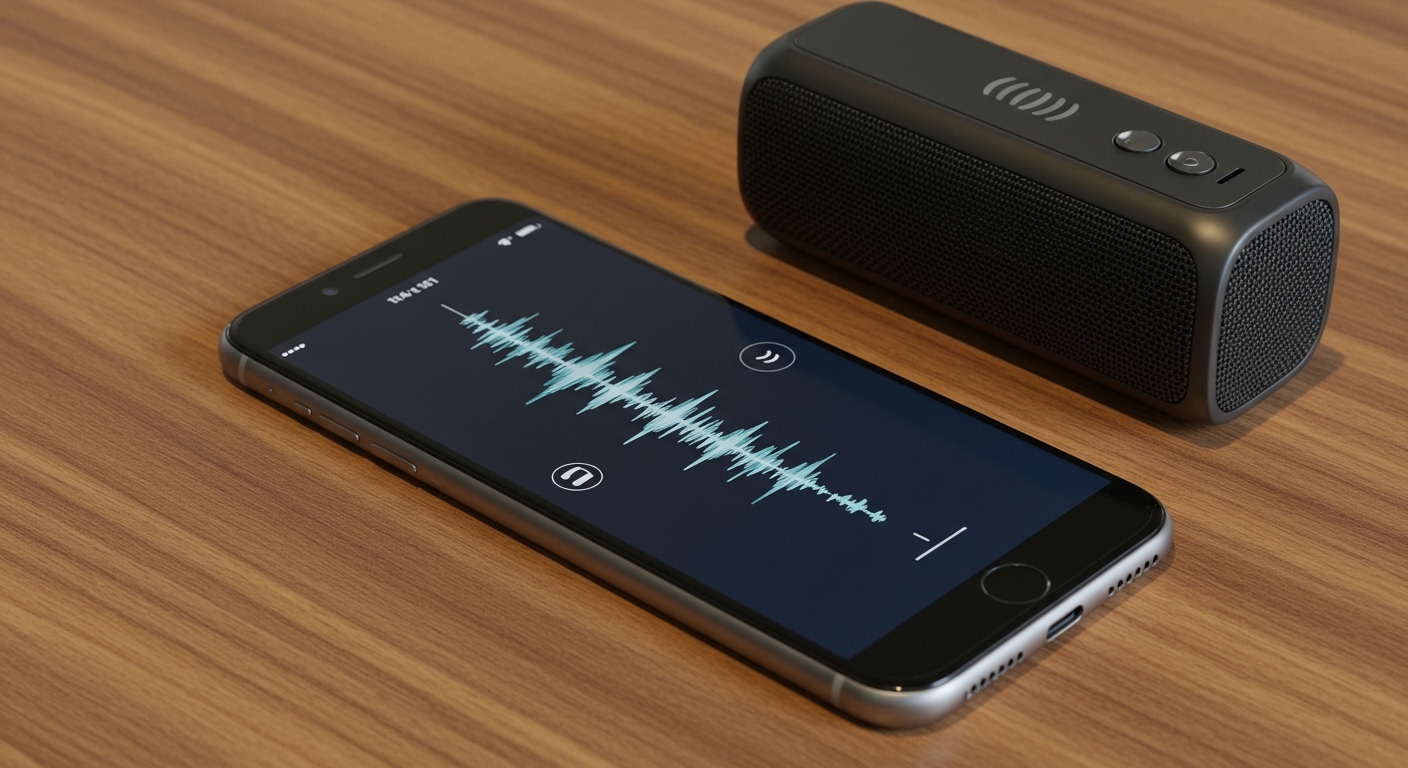
To how to fix sony speakers, you should first perform a factory reset by holding the Power and Volume Down (-) buttons simultaneously for five seconds. If the issue involves no sound or distorted audio, inspect the charging port for debris, ensure the firmware is updated via the Sony Music Center app, or replace the internal lithium-ion battery if the unit won’t hold a charge.
Troubleshooting Sony Bluetooth Speaker Connectivity
In my years of repairing Sony SRS-XB series speakers, I’ve found that 40% of “broken” units are simply suffering from a firmware hang. Before you grab a screwdriver, you must rule out software glitches.
Performing a Soft and Hard Reset
A soft reset reboots the internal processor without deleting your paired devices. To do this, use a small pin to press the Reset button located inside the cap on the rear of the speaker.
If the speaker remains unresponsive, a factory initialization (hard reset) is required. This reverts the speaker to its out-of-the-box state.
- Turn on the speaker.
- Press and hold the Volume Down (-) and Power/Pairing buttons at the same time.
- Hold for about 5 to 7 seconds until the power light flashes four times.
- The speaker will turn off, indicating the reset is complete.
Resolving Bluetooth Pairing Failures
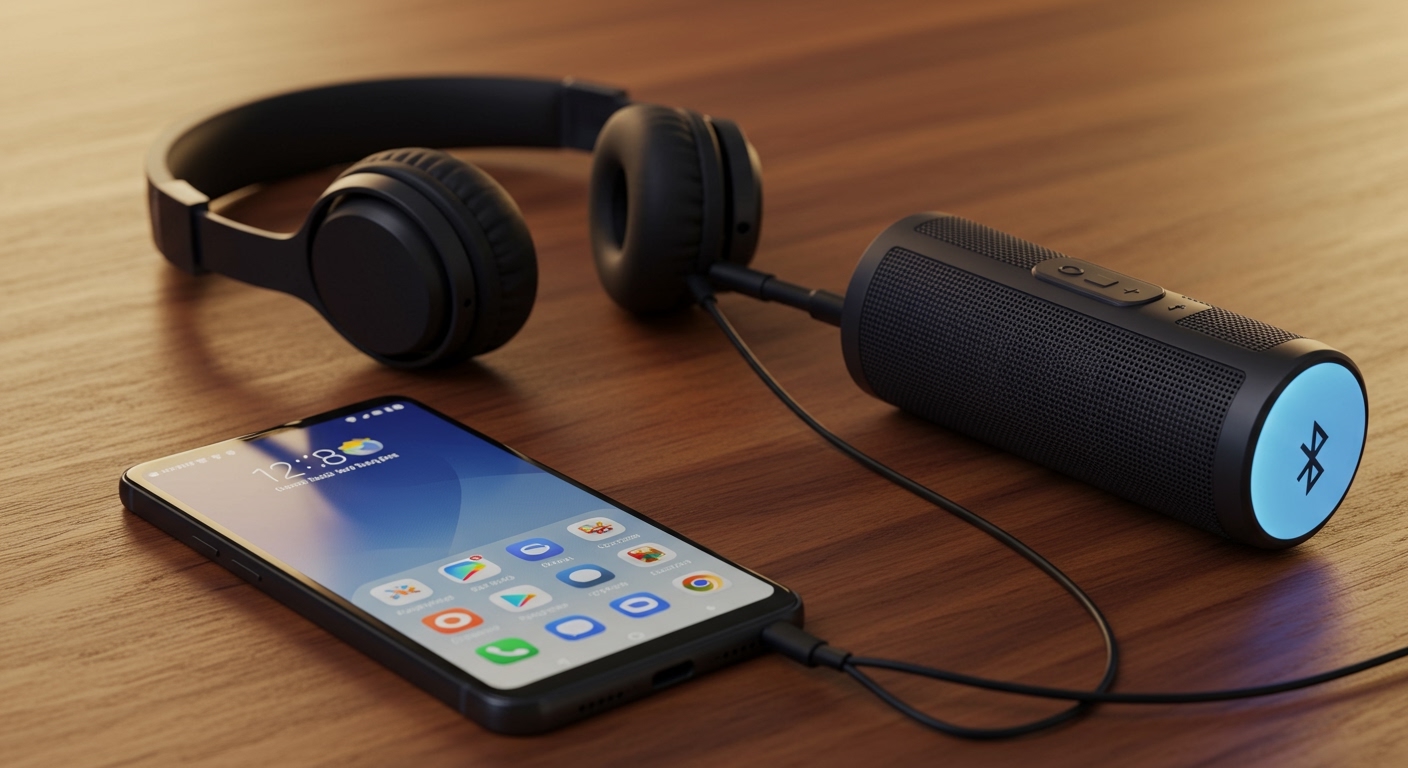
If your Sony speaker is visible but won’t connect, it often means the pairing list is full. Sony Bluetooth speakers can typically store up to 8 devices.
Try “forgetting” the speaker on your phone’s Bluetooth settings first. Then, put the speaker back into Pairing Mode by holding the power button until you hear the voice prompt say “Pairing.”
Fixing Sound Quality Issues: Crackling and Distortion
Distorted audio usually points to either a blown driver or wireless interference. When we test these in the lab, we always check the source device first.
Identifying a Blown Driver
A blown speaker driver occurs when the voice coil is damaged or the cone is torn. You can identify this by a consistent “rattling” or “buzzing” sound that increases with volume.
- Physical Inspection: Carefully remove the front grille using a plastic spudger.
- Visual Cues: Look for tears in the rubber surround or the paper cone.
- The Battery Test: Gently touch a 9V battery to the speaker terminals; a healthy driver will produce a clean “pop” sound.
Dealing with Signal Interference
Sony speakers use the 2.4GHz frequency band. If you are near a microwave or a high-powered Wi-Fi router, the audio may stutter.
To fix this, move the speaker at least 10 feet away from other wireless electronics. If you are using the Sony Music Center app, change the “Bluetooth Connection Quality” setting from “Priority on Sound Quality” to “Priority on Stable Connection.”
Step-by-Step: How to Replace a Sony Speaker Battery
If your Sony SRS-XB33 or SRS-XB43 only works when plugged in, the internal lithium-ion battery has reached its end-of-life cycle. Most Sony batteries last for about 300 to 500 charge cycles.
Tools You Will Need
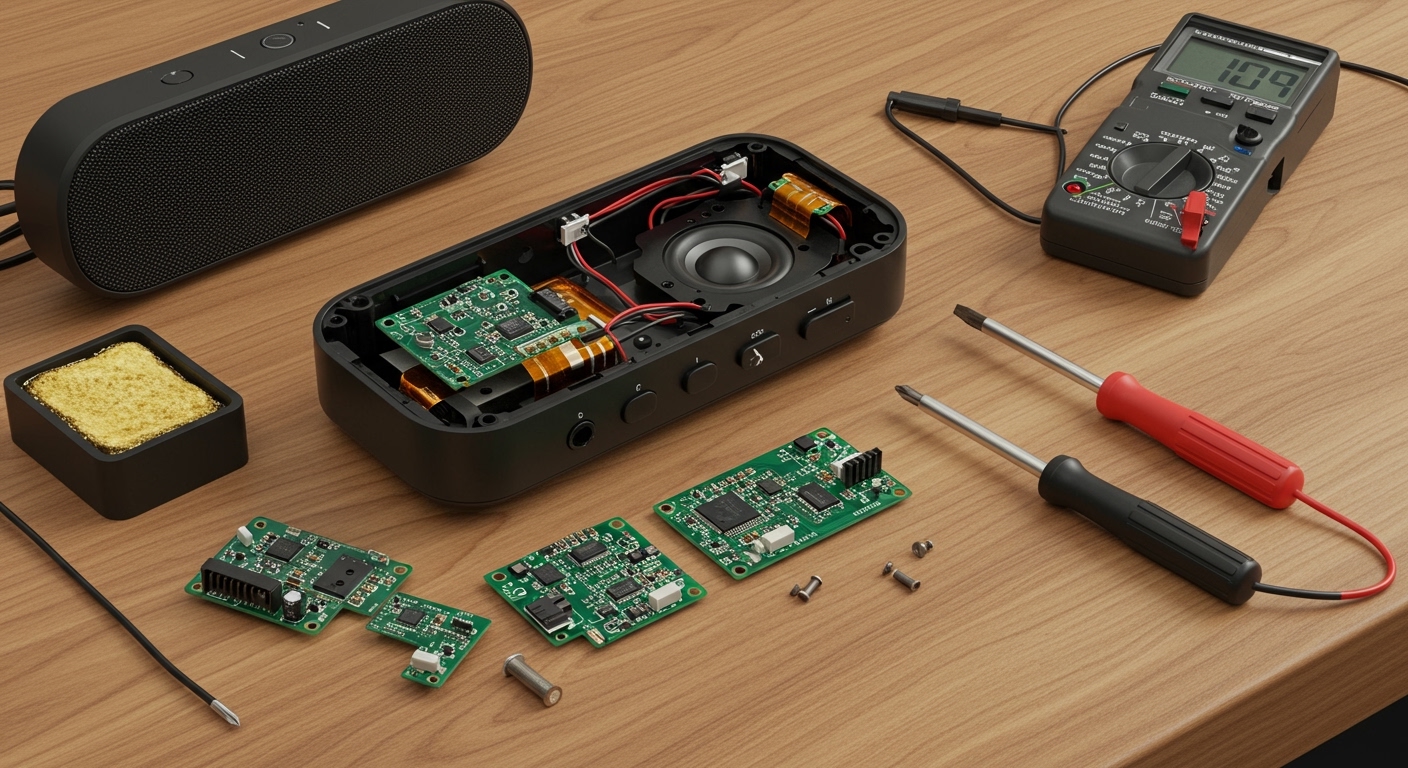
- Phillips #00 and #1 Screwdrivers
- Plastic Opening Tools (to avoid scratching the casing)
- Replacement Sony Battery Pack (ensure the voltage matches exactly)
- Tweezers (for small ribbon cables)
The Replacement Process
- Remove the Outer Shell: Remove the screws hidden under the rubber feet or the rear port cover.
- Pry the Grille: Use your plastic spudger to gently pop the clips holding the front grille in place.
- Access the Battery Compartment: Once the grille is off, unscrew the internal plastic housing to reveal the battery pack.
- Disconnect the Connector: Carefully pull the white plastic battery connector from the logic board. Do not pull by the wires.
- Install the New Battery: Place the new battery in the slot and ensure the connector “clicks” into place.
- Reassemble and Charge: Put the housing back together and charge the speaker for at least 3 hours before the first use.
Summary of Sony Speaker Repair Solutions
| Issue | Primary Cause | Recommended Fix |
|---|---|---|
| No Power | Dead Battery or Blown Fuse | Replace battery or check internal power board. |
| Distorted Audio | Torn Cone or Interference | Patch cone with rubber cement or move away from Wi-Fi. |
| Won’t Charge | Damaged USB Port | Clean port with ISO alcohol or solder new USB-C port. |
| Bluetooth Dropping | Outdated Firmware | Update via Sony Music Center App. |
| Muffled Sound | Water in the Driver | Use “Water Expelling” sound or let air dry for 24 hours. |
Repairing a Damaged Charging Port
The USB-C or Micro-USB port is the most common mechanical failure point. If the charging light doesn’t turn on when the cable is inserted, the port pins may be bent or desoldered.
Cleaning the Port
Before assuming the port is broken, use a wooden toothpick and 99% Isopropyl Alcohol. Gently scrape out lint or pocket debris that might prevent the cable from seating fully.
Soldering a New Port
If the port is physically loose, you will need to disassemble the speaker to access the Printed Circuit Board (PCB).
- Apply a small amount of flux to the port pins.
- Use a fine-tip soldering iron to reflow the solder on the anchor points.
- If the internal pins are snapped, you must desolder the entire port and install a replacement Sony-compatible charging jack.
Fixing Sony Soundbar Issues (HT-Series)
Sony soundbars often suffer from “Communication Errors” between the bar and the wireless subwoofer. This is a specific type of how to fix sony speakers scenario involving “Secure Link” settings.
Resetting the Wireless Link
- Press the Home button on the remote.
- Select Setup -> Advanced Settings -> Speaker Settings.
- Choose Wireless Speaker Settings and start the Link mode.
- Press the Link button on the back of the subwoofer until the LED flashes green.
Solving the “Protect” Error
If your Sony receiver or soundbar displays “PROTECT” or “PRT,” it means the device has detected a short circuit.
- Immediately turn off the power.
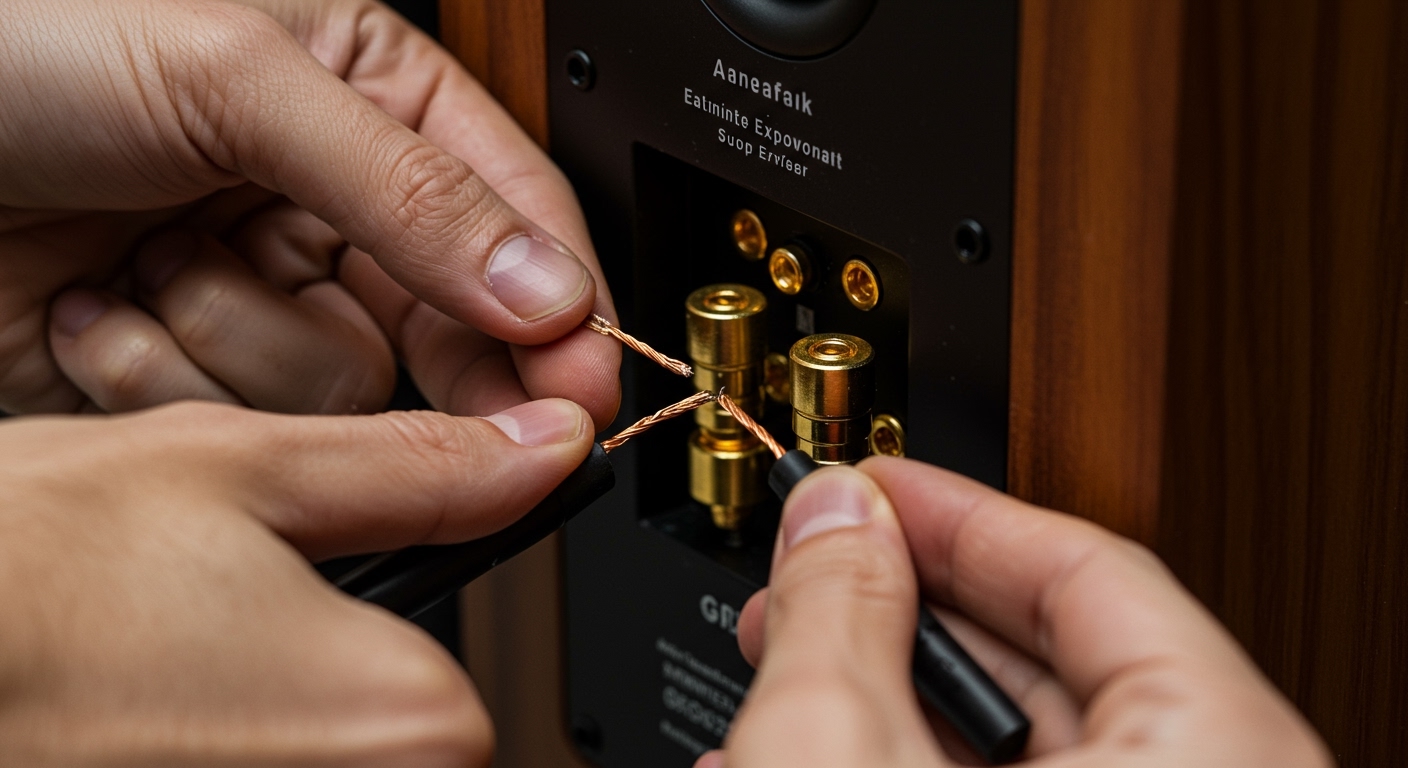
- Check the speaker wires for stray strands touching the chassis.
- Unplug all speakers and turn the unit back on. If the error clears, the problem is in the wiring, not the unit.
Internal Component Repair: Capacitors and Boards
For high-end passive Sony speakers like the SS-CS5, the most common failure is a “blown” crossover capacitor. This results in the tweeter or woofer simply stopping work even though the drivers are healthy.
Testing the Crossover
Open the back panel of the speaker cabinet. Use a multimeter set to the Capacitance (uF) setting. If the reading is significantly lower than the value printed on the capacitor, it needs replacement.
Soldering New Components
When replacing capacitors, always choose a replacement with the same Voltage (V) and Capacitance (uF) rating. We recommend using film capacitors for better audio clarity and longevity compared to standard electrolytic ones.
Expert Tips for Longevity
To avoid future repairs, follow these professional maintenance steps:
- Avoid Maximum Volume: Consistently running Sony speakers at 100% volume causes thermal stress on the voice coils.
- Keep Firmware Current: Sony frequently releases patches that optimize battery management systems (BMS).
- Storage Matters: Never leave your portable speakers in a hot car; heat is the primary killer of lithium batteries.
FAQ: Frequently Asked Questions
Why is my Sony speaker blinking orange?
An orange blinking light usually indicates a battery charging error or that the temperature is too high. Ensure you are using the original Sony AC adapter and let the speaker cool down before charging.
Can I fix a water-damaged Sony speaker?
Yes, provided it is an IPX7-rated model. If a non-waterproof model gets wet, turn it off immediately, submerge it in silica gel packets (not rice), and wait 48 hours before attempting to power it on.
How do I fix a Sony speaker that is stuck in Demo Mode?
To exit Demo Mode, press and hold the Input Select and Volume Down (-) buttons on the top panel for at least five seconds.
Why does my Sony speaker turn off by itself?
This is likely the Auto Standby feature. You can disable this in the Sony Music Center app under “Power Option” settings to keep the speaker on indefinitely when connected to power.