How to Fix Surround Sound Speakers: A Complete Diagnostic Guide
To fix surround sound speakers, you must first isolate whether the issue lies in the AV receiver (AVR) settings, the physical wiring, or the speaker hardware itself. Most surround sound failures are caused by loose copper wire connections, incorrect HDMI ARC/eARC configurations, or blown internal fuses within the receiver. By systematically testing each component and checking for impedance using a multimeter, you can restore your home theater system without the cost of a professional technician.
TL;DR: Quick Fix Checklist
- Check the Source: Ensure your Smart TV or Blu-ray player is actually outputting a 5.1 or 7.1 signal.
- Inspect Wiring: Look for frayed or oxidized speaker wire ends; snip and strip 1/2 inch of fresh wire.
- Reset the AVR: Perform a factory reset on your Denon, Onkyo, or Yamaha receiver to clear software glitches.
- Test Resistance: Use a digital multimeter set to Ohms; a reading of “0” or “Infinite” indicates a dead driver.
- Verify Internal Settings: Ensure the “Speaker A/B” toggle is correct and no channels are set to “Off” in the OSD (On-Screen Display).
Identifying the Root Cause of Audio Failure
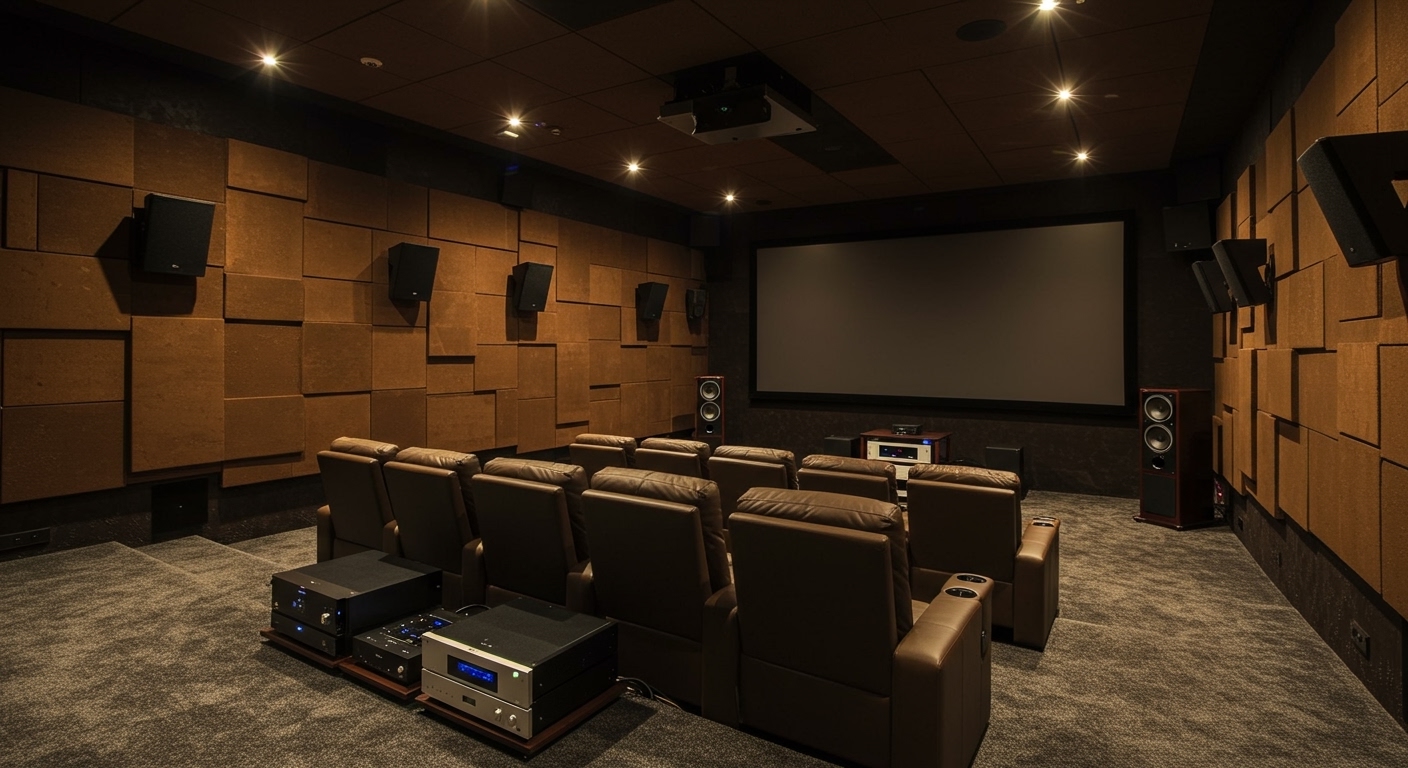
Before grabbing your toolkit, we need to determine exactly where the signal is breaking down. In my years of calibrating high-end Dolby Atmos suites, I’ve found that 70% of “broken” speakers are actually victims of poor handshake protocols between the TV and the receiver.
The “Process of Elimination” Method
To identify the culprit, swap the non-functioning speaker with a known working one from a different channel (e.g., move the Left Surround speaker to the Front Right terminal).
- If the speaker works in the new spot: The original speaker wire or the AVR channel is the problem.
- If the speaker still fails: The internal voice coil or crossover circuit inside the speaker is likely damaged.
Checking Receiver Protection Modes
Modern receivers from brands like Marantz and Sony have a “Protection Mode” that triggers if there is a short circuit. If your receiver is blinking a red light or shutting off immediately, you likely have two speaker wire strands touching each other at the back of the unit.
Common Repair Scenarios and Solutions
| Symptom | Likely Cause | Primary Solution |
|---|---|---|
| Complete Silence | Loose wire or “Mute” enabled | Reseat Banana Plugs and check AVR display |
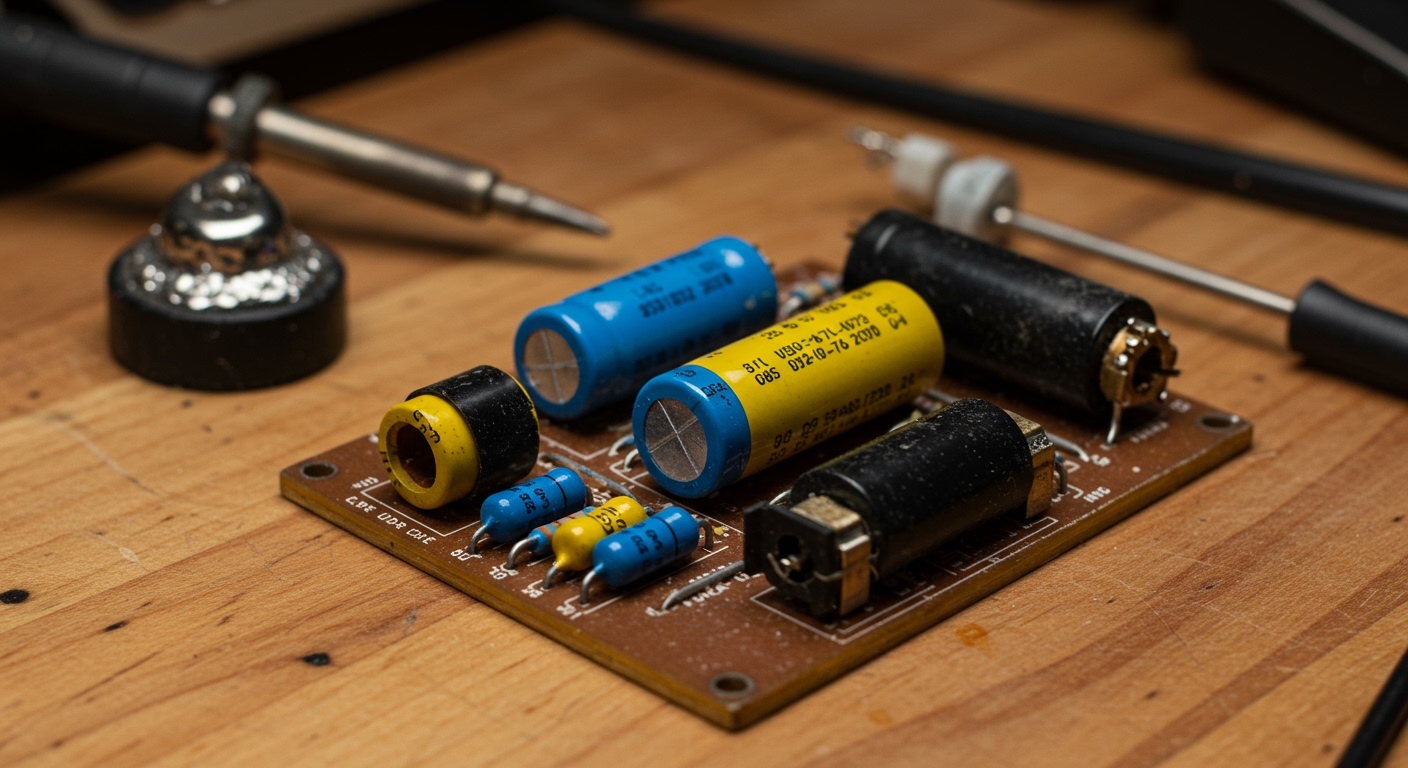
| Crackling/Static | Dirty Potentiometers or Interference | Clean terminals with DeoxIT or move routers away |
| Muffled Sound | Blown Tweeter | Replace the high-frequency driver |
| Humming/Buzzing | Ground Loop | Use a Ground Loop Isolator or plug into the same outlet |
| Distortion at High Volume | Underpowered Amplifier | Upgrade to a higher-wattage AVR or external amp |
Step-by-Step: How to Fix Surround Sound Speakers (Wiring Issues)
Wiring is the most frequent point of failure in any 7.1 surround sound setup. Over time, copper oxidizes (turns green or black), which increases electrical resistance and kills the signal.
Step 1: Inspect the Terminals
Unplug the AVR from the power source. Examine the binding posts on both the speaker and the receiver. If you see bare wire that looks dull or corroded, it is time for a refresh.
Step 2: Re-terminating the Wire
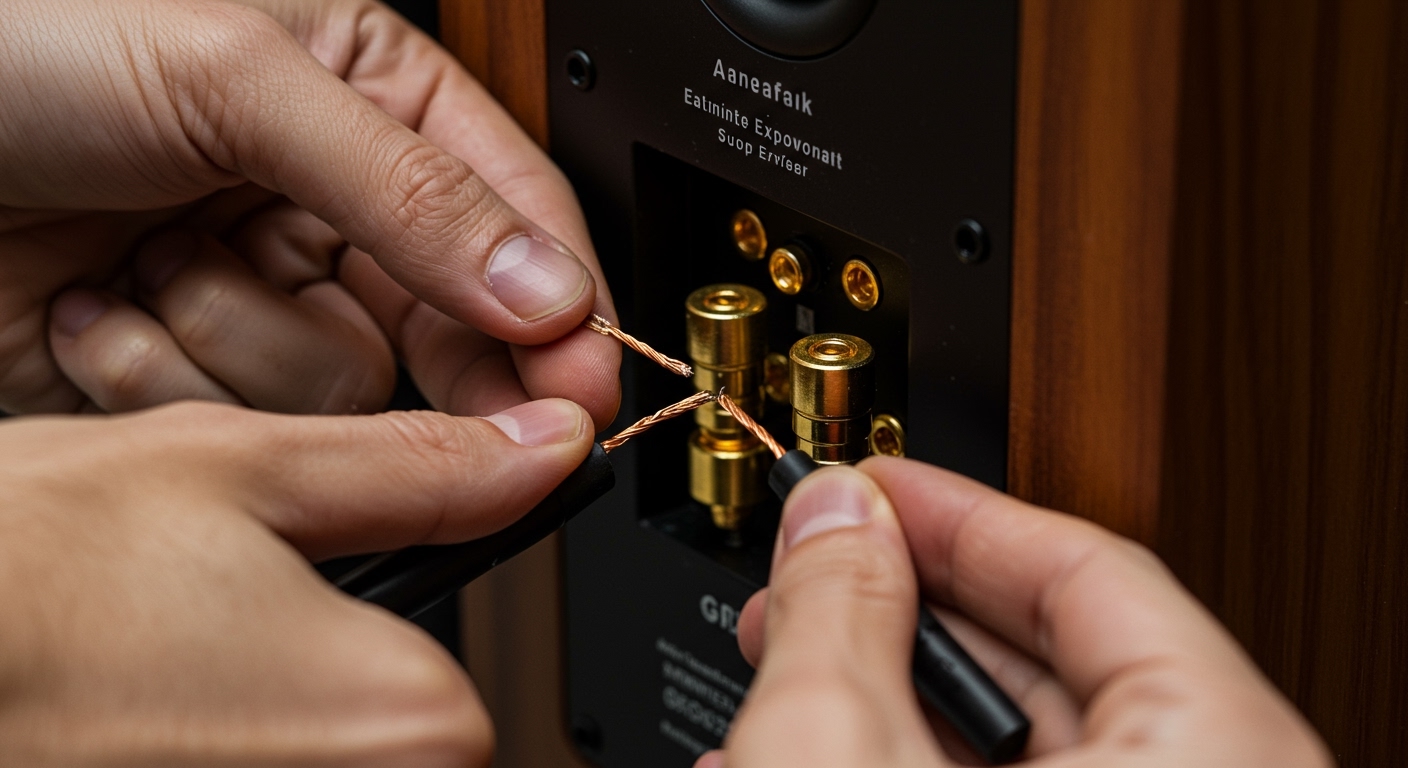
Use a pair of precision wire strippers to cut off the last two inches of the cable. Strip back about half an inch of the insulation jacket.
- Expert Tip: Twist the copper strands tightly. Loose strands can touch the adjacent terminal, causing a short circuit that can fry your receiver’s output transistors.
Step 3: Using Banana Plugs for Stability
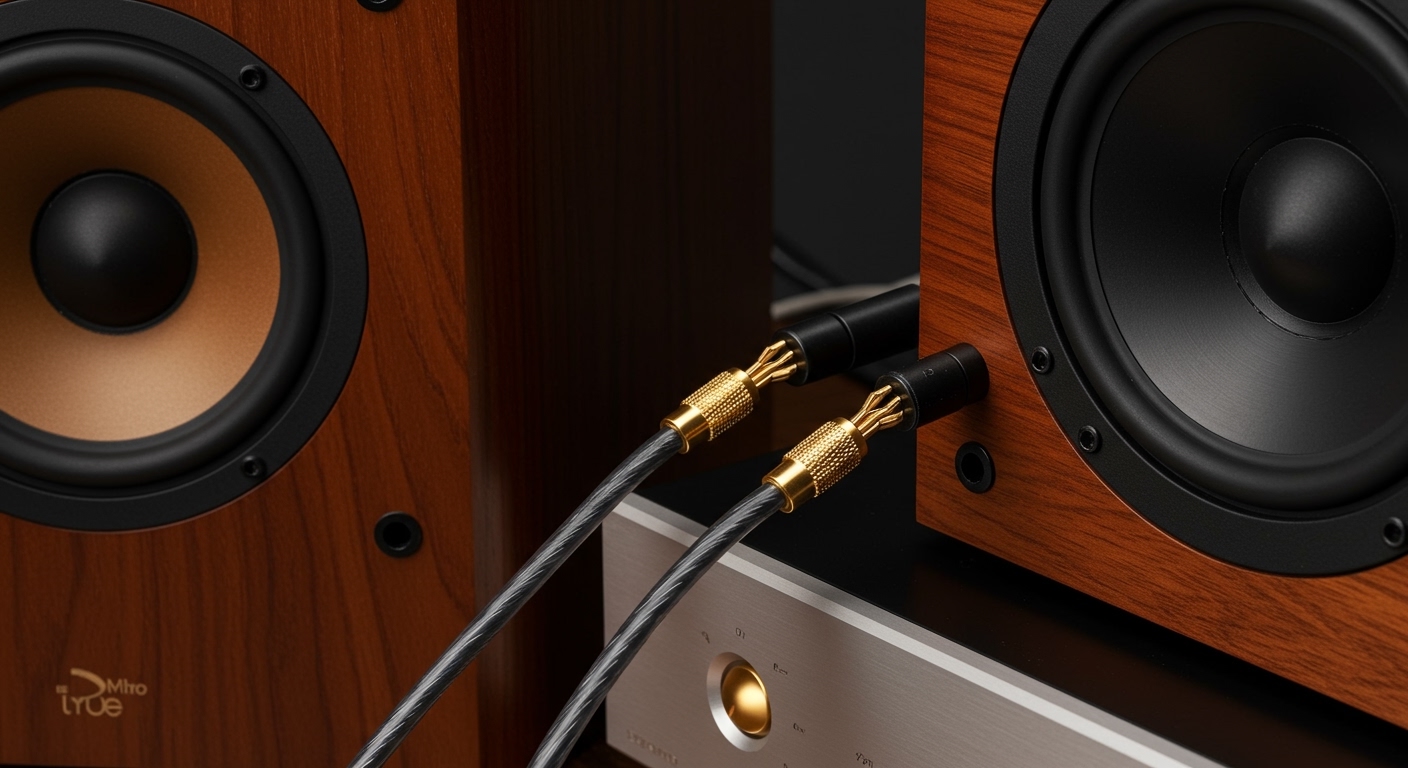
I highly recommend installing Gold-Plated Banana Plugs. These provide a secure, oxidation-resistant connection that won’t wiggle loose when you move your subwoofer or media console.
Fixing “No Sound” from Specific Channels
If you have a 5.1 system and the Rear Surrounds aren’t working, the issue is often digital, not physical.
Adjusting the Sound Mode
Many users listen to music in “Stereo” mode, which naturally disables the surround speakers. Ensure your receiver is set to “Multi-Channel Stereo,” “Dolby Surround,” or “DTS:X” to upmix the audio to all speakers.
Configuring the Small/Large Setting
In your AVR setup menu, check the “Speaker Configuration.” If your speakers are small satellite units but set to “Large,” the receiver may be sending low frequencies to them that they cannot handle, causing the internal protection circuit to trip. Set them to “Small” and set the Crossover Frequency to 80Hz.
Hardware Repair: Fixing the Speaker Driver
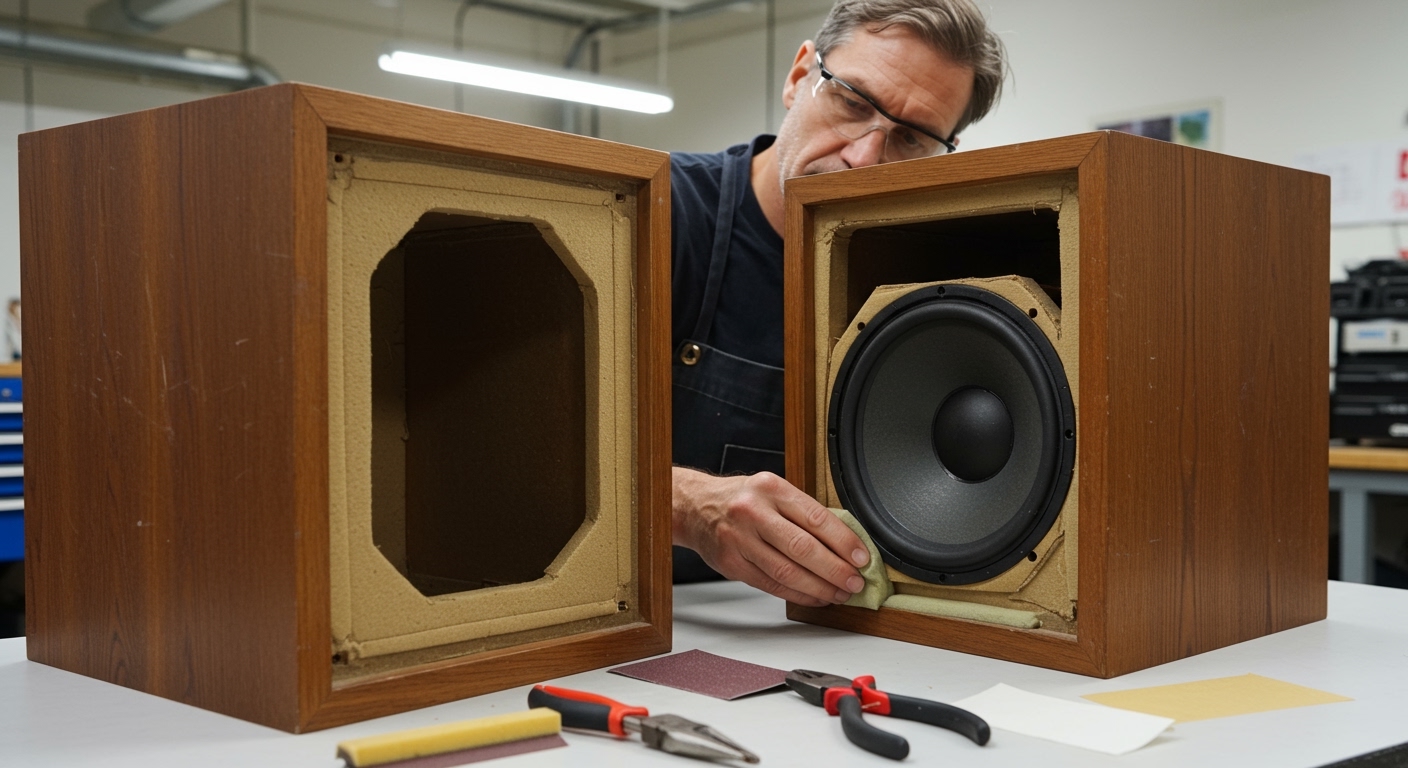
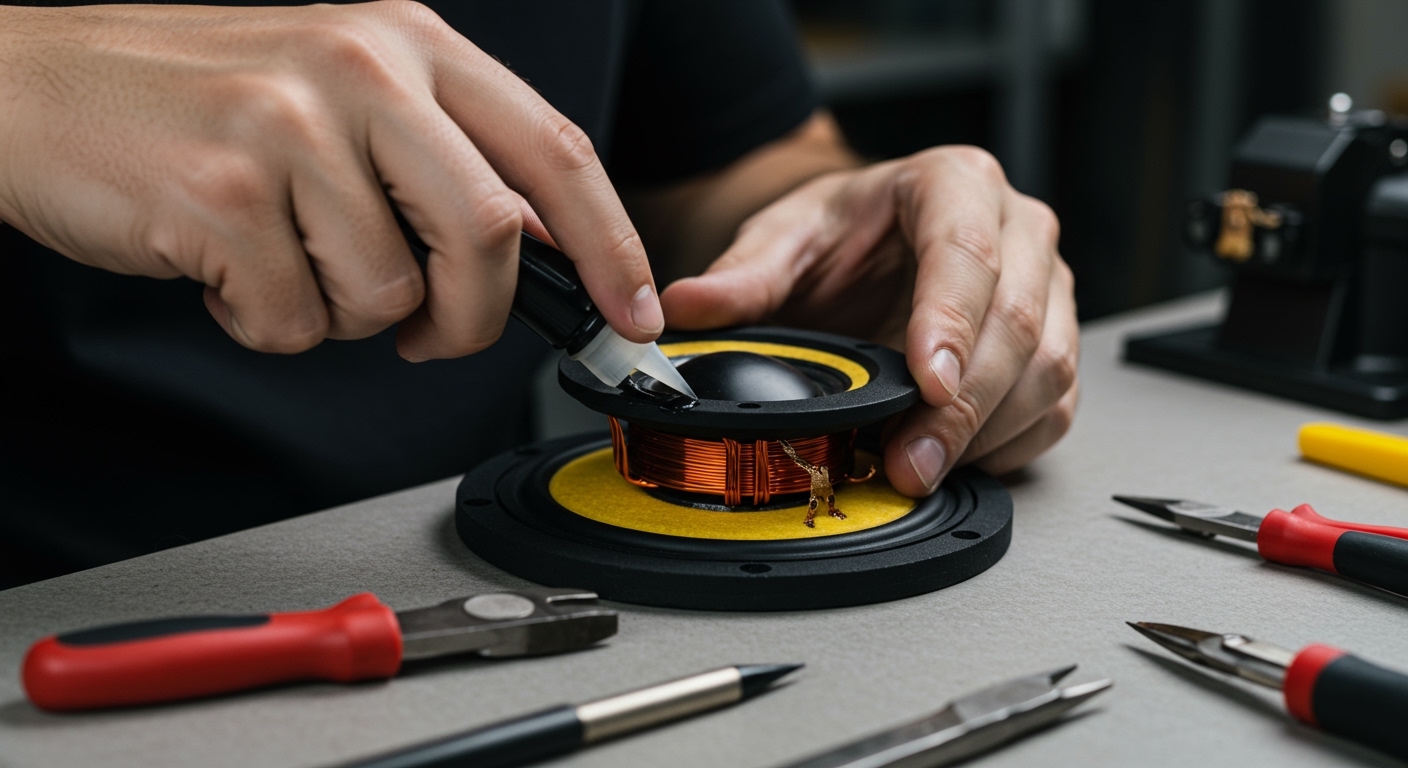
If you’ve confirmed the wiring and receiver are fine, the speaker itself needs surgery. This usually involves the Voice Coil, the Spider, or the Surround Foam.
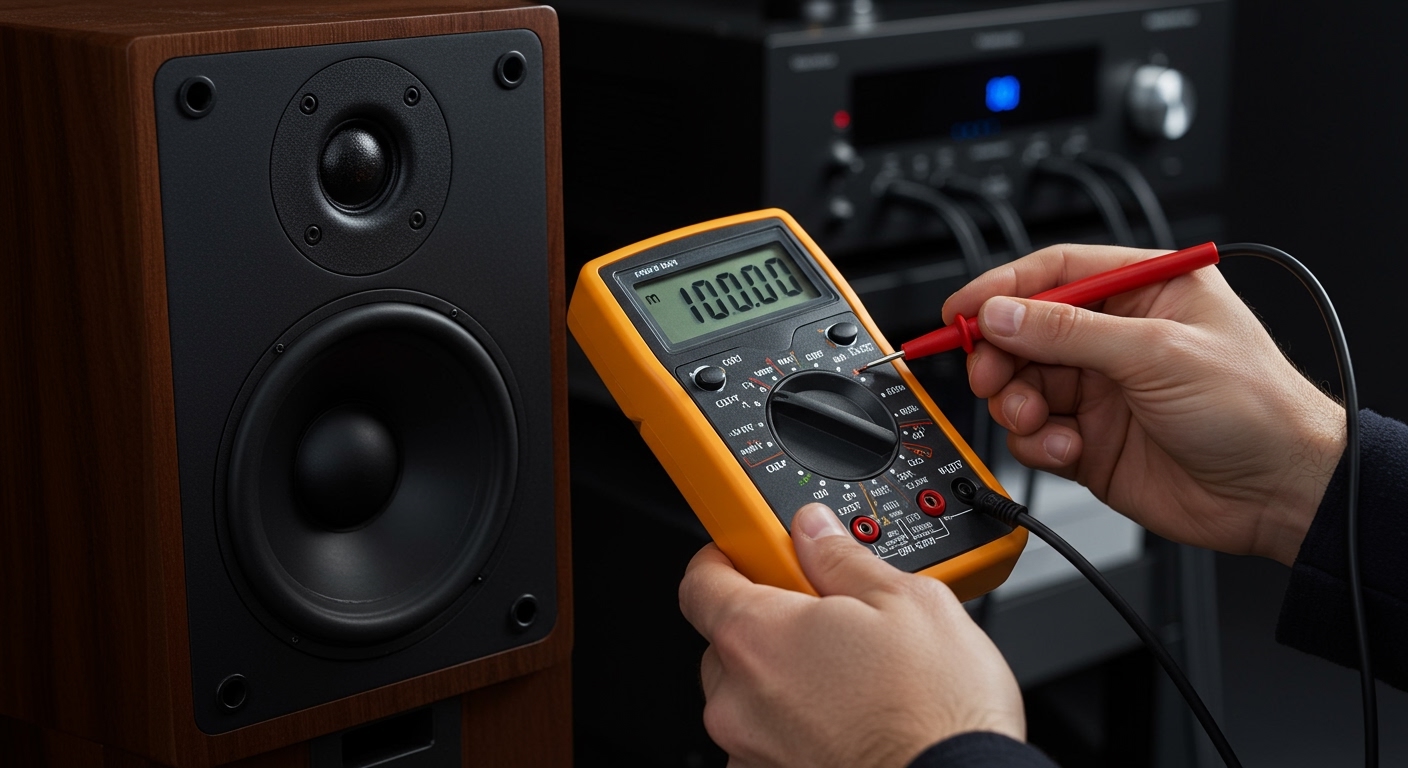
Testing with a Multimeter
- Set your multimeter to the lowest Ohms (Ω) setting.
- Touch the probes to the positive and negative terminals of the speaker.
- A healthy 8-ohm speaker should read between 5.5 and 7.5 ohms.
- If the reading is 0.0, there is a short. If it reads OL (Open Loop), the voice coil is snapped.
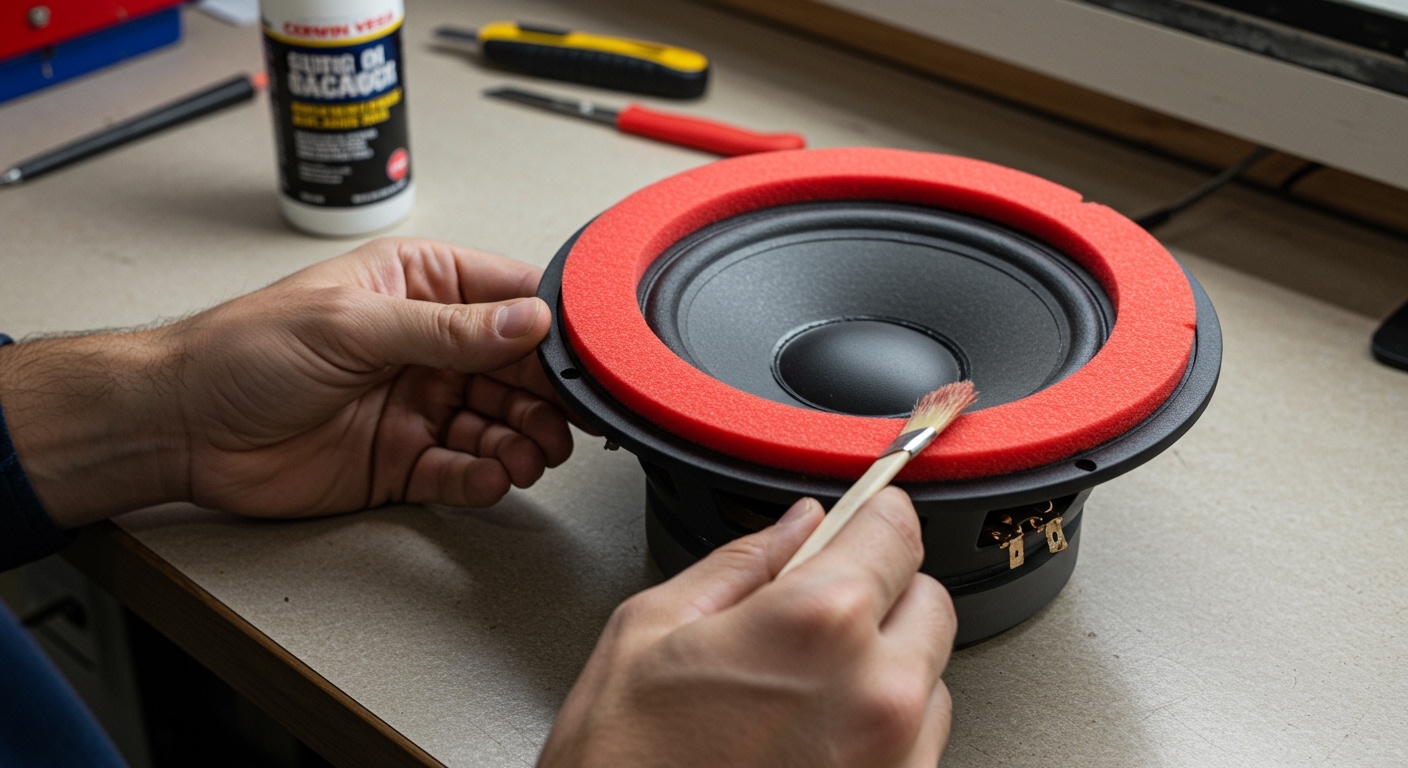
Replacing the Foam Surround
In older systems like vintage JBL or Bose setups, the rubber or foam ring around the cone (the surround) eventually rots.
- Carefully scrape away the old, crumbly foam using a utility knife and isopropyl alcohol.
- Apply a thin bead of speaker repair adhesive to the outer edge of the cone.
- Center the new foam surround and press firmly. Allow it to cure for 24 hours before testing.
Solving Interference and Ground Loops
Does your subwoofer make a low-frequency hum even when no movie is playing? This is a Ground Loop.
- The Power Test: Ensure your TV, AVR, and Powered Subwoofer are all plugged into the same Power Strip or Surge Protector.
- Shielded Cables: Replace cheap RCA cables with Shielded Coaxial Cables to prevent EMI (Electromagnetic Interference) from nearby Wi-Fi routers or microwaves.
Expert Insights: When to Repair vs. Replace
We often get asked if it’s worth fixing an old home theater in a box (HTIB). Generally, if the repair requires replacing a proprietary driver in a cheap $200 system, you are better off upgrading to bookshelf speakers from reputable brands like ELAC, Polk, or SVS.
However, if you own high-end components, a $30 re-foaming kit or a $50 replacement tweeter can extend the life of your system by another decade.
Frequently Asked Questions
Why is my surround sound speaker crackling?
Crackling is usually caused by a poor connection or dirty internal components. Check for loose wires first. If that doesn’t work, use electronic contact cleaner on the receiver’s volume knob or the speaker terminals to remove oxidation.
Can I fix a blown speaker without replacing it?
If the “blown” sound is caused by a torn paper cone, you can sometimes use a coffee filter and wood glue as a temporary patch. However, if the voice coil is melted from overpowering, the driver must be replaced entirely.
How do I know if my AV receiver is bad?
If no speakers work regardless of the source, or if the receiver displays a “Check System” or “Protect” error with no wires connected, the internal amplifier or power supply has likely failed.
Does speaker wire quality actually matter?
Yes, but only to a point. Use 16-gauge or 14-gauge Oxygen-Free Copper (OFC) wire for runs over 20 feet. Avoid “Copper Clad Aluminum” (CCA) as it has higher resistance and is more prone to breaking during installation.