Why You Need to Know How to Limit Watts to Speakers
To limit watts to speakers, you must use a limiter (either in a DSP or integrated into an amplifier) to cap the maximum output voltage, or install passive protection like fuses and L-pads. This prevents thermal failure (melted voice coils) and mechanical failure (over-excursion) by ensuring the power delivered does not exceed the speaker’s RMS or Peak power ratings.
Properly limiting your audio system ensures that even if someone cranks the volume knob to the maximum, your hardware remains safe. It is the bridge between a system that sounds great for a weekend and one that lasts for a decade.
TL;DR: Key Takeaways for Speaker Protection
- The Primary Tool: A Digital Signal Processor (DSP) is the most effective way to set precise power limits.
- The Calculation: Use the formula Voltage = Square Root of (Watts x Ohms) to find your limit threshold.
- Two Types of Limits: RMS limiting protects against heat; Peak limiting protects against physical damage from sudden spikes.
- Hardware Backup: For older or passive systems, inline fuses or L-pad attenuators offer a physical barrier against excess power.
- The Golden Rule: Never rely on the “volume knob” as a safety device; always implement a hard electronic ceiling.
The Physics of Failure: Why We Limit Power
Before learning how to limit watts to speakers, you must understand what you are protecting against. During my years of repairing high-end cinema and stage monitors, I have seen thousands of dollars in gear destroyed by two specific types of stress.
Thermal Failure (The Slow Burn)
Thermal failure occurs when the voice coil of the speaker gets too hot. This happens when the RMS (Root Mean Square) power is too high for too long. The glue holding the coil together melts, or the wire itself burns through.
Mechanical Failure (The Snap)
Mechanical failure happens when a sudden spike in energy pushes the speaker cone further than it was designed to move. This is called over-excursion. It often results in torn surrounds or “bottoming out” the voice coil against the magnet assembly.
| Failure Type | Cause | Protection Method |
|---|---|---|
| Thermal | Sustained high wattage (Heat) | RMS Limiter (Long Attack/Release) |
| Mechanical | Sudden voltage peaks | Peak Limiter (Instant Attack) |
| Clipping | Underpowered amp “squaring” waves | Headroom Management |
How to Calculate Your Limiter Settings
You cannot simply tell a limiter to “limit to 100 watts.” Most professional limiters and DSPs work in Voltage (V) or decibels (dBu/dBV). To know how to limit watts to speakers effectively, you must do a small amount of “Ohm’s Law” math.
The Magic Formula
To find the voltage limit for your speaker, use this equation:
Voltage = √ (Continuous Wattage × Speaker Impedance)
Example Scenario:
If you have a speaker rated at 250 Watts RMS with an impedance of 8 Ohms:
- Multiply 250 by 8 = 2,000.
- Find the square root of 2,000 = 44.72.
- Your limit should be set to 44.7 Volts.
Expert Pro-Tip: I always recommend setting your limit at 80% of the calculated value for an extra safety margin, especially in commercial environments where the system runs for 10+ hours a day.
Step-by-Step Guide: How to Limit Watts to Speakers Using a DSP
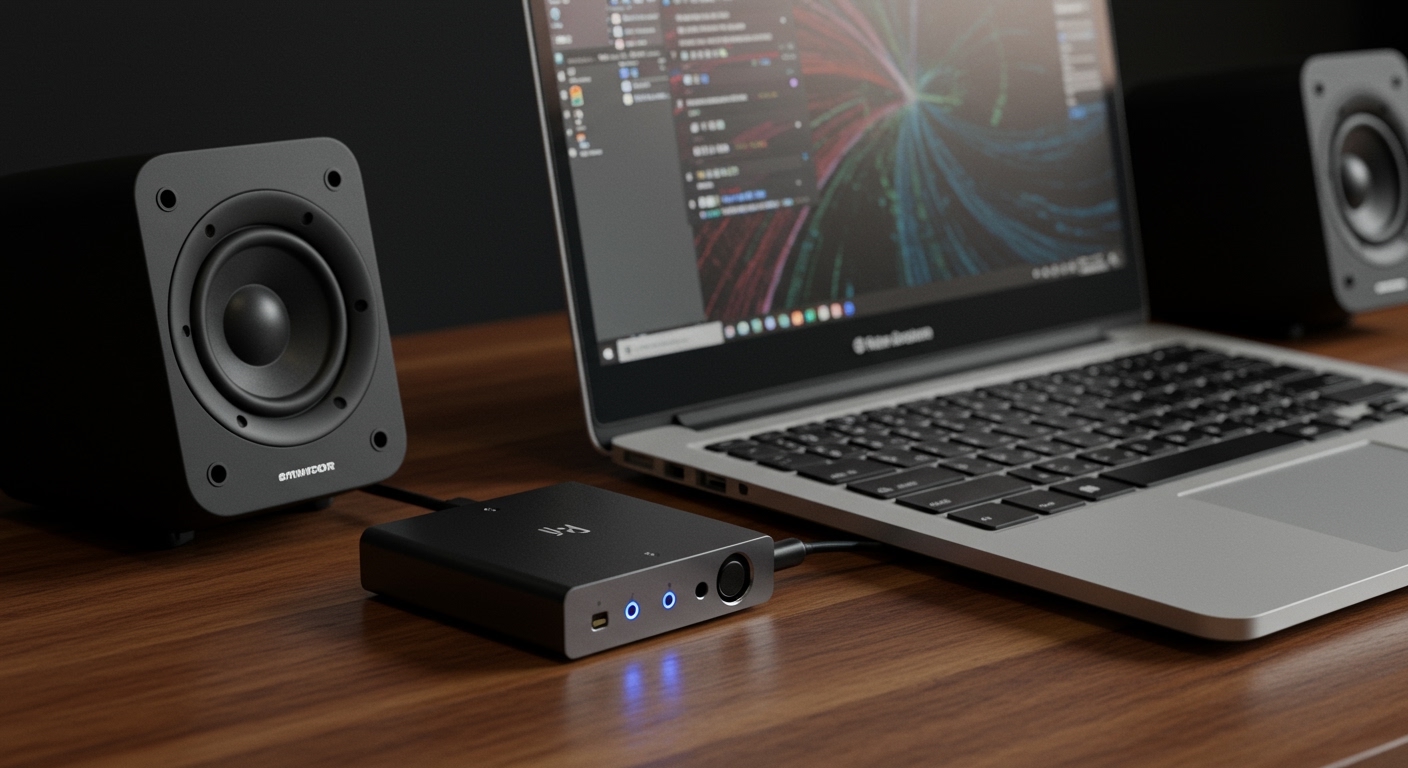
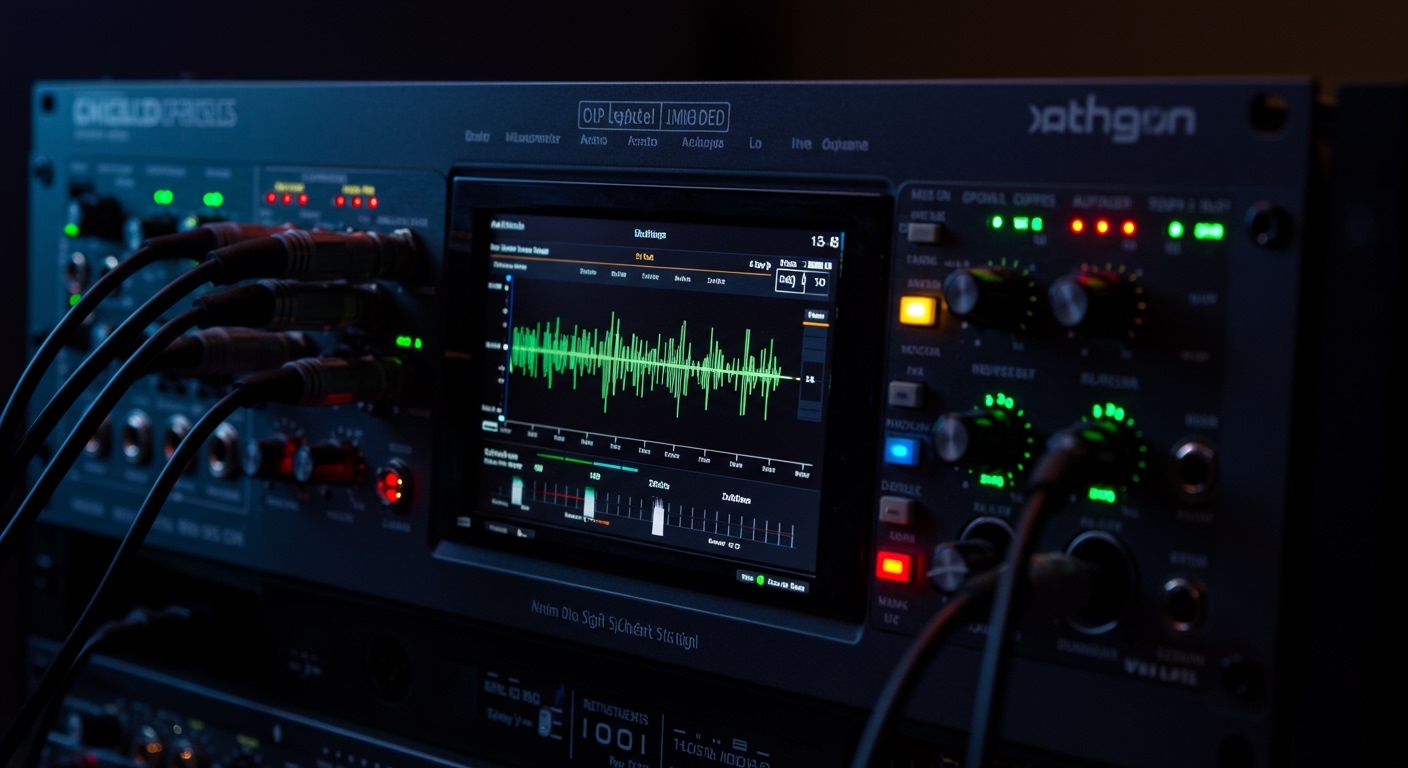
Using a Digital Signal Processor (like a DBX DriveRack, QSC Q-SYS, or Behringer DCX2496) is the “Gold Standard.” It provides a “brick wall” that the audio signal cannot pass.
Step 1: Identify Your Speaker Ratings
Check the back of your speaker cabinet or the manufacturer’s spec sheet. You need the Continuous/RMS Power and the Nominal Impedance. Ignore “Peak Power” or “Program Power” for your baseline safety calculations.
Step 2: Calculate the Voltage Threshold
Use the formula provided in the previous section. Write down your Target Voltage.
Step 3: Access the Limiter Section of Your DSP
Navigate to the “Output” or “Crossover” settings in your DSP software. Look for the Limiter tab. Most modern units allow you to choose between Peak and RMS limiting.
Step 4: Set the Threshold
- For RMS Limiting: Set the threshold to your calculated voltage. Set a slow attack time (around 100ms to 500ms) to allow short transients through while protecting against long-term heat.
- For Peak Limiting: Set this about 3dB to 6dB higher than your RMS limit. Use an instant attack time (0.1ms) to stop the cone from flying out of the basket during a mic drop or sudden feedback loop.
Step 5: Verify with a Multimeter
I never trust the software alone. Unplug your speaker, play a 60Hz sine wave (for subwoofers) or a 1kHz sine wave (for full-range), and turn up the volume until the limiter engages. Use a Digital Multimeter on the AC Voltage setting across the amp outputs to ensure the voltage stops at your target number.
Hardware Methods: Limiting Watts Without a DSP
If you are using an older analog receiver or a simple car audio setup, you might not have access to a digital limiter. Here is how to limit watts to speakers using physical components.
Inline Fuses
This is the “old school” but effective method. You place a fast-blow fuse in series with the positive speaker wire.
- The Logic: If the current (Amperage) exceeds the fuse rating, the fuse blows, breaking the circuit and saving the expensive speaker.
- The Calculation: Amps = √ (Watts / Ohms). For a 100W, 8-ohm speaker, a 3.5 Amp fuse is a safe choice.
L-Pad Attenuators
An L-Pad is a high-power variable resistor. It sits between the amplifier and the speaker. Unlike a standard volume pot, it maintains a constant impedance so the amplifier doesn’t overheat.
- Best For: Tweeters or small satellite speakers that are much louder than the rest of your system.
Using “Gain Staging” as a Hard Limit
While not a technical limiter, setting your amplifier gains correctly is vital.
- Turn your mixer/preamp to its maximum “clean” output (just before the red lights).
- Slowly turn up the amplifier gain until the speaker reaches its maximum safe volume.
- Remove the knobs or cover the gain settings with a security plate. This prevents “accidental” over-powering.
Using Power Scaling in Modern Amplifiers
Many modern Class D Amplifiers (from brands like Crown, Lab Gruppen, and Powersoft) have built-in power management.
Instead of a complex DSP setup, these units often feature a Voltage Peak Limiter (VPL) or a Power Scaling switch on the back. You can select a setting (e.g., 35V, 70V, or 100V) that matches your speaker’s needs. This is the easiest way for non-technical users to handle how to limit watts to speakers without needing a calculator.
Common Mistakes When Limiting Speaker Power
In my experience consulting for nightclubs and churches, these three mistakes are the most common reasons speakers still blow despite having “limits” in place.
The “Underpowered Amp” Myth
Many people believe that using a small amplifier prevents speaker damage. This is false. When a small amp is pushed too hard, it clips. Clipping turns a smooth sine wave into a “square wave,” which carries significantly more DC-like energy. This can burn out a tweeter faster than a high-powered amp ever would.
Ignoring the Crest Factor
Music isn’t a steady tone; it has peaks and valleys. If you limit your system too aggressively, you kill the Crest Factor (the difference between average and peak levels). This makes the music sound “squashed” and lifeless.
Forgetting the Impedance Drop
A speaker rated at 8 Ohms is not always 8 Ohms. As the voice coil heats up, resistance increases (Power Compression). Conversely, at certain frequencies, the impedance might dip to 4 Ohms. Always calibrate your limits based on the nominal impedance listed by the manufacturer.
FAQ: Frequently Asked Questions
Can I limit watts using just the volume knob?
No. A volume knob is a variable attenuator for the input signal, not a cap on output power. If the input signal (like a loud song or a dropped microphone) increases suddenly, the output wattage will still spike and potentially damage the speaker.
Will limiting my speakers reduce the sound quality?
If done correctly, no. A well-set Peak Limiter is transparent and only activates during dangerous transients. However, an RMS Limiter set too low can cause “pumping” sounds or a loss of dynamics. The key is to set the threshold just above your maximum intended listening level.
Do I need a limiter for home theater speakers?
Most modern Home Theater Receivers (AVRs) have internal protections and “Soft Clipping” circuits. However, if you are using external power amplifiers, adding a DSP or using the amp’s built-in limiting features is highly recommended to protect your investment.
What is the difference between a compressor and a limiter?
A compressor reduces the dynamic range gradually (e.g., 2:1 or 4:1 ratio). A limiter is a compressor with a very high ratio (10:1 or “Infinity:1”). While a compressor “squeezes” the sound, a limiter acts as a “brick wall” that the signal cannot cross.