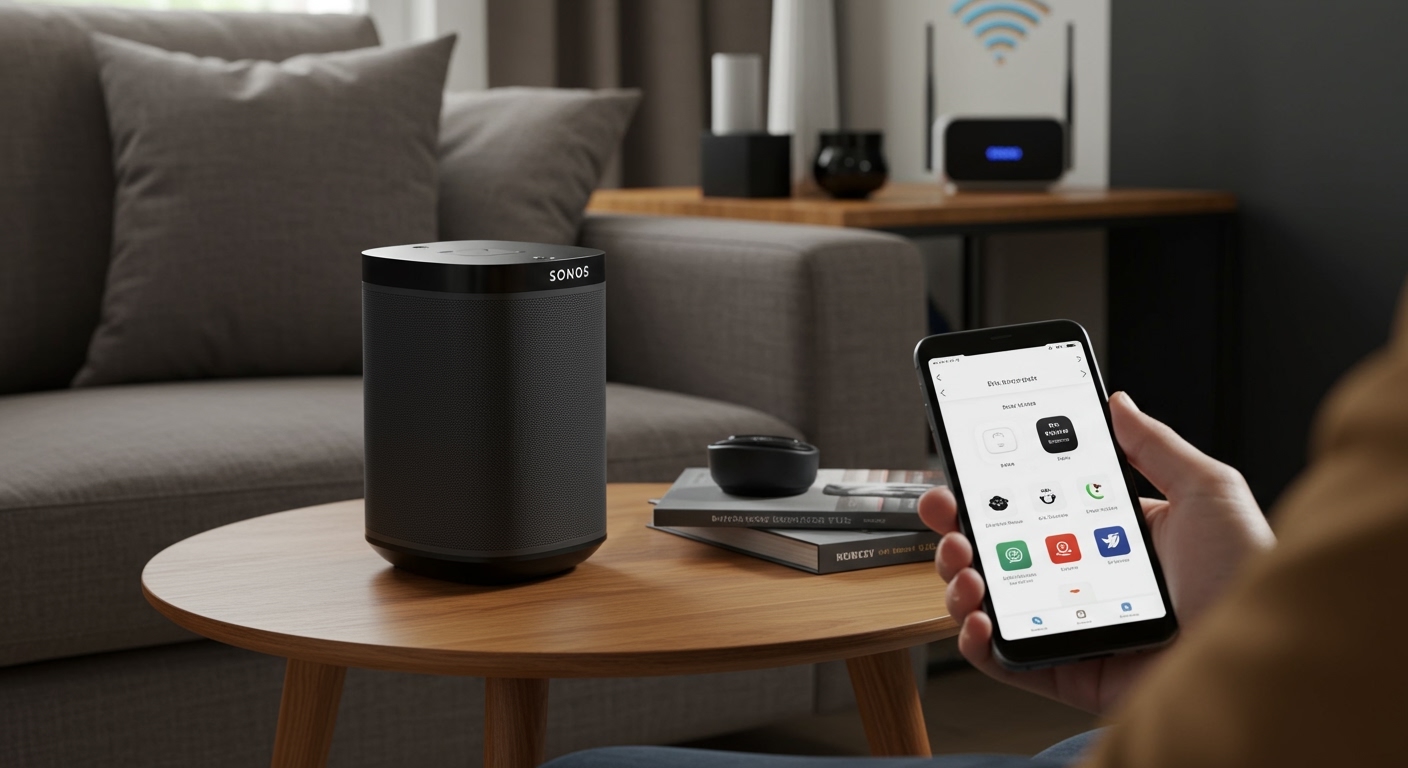
How to Make Speakers AirPlay 2 Compatible: The Quick Answer
To learn how to make speakers AirPlay 2 compatible, the most effective method is connecting a dedicated AirPlay 2 bridge or network streamer like the WiiM Mini, Belkin Soundform Connect, or an Apple TV 4K to your existing amplifier or powered speakers. These devices act as a digital translator, receiving the AirPlay 2 signal over Wi-Fi and outputting it via Optical, Coaxial, or 3.5mm auxiliary cables to your non-smart audio gear.
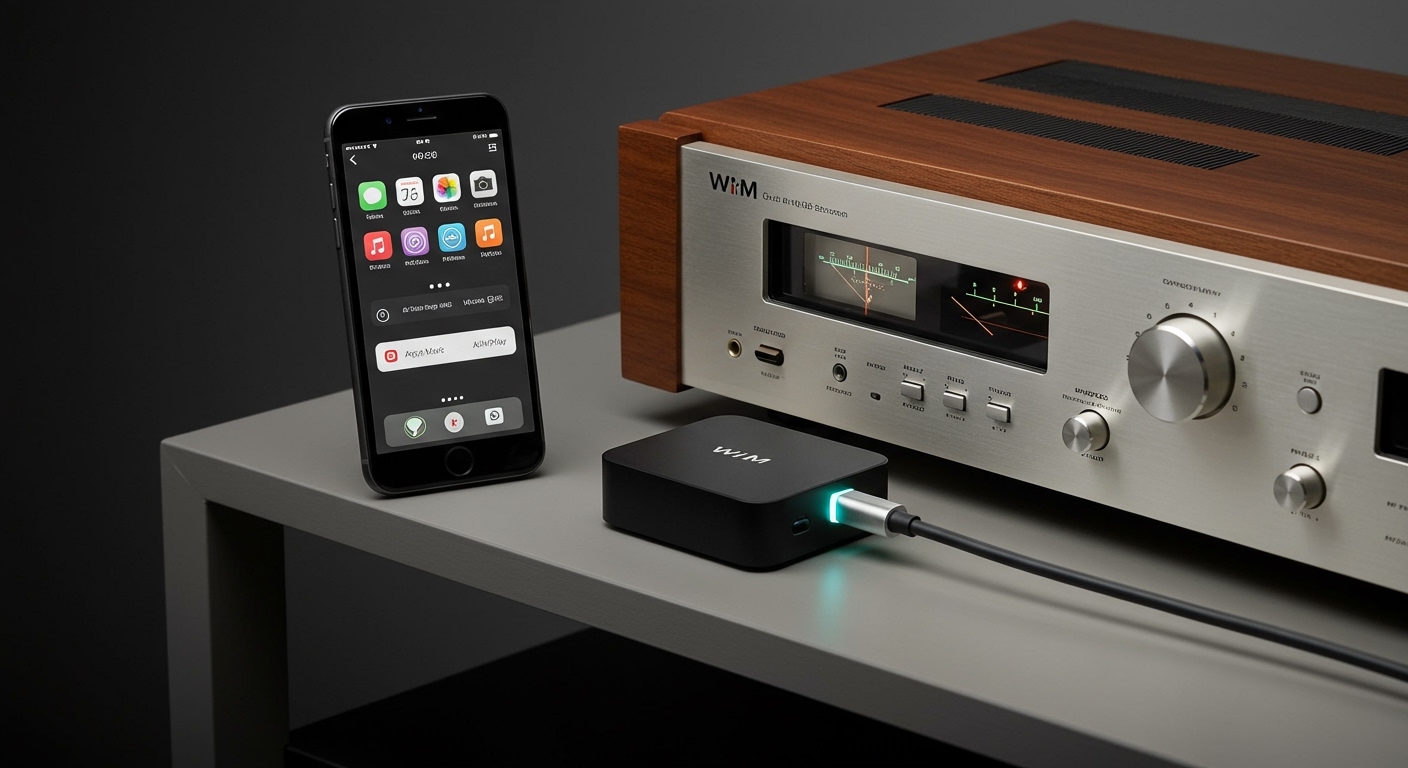
By adding one of these budget-friendly components, you can integrate vintage hi-fi systems or older powered monitors into your Apple Home ecosystem, enabling multi-room audio, Siri voice control, and high-fidelity streaming without replacing your beloved hardware.
TL;DR: Key Takeaways for Retrofitting AirPlay 2
- Best Overall Solution: Use a WiiM Mini or WiiM Pro for high-resolution audio and stable connectivity.
- Most Integrated Option: Connect an Apple TV 4K to your receiver via HDMI.
- The Budget Hack: Repurpose an old AirPort Express (2nd Generation) with the 7.8 firmware update.
- Plug-and-Play: The Belkin Soundform Connect is a dedicated “black box” designed specifically for this task.
- Essential Gear: You will likely need RCA-to-3.5mm or Toslink Optical cables depending on your speaker inputs.
Why Upgrade Your Legacy Speakers to AirPlay 2?
I have spent years testing various wireless audio protocols, from the early days of laggy Bluetooth to modern mesh-networked systems. While Bluetooth is convenient, it compresses your music and cuts out the moment you walk into another room.
AirPlay 2 is a game-changer for home audio enthusiasts because it uses your home Wi-Fi network rather than a direct device-to-device connection. This allows for:
- Multi-Room Sync: Play the same track across Bose, Sonos, and vintage McIntosh speakers simultaneously.
- Higher Bandwidth: Stream CD-quality audio (16-bit/44.1kHz) without the audible artifacts of Bluetooth codecs.
- System-Wide Integration: Control your music via the Control Center on iPhone, Apple Watch, or Siri voice commands.
- No Interruptions: Your music won’t stop when you receive a phone call or watch a video on social media.
The Best Hardware Solutions to Make Speakers AirPlay 2 Compatible
If you are looking for how to make speakers AirPlay 2 compatible, you have four primary hardware paths. Each has different price points and technical requirements.
Using a Dedicated Network Streamer (Recommended)**
In my professional experience, the WiiM lineup has revolutionized this space. Previously, you had to spend $500+ on a high-end streamer like those from Bluesound or Cambridge Audio.
- WiiM Mini: This is a puck-sized device that supports AirPlay 2, Spotify Connect, and Tidal Connect. It features an excellent Burr-Brown DAC (Digital-to-Analog Converter) for the price.
- Belkin Soundform Connect: This is a “set it and forget it” device. It doesn’t have its own app for music; it simply turns your speakers into an AirPlay 2 target that shows up on your iPhone.
The Apple TV Method**
If your speakers are connected to an AV Receiver in a home theater setup, you likely already have the tools needed.
- The Setup: Plug an Apple TV 4K into your receiver via HDMI.
- The Benefit: You get a full visual interface for Apple Music, and your receiver acts as the high-quality DAC.
- The Downside: You must have your TV on to navigate menus (unless you use the Remote app), and it requires a receiver with HDMI inputs.
The AirPort Express Budget Hack**
Many people don’t realize that Apple released a surprise firmware update (version 7.8) for the 2012 AirPort Express (2nd Generation).
- The Hack: You can find these used on eBay for $30–$50.
- The Performance: Despite its age, it supports AirPlay 2 flawlessly. It features a unique 3.5mm jack that doubles as a mini-Toslink optical port, providing a clean digital signal to your amplifier.
DIY Raspberry Pi (For Tech Enthusiasts)**
If you enjoy coding and hardware tinkering, a Raspberry Pi running Shairport-Sync can act as an AirPlay 2 receiver.
- Pros: Highly customizable and can be hidden inside speaker cabinets.
- Cons: Requires knowledge of Linux commands and a separate USB DAC or “HAT” (Hardware Attached on Top) for decent sound quality.
Comparison of AirPlay 2 Conversion Tools
| Device | Approx. Price | Output Options | Best For |
|---|---|---|---|
| WiiM Mini | $80 – $90 | Optical, 3.5mm Aux | Audiophiles on a budget |
| Belkin Soundform | $90 – $100 | Optical, 3.5mm Aux | Pure simplicity |
| Apple TV 4K | $129+ | HDMI | Home Theater Integration |
| AirPort Express (Used) | $30 – $50 | 3.5mm / Mini-Toslink | Extreme budget / Vintage kits |
| Eve Play | $150 | RCA, Optical, Coax | High-end aesthetic & Coaxial out |
Step-by-Step Guide: How to Make Speakers AirPlay 2 Compatible
Follow these steps to breathe new life into your “dumb” speakers. We will use the WiiM Mini as the primary example, as it is currently the most popular solution.
Step 1: Check Your Speaker Inputs
Before buying hardware, look at the back of your speakers or amplifier.
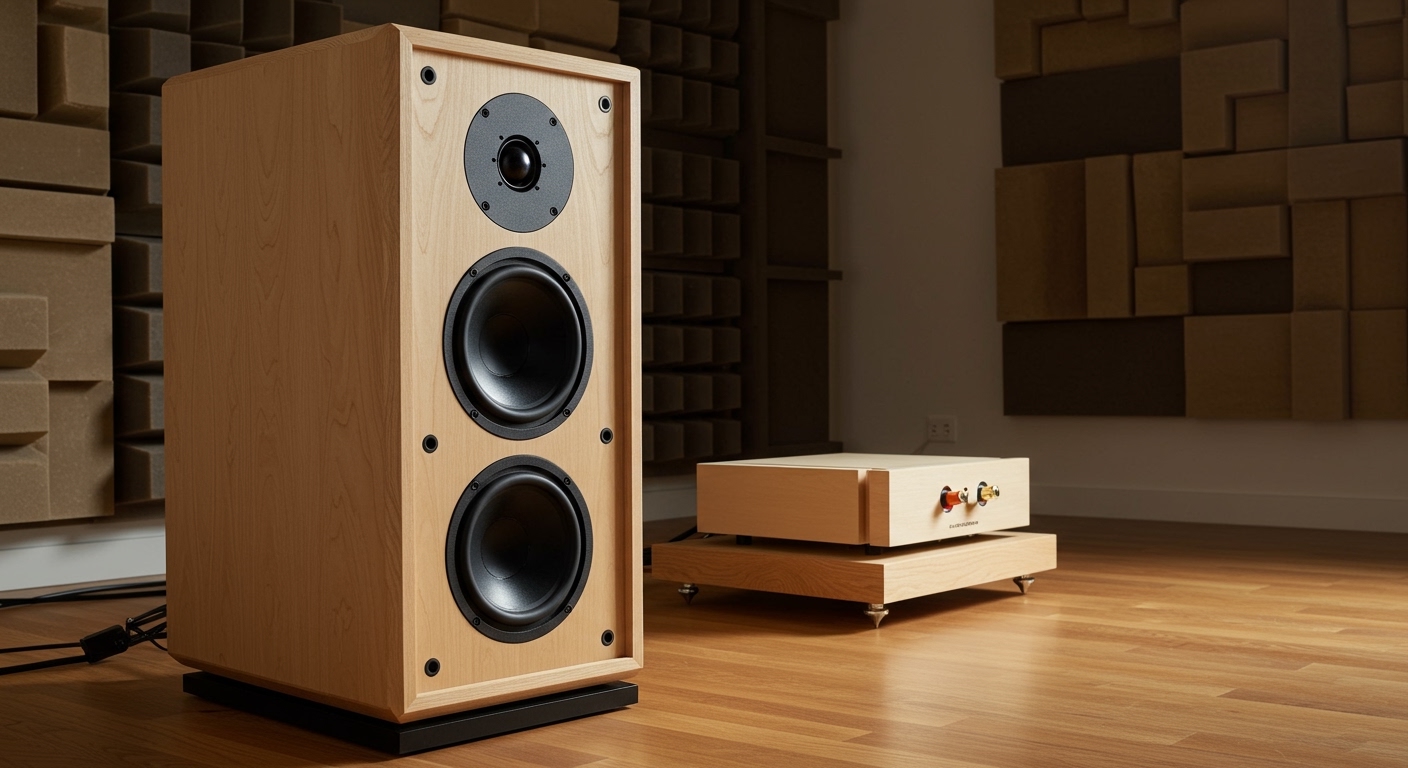
- Powered Speakers (Active): Look for RCA (Red and White) or 3.5mm Aux inputs.
- Passive Speakers: You must connect the AirPlay 2 bridge to an Amplifier or Receiver, not directly to the speakers.
Step 2: Connect the Hardware
- Plug your AirPlay 2 bridge (e.g., WiiM Mini) into a power source.
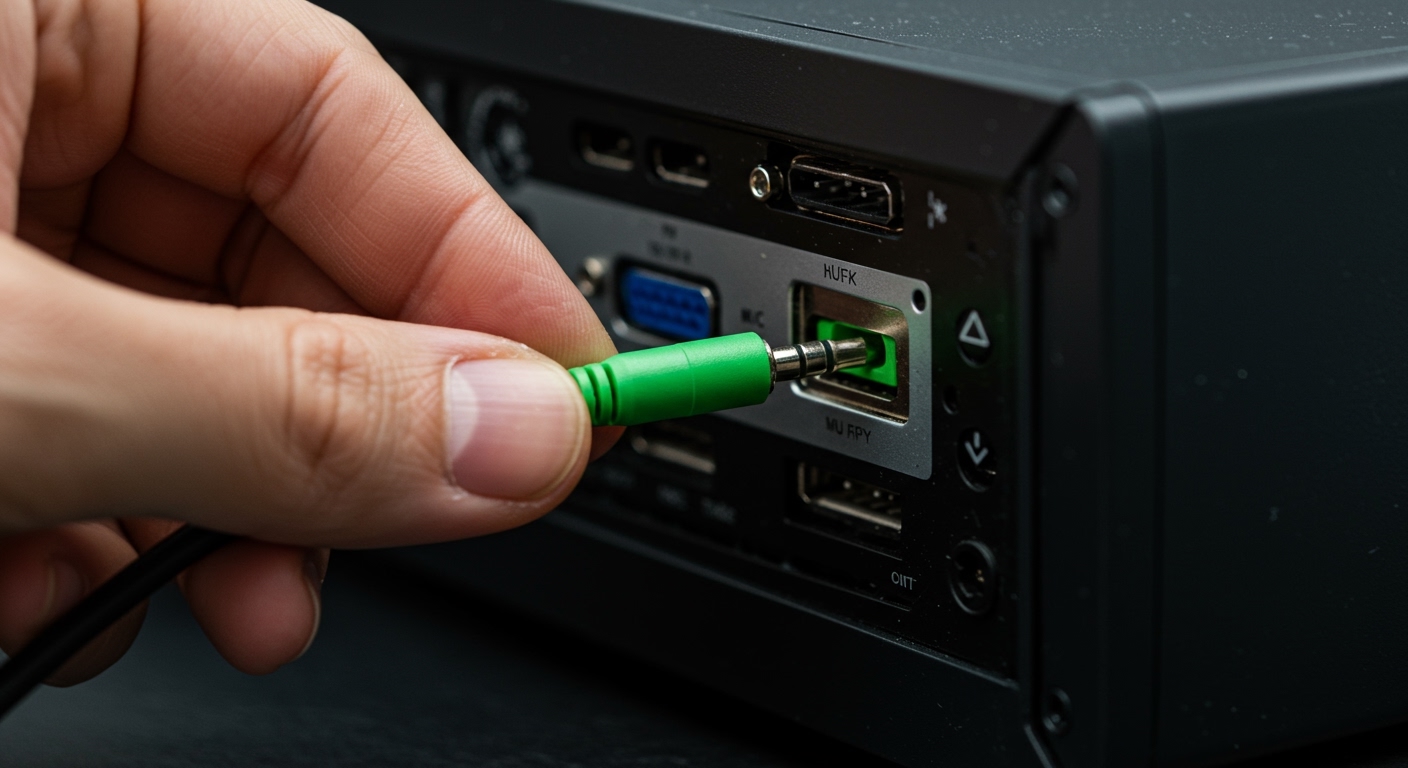
- Connect the audio cable. I highly recommend using a Toslink Optical cable if your receiver supports it. This keeps the signal digital and prevents “hum” or interference.
- If using an older amp, use a 3.5mm to RCA adapter cable.
Step 3: Configure via the App
- Download the manufacturer’s app (e.g., the WiiM Home app).
- Follow the prompts to connect the device to your 2.4GHz or 5GHz Wi-Fi network.
- Crucial Step: Give the device a recognizable name, like “Living Room Speakers” or “Vintage Hi-Fi.”
Step 4: Add to Apple Home App
To get the most out of AirPlay 2, open the Home App on your iPhone.
- Tap the “+” icon and select Add Accessory.
- Choose “I Don’t Have a Code or Cannot Scan.”
- Your streamer should appear. Select it to add it to a specific room. This enables Siri commands like, “Hey Siri, play Jazz in the Living Room.”
Advanced Expert Tips for Better AirPlay 2 Performance
As someone who has managed multi-room setups in homes with thick plaster walls, I’ve learned that the hardware is only half the battle. To ensure a skip-free experience, consider these technical optimizations:
Prioritize Wi-Fi Signal Strength
AirPlay 2 relies heavily on network stability. If your speakers are in a “dead zone,” the audio will stutter.
- Recommendation: Use a Mesh Wi-Fi system (like eero or TP-Link Deco) to ensure consistent coverage.
- Pro Tip: If your streamer has an Ethernet port (like the WiiM Pro), use it. A wired connection is always superior to wireless.
Match the DAC to the System
The DAC inside an iPhone or a cheap $10 adapter is mediocre. If you are running high-end speakers from brands like Kef, Klipsch, or Sennheiser, do not use the analog output of the streamer.
- Expert Advice: Use the Digital Optical (Toslink) output from your AirPlay 2 bridge into an external DAC or a high-quality receiver. This allows the better hardware to handle the heavy lifting of converting bits into sound.
Manage Latency for Multi-Room Audio
Sometimes, your AirPlay 2 speakers might be slightly out of sync with your HomePods.
- The Fix: Most modern streamers (like the WiiM or Belkin) have an “Audio Sync” or “Latency Compensation” feature in their apps. It uses the phone’s microphone to listen to the speakers and automatically adjust the millisecond delay to perfectly match your other devices.
The Cost of Retrofitting vs. Buying New
When considering how to make speakers AirPlay 2 compatible, many wonder if it’s worth the investment.
- Retrofitting Costs: Between $40 and $150. You keep your existing high-quality wood cabinets and superior drivers.
- Buying New: A pair of AirPlay 2 enabled bookshelf speakers (like the Audioengine A1-MR) starts at $229. High-end options like Sonos Five cost $549 each.
My Verdict: If you already own speakers that you love the sound of, retrofitting is 100% the better path. You get the modern convenience of the Apple ecosystem without sacrificing the “soul” of your analog gear.
Frequently Asked Questions
Can I make any speaker AirPlay 2 compatible?
Yes, as long as the speaker (or the amplifier connected to it) has an input jack like 3.5mm Aux, RCA, or Optical. You simply need an external bridge to receive the wireless signal and pass it through a cable to the speaker.
Does AirPlay 2 work with Android?
Technically, AirPlay 2 is an Apple proprietary protocol. While some third-party apps on the Google Play Store can “hack” an AirPlay signal, the experience is often buggy. If you use Android, you should look for devices that support Chromecast Built-in or DLNA alongside AirPlay.
Can I use a Bluetooth transmitter for AirPlay 2?
No. Bluetooth and AirPlay are different protocols. A Bluetooth transmitter cannot “receive” an AirPlay signal from an iPhone. You specifically need a Wi-Fi-enabled streamer that supports the AirPlay 2 protocol.
Is there a difference between AirPlay 1 and AirPlay 2?
Yes, a massive one. AirPlay 1 only allowed streaming to one device at a time and was prone to buffering. AirPlay 2 introduced multi-room audio, significantly better buffering (latency), and integration with the Home app and Siri.
Do I need an internet connection for AirPlay 2?
You need a local Wi-Fi network, but you do not necessarily need an active internet connection to stream music stored locally on your device. However, for streaming services like Apple Music or Spotify, internet access is required.
**
**
**
**