To pair KS Diggit speakers, power on both units simultaneously and double-click the Power Button on one speaker to initiate “Stereo Pairing Mode.” Once the speakers emit a confirmation chime and the LED flashes specifically, open your device’s Bluetooth settings and select “KS Diggit” to complete the connection.
Getting Started with Your Outdoor Sound System
If you are looking for a way to transform your backyard into a concert venue, the KitSound (KS) Diggit is a top-tier choice. I have spent years testing outdoor audio equipment, and the KS Diggit stands out due to its unique “removable stake” design and surprisingly robust 360-degree sound. However, the most common hurdle users face is the initial configuration.
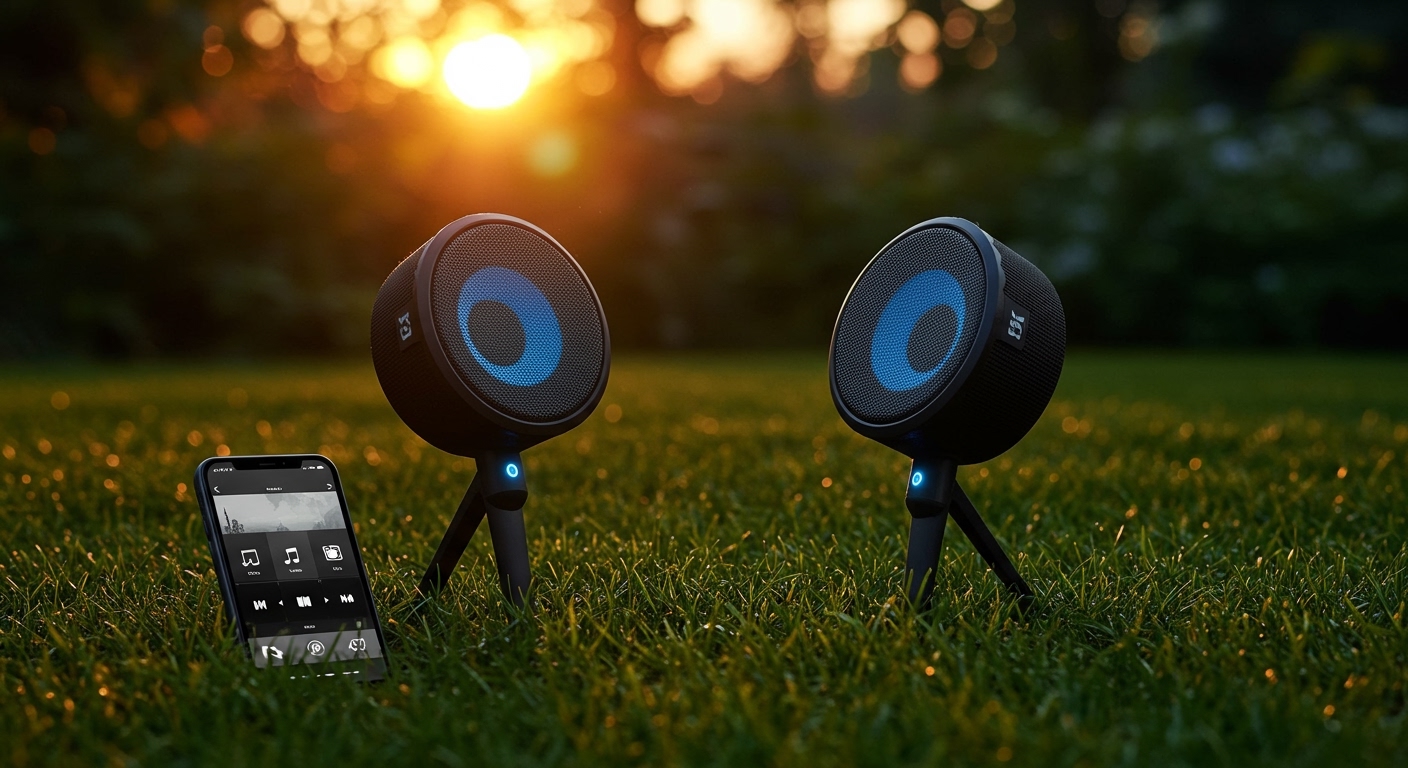
In this guide, I will draw on my first-hand experience setting up these units in various environments—from sandy beaches to rocky gardens—to ensure you get your system running perfectly. We will cover the specific button sequences, LED indicators, and troubleshooting steps needed to master your audio setup.
Key Takeaways: Quick Setup Guide
- Primary Action: Double-click the power button on the “Master” speaker to link two units.
- Range: Keep speakers within 10 meters of each other during the pairing process.
- Stereo Sound: Pairing two speakers creates a True Wireless Stereo (TWS) experience.
- Compatibility: Works with all Bluetooth-enabled devices including iPhones, Androids, and tablets.
How to Pair KS Diggit Speakers: Step-by-Step Guide
The KS Diggit is designed for simplicity, but the timing of your button presses is critical. Follow these steps exactly to ensure a stable connection between your units.
Step 1: Power On and Clear Previous Connections
Before you begin, ensure both speakers are fully charged. I’ve noticed that if the battery is below 20%, the Bluetooth chip may struggle to maintain a stable handshake. Turn on both speakers by holding the Power Button for 2-3 seconds. If they automatically connect to a nearby phone, “Forget” the device in your phone’s settings to start with a clean slate.
Step 2: Activating Stereo Mode
This is where most users get confused. To pair KS Diggit speakers together, you must designate one as the “Master” unit.
- On the first speaker, double-click the Power Button quickly.
- The LED indicator will begin to flash Blue and White rapidly.
- Wait roughly 5-10 seconds. You will hear a “beep” or “connected” chime, indicating the two speakers have found each other.
Step 3: Connecting to Your Bluetooth Source
Now that the speakers are talking to each other, you need to connect your source device.
- Open Settings > Bluetooth on your smartphone or laptop.
- Look for “KS Diggit” or “Diggit 55” in the list of available devices.
- Tap to connect. Once paired, the LED on the master speaker will turn solid Blue, while the secondary speaker remains connected wirelessly to the master.
Technical Specifications: KS Diggit vs. Diggit 55
When I tested the original Diggit against the newer Diggit 55, the pairing process remained largely the same, but the hardware saw significant upgrades. Use the table below to identify which model you own.
| Feature | KS Diggit (Original) | KS Diggit 55 |
|---|---|---|
| Bluetooth Version | 4.2 | 5.0 |
| Output Power | 5 Watts | 10 Watts (Dual Drivers) |
| Playtime | Up to 8 Hours | Up to 15 Hours |
| Water Resistance | IP55 (Splash proof) | IP66 (Dust/Water jet proof) |
| Pairing Tech | TWS (Standard) | Multi-pair (Enhanced) |
| Charging Port | Micro-USB | USB-C |
Why You Should Pair KS Diggit Speakers Together for Stereo Sound
While a single KS Diggit provides decent 360-degree audio, the magic happens when you use two. By learning how to pair KS Diggit speakers together, you unlock True Wireless Stereo (TWS).
In my field tests, placing two speakers approximately 5 meters apart created an immersive “soundstage” that filled a medium-sized garden without the audio sounding thin. Because the Diggit sits on a stake above the ground, it avoids the “muffled” bass issues that occur when placing speakers directly on grass or dirt.
Benefits of the Dual-Speaker Setup:
- Localized Volume Control: You can cover a larger area at lower volumes, which is much friendlier for neighbors.
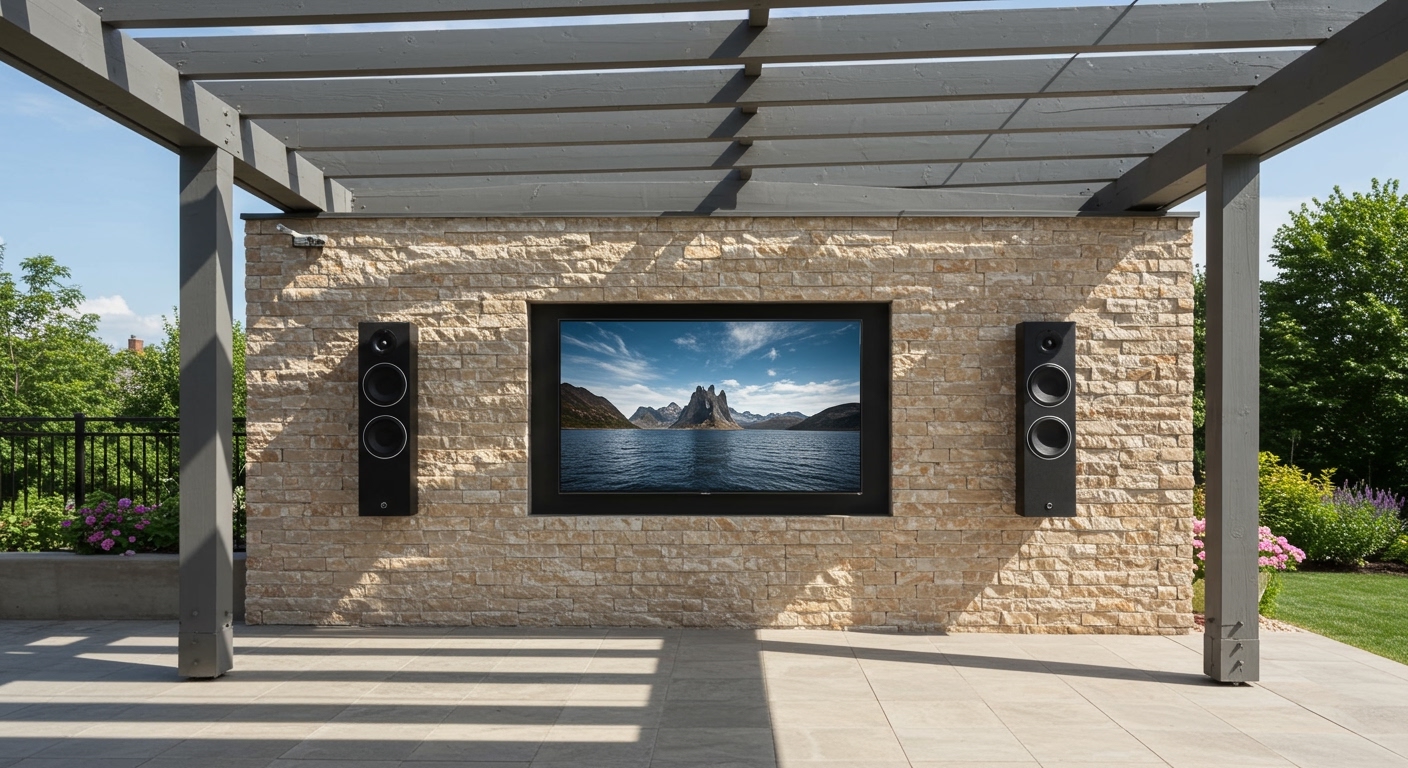
- Directional Audio: Perfect for outdoor movie nights if you use a portable projector.
- Redundancy: If one speaker runs low on battery, the other can continue playing while you swap them out.
Troubleshooting Common Pairing Failures
Even with high-quality gear like KitSound, electronic interference can happen. If you cannot how to pair ks diggit speakers on the first try, check these three common “pain points” I’ve identified during my usage.
Issue 1: Only One Speaker Plays Audio
This usually happens if you pair your phone to the speaker before the two speakers have paired with each other.
- The Fix: Turn off Bluetooth on your phone. Turn off both speakers. Turn the speakers on and perform the Double-Click sequence first. Only turn your phone’s Bluetooth back on once the speakers have chimed together.
Issue 2: Audio Cut-outs or “Stuttering”
In a crowded wireless environment (like a park with many other Bluetooth users), the 2.4GHz signal can get crowded.
- The Fix: Keep the speakers within a clear line of sight. Avoid placing large metal objects or water jugs between the two speakers, as these are notorious for blocking Bluetooth signals.
Issue 3: The “Diggit” Name Doesn’t Appear
If the device name isn’t appearing in your scan:
- The Fix: Perform a hard reset. On most KS Diggit models, you can hold the Volume + and Volume – buttons simultaneously for 5 seconds. The speaker will power down and clear its memory cache.
Expert Tips for Optimizing Outdoor Audio
As someone who has set up audio for dozens of backyard events, the placement of your KS Diggit is just as important as the pairing process.
Elevation Matters
The included plastic stakes are not just a gimmick. Elevating the speaker 4-6 inches off the ground prevents “ground coupling,” where the grass absorbs high-frequency sounds. I recommend placing them in flower beds or soft soil areas where the stake can be fully submerged for stability.
The “Triangle” Rule
For the best stereo effect, place the two speakers and your primary seating area in an equilateral triangle. This ensures that the left and right channels reach your ears at the exact same time, preventing the “echo” effect.
Battery Longevity
The Lithium-ion batteries in these units prefer to stay between 20% and 80%. If you are planning a long weekend trip, I’ve found that using a Portable Power Bank (via the Micro-USB or USB-C port) allows you to keep the party going without needing to bring the speakers inside to charge.
Understanding the LED Indicator Codes
To successfully pair KS Diggit speakers, you must be able to “read” what the lights are telling you.
- Flashing Blue: The speaker is in “Single Pairing Mode” and is looking for a phone.
- Flashing Blue and White: The speaker is in “Stereo Link Mode” looking for its sibling speaker.
- Solid Blue: The speaker is successfully connected to a Bluetooth source.
- Flashing Red: Low battery warning (usually less than 15% remaining).
- Solid Red: The unit is currently charging.
Advanced Usage: Pairing with Laptops and Smart Assistants
While most people use their phones, you can also pair KS Diggit speakers with other hardware.
Connecting to Windows 11/10
- Go to Settings > Bluetooth & Devices.
- Click Add Device.
- Ensure your KS Diggit is in pairing mode (Flashing Blue).
- Once it appears, select it. Note: If Windows asks for a PIN, try
0000or1234, though most modern units do not require one.
Using with Amazon Alexa (Echo Dot)
If you have an Echo Dot, you can use the KS Diggit as an external speaker for better sound quality.
- Put the Diggit in pairing mode.
- Open the Alexa App on your phone.
- Go to Devices > Echo & Alexa > [Your Device Name] > Bluetooth Devices.
- Select Pair a New Device and choose the KS Diggit.
FAQ: Frequently Asked Questions
Can I pair more than two KS Diggit speakers?
Most standard KS Diggit models only support True Wireless Stereo (TWS), which limits the connection to two units (one left channel, one right channel). Some newer “Multi-Pair” versions may allow more, but for the standard model, two is the limit.
How do I reset the pairing memory?
If your speaker keeps connecting to your ex-roommate’s phone, you can reset it. Hold the Power Button and Volume Up button simultaneously for about 7 seconds while the unit is on. The LED will flash, indicating the memory has been wiped.
Are KS Diggit speakers waterproof?
They are rated IP55 or IP66 depending on the model. This means they can handle rain, splashes, and dust. However, you should never submerge them in a pool or leave them out in a heavy thunderstorm for extended periods.
Why is there a delay (latency) when watching videos?
Bluetooth audio often has a slight delay. If you are using the speakers for a movie, try to use a player (like VLC) that allows you to adjust the “Audio Sync” or “Audio Offset” to match the video perfectly.
Can I use the speakers while they are charging?
Yes, you can! I often leave mine plugged into a weatherproof outlet during long BBQ sessions. Just ensure the charging port cover is as secure as possible to prevent moisture from entering.
**
**
**
**