Getting Started: A Guide on How to Pair Rock Speakers
Struggling to get that perfect, seamless outdoor audio from your new rock speakers? You’re not alone. It can be frustrating when you’re picturing a backyard filled with music, but instead, you’re stuck with confusing wires or Bluetooth connections that just won’t cooperate. The good news is that pairing your rock speakers is straightforward once you understand the type you have and follow a few key steps.
This guide will walk you through exactly how to pair rock speakers, whether they’re simple Bluetooth models or a more complex wired system. We’ll cover the specific steps for each type, share some pro tips I’ve learned from years of outdoor audio installations, and help you troubleshoot common issues.
Key Takeaways: Pairing Rock Speakers Quickly
- Identify Your Speaker Type: The pairing process depends entirely on whether your speakers are Bluetooth (active), Wired (passive), or Wi-Fi (active). Active speakers have built-in amplifiers; passive ones need an external amplifier.
- Bluetooth Pairing: For Bluetooth models, first, pair the two speakers to each other using TWS (True Wireless Stereo) mode. Only after they are linked together should you connect them to your phone or source device.
- Wired Installation: For wired speakers, the key is using direct-burial speaker wire and ensuring correct polarity (+ to + and – to -) from the speaker all the way back to your amplifier.
- Placement is Crucial: For the best stereo sound, place speakers 8 to 12 feet apart, forming a triangle with your main listening area.
Understanding Your Rock Speakers: The First Critical Step
Before you can pair anything, you need to know what you’re working with. Rock speakers primarily come in three flavors, and the setup for each is completely different. I’ve seen countless homeowners get frustrated because they were trying to apply Bluetooth logic to a wired system.
Bluetooth Rock Speakers (Active)
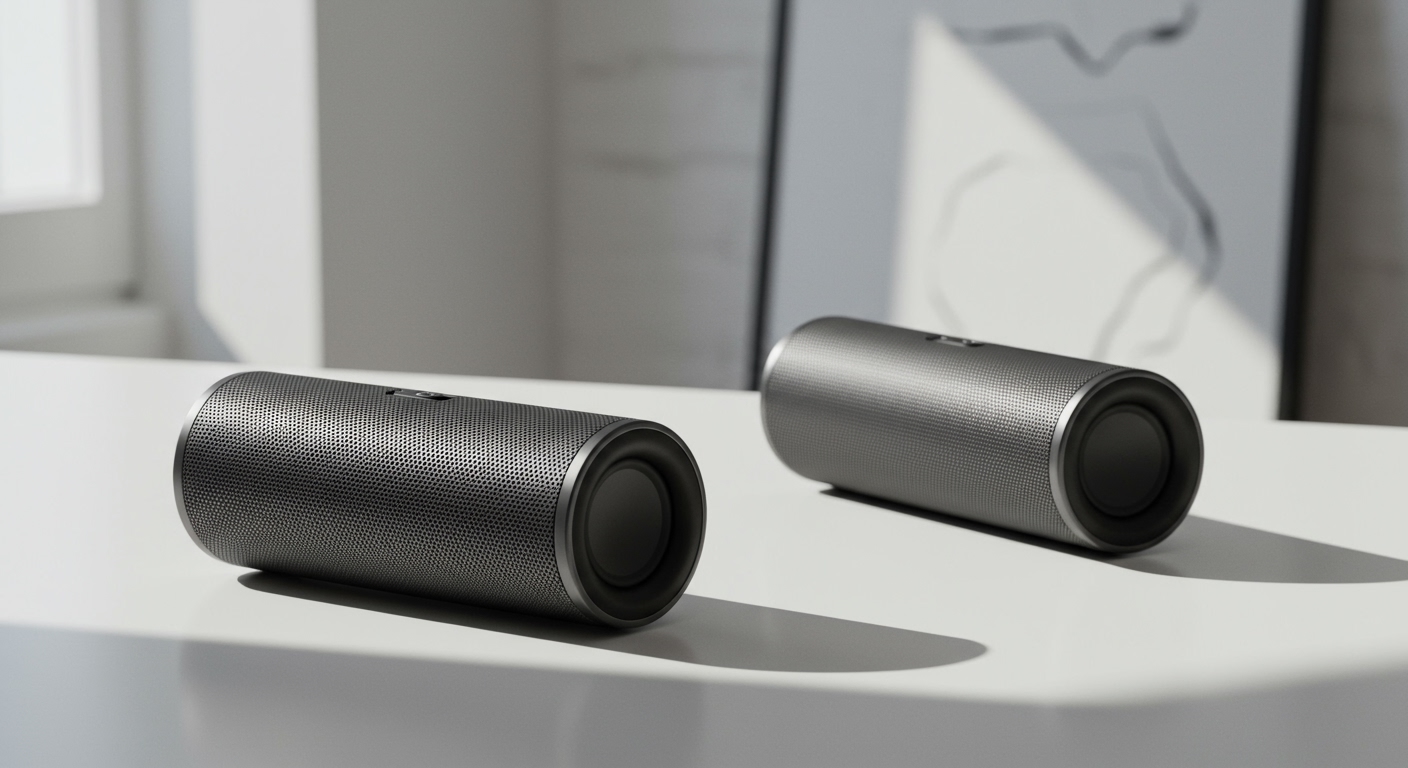
These are the most common type for simple DIY setups. Active means they have their own built-in amplifier, so you don’t need a separate receiver. They just need a power source, which is often a rechargeable battery or a plug-in AC adapter.
- How They Work: One speaker typically acts as the “master” and receives the Bluetooth signal from your phone. It then transmits the other stereo channel to the “slave” speaker.
- Pros: Extremely easy to set up, no speaker wires to run through your yard, and portable.
- Cons: Limited range (usually 30-50 feet), potential for signal interference, and you still need to manage power for each speaker.
Wired Rock Speakers (Passive)
This is the traditional, most reliable method for high-quality outdoor audio. Passive speakers have no internal amplifier and require an external amplifier or AV receiver to power them.
- How They Work: You run physical speaker wire from your amplifier’s outputs to each individual rock speaker.
- Pros: Superior sound quality, unmatched reliability, and the ability to run very long distances without signal loss.
- Cons: The installation is much more involved, requiring you to plan a wire path and bury direct-burial rated speaker wire.
Wi-Fi Rock Speakers (Active)
A newer category, these speakers connect to your home’s Wi-Fi network. They function similarly to indoor smart speakers like Sonos or Google Home, but are built to withstand the elements.
- How They Work: Each speaker connects to your Wi-Fi, and you control them through a dedicated app.
- Pros: Excellent range (as far as your Wi-Fi reaches), ability to group multiple speakers for multi-zone audio, and often higher fidelity than Bluetooth.
- Cons: Dependent on a strong and stable outdoor Wi-Fi signal, which can be a challenge. They also tend to be more expensive.
Comparison of Rock Speaker Types
To make it easier, here’s a table I put together to help clients decide which type is best for their yard.
| Feature | Bluetooth Speakers | Wired Speakers | Wi-Fi Speakers |
|---|---|---|---|
| Ease of Setup | Excellent (Plug & Play) | Fair (Requires wiring) | Good (App-based setup) |
| Audio Quality | Good | Excellent | Very Good |
| Reliability | Fair (Subject to dropouts) | Excellent | Good (Wi-Fi dependent) |
| Range | Poor (30-50 ft) | Excellent (Hundreds of ft) | Good (Wi-Fi coverage) |
| Cost | Low to Medium | Medium to High (incl. amp) | High |
How to Pair Bluetooth Rock Speakers: The Wireless Method
Pairing Bluetooth rock speakers is usually quick and painless. The most common mistake I see is people trying to connect their phone to a speaker before the speakers are paired to each other.
Step 1: Pre-Pairing Checklist
- Charge Both Speakers: Ensure both speakers are fully charged or plugged into a power source. A low battery is a common cause of pairing failure.
- Read the Manual: I know, I know. But different brands have slightly different button-press combinations for pairing. A quick look at the manual for terms like “TWS” or “Stereo Pairing” will save you a headache.
- Initial Placement: Bring both speakers close together (within 5-10 feet) for the initial pairing process. You can move them to their final locations later.
- Turn Off Other Devices: Temporarily turn off Bluetooth on any other nearby phones or