Understanding Speaker Hz Settings for Maximum Audio Clarity
To how to set hz for speakers effectively, you must match your speaker’s physical capabilities with your receiver’s crossover settings. For most home theater systems, the industry-standard “sweet spot” is 80Hz, which directs deep bass to the subwoofer and mid-to-high frequencies to your main speakers. Adjusting these settings prevents distortion, protects small drivers from over-excursion, and ensures a seamless “soundstage” where you can’t tell exactly where the subwoofer is hidden.
### 💡 Expert Summary: Key Takeaways The Golden Rule: Set your crossover frequency to 80Hz for most bookshelf and floor-standing speakers. Check Specs: Always look for the ±3dB point in your speaker’s manual to find its true low-end limit. Small vs. Large: Set your speakers to “Small” in your receiver settings, even if they look big, to enable the crossover. Subwoofer Role: A dedicated subwoofer should handle everything below the crossover point to reduce strain on your main amplifier.
What is Hz and kHz in Speakers?
Before diving into the settings, you need to understand the language of audio. What is hz in speakers? Hz, or Hertz, is a unit of frequency that measures how many times a speaker cone vibrates per second.
What is hz and khz in speakers?
Hz (Hertz): Refers to low frequencies (bass) and mid-range. For example, a deep kick drum might hit at 40Hz to 60Hz.
kHz (Kilohertz): Refers to high frequencies (treble). 1kHz equals 1,000Hz. High-pitched sounds like cymbals or bird chirps often reside in the 10kHz to 20kHz range.
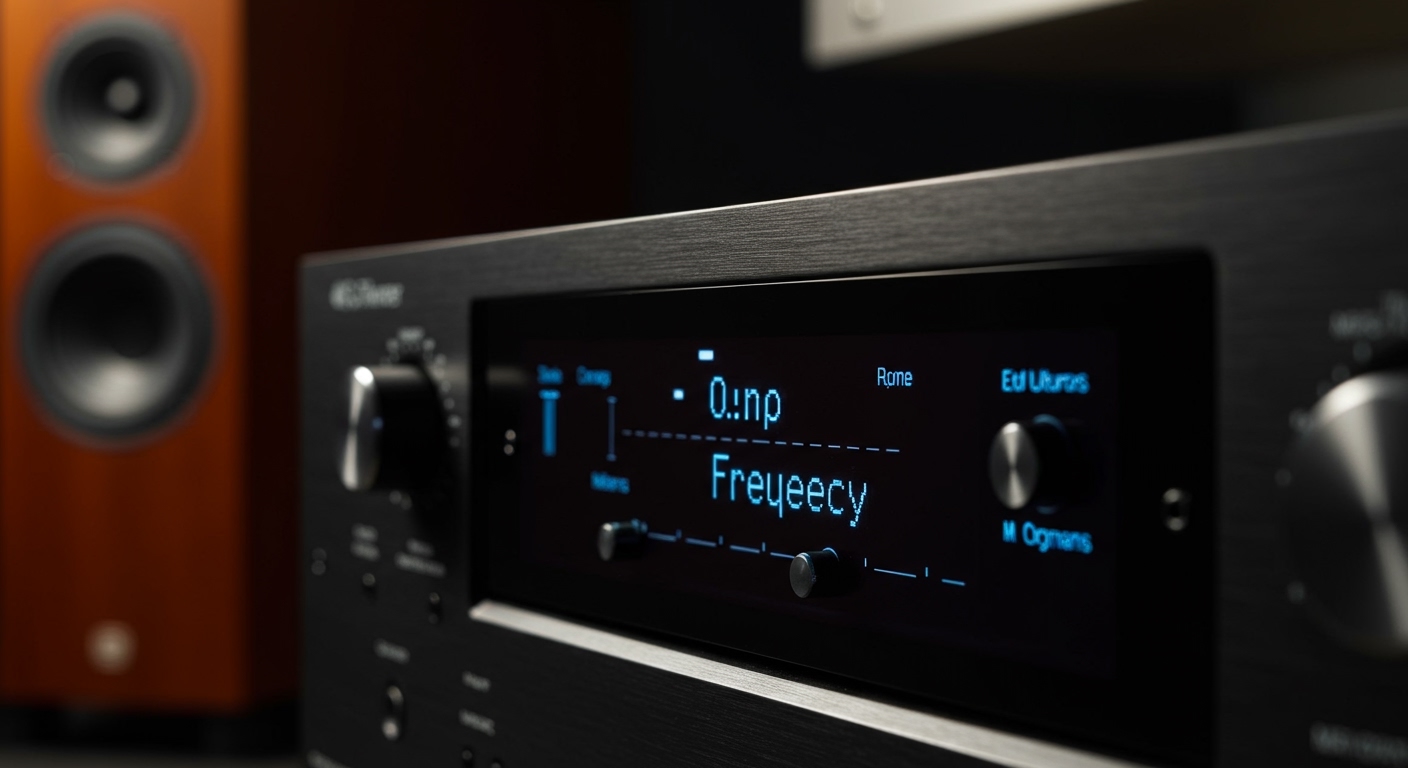
Understanding what hz does mean for speakers is crucial because every speaker has a physical limit. A tiny 3-inch driver cannot physically move enough air to produce a 20Hz tone, just as a giant 15-inch subwoofer cannot vibrate fast enough to produce a crisp 15kHz violin note.
Tools and Information Needed for Calibration
Before you start clicking through menus, gather these essential details and tools to ensure an accurate setup.
| Tool/Information | Purpose | Where to Find It |
|---|---|---|
| Manufacturer Spec Sheet | To find the Frequency Response range. | Manual or Brand Website |
| SPL Meter App | To measure volume levels (Decibels). | Smartphone App Store |
| AV Receiver (AVR) Remote | To access the “Speaker Setup” or “Crossover” menu. | Included with your Amp/TV |
| Calibration Microphone | For automated room correction (e.g., Audyssey/Dirac). | Included with mid-high end AVRs |
Step 1: Identify Your Speaker’s Frequency Response
The first step in how to set hz for speakers is knowing what they can actually handle. Look at the back of your speaker or the manual for the Frequency Response rating.
Look for the ±3dB number: If a speaker says “50Hz – 20kHz (±3dB),” it means the speaker starts to lose significant volume below 50Hz.
The “10Hz Rule”: A pro-tip I use in every installation is to set the crossover 10Hz to 15Hz higher than the lowest rated frequency. If your speaker is rated at 50Hz, set your crossover to 60Hz or 70Hz.
Step 2: Access Your Audio Settings (AVR or PC)
Depending on your device, the path to changing Hz settings varies.
For Home Theater Receivers (Denon, Sony, Yamaha)
- Enter the Setup Menu using your remote.
- Navigate to Speakers > Manual Setup.
- Select Crossovers.
- Ensure speakers are set to “Small” (this is a common industry term that tells the receiver to use the crossover).
For Windows PC Users
- Right-click the Speaker Icon in the taskbar.
- Select Sounds > Playback Tab.
- Right-click your device > Properties > Advanced.
- Here you can set the Sample Rate (usually 24-bit, 48kHz or 96kHz).
Step 3: Configure the Best Hz for Speakers by Type
Not all speakers are created equal. What hz should my speakers be depends entirely on their size and design. Use the table below as a high-performance starting point.
| Speaker Type | Recommended Hz Setting (Crossover) | Why? |
|---|---|---|
| Large Floorstanding | 40Hz – 60Hz | They have large woofers that handle deep bass well. |
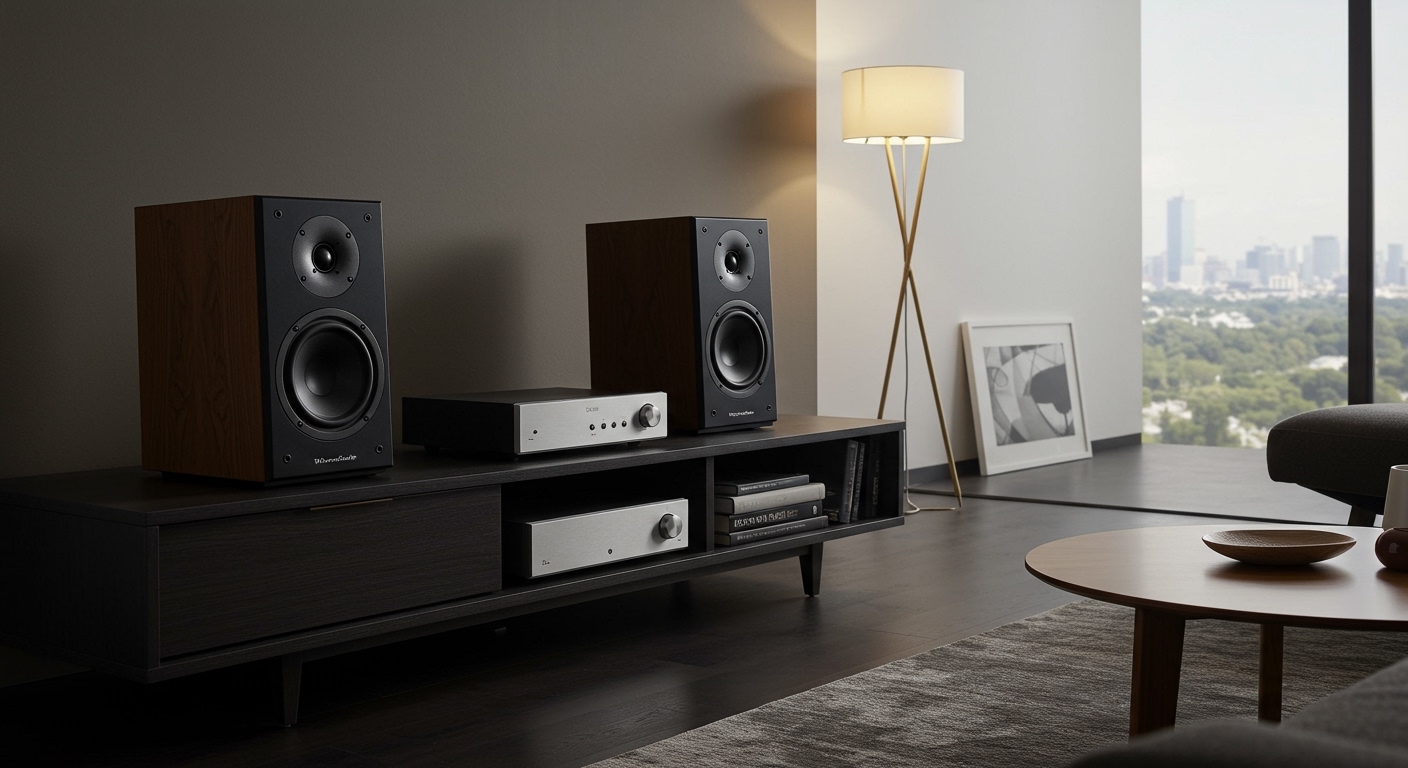
| Bookshelf Speakers | 80Hz | The “THX Standard” that balances bass and clarity. |
| Satellite/Small Speakers | 100Hz – 120Hz | Small drivers will distort or pop if forced to play low bass. |
| Atmos/Height Speakers | 100Hz – 150Hz | These are usually small and only need to handle ambient effects. |
Step 4: Fine-Tuning the Subwoofer LPF
The LPF on LFE (Low Pass Filter on Low Frequency Effects) is a setting often found in the subwoofer menu.
Set this to 120Hz.
Most movie soundtracks are mixed with a dedicated LFE channel that goes up to 120Hz.
If you set this lower (like 80Hz), you are literally throwing away audio data that the director intended you to hear.
Expert Advice: Avoiding Common Hz Setting Mistakes
In my years of calibrating high-end home cinemas, I see the same three mistakes repeatedly. Avoiding these will immediately improve your soundstage.
Mistake 1: Setting speakers to “Large”. Even if you have “tower” speakers, setting them to large forces them to play the deepest bass. This eats up your amplifier’s “headroom,” making the rest of the music sound strained. Always try “Small” first.
Mistake 2: Doubling up on crossovers. If your subwoofer has a physical knob on the back labeled “Crossover,” turn it to the maximum or “LFE” mode. Let your AV Receiver handle the digital crossover instead. Having two filters “fighting” each other creates a massive dip in sound quality.
Mistake 3: Ignoring the room. A corner-placed speaker will naturally produce more “boomy” bass. If your speakers sound muddy at 80Hz, try raising the setting to 90Hz to let the subwoofer (which is better at handling room reflections) take over.
What Hz Should I Set My Speakers At for Music vs. Movies?
The best hz for speakers can shift slightly based on your content.
For Movies: Stick to the 80Hz standard. Movie soundtracks are highly dynamic, and you want your subwoofer to handle the heavy lifting of explosions and cinematic scores.
For Critical Music Listening: If you have high-end floor-standing speakers, you might prefer a lower crossover like 60Hz. This keeps the “stereo image” more focused on the main speakers, providing a more “organic” feel for jazz or classical music.
FAQ: Frequently Asked Questions about Speaker Hz
What is a good hz range for speakers?
A good hz range for speakers typically covers 20Hz to 20kHz, which is the full range of human hearing. However, most individual speakers only cover a portion of this. High-quality bookshelf speakers usually handle 50Hz to 20kHz, while subwoofers handle the 20Hz to 120Hz range.
What hz should i set my speakers at if I don’t have a subwoofer?
If you do not have a subwoofer, you must set your speakers to “Large” or “Full Range.” This tells the system to send all frequencies to your speakers. Be careful with high volumes, as deep bass can damage small speakers not designed for low frequencies.
Does a higher Hz mean better sound?
Not necessarily. Higher Hz in terms of Frequency Response means the speaker can play higher treble notes. Higher Hz in terms of Crossover just means you are shifting the bass workload to a different speaker. “Better” sound comes from a flat frequency response, where no single Hz range is much louder than the others.
Why does my subwoofer sound “slow” or “boomy”?
This often happens when the crossover is set too high (e.g., 150Hz). At that level, the subwoofer starts playing human vocal frequencies, which makes it sound “localizable” and muddy. Drop the Hz setting back toward 80Hz to tighten the sound.
Conclusion: Achieving the Perfect Balance
Learning how to set hz for speakers is the single most effective “free” upgrade you can give your audio system. By setting a proper crossover—typically around 80Hz—and ensuring your speakers are configured as “Small” in your settings, you allow every component to play within its optimal comfort zone.
Next Steps:
- Find your speaker’s ±3dB rating.
- Set your AVR crossover 10-15Hz above that rating.
- Listen to a track with heavy bass and adjust in 10Hz increments until the transition between the speakers and the subwoofer feels invisible.
Your ears are the final judge. If it sounds good to you, it is correct!