How to Set Up a Pair of Speakers for Perfect Sound
Staring at a brand new pair of speakers and a tangle of wires can feel intimidating. You’ve invested in great sound, but how do you actually unlock it? The difference between muddy, flat audio and a rich, immersive soundstage often comes down to a few critical setup steps. Getting the placement, connections, and wiring right is the key to transforming your listening experience from average to amazing. This guide will walk you through every step, ensuring you get the absolute best performance from your new gear.
Key Takeaways: The 5-Minute Setup
- Position First: Place your speakers in an equilateral triangle with your listening position for the best stereo imaging. Keep them away from walls and corners.
- Check Polarity: Always connect the positive (red) terminal on your amplifier to the positive terminal on your speaker, and negative (black) to negative.
- Use Quality Wire: Choose the correct speaker wire gauge (AWG) for your speaker’s impedance and the length of the wire run. 14-gauge or 16-gauge is a safe bet for most setups.
- Secure Connections: Ensure all connections are tight and secure, whether you’re using bare wire, banana plugs, or spades. Loose connections can degrade sound quality.
- Test and Tune: Play a familiar track to test the balance and imaging. Make small adjustments to the speaker “toe-in” (angle) to focus the sound at your listening spot.
The Ultimate Guide to Setting Up a Pair of Speakers
Setting up a pair of speakers correctly is the most important thing you can do to guarantee great audio quality. I’ve set up hundreds of systems, from simple bookshelf speakers to complex home theaters, and the fundamental principles always apply. Follow these steps methodically for a flawless setup.
Step 1: Unbox and Inspect Your Gear
Before you do anything else, carefully unbox your speakers and all accessories. It’s an exciting moment, but it’s also a crucial quality check.
- Check for Damage: Inspect the speaker cabinets, drivers (the cones and domes), and grilles for any shipping damage.
- Verify Contents: Ensure you have all the included items, such as manuals, feet or spikes, and any port plugs.
- Gather Your Tools: You won’t need much. Have a pair of wire strippers and your speaker wire ready. If you’re using banana plugs, you may need a small screwdriver.
Step 2: Strategic Speaker Placement (The Foundation of Great Sound)
Where you place your speakers has a more significant impact on sound quality than almost any other factor. The goal is to create a balanced stereo image, where the sound feels like it’s coming from a stage in front of you, not from two separate boxes.
- The Equilateral Triangle: The gold standard for stereo speaker placement. Imagine a triangle where the distance between the two speakers is equal to the distance from each speaker to your primary listening position (your “sweet spot”).
- Distance from Walls: Placing speakers too close to the back or side walls can cause the bass to sound boomy and unclear. As a starting point, I recommend pulling your speakers at least 1-2 feet away from the wall behind them.
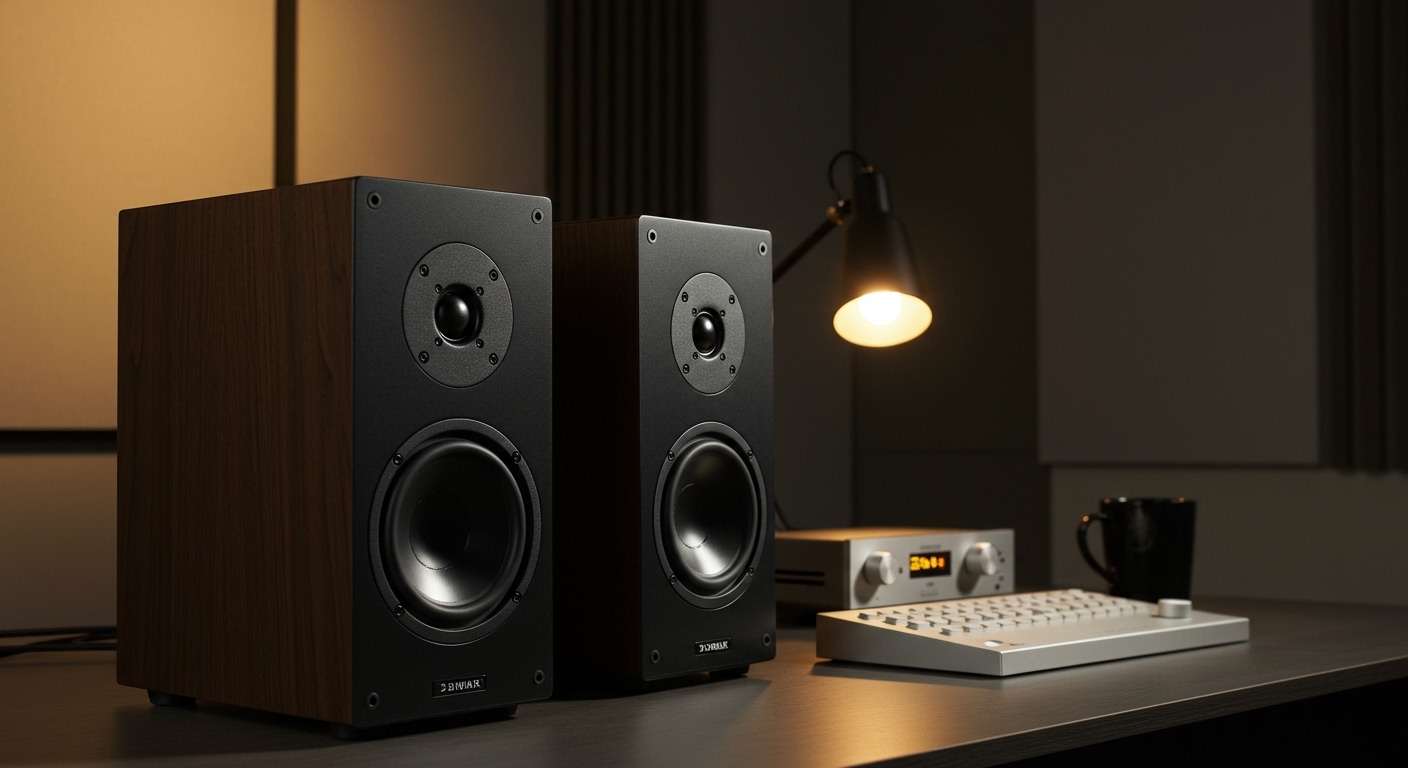
- Speaker Height: The tweeters (the smallest drivers, responsible for high-frequency sounds) should be at roughly ear level when you are seated. This is why speaker stands are highly recommended for bookshelf speakers.
I once helped a friend who was disappointed with his expensive new speakers. He had them pushed back into the corners of his room. By simply moving them two feet from the back wall and three feet from the side walls, the sound transformed completely—the bass tightened up and the soundstage opened up dramatically.
Step 3: Choose and Prepare Your Speaker Wire
Speaker wire is the lifeline that carries the audio signal from your amplifier or AV receiver to your speakers. Choosing the right kind is important.
- Wire Gauge (AWG): Speaker wire thickness is measured in American Wire Gauge (AWG). The lower the number, the thicker the wire. Thicker wire has less resistance, which is better for longer runs and low-impedance speakers. For most home setups, 16-gauge or 14-gauge wire is perfect.
- Preparing the Wire: Using your wire strippers, remove about 1/2 inch (1.5 cm) of the insulation from the end of each wire. Twist the exposed copper strands tightly so there are no stray frays.
Here is a quick reference table for choosing the right speaker wire gauge.
| Speaker Impedance | Max Cable Length (16 AWG) | Max Cable Length (14 AWG) | Max Cable Length (12 AWG) |
|---|---|---|---|
| 8 Ohms | 48 feet | 80 feet | 120 feet |
| 6 Ohms | 36 feet | 60 feet | 90 feet |
| 4 Ohms | 24 feet | 40 feet | 60 feet |
Step 4: Connecting the Wires to Your Speakers
Now it’s time to connect the prepared wire to your speakers. The most critical rule here is to maintain correct polarity.
- Identify Polarity: Your speaker wire will have markings to distinguish the two conductors. This could be a colored stripe, text on one side, or a different color for each wire. Designate one as positive (+) and the other as negative (-).
- Locate Binding Posts: On the back of each speaker, you’ll find two connection points called binding posts. They will be color-coded, typically red for positive (+) and black for negative (-).
- Make the Connection: Unscrew the cap on the binding post. Insert the bare wire into the hole on the side of the post (or wrap it around the metal post itself) and tighten the cap firmly. Ensure the positive wire goes to the red terminal and the negative wire goes to the black terminal.
Step 5: Connecting Wires to Your Amplifier or Receiver
This step is identical to connecting the speakers, but on the other end of the wire.
- Power Down: CRITICAL: Make sure your amplifier or AV receiver is completely turned off and unplugged before making any connections.
- Locate Speaker Terminals: Find the speaker output terminals on the back of your amplifier. They will be labeled (e.g., “Front Left,” “Front Right”) and color-coded just like your speakers.
- Connect with Correct Polarity: Connect the wire from your left speaker to the “Left” terminals on the amp, and the wire from your right speaker to the “Right” terminals. Again, meticulously match red to red (+) and black to black (-). A single reversed connection will result in out-of-phase sound, which sounds thin and lacks bass.
Step 6: Power On and Initial Testing
With everything connected, it’s time for the moment of truth.
- Double-Check Everything: Quickly re-check all your connections. Make sure there are no stray wire strands that could touch an adjacent terminal, as this can cause a short circuit.
- Power Up: Plug in your amplifier and turn it on.
- Start at Low Volume: Select an audio source and turn the volume knob all the way down. Begin playing a song you know very well and slowly increase the volume to a low listening level.
- Listen for Issues: You should hear sound coming clearly from both speakers. If one is silent, power everything down and re-check your connections for that channel.
Advanced Tips for Optimizing a Pair of Speakers
Getting the basics right is 80% of the battle. The final 20% comes from fine-tuning, which can elevate your listening experience from good to truly great.
The Importance of “Toe-In”
“Toe-in” refers to the angle of the speakers relative to your listening position.
- No Toe-In: Speakers face straight ahead, parallel to the side walls. This creates a very wide soundstage.
- Partial Toe-In: Speakers are angled slightly inward.
- Full Toe-In: Speakers are aimed directly at your ears. This creates the sharpest, most focused stereo image.
My Method: I start with the speakers aimed directly at my ears. Then, I gradually angle them outward in small increments until the soundstage “snaps” into focus, sounding both wide and detailed.
Managing Reflections: Basic Room Acoustics
Hard surfaces like windows, bare walls, and hardwood floors reflect sound, which can make it sound harsh and muddled.
- Place a Rug: An area rug between you and your speakers is the single best acoustic treatment you can add.
- Use Curtains: Curtains on windows can absorb side-wall reflections.
- Add Furniture: Bookshelves filled with books are excellent sound diffusers.
Don’t go overboard. The goal is to control reflections, not create a completely “dead” room. A little bit of room life is a good thing.
Common Mistakes to Avoid When Setting Up Speakers
I see these simple mistakes all the time. Avoiding them will save you a lot of frustration.
Ignoring Polarity (Out-of-Phase Sound)
This is the most common error. If one speaker is wired with reversed polarity (positive to negative), the speaker cones will move in opposite directions. This cancels out bass frequencies and destroys the stereo image. The sound will seem hollow and dislocated.
Placing Speakers in Corners or Against Walls
This is the fastest way to create boomy, one-note bass. The corner of a room acts like a megaphone for low frequencies, overwhelming the rest of the sound. Always give your speakers some breathing room.
Using Thin, Low-Quality Speaker Wire
While you don’t need to spend a fortune on exotic cables, using wire that is too thin (a high AWG number like 22 or 24) for a long run can audibly degrade the sound. It chokes the power from your amplifier, resulting in weak bass and poor dynamics. Stick to 16 AWG or thicker for peace of mind.
Frequently Asked Questions (FAQ)
How far apart should a pair of speakers be?
As a general rule, the distance between your two speakers should be the same as the distance from each speaker to your listening position, forming an equilateral triangle. For most rooms, this means placing them between 6 and 10 feet apart.
What happens if you wire speakers backwards?
If you reverse the polarity (connecting the positive wire to the negative terminal and vice-versa) on one speaker, it will be “out of phase” with the other. This causes sound wave cancellation, resulting in very weak bass and a confusing, unfocused stereo image.
Can I use any wire for speakers?
No, you should always use dedicated speaker wire. Speaker wire is designed to carry a high-current, low-voltage signal from your amplifier. Using something like telephone or network cable is not safe and will result in terrible sound quality.
Do new speakers need to be “broken in”?
Yes, most high-quality speakers benefit from a break-in period. The materials in the speaker drivers (the surround and spider) are stiff when new. Playing music through them for 20-50 hours at a moderate volume allows these components to loosen up, often resulting in smoother, more extended bass and a more relaxed midrange.