How to Stop Alternator Whine in Speakers: The Ultimate Troubleshooting Guide
To stop alternator whine in speakers, you must identify and eliminate ground loops by ensuring your amplifier is grounded to bare chassis metal and separating RCA cables from main power lines. This high-pitched noise, which fluctuates with engine RPM, is typically solved by improving grounding points, using shielded cables, or installing a ground loop isolator.
TL;DR: Quick Fixes for Alternator Whine
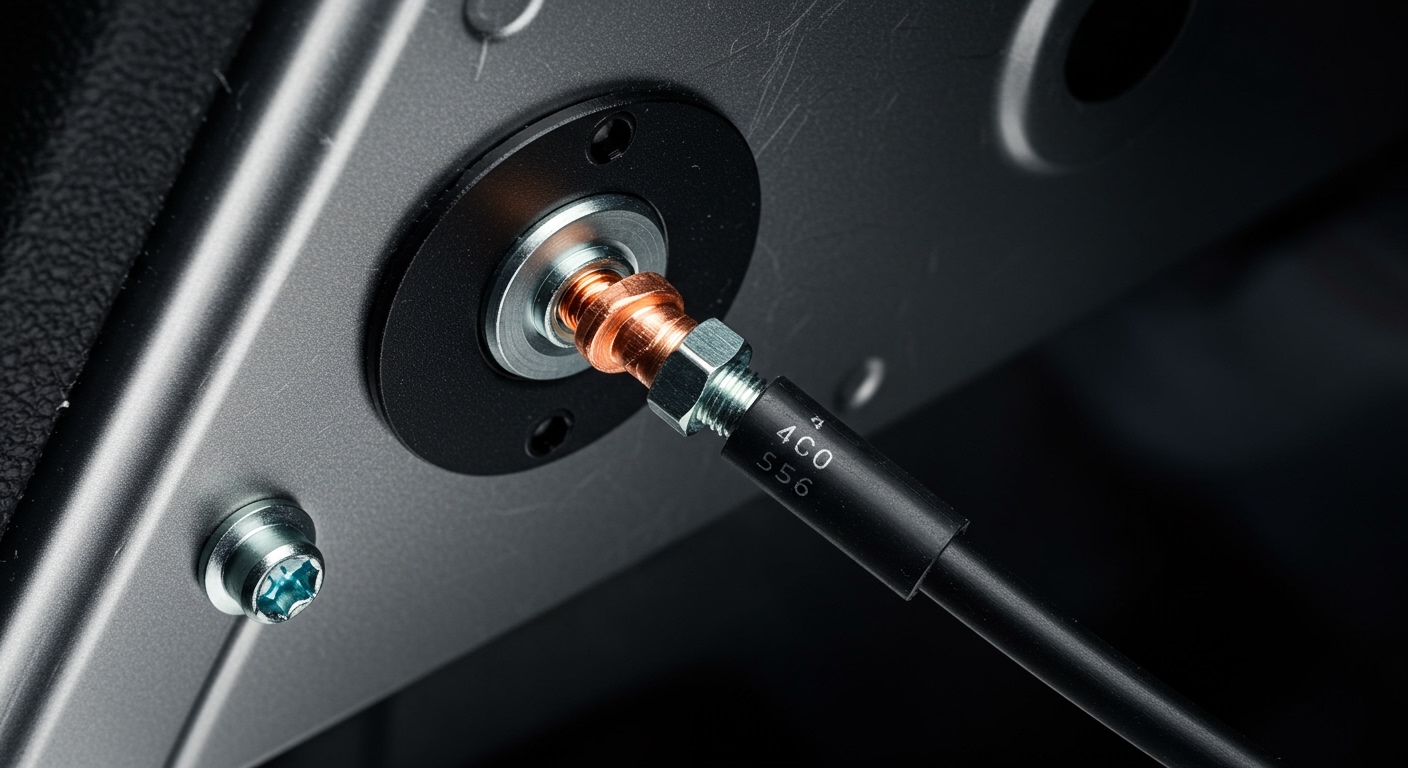
- Check the Ground: Ensure the amplifier ground wire is less than 18 inches long and bolted to unpainted metal.
- Reroute Cables: Move RCA signal cables away from heavy-gauge 12V power wires.
- Gain Settings: Lower the amplifier gain and increase the head unit volume to improve the signal-to-noise ratio.
- Test the Head Unit: Ground the outer ring of the RCA jacks to the head unit chassis to check for internal fuse issues.
- Install Filters: Use a ground loop isolator or a power line filter as a last resort.
Understanding the Physics of Alternator Whine
Alternator whine is a form of electromagnetic interference (EMI) that enters your audio signal path. In my 15 years of installing high-end car audio systems, I’ve found that the noise is almost always an AC ripple from the alternator that hasn’t been properly filtered by the battery or is being “injected” into the signal via a ground loop.
When your engine spins faster, the alternator produces a higher frequency electrical pulse. If your audio system has a weak ground, these pulses find a “shortcut” through your RCA cables, resulting in that annoying jet-engine sound coming through your tweeters and mid-range speakers.
Step 1: Solidify Your Grounding Points
The most common reason people search for how to stop alternator whine in speakers is a “dirty” ground. A ground connection that looks solid can still have high resistance due to paint, rust, or loose bolts.
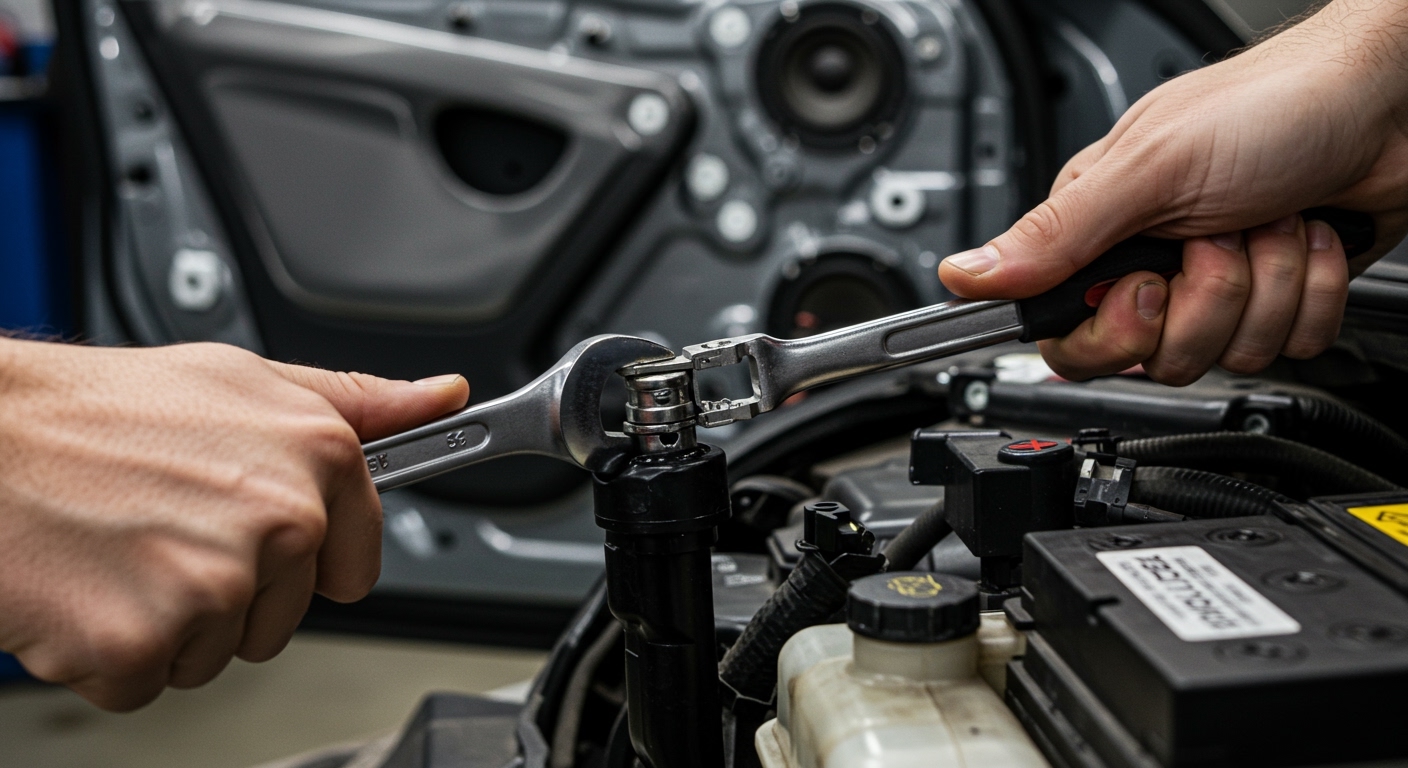
- Find Bare Metal: Use a wire brush or sandpaper to grind away all paint until you see shiny steel.
- Keep it Short: Your ground wire should never exceed 18 inches. Long ground wires act like antennas for noise.
- Check Gauge Consistency: Your ground wire must be the same gauge as your power wire. If you run 4-gauge power, you must run 4-gauge ground.
- The “Star” Ground: If you have multiple amplifiers, ground them all to the same point (a distribution block) to prevent a voltage potential difference between units.
Step 2: Proper Cable Routing and Shielding
During my time at professional bays, the #1 amateur mistake I saw was running power cables and RCA cables down the same side of the vehicle.
Signal Interference Dynamics
12V Power Cables create a magnetic field. When RCA signal cables sit inside this field, the noise is induced directly into the audio stream.
- The Cross Rule: If power and signal wires must cross, they should do so at a 90-degree angle. Never run them parallel to each other.
- Left/Right Separation: Run your power wire down the driver’s side sill and your RCAs down the passenger’s side.
- Quality Matters: Use Twisted Pair RCA cables. The twisting geometry helps cancel out induced noise naturally.
Step 3: Gain Structure and Level Matching
Many DIYers mistake the gain knob for a volume knob. This is a critical error. Gain adjusts the input sensitivity of the amplifier to match the output voltage of the head unit.
- The Noise Floor: If your gain is set too high, you are amplifying the “noise floor” (the natural hiss and interference) along with the music.
- The Fix: Turn your head unit to about 75% volume. Slowly turn up the amp gain until you hear slight distortion, then back it off. This ensures the signal is much louder than any underlying alternator whine.
Step 4: Troubleshooting the Head Unit
If the noise persists, the issue might be your source unit. Pioneer head units, in particular, are famous for “pico fuses” that blow if RCAs are plugged in while the system is powered.
The “Cheat” Test:
Take a small piece of copper wire. Wrap one end around the outer shield of the RCA plug and the other end to the metal casing of the head unit. If the whine disappears, your head unit has a blown internal ground trace.
Comparing Noise Reduction Solutions
| Solution | Best For | Pros | Cons |
|---|---|---|---|
| Ground Loop Isolator | Signal-level noise | Cheap, easy “plug and play” | Can slightly reduce bass response |
| Power Line Filter | Dirty 12V power | Fixes noise at the source | Requires cutting power wires |
| The “Big Three” Upgrade | Overall electrical health | Massive voltage stability | Expensive and labor-intensive |
| Shielded RCAs | Induced EMI | Professional long-term fix | Requires re-running wires |
Step 5: Advanced “Big Three” Electrical Upgrade
If you are running high-wattage systems (over 1,000W RMS), your factory wiring is likely the bottleneck. The Big Three upgrade involves replacing or supplementing three crucial cables with 0-gauge oxygen-free copper (OFC):
- Alternator Positive to Battery Positive.
- Battery Negative to Chassis Ground.
- Engine Block to Chassis Ground.
By reducing the resistance of the entire vehicle’s charging system, you stabilize the voltage and significantly reduce the likelihood of alternator whine.
Step 6: Using a Digital Multimeter (DMM) for Diagnosis
To stop the guessing game, use a Digital Multimeter set to the Ohms (Ω) setting.
- Place one probe on the amplifier’s ground terminal.
- Place the other probe on the negative terminal of the battery.
- A healthy system should read less than 0.5 Ohms. If your reading is higher, your chassis ground is insufficient.
Expert Tips from the Shop Floor
- Avoid the Seat Bolt: Many people use a seat bolt for grounding. These are often coated in thread-locker or are part of a moving assembly, making them terrible ground points.
- Check the Alternator Diode: If the whine is extreme, your alternator’s rectifier diode might be failing. This leaks AC current into the DC system. A quick trip to an auto parts store for a free alternator bench test can save you hours of frustration.
- Inductors: If you are using a cheap Class D amplifier, it may be emitting RF noise. Ensure the amp casing isn’t touching the metal frame of the car directly.
FAQ: Stopping Car Audio Noise
Why does my speaker whine increase when I step on the gas?
This happens because the alternator’s output frequency increases with engine RPM. If your system has a ground loop, it picks up this frequency and plays it through your speakers like a musical note.
Will a capacitor stop alternator whine?
Generally, no. A stiffening capacitor is designed to help with voltage drops during heavy bass hits. While it provides some filtering, it is rarely a solution for how to stop alternator whine in speakers caused by poor grounding.
Can a bad battery cause alternator noise?
Yes. A battery acts as a giant “filter” or buffer for the noisy electrical output of the alternator. If the battery has a dead cell or high internal resistance, it can no longer smooth out the AC ripple, leading to audible noise.
Do I need a ground loop isolator?
You should only use a ground loop isolator after you have verified your grounds are good and your cables are routed correctly. They are effective “band-aids,” but they can slightly degrade audio quality by introducing transformers into the signal path.
How do I stop whine in my Bluetooth or AUX adapter?
If you are using a 12V cigarette lighter adapter, the noise is likely coming through the charging port. Use a USB power filter or a battery-powered Bluetooth receiver to break the physical connection to the car’s noisy 12V system.