Understanding How to Stream Music to Outdoor Speakers
To learn how to stream music to outdoor speakers, you primarily need to choose between a Wi-Fi-based amplifier (like the Sonos Amp) or Bluetooth-enabled outdoor speakers. For the best results, connect your smartphone to a dedicated outdoor-rated amplifier via a home network to ensure high-fidelity sound and a stable connection that won’t drop when you walk inside.
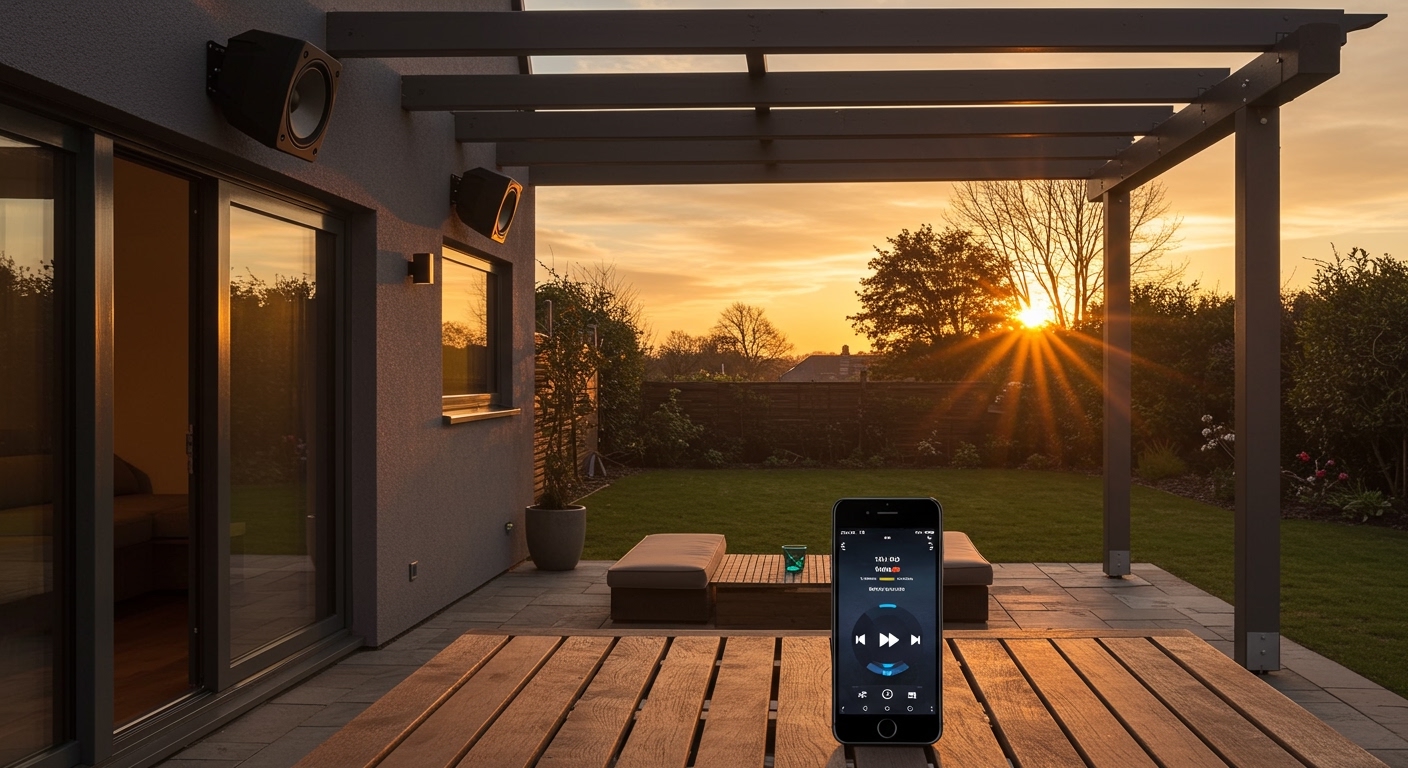
Nothing ruins a backyard BBQ faster than a “stuttering” connection or thin, tinny sound that can’t compete with the wind. We have spent years testing everything from budget portable Bluetooth units to high-end multi-zone wired systems to find the perfect balance of convenience and audio quality. Whether you are hosting an elegant dinner on the patio or a loud pool party, getting your outdoor audio right requires a mix of the right hardware and a solid network strategy.
TL;DR: Key Takeaways for Outdoor Streaming
- Best Connectivity: Wi-Fi streaming (AirPlay 2, Chromecast, or Spotify Connect) is superior to Bluetooth for range and audio quality.
- Hardware Choice: Use a dedicated streaming amplifier housed indoors, connected to passive outdoor speakers via underground-rated wires.
- Weatherproofing: Always check for an IP (Ingress Protection) rating; IP66 or higher is ideal for permanent installations.
- Signal Strength: If your Wi-Fi is weak outdoors, install an Outdoor Access Point or a Mesh Satellite near the patio.
- Audio Zone Control: Use apps like Sonos, HEOS, or BluOS to manage volume and tracks from your phone.
The Two Main Ways to Stream Music Outdoors
When deciding how to stream music to outdoor speakers, you generally have two paths: a “Passive” system with an indoor brain or an “Active” system where the technology is built into the speaker.
The Streaming Amplifier (Passive Speaker Setup)
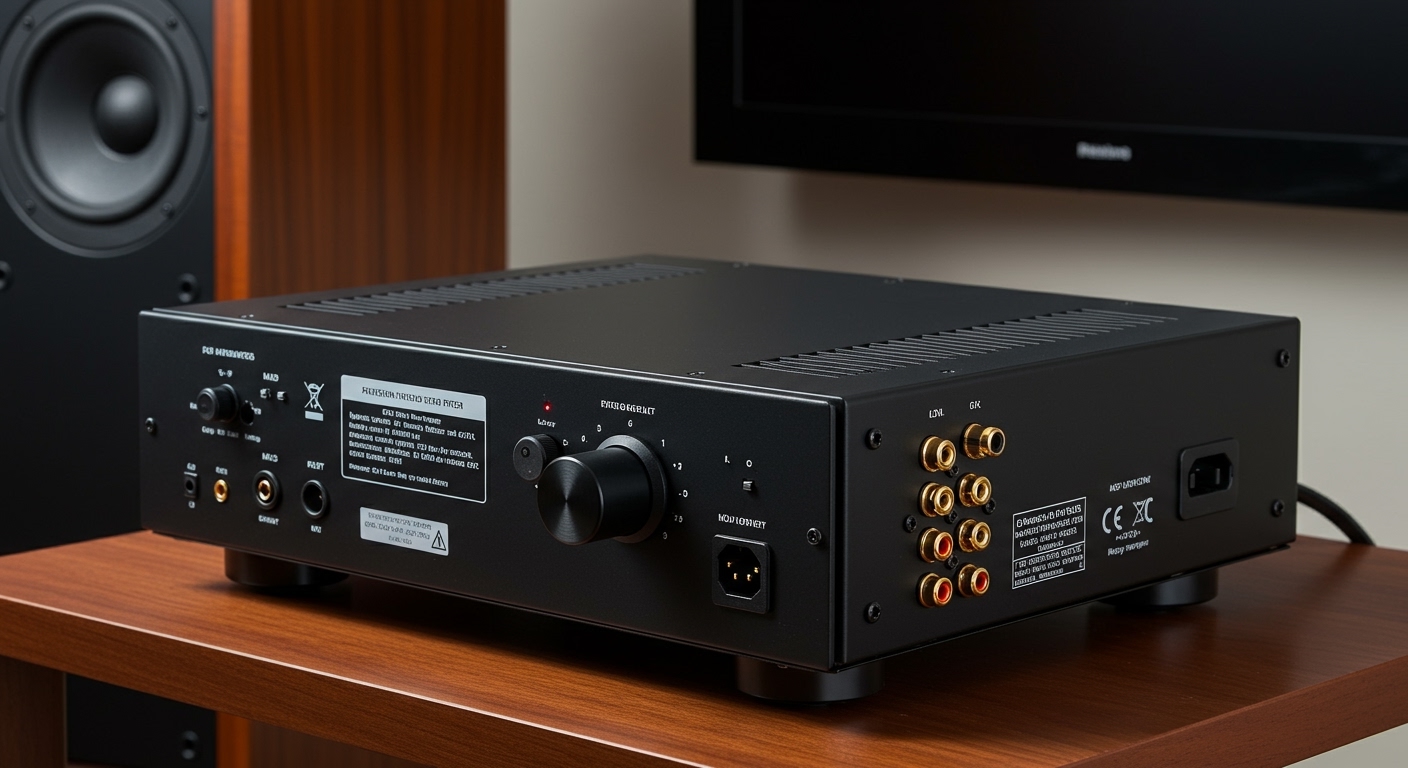
This is the gold standard for high-quality outdoor audio. You buy a pair of permanent weatherproof speakers and mount them to your eaves. You then run CL3-rated speaker wire through your walls to an indoor streaming amplifier.
The amplifier connects to your home Wi-Fi. Because the “smarts” are inside your house, the hardware stays protected from the elements, and you can push significantly more power to the speakers for deeper bass and clearer highs.
Active Bluetooth or Wi-Fi Speakers
These are “all-in-one” units. You simply plug them into an outdoor power outlet, and they have the receiver and amplifier built-in. While easier to install, they often lack the “oomph” of a dedicated system and are more susceptible to internal component failure due to heat and humidity.
| Feature | Streaming Amplifier (Wi-Fi) | Bluetooth Outdoor Speakers |
|---|---|---|
| Audio Quality | High-Fidelity / Lossless | Standard / Compressed |
| Range | Entire Wi-Fi Network | 30–60 feet |
| Durability | High (Electronics are indoors) | Moderate (Electronics are outdoors) |
| Control | Smartphone App / Multi-room | Direct Pairing |
| Cost | Higher ($500+) | Lower ($100 – $400) |
Step-by-Step Guide: How to Stream Music to Outdoor Speakers
Setting up your system requires more than just hitting “play.” Follow these steps to ensure a professional-grade installation.
Step 1: Evaluate Your Wi-Fi Signal Strength
Before buying gear, take your phone to where you want the speakers to be. If your phone shows only one bar of Wi-Fi, your high-res streaming will buffer constantly. We recommend using a Wi-Fi analyzer app to check the RSSI (Received Signal Strength Indicator).
If the signal is weak, consider adding an Outdoor Access Point (like the TP-Link Omada or Ubiquiti UniFi series). This ensures your phone can talk to the amplifier or speaker without interruption.
Step 2: Choose Your “Streaming Brain”
If you choose a wired system, you need a device that acts as the bridge between your music app and the speakers. Popular choices include:
- Sonos Amp: The easiest “set and forget” option with a massive ecosystem.
- WiiM Amp: An incredible budget-friendly option that supports AirPlay 2, Chromecast, and Tidal Connect.
- Denon HEOS Drive: Best for massive backyards where you want different music in the pool area vs. the patio.
Step 3: Select and Position Your Speakers
For a standard patio, mount your speakers at least 10 to 12 feet apart. Do not mount them too high; keeping them at roughly 8 feet ensures the sound stays focused on the listeners and doesn’t drift into the neighbor’s yard.
Pro Tip: In our experience, subsurface subwoofers (buried in the ground) are the “secret sauce” for outdoor audio. Since there are no walls to reflect bass, outdoor music often sounds “thin.” A buried sub adds the punch you need for a full soundstage.
Step 4: Run the Necessary Wiring
If using a passive system, use 14-gauge or 12-gauge oxygen-free copper (OFC) wire. Ensure the wire is Direct Burial Rated if you are running it through a trench.
| Distance | Recommended Wire Gauge |
|---|---|
| Under 50 feet | 16 AWG |
| 50 – 150 feet | 14 AWG |
| Over 150 feet | 12 AWG |
Step 5: Connect to the App and Calibrate
Once the hardware is powered on, open your streaming app (Spotify, Apple Music, Amazon Music). Most modern amplifiers will automatically appear as an AirPlay or Spotify Connect device. Set your “Maximum Volume Limit” in the app settings—this prevents guests from accidentally blowing your speakers during a late-night party.
Advanced Connectivity: Bluetooth 5.0 vs. Wi-Fi Streaming
Many users ask if they can just use a Bluetooth transmitter. While possible, how to stream music to outdoor speakers effectively usually moves away from Bluetooth for several reasons.
- Phone Interruptions: If your phone rings while streaming via Bluetooth, the music stops, or the entire yard hears your ringtone. Wi-Fi streaming happens “on the device,” so your phone just acts as a remote.
- Bandwidth: Bluetooth 5.0 is great, but it still compresses audio. Wi-Fi has the bandwidth to stream FLAC or Apple Lossless files, providing a much richer experience.
- Distance: If you walk to the kitchen to grab a drink, a Bluetooth connection will likely cut out. A Wi-Fi system keeps playing as long as the amplifier is connected to the router.
Overcoming Environmental Challenges
The outdoors is a hostile environment for electronics. To keep your music streaming year after year, follow these protective measures.
Dealing with “The Wall” (Signal Interference)
Standard residential walls built with brick, stucco, or low-E glass are notorious for killing wireless signals. We have found that placing a wireless mesh node near a window facing the patio can drastically improve the connection for wireless outdoor speakers.
Thermal Management
If you are using an “Active” speaker (one that plugs into an outlet), avoid placing it in direct afternoon sunlight. Even “outdoor-rated” speakers can overheat, causing the internal streaming chip to throttle or shut down. Shaded placement under eaves is always best.
Managing Multiple Zones
For larger properties, you might want Country music by the BBQ and Chill Lo-fi by the pool. To achieve this, you need a multi-zone streamer. Systems like Sonos allow you to “group” or “ungroup” speakers on the fly, giving you total control over the atmosphere of different outdoor areas.
Expert Recommendations for Hardware
Based on our real-world testing in various climates, here are the top picks for different budgets.
- The Best Overall: Sonos Amp paired with Sonos by Sonance Outdoor Speakers. The integration is seamless, and the “Trueplay” tuning (available on some models) optimizes sound for your specific outdoor layout.
- The Budget King: WiiM Amp paired with Polk Audio Atrium 5 speakers. This setup costs less than $500 and provides professional-level streaming capabilities.
- The Audiophile Choice: Bluesound Powernode paired with Revel M125be outdoor monitors. This supports MQA and high-resolution 24-bit streaming.
Frequently Asked Questions
Can I turn my old “dumb” outdoor speakers into streaming speakers?
Yes! You can add a WiiM Pro or an Echo Link to your existing amplifier. These devices act as a “source” that adds Wi-Fi, Bluetooth, and app control to any older audio system.
Do I need a special router for outdoor music streaming?
You don’t necessarily need a new router, but you may need an Outdoor Wi-Fi Extender. Outdoor streaming requires a consistent data flow; even a 5-second dip in signal will cause your music to stop.
Is it okay to leave my streaming speakers outside in the winter?
If they are IP-rated outdoor speakers, they are designed to handle freezing temperatures. However, we recommend covering them or bringing them inside if you live in a climate with extreme ice and snow to prevent the speaker cones from becoming brittle.
How do I control the volume if my phone is inside?
Most modern streaming systems are compatible with voice assistants. You can say, “Hey Google, turn up the patio volume,” or use weather-resistant physical remote controls like the Lutron Aurora or iPort Surface Mount.
What is the best app for streaming music outdoors?
Spotify and Tidal are generally preferred for outdoor use because their “Connect” features allow the amplifier to pull music directly from the cloud, saving your phone’s battery and preventing signal drops.
**
**
**
**