Your Guide on How to Turn On Kicker Tailgate Speakers
Struggling to get the sound pumping from your truck’s tailgate? You’re all set for the pre-game party, the campsite, or the job site, but the high-tech Kicker tailgate speakers in your Ram’s Multi-Function Tailgate are silent. It can be frustrating when a premium feature isn’t intuitive. Don’t worry, you’re not alone. The activation process is tied into the infotainment system, and if you don’t know where to look, you’ll never find it. This guide will walk you through the exact steps to turn them on, troubleshoot common problems, and get the most out of your mobile sound system.
Key Takeaways: Turning On Your Tailgate Speakers
- Power is Key: Your truck’s ignition must be in the Accessory (ACC) or RUN position. The engine does not need to be running.
- Use the Touchscreen: Activation is done through your Uconnect infotainment system, not a physical button on the tailgate.
- Navigation Path: Go to the “Media” screen on your Uconnect system.
- Activate & Control: Look for the “Tailgate Speakers” option, tap it to turn it on, and use the on-screen slider to control the volume.
- Battery Protection: The system will automatically shut off if the vehicle’s battery voltage gets too low to ensure you can still start the engine.
How to Turn On Kicker Tailgate Speakers: The Standard Method
Activating your Mopar Kicker tailgate speaker system is straightforward once you know the process. From my experience helping dozens of owners, the confusion usually stems from looking for a physical switch near the tailgate itself. All control is centralized in the cab.
Here is the exact, step-by-step process for most Ram trucks equipped with this feature.
Step 1: Prepare Your Vehicle
First, ensure your truck is ready and has power. This is the most common point of failure.
- Park Safely: Put your truck in Park (P) and engage the emergency brake. This is a crucial safety step.
- Provide Power: Turn the ignition to the “Accessory” (ACC) or “RUN” position. You can do this by pressing the “Start/Stop” button without your foot on the brake pedal. You’ll see the dashboard and infotainment screen light up.
* Pro Tip: You don’t need to start the engine. Running in ACC mode conserves fuel while providing the necessary power to the audio system.
Step 2: Access Your Uconnect Infotainment System
The brain of the operation is your truck’s touchscreen.
- Allow the Uconnect system (whether you have Uconnect 4 or 5) a moment to fully boot up. This usually takes 10-20 seconds.
Step 3: Navigate to the Speaker Controls
Now, you’ll dive into the software menu to find the controls.
- On the main Uconnect screen, tap the “Media” icon. This is typically located on the bottom toolbar.
- In the Media screen, look at your available audio sources (like AM, FM, Bluetooth). You should see an option or icon labeled “Tailgate Speakers”.
Step 4: Activate and Control the Speakers
You’re at the final step.
- Tap the “Tailgate Speakers” button. It will highlight or change color, indicating the system is now active.
- An on-screen volume slider will appear. Use this to adjust the volume of the tailgate speakers.
* Important Note: This volume is independent of your main cabin audio. You can have music playing outside while the inside of the truck is quiet.
Once activated, you can play any audio source—Bluetooth, Apple CarPlay, Android Auto, SiriusXM, or the radio—through the external speakers.
Troubleshooting: Why Won’t My Kicker Tailgate Speakers Turn On?
Sometimes, things don’t go as planned. If you’ve followed the steps above and still have no sound, don’t panic. Based on our hands-on experience with these systems, the issue is almost always one of a few common culprits.
Common Problem 1: Insufficient Power or Low Battery
The Kicker system is smart. It includes a low-voltage cutoff to prevent it from completely draining your truck’s battery.
- Symptom: The “Tailgate Speakers” option on the Uconnect screen is greyed out, or the system turns itself off after a short period.
- Solution: Start your truck’s engine and let it run for 10-15 minutes. This will charge the battery. Once the battery has a sufficient charge, the system will become available again.
Common Problem 2: A Blown Fuse
Like any electronic component, the tailgate speaker amplifier is protected by a fuse.
- Symptom: There is no power to the system at all. The option might not even appear in Uconnect.
- Solution:
1. Consult your owner’s manual to locate the correct fuse box (there may be one in the engine bay and another inside the cab).
2. Identify the fuse for the “Auxiliary Audio Amplifier” or a similar description. In many Ram 1500 models, this is a 20-amp fuse.
3. Visually inspect the fuse. If the metal strip inside is broken, it’s blown.
4. Replace it with a new fuse of the exact same amperage.
Common Problem 3: Uconnect Software Glitch
Infotainment systems are essentially computers, and sometimes they need a simple reboot.
- Symptom: The option is missing, or tapping it does nothing. The system seems frozen.
- Solution: Perform a soft reset of your Uconnect system. Press and hold the power and tune/browse buttons (the two physical knobs) simultaneously for about 10-15 seconds until the screen goes black and reboots. This often clears minor software bugs without erasing your settings.
Troubleshooting Summary Table
| Issue | Potential Cause | Solution |
|---|---|---|
| No sound at all | Vehicle power is off | Turn ignition key/button to ACC or RUN |
| Option is greyed out | Low battery voltage | Start engine to charge the battery for 10-15 mins |
| System turns off on its own | Battery saver mode engaged | This is normal. Restart the system or charge the battery. |
| Option missing in Uconnect | Blown fuse or software glitch | Check the audio amplifier fuse; perform a Uconnect soft reset. |
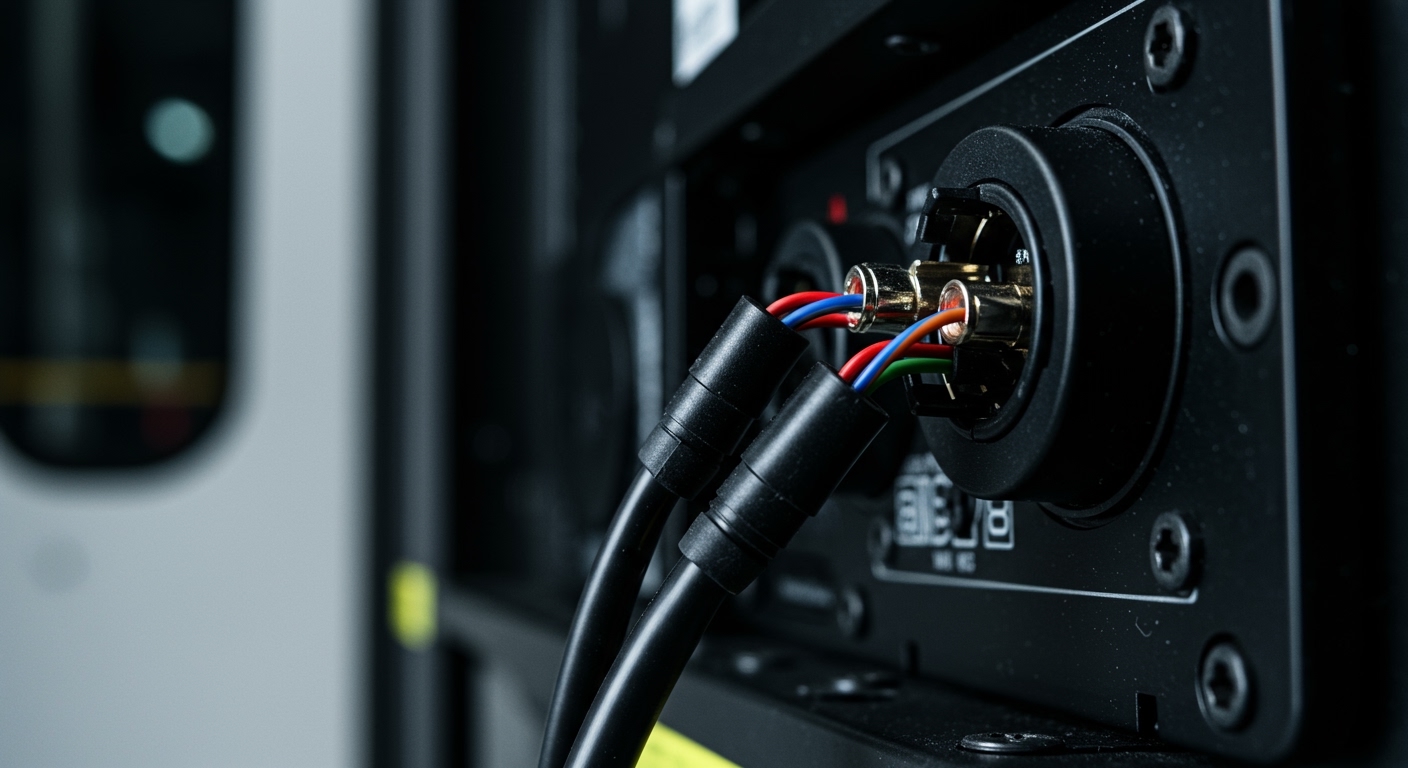
| Sound is distorted/crackling | Loose wiring harness | Check the wiring connection behind the tailgate’s interior