How to Wire Boss LED Speakers: The Fast Start Guide
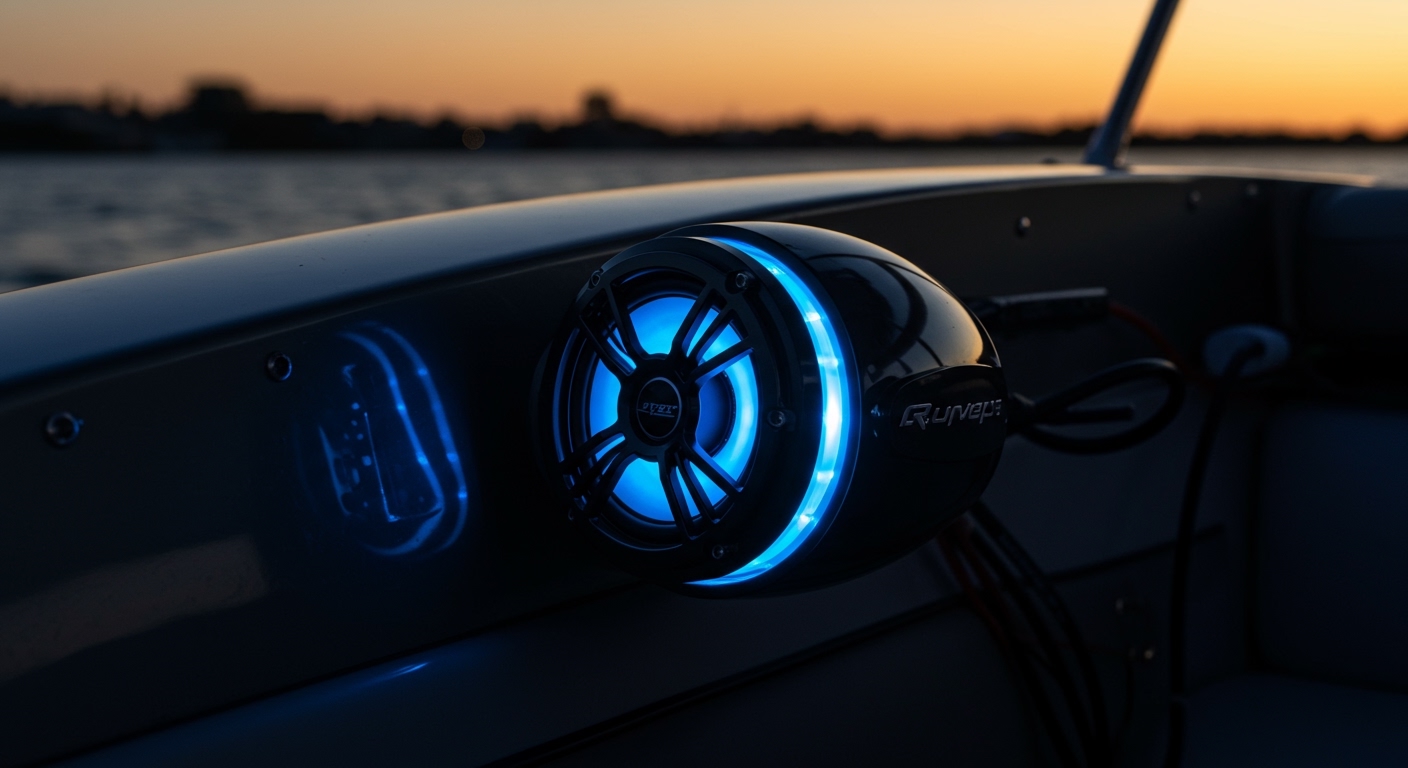
To wire Boss LED speakers, you must manage two separate circuits: the audio signal and the LED power. First, connect the speaker’s positive and negative audio terminals to your amplifier or head unit; then, connect the separate RGB wire harness to a 12V power source or an RGB controller to enable the lighting. This dual-connection ensures your speakers produce high-quality sound while providing the custom visual aesthetic Boss Audio is known for.
TL;DR: Key Takeaways for Boss LED Installation
- Audio First: Always connect the audio wires (usually thicker) before the LED wires.
- Voltage Matters: Boss LED speakers require a 12V DC power source. Never connect them directly to AC wall outlets.
- Controller vs. Direct: Using an RGB controller allows for color changing, while direct wiring to a switch results in a single static color.
- Fuse Protection: Always install an inline fuse (typically 3A to 5A) on the LED power wire to prevent circuit damage.
- Marine Grade: If installing on a boat, use marine-grade tinned copper wire to prevent corrosion.
Preparation: Tools and Materials You Will Need
Before we dive into how to wire boss led speakers, you need the right gear. In our experience installing these in marine environments, using cheap connectors is the number one cause of flickering lights or “crackling” audio.
Required Equipment
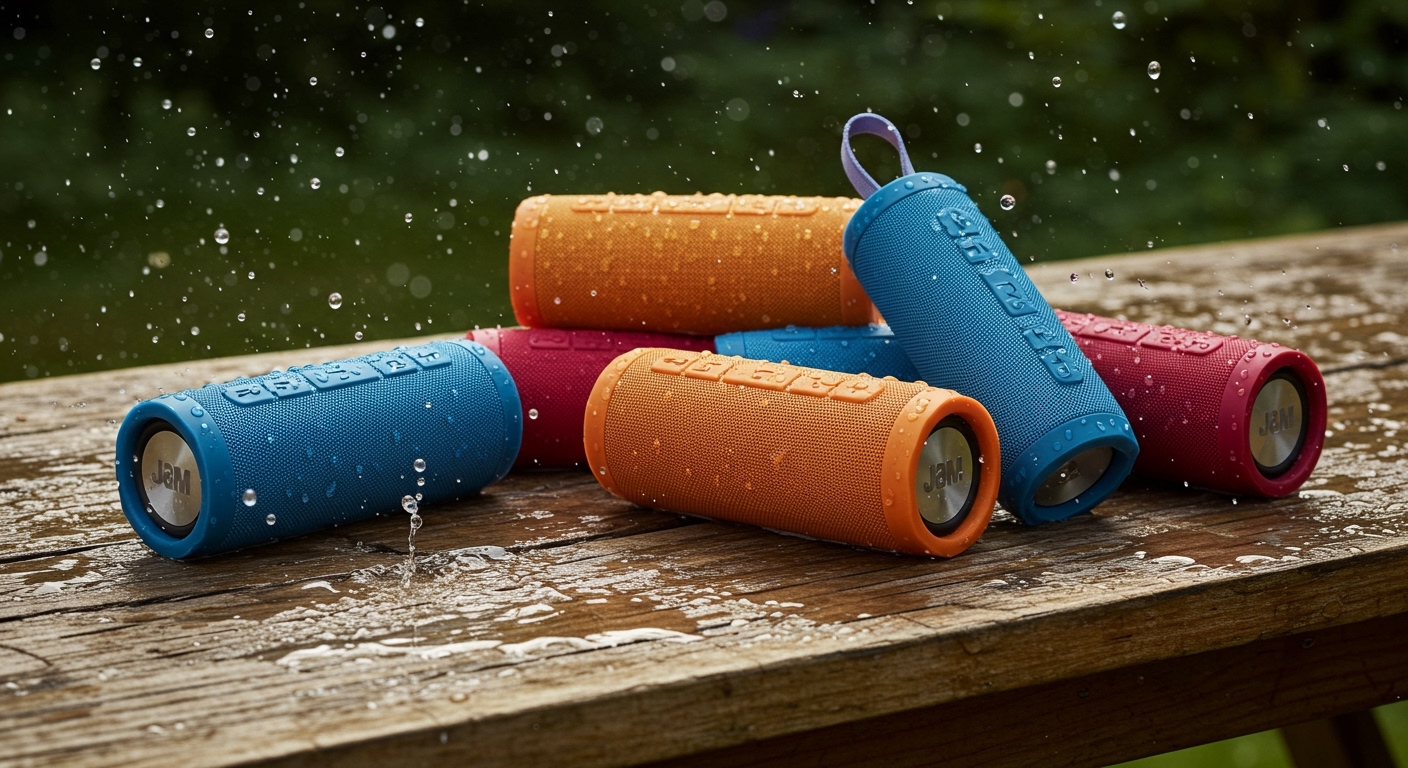
- Boss LED Speakers (e.g., MRGB65 or MRGBL65 series).
- 16-18 Gauge Speaker Wire (For audio).
- 20-22 Gauge 4-Conductor RGB Wire (For the LEDs).
- Wire Strippers/Crimpers.
- Heat Shrink Butt Connectors (Essential for waterproofing).
- RGB LED Controller (Optional, for remote color control).
- 12V Toggle Switch (To turn lights off when not in use).
- Digital Multimeter (To test for 12V power and ground).
| Component | Recommended Specification | Purpose |
|---|---|---|
| Speaker Wire | 16 AWG Tinned Copper | Audio Signal Transmission |
| LED Wire | 4-Core RGB Ribbon Wire | Powering Red, Green, Blue LEDs |
| Fuse | 3 Amp / 5 Amp Inline | Circuit Protection |
| Connectors | Adhesive-lined Heat Shrink | Waterproofing connections |
Step 1: Identifying the Wiring Harness
The most confusing part of learning how to wire boss led speakers is the sheer number of wires protruding from the back of the speaker. Most Boss marine speakers feature two distinct sets of wires.
The Audio Wires
These are usually two separate wires (Positive and Negative).
- Positive (+): Often Red or White.
- Negative (-): Often Black or Grey.
The LED Wires (RGB)
Boss speakers typically use a Common Anode system. You will see a 4-wire pigtail:
- Black Wire: This is the +12V Positive (Common).
- Red Wire: Ground for the Red color.
- Green Wire: Ground for the Green color.
- Blue Wire: Ground for the Blue color.
Pro Tip: If you want the speakers to stay a specific color (like Cyan), you would ground both the Green and Blue wires simultaneously.
Step 2: Routing the Wires Safely
We have seen many DIY installs fail because wires were pinched by seats or melted by engine heat. When wiring boss led speakers, pathing is everything.
- Avoid Moving Parts: Ensure wires do not interfere with steering cables, throttle linkages, or hinge points.
- Keep Audio and Power Separate: Whenever possible, run your RCA cables and audio wires on the opposite side of the vehicle/boat from the main 12V power cables. This reduces “alternator whine” or interference.
- Use Looming: Wrap your wires in split-loom tubing to protect against abrasion.
Step 3: Connecting the Audio Signal
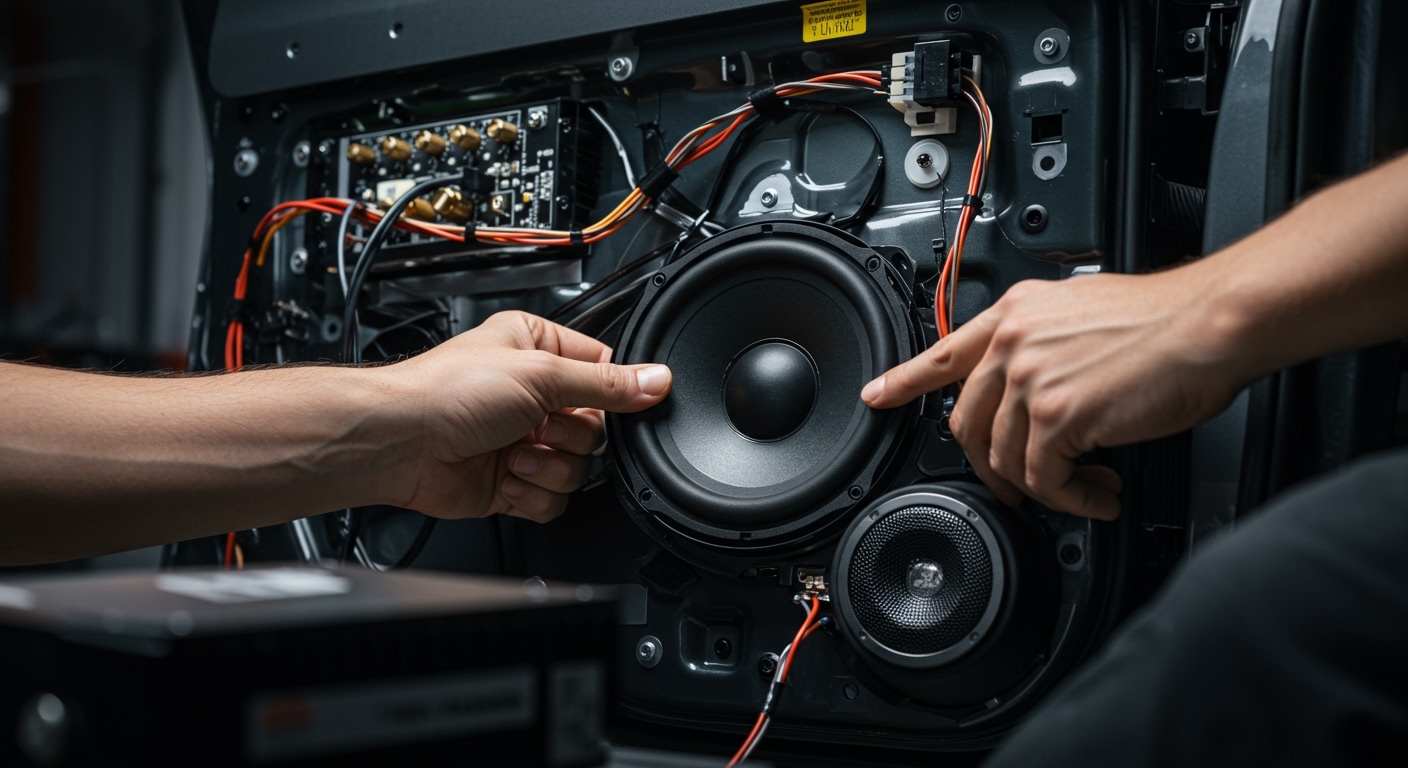
This is the standard part of the installation. Connect your speaker wires to your head unit or marine amplifier.
- Strip the ends: Remove about 1/2 inch of insulation from the wires.
- Crimp the connectors: Use heat shrink butt connectors.
- Match Polarity: Ensure the positive terminal on the amp goes to the positive lead on the Boss speaker. If you flip these, the speakers will be “out of phase,” resulting in very weak bass.
- Seal the connection: Use a heat gun to shrink the tubing until the internal adhesive flows. This prevents the “green crust” (corrosion) common in boat wiring.
Step 4: Powering the LED Lights
Now for the visual magic. There are two primary ways to handle the LED wiring for your Boss speakers.
Option A: Using an RGB Controller (Recommended)
An RGB controller (like the Boss MRGBT200) allows you to change colors via remote or smartphone app.
- Connect the Black (+12V) wire from the speaker to the Positive output on the controller.
- Connect the Red, Green, and Blue wires to the corresponding R, G, and B ports on the controller.
- Connect the controller’s main power input to your 12V battery (with an inline fuse).
Option B: Hardwiring for a Static Color
If you don’t want a controller, you can wire the speakers to stay one color.
- For Blue: Connect Black to +12V and Blue to Ground.
- For White: Connect Black to +12V and Red, Green, and Blue all to Ground.
- For Purple: Connect Black to +12V and both Red and Blue to Ground.
Step 5: Grounding and Circuit Protection
Safety is non-negotiable when wiring boss led speakers.
- Grounding: Always find a solid chassis ground (for UTVs/Cars) or the negative bus bar (for boats). A poor ground will cause the LEDs to flicker or appear dim.
- Fusing: Install a fuse holder within 12 inches of the battery. For a pair of Boss LED speakers, a 5A fuse is usually more than enough. This protects your vessel from an electrical fire if a wire shorts out.
How to Wire Boss LED Speakers for Synchronized Lighting
If you have multiple pairs of speakers, you want them to change colors at the same time. To achieve this, you must wire the LEDs in parallel.
- Run a main “trunk” of 4-conductor RGB wire from the controller to the first speaker.
- Tap into that trunk for the second speaker using T-tap connectors or by soldering.
- Ensure the colors match (Red to Red, Blue to Blue, etc.) at every junction. If you swap a wire, one speaker might turn Red while the other turns Green.
Common Mistakes to Avoid
- Using Wire Nuts: Never use household wire nuts. They vibrate loose and are not moisture-resistant.
- Skipping the Switch: If you wire the LEDs directly to the battery without a switch or ignition source, they will drain your battery while the boat is parked.
- Ignoring Wire Gauge: Using wire that is too thin (higher gauge) over long distances will cause a voltage drop, making the LEDs look yellow or dim. Use at least 20 AWG for LED runs over 10 feet.
Frequently Asked Questions
Do I need an amplifier to wire Boss LED speakers?
No, you can power the audio from a standard head unit. However, an amplifier will provide better sound quality and higher volume. The LED portion always requires a separate 12V power connection regardless of whether you use an amp.
Can I wire the LEDs to my navigation lights?
Yes, this is a popular trick. By tapping the Black (+12V) LED wire into your boat’s navigation light switch, the speakers will automatically glow whenever you turn on your running lights at night.
Why are my Boss LED speakers only showing one color?
This usually means only one of the ground wires (Red, Green, or Blue) is connected. If you are using a controller, check the connections at the terminal block. If you are hardwiring, ensure all desired color wires are tied to a solid Ground.
What happens if I wire the audio and LED wires together?
Do not do this. Connecting the 12V LED power to the audio output of your radio will likely fry the amplifier’s internal circuitry and destroy the speaker’s voice coil. Keep these two systems completely separate.