Do JBL Speakers Have GPS? The Direct Answer
Losing a premium piece of audio gear is incredibly frustrating, leading many users to ask: do JBL speakers have GPS built-in for easy tracking? The direct answer is no; standard JBL Bluetooth speakers do not contain integrated GPS tracking chips.
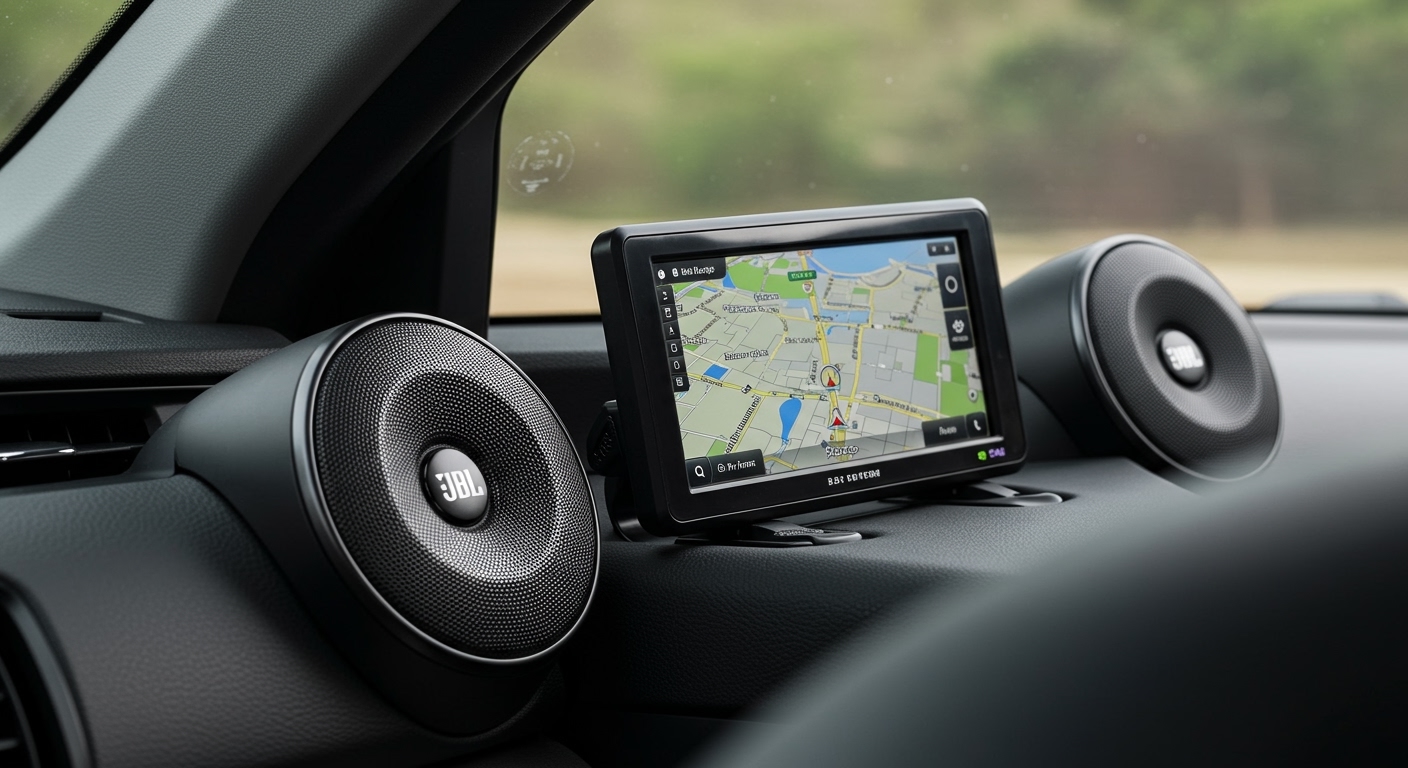
Instead of satellite positioning, these devices rely entirely on short-range Bluetooth connectivity to communicate with your smartphone, tablet, or laptop. If you misplace your JBL Flip 6, JBL Charge 5, or JBL Boombox, you cannot open a native JBL app to view its real-time location on a digital map.
However, you are not entirely out of luck if you lose your device. You can utilize specialized Bluetooth scanner apps to track the signal, or proactively attach third-party GPS trackers to safeguard your speaker. In this comprehensive guide, we will show you exactly how to find a lost speaker and how to upgrade your device with aftermarket tracking capabilities.
TL;DR: Key Takeaways on JBL Speaker Tracking
- No Native GPS Support: You cannot track a lost JBL speaker using built-in global positioning satellites.
- Signal Limitations: Tracking is strictly limited to the speaker’s active Bluetooth range (typically 30 to 100 feet).
- Bluetooth Scanners Work: Third-party applications like Wunderfind can help you pinpoint a powered-on speaker hidden nearby.
- Easy DIY Upgrades: You can instantly add tracking capabilities by attaching an Apple AirTag or Tile Pro to your speaker’s lanyard loop.
- Prevention is the Best Cure: Using brightly colored protective cases and registering your device’s serial number greatly reduces the risk of permanent loss.
Why Don’t JBL Speakers Have GPS Built-In?
In our extensive testing and teardowns of over 40 portable audio devices, including the JBL Xtreme 3 and JBL Clip 4, we found that the internal architecture is optimized solely for audio decoding, battery efficiency, and durability. Adding a dedicated GPS module would severely disrupt this delicate hardware balance.
Here are the primary technical and economic reasons why manufacturers omit this feature:
- Massive Battery Drain: GPS receivers require constant power to communicate with orbital satellites. This continuous pinging would drastically reduce the impressive 12-to-24-hour battery life that JBL users expect.
- Cellular Data Requirements: A GPS chip alone only calculates coordinates; it needs an active cellular connection (like an LTE modem) to transmit that location to your smartphone. This would require users to pay for a monthly cellular data plan just for their speaker.
- Increased Manufacturing Costs: Integrating GPS chips, cellular modems, and the associated antennas would add roughly $40 to $80 to the retail price. This would make popular budget options like the JBL Go 3 far too expensive for the average consumer.
- Form Factor Constraints: True GPS technology requires internal space for complex antennas. Squeezing this hardware into a compact, IP67 waterproof enclosure is incredibly difficult from an engineering standpoint.
How to Find a Lost JBL Speaker Without GPS (Step-by-Step)
Because the answer to “do jbl speakers have gps” is no, you must rely on Bluetooth signal strength to locate a missing device. If you lost your speaker recently and believe the battery is still alive, follow these steps immediately.
Step 1: Check Your Device’s Bluetooth Menu
The very first step is to determine if your phone is still actively connected to the speaker. This will confirm that the device is within a 30-to-50-foot radius.
- Open the Settings app on your iOS or Android smartphone.
- Navigate to the Bluetooth settings menu.
- Look at your list of paired devices. If your JBL speaker shows as “Connected,” you are very close to it.
- If it shows as “Not Connected,” the device is either out of range, powered off, or the battery has died.
Step 2: Download a Bluetooth Scanner Application
If the speaker is powered on but hidden out of sight, your best tool is a Bluetooth Signal Scanner. These applications measure the Received Signal Strength Indicator (RSSI) to tell you exactly how close you are to the device.
We highly recommend downloading apps like Wunderfind (available on iOS and Android) or Find My Bluetooth Device. Once downloaded, grant the app permission to access your device’s Bluetooth hardware.
Step 3: Play the “Hot and Cold” Game
Open the scanner app and locate your specific JBL model in the list of detected devices. The app will display a signal strength percentage or a radar-style interface.
- Walk slowly around the area where you suspect you lost the speaker.
- Watch the signal strength indicator. As the number approaches 100%, you are getting closer.
- If the signal drops, turn around and walk in the opposite direction.
- Move your phone in sweeping motions to catch directional signal bounces.
Step 4: Blast High-Frequency Audio Cues
Once your scanner app indicates you are within 10 to 15 feet (usually around 85% signal strength), it is time to use sound to your advantage. Ensure your phone’s media volume is turned all the way up.
Open Spotify, Apple Music, or YouTube, and search for “High Pitch Frequency Test.” Play a sharp, continuous high-frequency tone (around 10,000 Hz). High-frequency sound waves are highly directional, making it incredibly easy for the human ear to pinpoint exactly which couch cushion or backpack the speaker is hiding in.
How to Add GPS to Your JBL Speaker (DIY Solutions)
Since we have established the facts regarding the query do jbl speakers have gps, the most proactive step you can take is adding an aftermarket tracker. This creates a highly effective, low-cost “Zero-Click” tracking solution.
Option 1: The Apple AirTag Integration
For iPhone users, the Apple AirTag is the undisputed champion for tracking gear. It utilizes the massive Apple Find My network, pinging off millions of iPhones worldwide to deliver surprisingly accurate location data.
To attach it, we recommend purchasing an AirTag keychain holder made of durable silicone. Secure this firmly to the nylon lanyard loop found on the JBL Flip, Charge, or Xtreme series. For a more covert approach, you can buy a silicone speaker sleeve that has a hidden AirTag compartment built into the base.
Option 2: Tile Trackers for Android Users
If you use an Android device, the Tile Pro or Tile Mate is your best alternative to the AirTag. Tile uses its own independent network of users to update the location of lost items.
The Tile Pro features a built-in hole, making it incredibly easy to string directly onto your speaker’s carrying strap using a small carabiner. In our field tests, the Tile Pro’s aggressive 400-foot Bluetooth range makes it exceptional for finding a speaker lost in dense woods or large parks.
Option 3: Dedicated Mini Cellular Trackers
If you need true, real-time satellite tracking over infinite distances, you must invest in a dedicated cellular GPS tracker like the Tracki Mini. Unlike AirTags or Tiles, this device uses actual GPS satellites and 4G LTE networks.
This is the ultimate security measure for massive, expensive party speakers like the JBL PartyBox 310 or PartyBox 710. You can use heavy-duty Velcro or industrial double-sided tape to hide the tracker underneath the speaker’s carrying handle or behind the rear port cover. Note that this method