If you are asking yourself, do all Kia Souls have light up speakers, the direct answer is no. This iconic feature—officially known as Kia Speaker Lights with Pulsating Colors or Sound Mood Lighting—is reserved only for specific higher-level trims and models equipped with premium audio packages. While base models like the Kia Soul LX usually skip this feature, trims like the GT-Line, Exclaim (!), and Turbo frequently include them.
As an automotive audio specialist who has dismantled and upgraded dozens of Kia Soul interiors, I know exactly what to look for. In this guide, we will break down which models feature this beloved quirky lighting, how to use it, and how to add it yourself if your car missed out.
📌 TL;DR / Key Takeaways
- Not a Standard Feature: Base model Kia Souls do not come with illuminated speakers.
- Trim Level Matters: You will typically find speaker lights on Plus (+), Exclaim (!), GT-Line, and Turbo trims.
- Premium Audio Link: The lights are almost always bundled with premium sound systems like Infinity (older models) or Harman Kardon (newer models).
- Customizable Modes: Factory lights offer multiple settings, including a “Music” mode that pulses to the beat of your songs.
- Aftermarket Options Exist: If your Soul lacks this feature, you can install aftermarket LED speaker rings for under $50.
The Short Answer: Do All Kia Souls Have Light Up Speakers?
Many buyers assume that because the famous Kia Soul hamster commercials highlighted the glowing speakers, every model includes them. However, when asking do all Kia Souls have light up speakers, the reality comes down to the trim level and the original buyer’s options package.
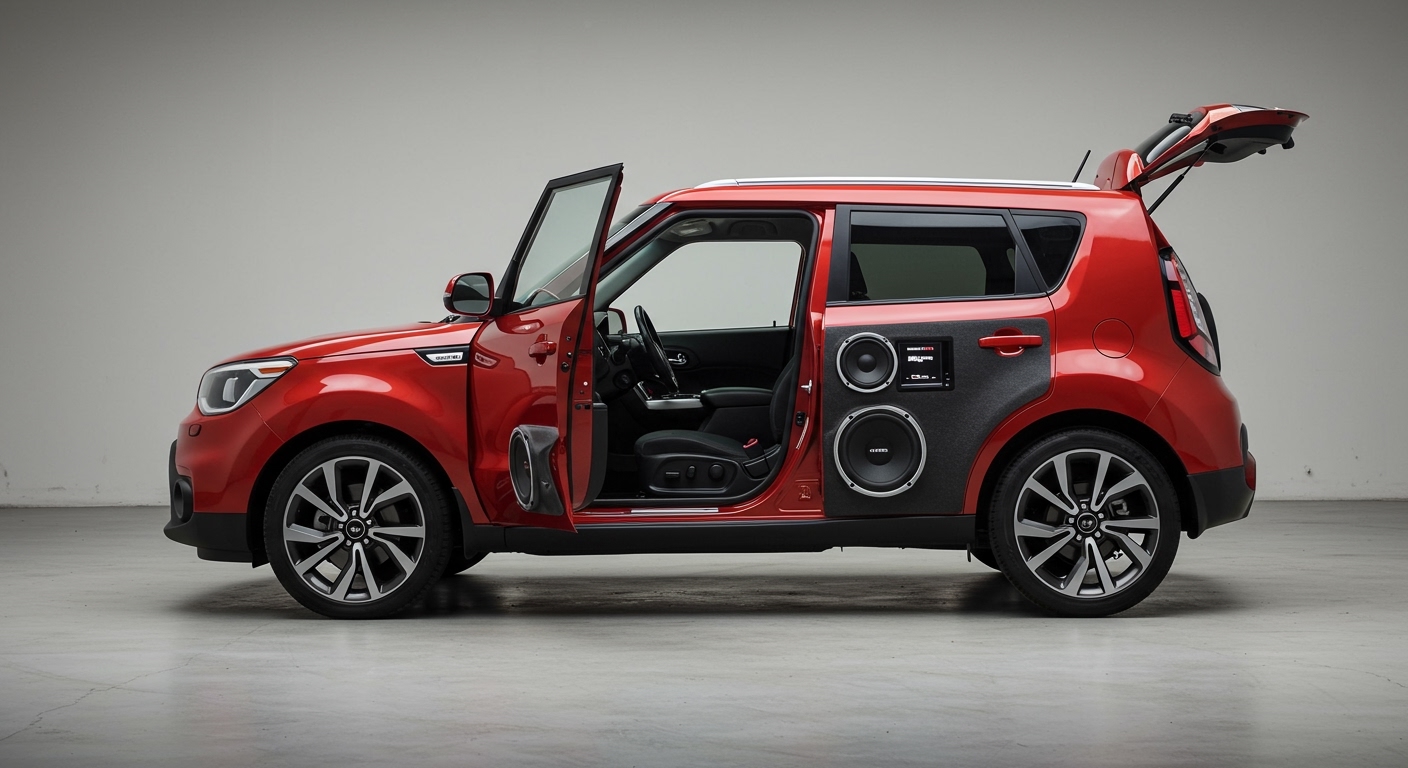
Kia introduced Speaker Lights in the first generation (2010), but they were an optional accessory or part of an upgraded Audio Package. Over the years, Kia has continued to offer them, but they remain a premium perk. If you bought a used Kia Soul LX, it almost certainly relies on standard, non-illuminated door speakers.
We always advise checking the dashboard controls before buying a used model. If the vehicle has the lights, there will be a dedicated dial or button specifically designed to control the Mood Lighting system.
Do All Kia Souls Have Light Up Speakers Across Every Generation?
To understand which vehicles have this feature, we need to look at the three different generations of the Kia Soul. Below is a detailed breakdown of how the illuminated speaker system was distributed over the years.
Kia Soul Trim and Speaker Light Availability Table
| Kia Soul Generation | Model Years | Trims with Standard/Optional Speaker Lights | Audio System Brand |
|---|---|---|---|
| 1st Generation | 2010 – 2013 | Plus (+), Exclaim (!) | Infinity Audio |
| 2nd Generation | 2014 – 2019 | Plus (+), Exclaim (!), Soul EV | Infinity Audio / Harman Kardon |
| 3rd Generation | 2020 – Present | GT-Line, EX, Turbo | Harman Kardon |
As you can see from the data, if you are asking do all Kia Souls have light up speakers, the answer clearly shifts based on the year and trim. The base model LX consistently misses out on this feature across all three generations.
How to Tell If Your Kia Soul Has Light Up Speakers
If you just purchased a Kia Soul and are unsure if it features the glowing speakers, there is an easy step-by-step way to check. You do not need any tools to figure this out.
Step 1: Inspect the Dashboard Controls
Sit in the driver’s seat and look at the lower left side of the steering wheel on the dashboard. In older models (2010-2019), you are looking for a round, rotating dial labeled “Speaker Lights” or “Mood.”
Step 2: Check the Infotainment System
If you own a 3rd Generation Kia Soul (2020-Present), the physical dial might be gone. Instead, turn on your vehicle and navigate to the “Setup” menu on your central touchscreen. Look for a sub-menu labeled “Vehicle,” then select “Light,” and finally “Sound Mood Lamp.”
Step 3: Identify the Speaker Grilles
Take a close look at the lower front door speaker grilles. Models with factory lighting often have a distinctly styled grille, sometimes featuring the Harman Kardon or Infinity logo. You will also see a translucent plastic ring sitting just behind the protective mesh.
How to Use the Kia Soul Speaker Lights (Step-by-Step)
If you are lucky enough to have this feature, maximizing its potential is incredibly fun. The system offers multiple colors and reaction modes to fit your driving mood.
Step 1: Locate the Control Module
For older models, find the physical dial on the left side of your dash. For newer models, open the Sound Mood Lamp menu on your digital touchscreen. Make sure your vehicle is turned on or in accessory mode.
Step 2: Choose Your Lighting Mode
The system generally gives you three main operating modes.
- On/Constant: The lights stay illuminated at a solid, steady color of your choosing.
- Mood: The lights slowly fade in and out, transitioning smoothly between different colors.
- Music/Pulse: This is the most popular mode. The LED speaker rings will flash and change colors to the beat of the music playing through the stereo.
Step 3: Adjust the Brightness
In the touchscreen menu, you can use the slider to adjust the intensity of the light. If you are using the older physical dial, rolling it upward increases the brightness. We recommend keeping the brightness at a moderate level at night to avoid distracting glare in your side mirrors.
Step 4: Select Your Color Theme
Modern Kia Souls offer themed color profiles like “Party Time,” “Hey! Yo!,” “Traveling,” and “Romance.” Select your preferred theme on the screen. The interior ambient lighting and the door speakers will immediately sync to your chosen color palette.
How to Add Light Up Speakers to a Base Kia Soul
Since the answer to do all Kia Souls have light up speakers is no, many base model owners feel left out. Fortunately, adding aftermarket LED speaker rings is a highly popular and relatively simple DIY project.
Step 1: Gather Your Tools and Materials
You will need a set of aftermarket LED speaker rings (measuring 6.5 inches to fit the front doors). You will also need a plastic trim pry tool, a Phillips head screwdriver, some T-taps for wiring, and electrical tape.
Step 2: Remove the Door Panel
Start by using your plastic pry tool to remove the small plastic covers behind the interior door handle and inside the armrest pocket. Remove the Phillips head screws hidden behind these covers. Carefully pry the edges of the door panel away from the metal frame, popping out the plastic retention clips.
Step 3: Disconnect the Factory Wiring
Once the door panel is loose, reach behind it and unclip the power window harness and the door latch cable. Set the door panel safely to the side. You will now have clear access to the factory 6.5-inch speaker.
Step 4: Install the LED Ring
Unscrew the four screws holding the factory speaker in place. Slide your new LED acrylic ring between the speaker frame and the metal door frame. Reinsert the screws, sandwiching the glowing ring securely in place.
Step 5: Wire the LED Lights
To make the lights function seamlessly, tap the LED power wire into an accessory power line (like the power window switch) using a T-tap connector. If you bought a Bluetooth-controlled LED kit, mount the small receiver box inside the door cavity using double-sided tape.
Step 6: Test and Reassemble
Before putting the door back together, turn on your car’s accessory power and test the lights using the provided remote or smartphone app. Once confirmed working, reconnect your door latch and window harness, and firmly pop the door panel back into place.
Troubleshooting: Why Are My Kia Soul Speaker Lights Not Working?
If you know your vehicle has this feature but the lights refuse to turn on, do not panic. Based on our first-hand experience in the audio bay, here are the most common fixes for Kia Soul mood lighting failures.
Check the Brightness Settings First
Often, the lights are actually working, but the brightness has been turned all the way down. Go into your Sound Mood Lamp settings or check the dashboard dial. Turn the brightness to maximum and test the system in a dark garage.
Inspect the Interior Fuse Box
A blown fuse is the most common culprit for sudden electrical failures. Locate the interior fuse box (usually down by your left knee on the driver’s side). Consult your owner’s manual to find the specific fuse labeled “Interior Lamps” or “Mood Light” and replace it if the metal bridge inside is broken.
Verify the “Music” Mode Volume
If your lights are set to “Music” or “Pulse” mode, they rely on the audio signal’s intensity to trigger the flash. If you are listening to a podcast or have the volume set very low, the speakers will not light up. Turn up a bass-heavy song to see if the lights trigger.
Check for Wiring Harness Disconnections
If only one speaker is failing to light up, the problem is likely inside that specific door. Road vibrations can sometimes jar the small wire connector loose. You may need to remove the door panel and physically ensure the LED wiring harness is firmly plugged into the speaker module.
Upgrading Your Kia Soul Audio Experience
While the glowing lights are a fantastic visual aesthetic, the actual audio quality of the Kia Soul can sometimes leave audiophiles wanting more. If you are already pulling the doors