Do Nord Keyboards Have Built In Speakers? The Short Answer
If you are wondering, do Nord keyboards have built in speakers? The explicit answer is no, they do not. Nord keyboards are professional-grade stage instruments designed strictly for live performances and studio recording.
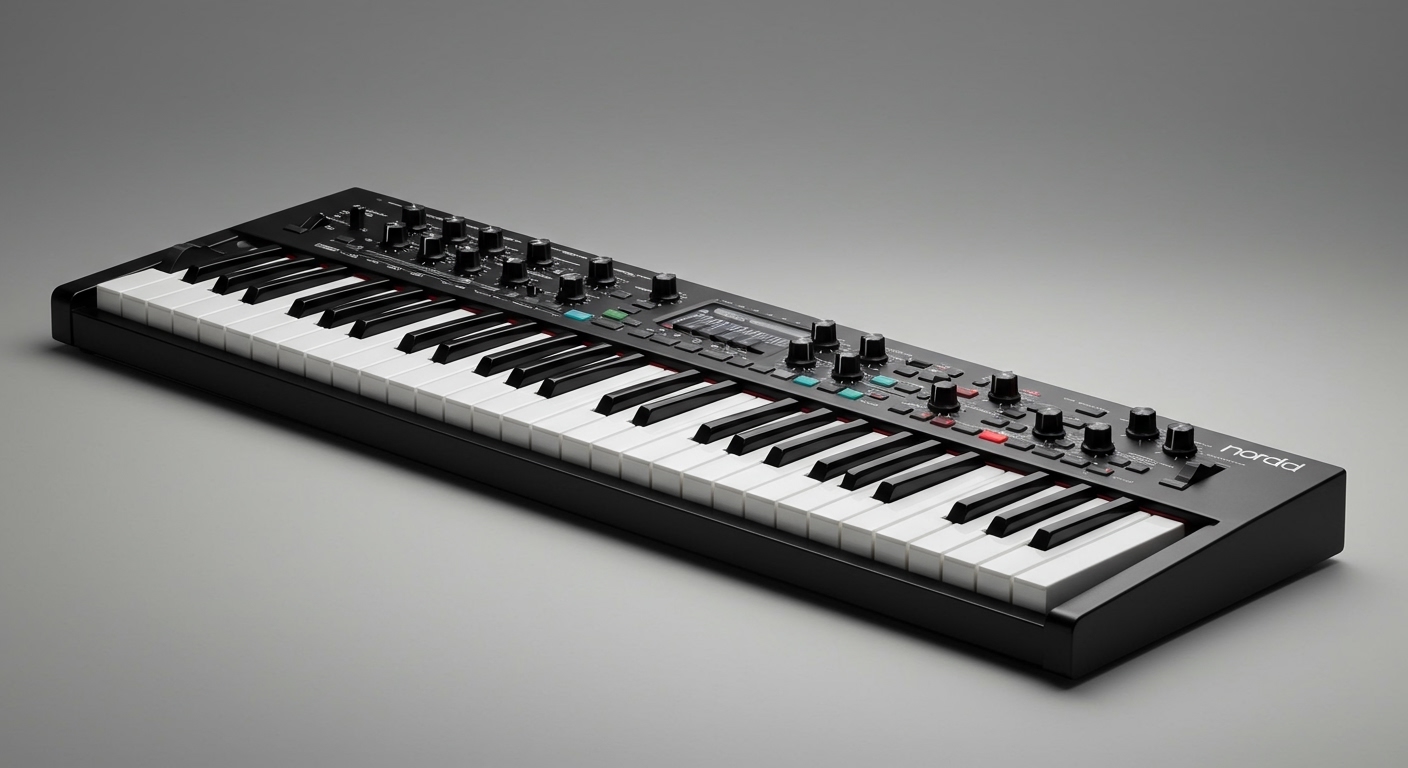
Because they cater to touring musicians and producers, Clavia (the manufacturer behind Nord) omits built-in speakers to keep the instruments lightweight and compact. Including onboard speakers would unnecessarily increase the weight and compromise the acoustic design of these premium keyboards.
To hear your Nord Stage, Nord Electro, or Nord Grand, you must connect it to an external audio source. This can be a pair of headphones, studio monitors, a keyboard amplifier, or a venue’s Public Address (PA) system.
TL;DR / Key Takeaways
- No Built-In Speakers: Every Nord model requires external amplification or headphones to produce sound.
- Professional Design: Omitting speakers saves weight, reduces bulk, and prevents internal acoustic vibrations.
- Best Sound Solutions: Use high-quality studio monitors at home, or a keyboard amp / PA system for live gigs.
- The Stereo Rule: Always run your Nord in stereo (using outputs 1 and 2); their acoustic piano samples suffer from phase cancellation in mono.
- Official Alternative: The Nord Piano Monitor V2 system is the closest you can get to built-in speakers, as they mount directly to the keyboard chassis.
Why Don’t Nord Keyboards Have Built In Speakers?
When beginners ask, do Nord keyboards have built in speakers, they are often surprised by the answer. Most entry-level digital pianos from Yamaha or Casio include onboard speakers. However, Nord targets a different demographic.
Weight Reduction and Portability
Touring musicians need lightweight gear. A standard pair of built-in speakers requires heavy magnets, amplifier circuits, and larger chassis enclosures. By removing these components, the Nord Electro 6D weighs just 17.8 lbs (8.1 kg), making it incredibly easy to carry to gigs.
Acoustic Isolation
Speakers generate physical vibrations. If these were built into a premium instrument like the Nord Grand, the vibrations could interfere with the delicate mechanics of the premium hammer-action keybeds. This could lead to a rattling chassis over time.
Professional Audio Standards
Built-in speakers on keyboards are rarely powerful or flat enough to replicate high-fidelity sound accurately. Since Nords are packed with gigabytes of uncompressed, meticulously sampled grand pianos and vintage tonewheel organs, playing them through small plastic speakers would ruin the sonic experience. Professionals always prefer to route their audio through dedicated outboard gear.
How to Listen to Your Nord Keyboard: 4 Best Audio Solutions
Since we have established the answer to do Nord keyboards have built in speakers, you need to know how to amplify your instrument. Depending on your use case, there are four primary ways to hear your Nord.
High-Fidelity Studio Headphones
For quiet, late-night practice, headphones are your best friend. Every Nord keyboard features a dedicated 1/4-inch stereo headphone jack on the front or rear panel.
You should avoid consumer Bluetooth headphones due to audio latency (delay). Instead, invest in wired, open-back or closed-back studio reference headphones like the Beyerdynamic DT 770 Pro or Audio-Technica ATH-M50x. These provide a flat frequency response, allowing you to hear the precise EQ of your piano patches.
Active Studio Monitors
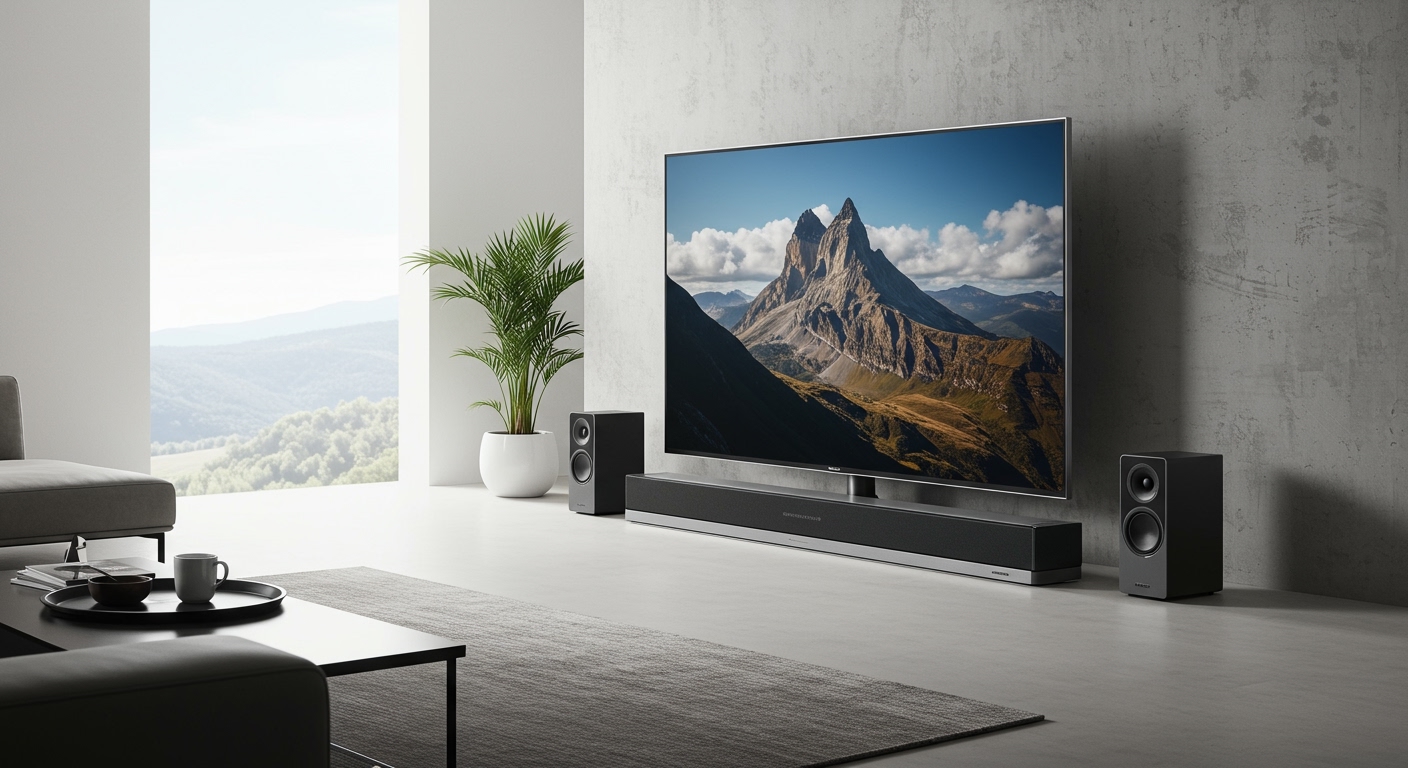
If you are playing in a home studio or living room, active studio monitors are the gold standard. These are powered speakers that plug directly into the wall and accept the line-level output from your keyboard.
Studio monitors provide a “flat” sound, meaning they do not artificially boost the bass or treble. This is crucial for Nord users, as the Nord Piano Library samples require pristine clarity to sound realistic.
Dedicated Keyboard Amplifiers
For gigging musicians playing in bands, a keyboard amplifier is essential. Unlike guitar amps—which intentionally distort and color the sound—keyboard amps are designed to project a clean, full-range frequency response.
Brands like Roland (KC Series) and Peavey make durable, high-wattage amplifiers. Because Nords rely heavily on deep synth basses and bright acoustic pianos, you need an amp with a large woofer (10 to 12 inches) and a dedicated tweeter.
Direct into a PA System
When playing large venues or churches, you rarely use your own amplifier to project sound to the audience. Instead, you send your Nord’s audio directly into the Front of House (FOH) mixing console.
This is done using a DI (Direct Injection) Box. The DI box converts your Nord’s unbalanced 1/4-inch instrument signal into a balanced XLR signal. This allows your audio to travel hundreds of feet through the venue’s snake cables without losing quality or picking up electrical interference.
Comparison of Audio Solutions for Nord Keyboards
To help you decide the best way to amplify your instrument, here is a breakdown of the four main methods.
| Audio Solution | Best Used For | Primary Advantage | Cost Estimate | Recommended Gear |
|---|---|---|---|---|
| Studio Headphones | Silent practice, critical listening | Zero room acoustics interference, highly affordable. | $150 – $300 | Beyerdynamic DT 770, Sennheiser HD600 |
| Studio Monitors | Home studios, small practice rooms | Incredible stereo imaging, flat frequency response. | $300 – $800 | Yamaha HS8, KRK Rokit 7, Adam T7V |
| Keyboard Amp | Band rehearsals, small club gigs | High volume projection, rugged build for transport. | $400 – $1,000 | Roland KC-600, Behringer Ultratone |
| PA System (via DI) | Large venues, church gigs, touring | Ultimate sound distribution, handled by sound engineer. | $150 (for DI Box) | Radial ProD2 Stereo DI Box |
The Nord Piano Monitor System: The Closest Thing to Built-In Speakers
While the answer to do Nord keyboards have built in speakers is no, Clavia does offer a proprietary solution. The Nord Piano Monitor V2 system was explicitly engineered for optimal dynamic reproduction of the electric and acoustic pianos in the Nord Piano Library.
Direct Mounting to the Chassis
These monitors feature optional mounting brackets. These brackets screw directly into the back panel of compatible models like the Nord Piano 5 and Nord Grand 2. Once mounted, they visually mimic the look and feel of a traditional digital piano with built-in speakers.
Acoustic Tuning
Most third-party speakers require you to adjust EQ settings to make a digital piano sound natural in a room. The Nord Piano Monitors are pre-tuned at the factory to perfectly match the resonance, string noise, and frequency curve of Nord’s proprietary sound engine.
Dual Inputs
The monitor system includes an auxiliary input. This allows you to plug in your laptop or smartphone to play along with backing tracks. You can listen to both the keyboard and your track simultaneously without needing an external audio mixer.
Step-by-Step Guide: How to Connect Your Nord Keyboard to External Speakers
Setting up external audio can be intimidating for beginners. Follow this exact step-by-step process to connect your Nord keyboard to a pair of studio monitors or a PA system without damaging your equipment.
Step 1: Gather the Correct Audio Cables
Your Nord keyboard uses standard unbalanced 1/4-inch TS (Tip-Sleeve) instrument cables. You will need two of these cables to run your keyboard in stereo.
Avoid using cheap, thin guitar cables. Opt for high-quality, shielded instrument cables from brands like Mogami or Hosa to prevent electrical hum and radio frequency (RF) interference.
Step 2: Locate Outputs 1 & 2 on the Rear Panel
Turn your Nord around and locate the section labeled “Audio Outputs.” You will see jacks labeled 1/L and 2/R.
Plug your left cable into the 1/L jack, and your right cable into the 2/R jack. Running both cables ensures you capture the rich, wide stereo panning of Nord’s Leslie speaker rotary effects and grand piano samples.
Step 3: Connect to Your Mixer, Audio Interface, or Monitors
Take the other ends of your two 1/4-inch cables and plug them into your destination device. If you are using active studio monitors, plug the Left cable into the Left speaker, and the Right cable into the Right speaker.
If you are recording into a computer, plug the cables into inputs 1 and 2 of your USB Audio Interface (such as a Focusrite Scarlett 2i2). Ensure the inputs on your interface are set to “Line Level” rather than “Mic Level.”
Step 4: Follow the “Power On” Rule
To protect your speakers from blown cones, you must power your gear on and off in a specific sequence. Always turn the sound source on first, and the speakers on last.
First, turn the Master Volume dial on your Nord all the way down. Next, flip the power switch on your Nord keyboard. Finally, turn on your studio monitors or keyboard amplifier.