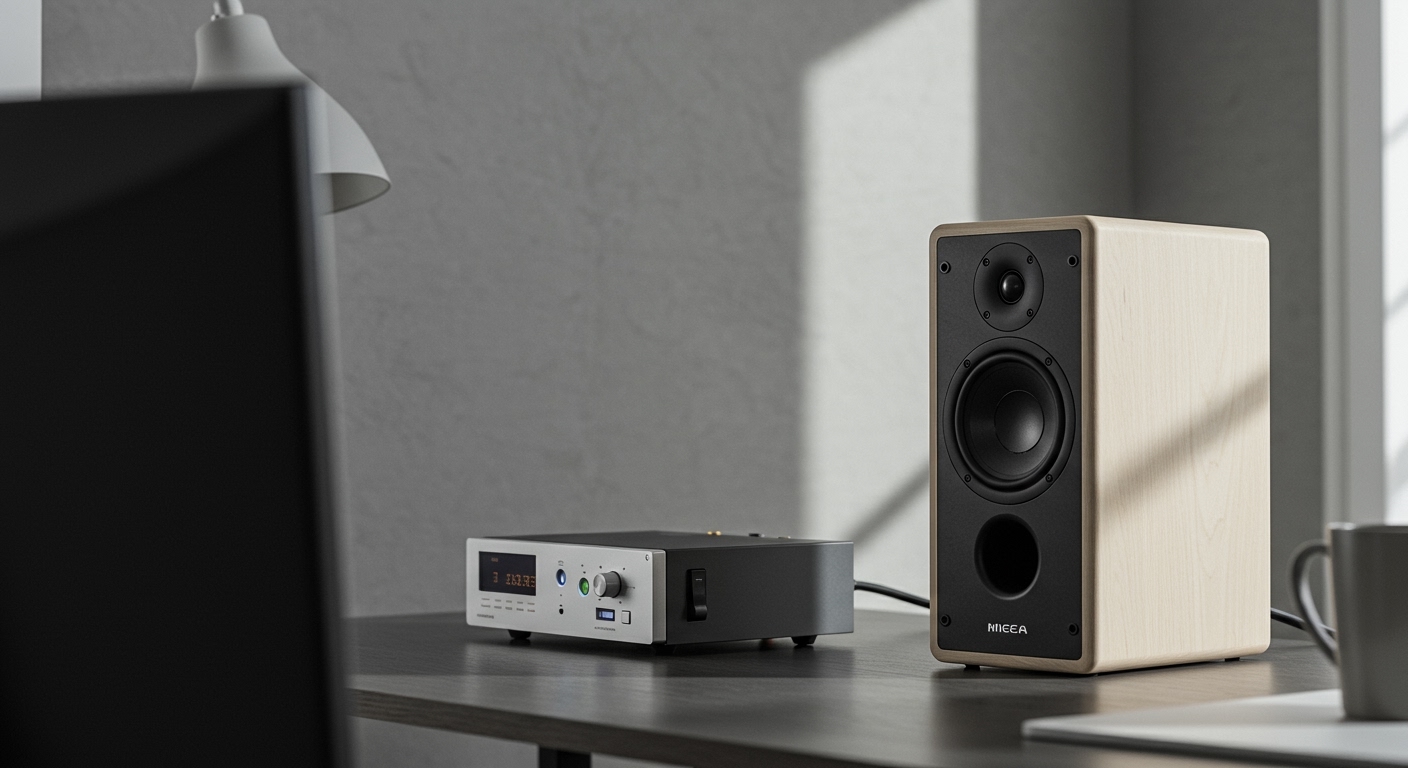
Struggling with the thin, underwhelming sound from your digital piano’s built-in speakers? You’ve spent time honing your skills, but the sound just doesn’t have the richness or power you hear from professional recordings. This is a common frustration that can make practice feel uninspiring and performances sound weak. The good news is that the solution is simple and transformative.
This guide is your definitive resource on how to connect a digital piano to speakers. We’ll walk you through every step, from identifying the correct ports on your keyboard to choosing the right cables and troubleshooting common issues. I’ve connected dozens of pianos in my studio and for live gigs, and I’ll share the practical, no-nonsense advice you need to unlock your instrument’s true sonic potential.
Key Takeaways (TL;DR)
- Identify Your Outputs: The best way to connect is using the 1/4″ Line Out (L/R) jacks on your piano. If you don’t have those, the Headphone jack is the next best option.
- Choose the Right Cables: For Line Outs, you’ll typically need two 1/4″ TS cables. For a headphone jack, you’ll need a stereo breakout cable (e.g., 3.5mm or 1/4″ TRS to dual 1/4″ TS).
Connection Order Matters: Always power down your piano and speakers before connecting cables. Turn the speakers on last* and at a low volume to prevent damaging them.
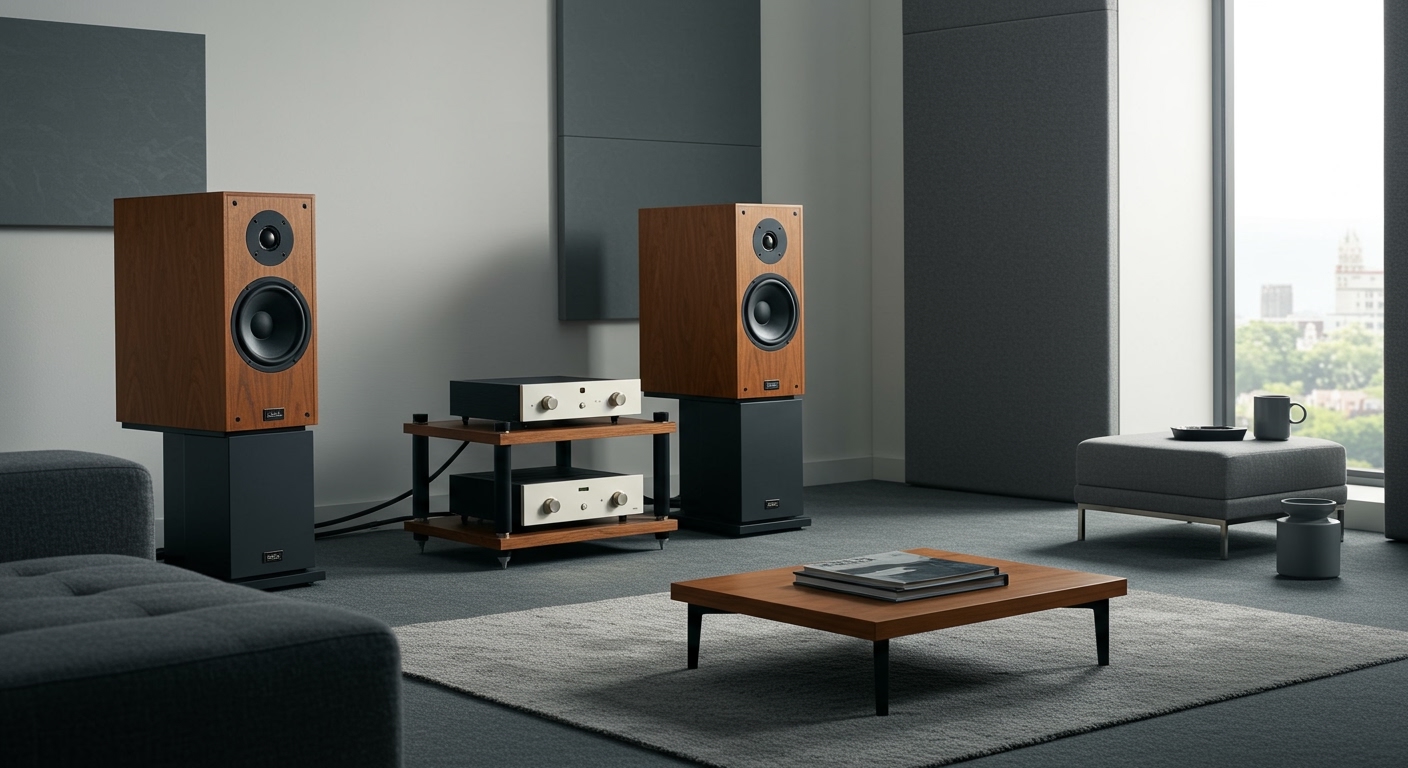
- Speaker Choice is Key: Use powered studio monitors for accurate sound at home or PA speakers for live performances. Avoid using passive hi-fi speakers without a separate amplifier.
- Troubleshoot Hum: If you hear a buzzing sound, it’s likely a ground loop. A ground lift adapter or a DI box can often solve this common problem.
Why You Should Connect Your Digital Piano to External Speakers
The single biggest upgrade you can make to your digital piano setup isn’t a new piano—it’s a better sound system. While convenient, the built-in speakers on most digital pianos are a compromise, limited by size and power.
Connecting to external speakers provides several massive benefits:
- Superior Sound Quality: External speakers, especially studio monitors, offer a much wider frequency range. You’ll hear deeper bass, clearer mid-tones, and sparkling highs that are simply lost on small, internal speakers.
Accurate Sound Representation: If you’re producing music, you need to hear what your piano actually* sounds like. Studio monitors are designed for a flat, uncolored response, giving you an honest representation of your instrument’s sound patches.
- Increased Volume and Power: For practicing with a band, performing live, or simply filling a large room with sound, you need more power. A good pair of PA speakers or a keyboard amplifier gives you the headroom to be heard clearly without distortion.
- A More Immersive Playing Experience: When you can feel the resonance of the low notes and hear the subtle details of a delicate passage, playing becomes far more engaging and inspiring. From my own experience, playing through a quality speaker system makes me want to practice longer.
Step 1: Identify Your Piano’s Output Ports
Before you can buy cables, you need to know what you’re working with. Take a look at the back and sides of your digital piano. You’re looking for the “Audio Output” section. Here are the most common ports you’ll find.
Dedicated Line Outputs (The Best Option)
These are the professional standard for getting a clean, strong signal out of your piano.
- 1/4″ L/MONO and R Jacks: This is the most common and ideal setup. You’ll see two large jacks, the size of a standard guitar cable input. Using both gives you a true stereo signal. If you only use the “L/MONO” jack, the piano will automatically sum the stereo signal to mono, which is useful for connecting to a single speaker or amp.
- RCA L/R Jacks: More common on older or entry-level home digital pianos, these are the familiar red and white circular jacks you see on home stereo equipment. They function just like the 1/4″ jacks but use a different cable type.
- XLR L/R Outputs: Found on high-end stage pianos and synthesizers, these provide a balanced signal, which is excellent for long cable runs and reducing noise interference.
Headphone Jack (The Common Workaround)
If your piano doesn’t have dedicated line outputs, don’t worry. The headphone jack is your next best option and works perfectly well for most home setups.
- 1/4″ Stereo Headphone Jack: A single large jack.
- 3.5mm (1/8″) Stereo Headphone Jack: A single small jack, like the one on a smartphone or laptop.
Crucial Note: A headphone output has a built-in amplifier designed to drive headphones. This means the signal is often “hotter” than a line out. When using this method, always start with the piano’s volume at a very low level and gradually increase it to avoid damaging your speakers.
USB to Host (The Digital Connection)
Many modern pianos feature a USB Type B port (the square-ish one). This can often send both MIDI data (the notes you’re playing) and digital audio directly to a computer. This is an excellent method for recording, as it bypasses the piano’s internal digital-to-analog converter (DAC) for the cleanest possible signal. To use this with speakers, you would need to connect the piano to a computer, which is then connected to an audio interface and then to your speakers.
How to Connect Your Digital Piano to Speakers: 4 Core Methods
Now that you’ve identified your piano’s outputs, let’s explore the primary methods for making the connection. Each has its pros and cons.
Method 1: Using the 1/4″ Line Outputs (Recommended)
This is the professional standard for achieving the best possible sound quality. It provides a strong, clean, and true stereo signal.
- What You’ll Need: Two 1/4″ TS (Tip-Sleeve) cables and a pair of powered speakers (like studio monitors) with 1/4″ inputs.
- How it Works: You run one cable from the piano’s “L/MONO” output to the input of your left speaker, and a second cable from the “R” output to the input of your right speaker.
- Why It’s Best: This method preserves the stereo imaging of your piano’s sound patches (e.g., low notes on the left, high notes on the right). The line-level signal is optimized for speakers and mixing consoles, ensuring minimal noise and distortion.
Method 2: Using the Headphone Jack
This is a perfectly viable and common method, especially for home setups where dedicated line outputs aren’t available.
- What You’ll Need: A stereo breakout cable. This cable has a single stereo connector on one end (to match your headphone jack) and splits into two mono connectors on the other end.
* If your piano has a 1/4″ headphone jack, you need a 1/4″ TRS to Dual 1/4″ TS cable.
* If it has a 3.5mm headphone jack, you need a 3.5mm TRS to Dual 1/4″ TS cable.
- How it Works: The single TRS (Tip-Ring-Sleeve) plug goes into your piano’s headphone jack. The two TS plugs then go into the left and right speakers, respectively.
- Important: Remember to start with the piano’s volume turned almost all the way down!
Method 3: Using USB Audio
This is the modern, digital approach, ideal for computer-based recording and practice.
- What You’ll Need: A USB A-to-B cable, a computer, an audio interface, and powered speakers.
- How it Works: The piano connects to the computer via USB. The computer sends the audio to the audio interface, which then feeds the signal to your studio monitors.
- Why Use It: This method offers pristine digital quality. It’s fantastic for recording in a DAW (Digital Audio Workstation) like Logic Pro or Ableton Live, as it keeps the signal in the digital domain until the very last stage.
Method 4: Using Bluetooth
Some newer digital pianos offer Bluetooth Audio output. While convenient, it’s generally not recommended for serious playing.
- What You’ll Need: A piano with Bluetooth audio output and a Bluetooth-enabled speaker.
- How it Works: You pair your piano with the speaker just like you would with your phone.
- The Big Drawback: Latency. Bluetooth introduces a small but noticeable delay between when you press a key and when you hear the sound. This latency can be very distracting and make it difficult to play in time. For this reason, I only recommend it for casual playback, not for active playing.
Connection Methods Compared
| Connection Method | Sound Quality | Ease of Use | Latency | Best For |
|---|---|---|---|---|
| 1/4″ Line Out | Excellent | Very Easy | None | Live performance, studio, serious home practice |
| Headphone Jack | Very Good | Very Easy | None | Home practice, setups without Line Outs |
| USB Audio | Excellent | Moderate | Very Low | Recording, computer-based music production |
| Bluetooth | Good | Easiest | High | Casual listening, backing tracks (not playing) |
Step 2: Choose the Right Cables
A common mistake I see is using the wrong type of cable, which can lead to poor sound or no sound at all. Let’s demystify the most common audio cables you’ll encounter.
TS vs. TRS Cables
This is the most important distinction for 1/4″ cables. Look at the metal plug.
- TS (Tip-Sleeve): Has one black ring on the plug. This is a mono, unbalanced cable. It carries a single channel of audio. You need two of these for a stereo connection from your Line Outs.
- TRS (Tip-Ring-Sleeve): Has two black rings on the plug. This cable can be used for two different things:
1. A stereo, unbalanced signal (like for headphones).
2. A mono, balanced signal (used with XLR ports to reduce noise).
Rule of Thumb: Use two TS cables for your L/R Line Outs. Use one TRS cable (as part of a breakout cable) for your headphone jack.
RCA Cables
These are always mono and unbalanced. They typically come in pairs, color