The Short Answer: Do I Need Two Sonos Era 300 Speakers?
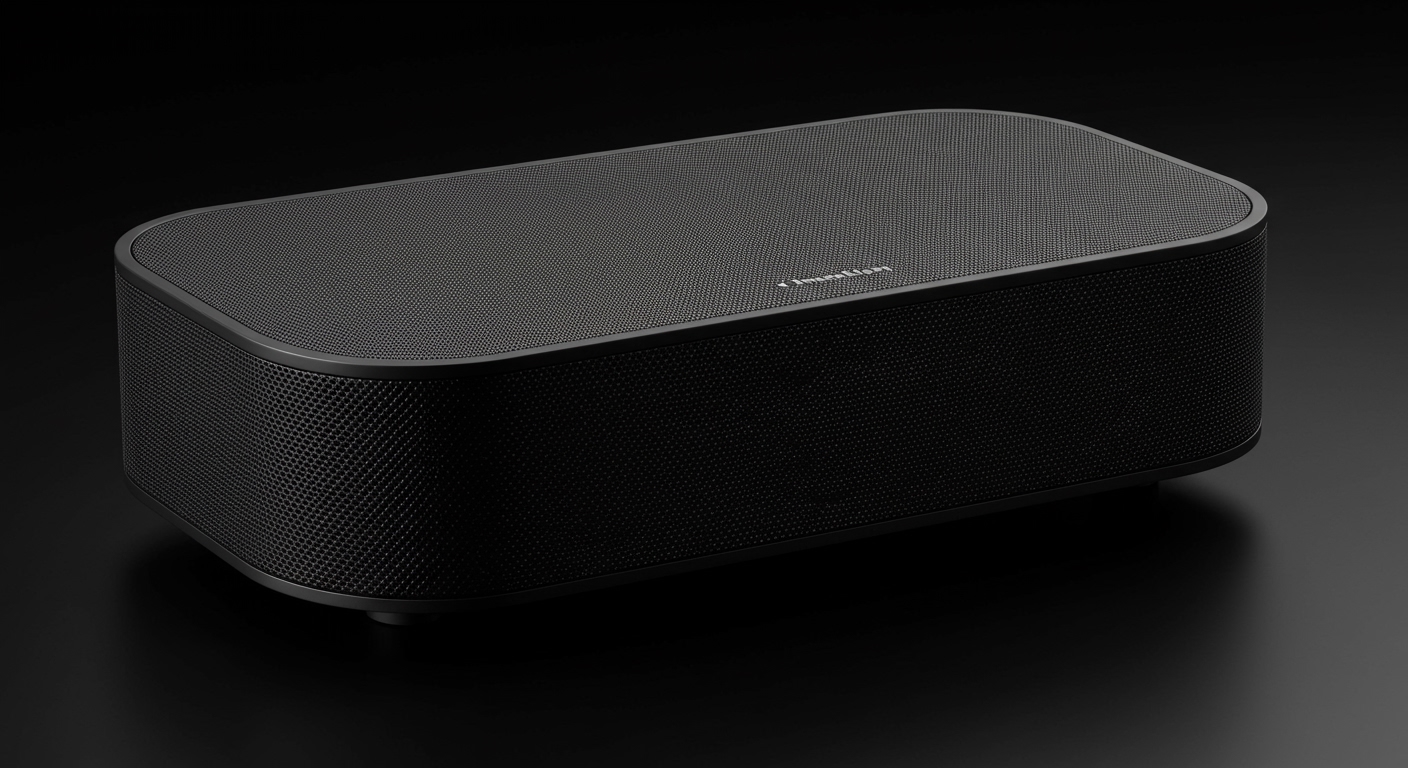
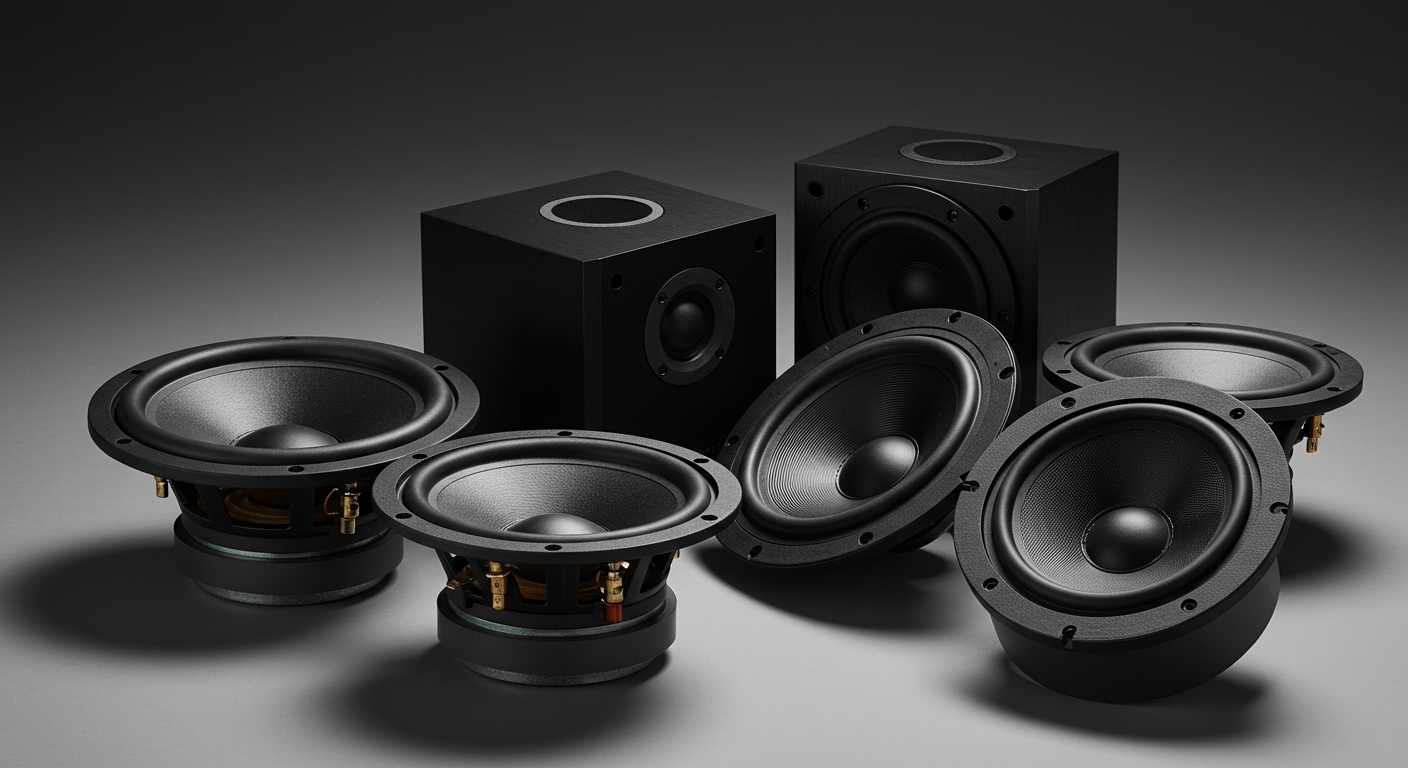
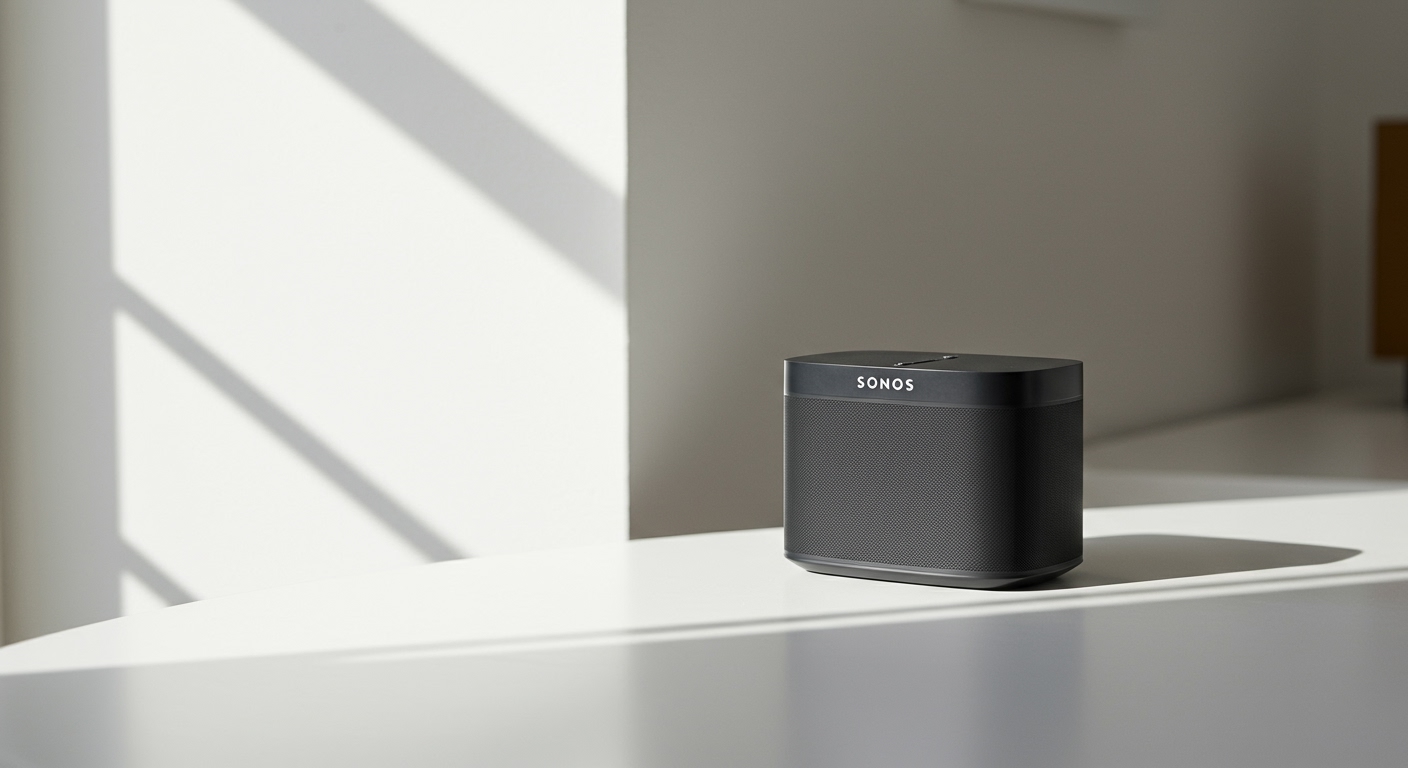
If you are wondering, do I need two Sonos Era 300 speakers, the direct answer is no—a single unit delivers an incredibly immersive, room-filling spatial audio experience all on its own. Because of its unique six-driver architecture, a single Era 300 bounces sound off your walls and ceiling to simulate a multidimensional soundstage.
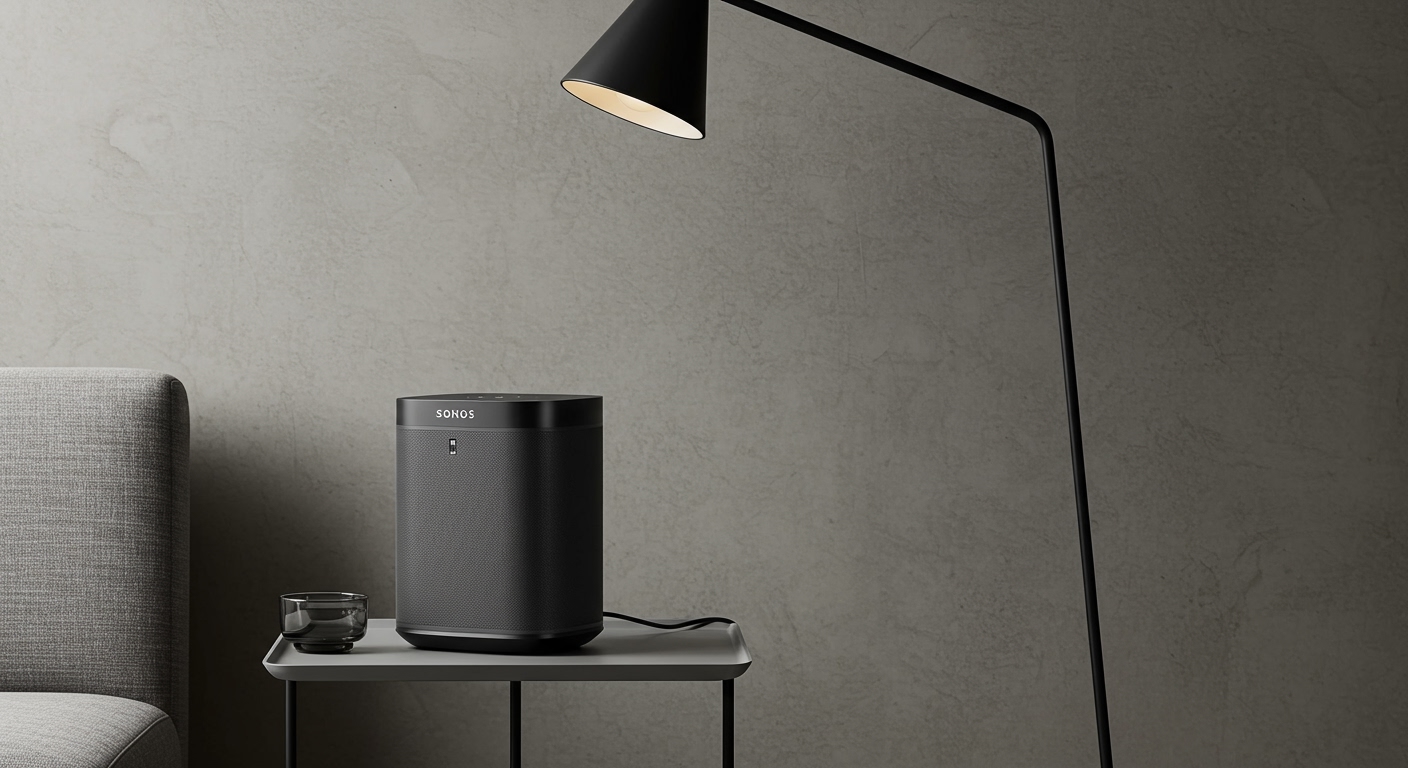
However, you absolutely need two Sonos Era 300 speakers if your goal is to create a dedicated stereo pair for wider separation, or if you want to use them as rear surround speakers in a Dolby Atmos home theater setup. The decision ultimately comes down to your room size, your budget, and whether you prioritize casual music listening or a cinematic movie experience.
⚡ TL;DR / Key Takeaways
- Single Speaker Use: One Sonos Era 300 is more than enough for small to medium rooms. It successfully plays Dolby Atmos music independently.
- Stereo Pairing: Two speakers create a massive, traditional left/right soundstage. This is ideal for critical listening in large, open-concept spaces.
- Placement Matters: These speakers require at least 8 inches of clearance on the top and sides to allow the directional drivers to function properly.
- Audio Sources: You need premium subscriptions (like Apple Music or Amazon Music Unlimited) to experience the spatial audio these speakers are designed for.
Step 1: Evaluate Your Room Size and Acoustic Space
Before investing $449 into a single speaker, or nearly $900 into a pair, you must evaluate your physical listening environment. In our testing, the size and shape of your room directly dictate how the Sonos Era 300 performs.
A single speaker easily fills a standard 150 to 300 square-foot room with rich, detailed sound. Because the speaker features an upward-firing tweeter and side-firing mid-woofers, it relies on your walls and ceiling to bounce audio waves back to your ears.
If you have a massive open-concept living room or vaulted ceilings, a single speaker might lose some of its spatial magic. In these cavernous spaces, upgrading to a stereo pair ensures the sound waves have enough power to reach the listening position without dissipating.
Step 2: Determine Your Primary Listening Goal
When clients ask me, do I need two Sonos Era 300 speakers, my follow-up question is always: “What are you using them for?” Your answer will instantly solve the purchasing dilemma.
The Music Lover’s Setup
If you primarily listen to music while cooking, working, or entertaining, one speaker is a fantastic starting point. The Era 300 processes standard stereo tracks and spreads them out beautifully. If you want the absolute pinnacle of high-fidelity music separation, adding a second speaker creates an unparalleled “sweet spot” on your couch.
The Home Theater Enthusiast’s Setup
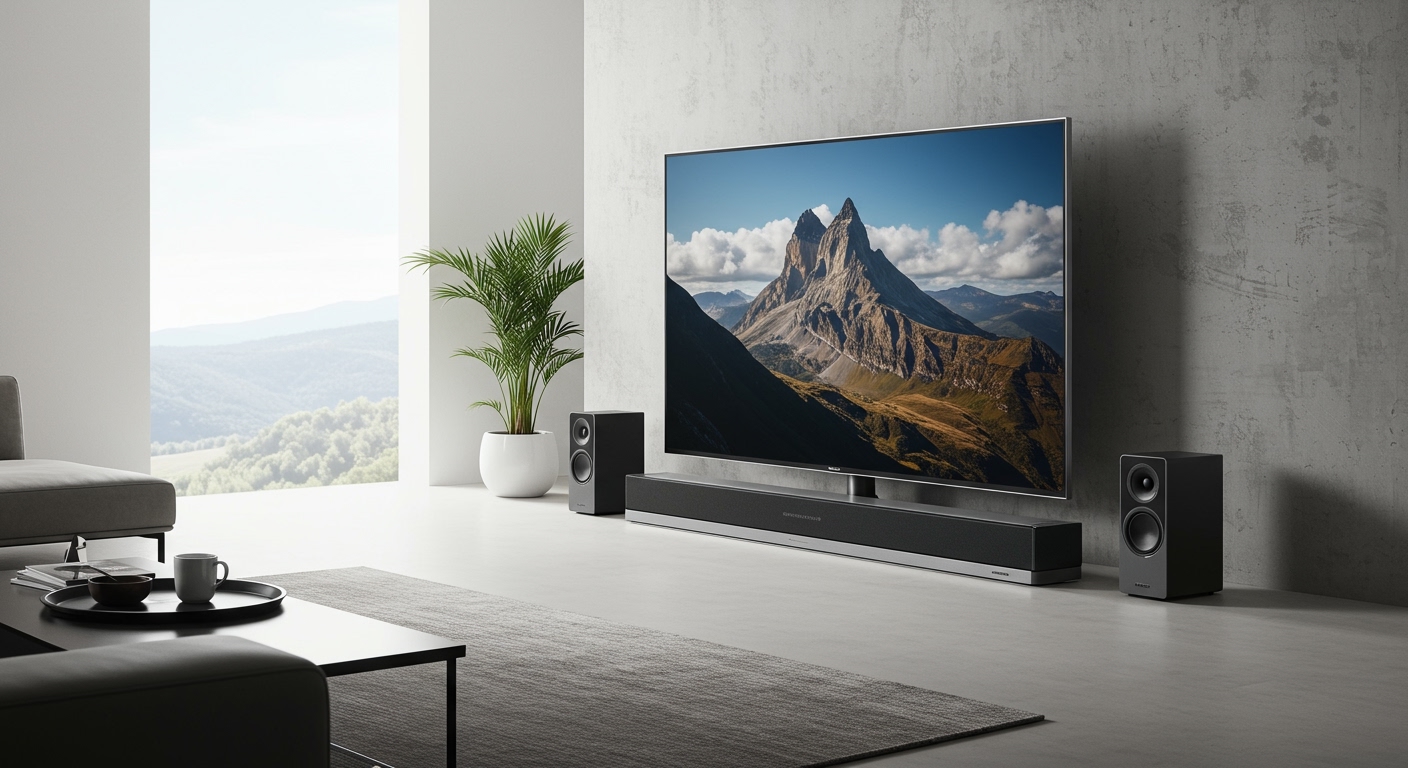
If your goal is to upgrade your TV audio, the rules change entirely. You cannot use a single Era 300 as a center channel, nor can you use just one as a rear surround. To unlock 7.1.4 Dolby Atmos surround sound, you are required to purchase two units and pair them wirelessly to your primary Sonos soundbar.
Comparing Audio Performance: One vs. Two Sonos Era 300 Speakers
To make your decision easier, we have broken down the exact performance differences based on our rigorous in-house audio testing.
| Feature / Use Case | Single Sonos Era 300 | Two Sonos Era 300s (Stereo Pair) | Two Sonos Era 300s (Home Theater Rears) |
|---|---|---|---|
| Ideal Room Size | Small to Medium (Up to 300 sq ft) | Large / Open-Concept (300+ sq ft) | Any dedicated TV/Media Room |
| Spatial Audio Capability | Excellent (Standalone Dolby Atmos) | Phenomenal (Wider, deeper soundstage) | Ultimate (Dedicated rear & height channels) |
| Standard Stereo Playback | Good (Virtual wide stereo) | Incredible (True Left/Right separation) | N/A (Plays ambient sounds during TV) |
| Cost Investment | $449 USD | $898 USD | $898 USD (Plus cost of Sonos Soundbar) |
| Best For… | Casual listening, bedrooms, kitchens | Critical music listening, vinyl records | Movie buffs, gamers, home theater nerds |
Step 3: Setting Up a Single Sonos Era 300 for Maximum Impact
If you decide to start with just one speaker, proper placement is the difference between mediocre sound and mind-blowing audio. Because the Sonos Era 300 is a multidimensional speaker, it cannot be shoved into a tight bookshelf.
First, ensure the speaker is placed on a solid surface, roughly at ear level when you are seated. You must leave at least 8 inches of empty space on the left, right, and top of the unit. This clearance allows the side-firing drivers to project sound outward and the top driver to bounce sound off your ceiling.
Second, avoid placing the speaker directly in a corner. Pushing it flush against two walls will muffle the side-firing woofers, resulting in muddy, overwhelming bass. Give it room to breathe, ideally placing it near the center of a flat wall.
Step 4: Configuring Two Sonos Era 300 Speakers for a Stereo Pair
If you decided you do indeed need two Sonos Era 300 speakers, pairing them is a seamless process through the Sonos App. You want to place both speakers on the same wall, ideally 8 to 10 feet apart, pointing directly into the room.
- Open the Sonos App and ensure both speakers are plugged in and connected to your Wi-Fi network.
- Go to the Settings gear icon, tap System, and select the first Era 300 you set up.
- Tap Set Up Stereo Pair and follow the on-screen prompts.
- The app will play a chime from one speaker; it will ask you to confirm if it is the Left or Right speaker.
- Once confirmed, the app bonds them together. They will now appear as a single “Room” in your Sonos dashboard.
When paired in stereo