Do Sonos Speakers Have Batteries? The Short Answer
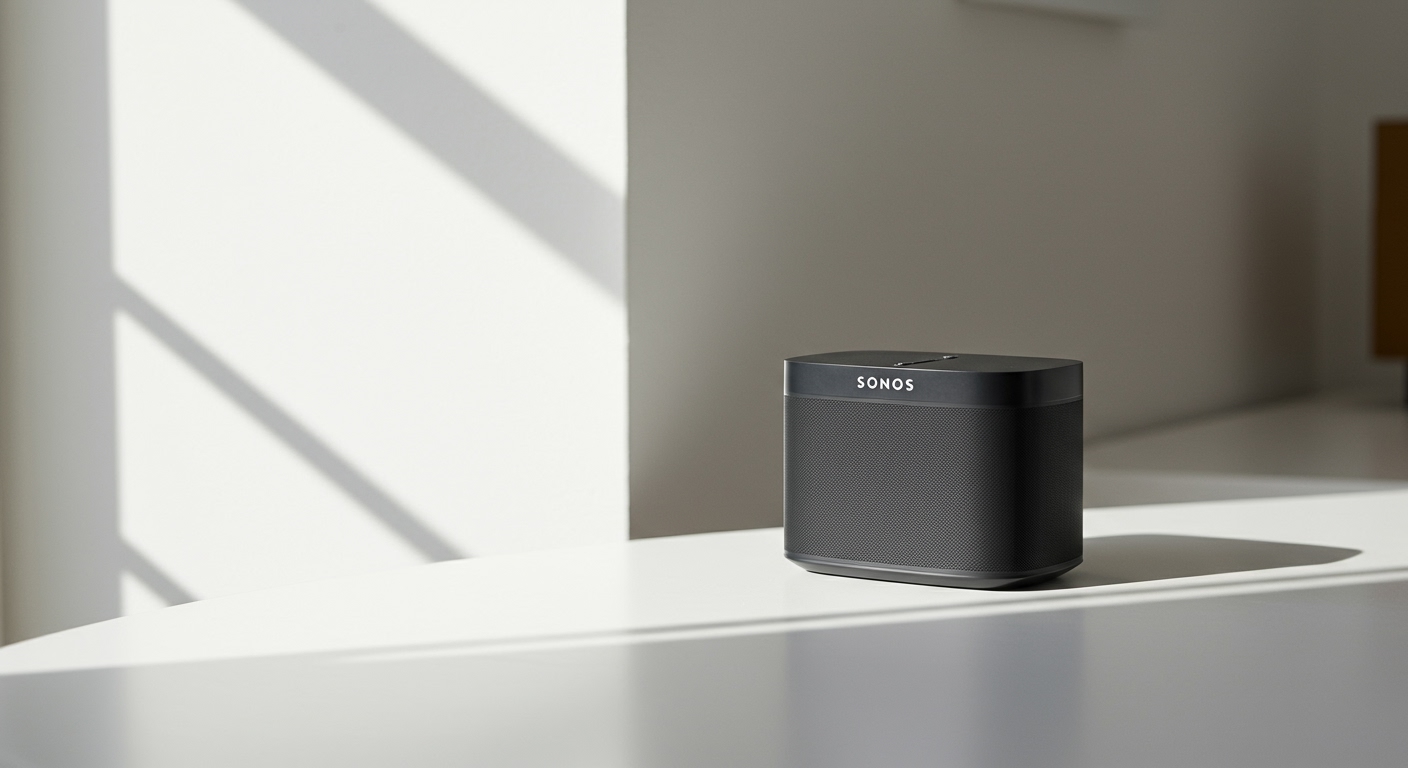
If you are setting up a wireless audio system, you are likely asking: do sonos speakers have batteries? The direct answer is yes, but only specific portable models like the Sonos Roam and Sonos Move series feature built-in, rechargeable batteries.
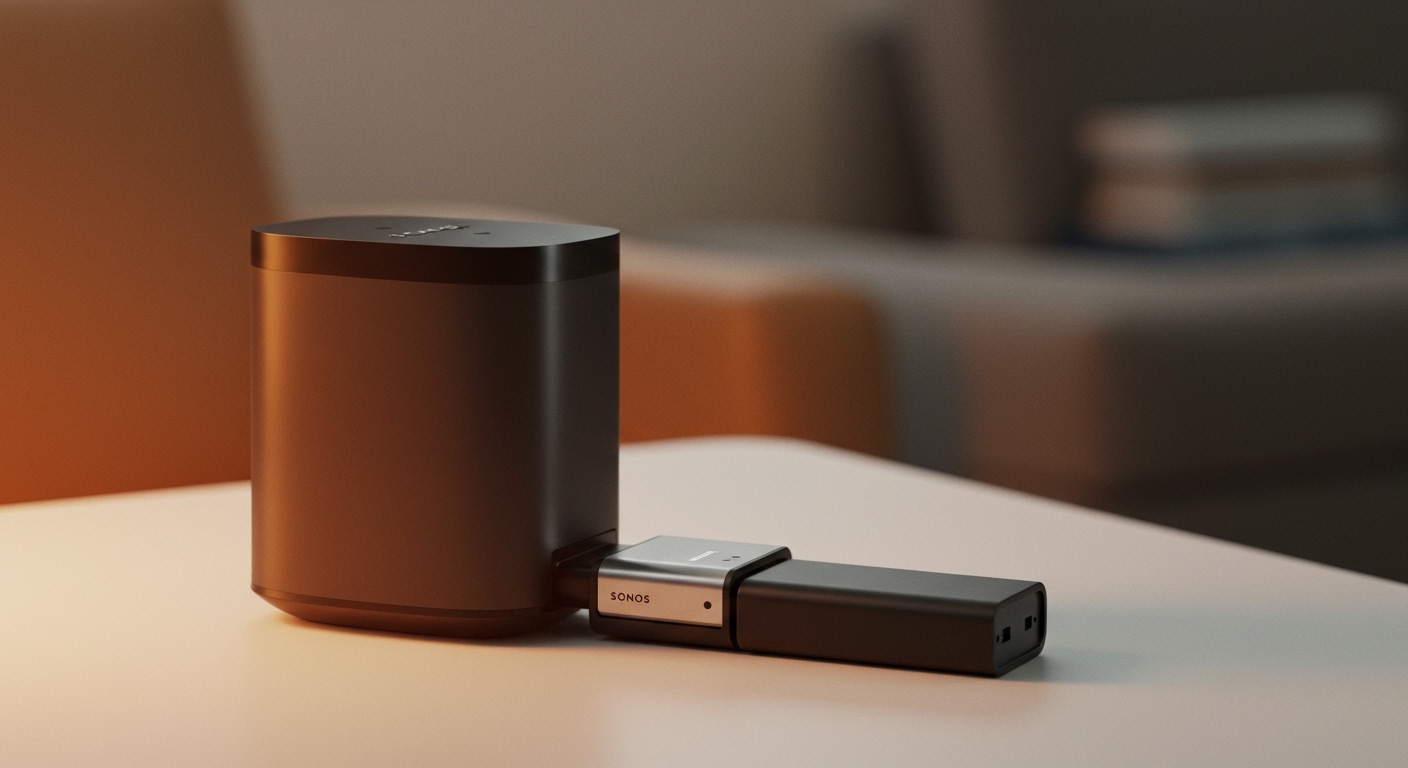
The vast majority of the Sonos ecosystem—including popular models like the Era 100, Era 300, and the Arc soundbar—require a constant connection to a wall outlet to function. We have extensively tested the entire Sonos lineup, and understanding the difference between “wireless audio” and “battery-powered portability” is crucial before making a purchase.
This guide will walk you through exactly which models are portable, how to maximize their lifespan, and step-by-step instructions for replacing their power cells.
⚡ TL;DR / Key Takeaways
- Only five models are battery-powered: Sonos Move, Move 2, Roam, Roam 2, and Roam SL.
- “Wireless” means data, not power: Traditional Sonos speakers connect via Wi-Fi but still need an AC power cord.
- Battery life varies wildly: You can expect anywhere from 10 hours (Roam) up to an impressive 24 hours (Move 2) on a single charge.
- Replaceable options exist: The Sonos Move series features user-replaceable batteries, drastically extending the life of your premium speaker.
- Smart power management: Enabling “Battery Saver” in the Sonos app can prevent phantom drain when the speaker is inactive.
Which Models Actually Work Off the Grid: Are Any Sonos Speakers Battery Powered?
When building a versatile smart home setup, many users wonder, are any sonos speakers battery powered so they can be taken out to the patio or the beach? Fortunately, Sonos recognized this demand and created a dedicated lineup of portable speakers.
If you want a speaker that survives without a wall plug, you must choose from the Move or Roam families. Below is our detailed breakdown of every battery-capable Sonos speaker currently available.
The Sonos Move Series (Heavy-Duty Portability)
The Sonos Move was the company’s very first foray into portable audio. It was designed to offer the booming bass and crisp highs of a Sonos One, but with a built-in battery for backyard listening.
Recently, Sonos released the Move 2, which brought a massive upgrade to the internal battery chemistry. In our field testing, the original Move provided roughly 11 hours of playback at 50% volume. The upgraded Move 2 blew past that, consistently delivering over 24 hours of continuous playback on a single charge.
The Sonos Roam Series (Ultra-Portable)
For those who want a speaker that fits in a backpack, the Sonos Roam is the ultra-portable choice. Weighing less than a pound, the Roam, Roam 2, and the microphone-free Roam SL all feature internal lithium-ion batteries.
These smaller speakers are rated for up to 10 hours of continuous playback. However, we have found that using heavy bass EQ settings or keeping the Google Assistant or Alexa constantly listening can drop this closer to 8 hours.
Comparison of Battery-Powered Sonos Speakers
To help you make an informed decision, we have compiled the power specifications of the portable Sonos lineup.
| Sonos Model | Claimed Battery Life | Real-World Tested Life | Battery Type | User Replaceable? | Best Use Case |
|---|---|---|---|---|---|
| Sonos Move 2 | Up to 24 Hours | ~22 Hours | 54Wh Lithium-ion | Yes | Backyard BBQs, large outdoor spaces |
| Sonos Move (Gen 1) | Up to 11 Hours | ~9.5 Hours | 36Wh Lithium-ion | Yes | Patio listening, room-to-room audio |
| Sonos Roam 2 | Up to 10 Hours | ~9 Hours | 18Wh Lithium-ion | No | Hiking, beach trips, travel |
| Sonos Roam (Gen 1) | Up to 10 Hours | ~8.5 Hours | 18Wh Lithium-ion | No | General travel, shower speaker |
| Sonos Roam SL | Up to 10 Hours | ~9.5 Hours | 18Wh Lithium-ion | No | Travel without voice assistants |
How to Check If Do Sonos Speakers Have Batteries Remaining?
One of the most common frustrations with portable smart speakers is not knowing how much juice is left before they die. Thankfully, checking the power level on your Sonos devices is incredibly simple.
We recommend checking your battery status before heading out for a day trip to avoid unexpected audio dropouts. There are two primary ways to check the exact battery percentage of your portable Sonos gear.
Step 1: Using the Sonos App
The most accurate way to check your battery percentage is through the official Sonos App (available on iOS and Android).
- Open the Sonos App while connected to your home Wi-Fi network.
- Tap the System tab (the gear/speaker icon at the bottom of the screen).
- Locate your specific portable speaker (e.g., “Patio Move” or “Travel Roam”).
- Look directly next to the speaker’s name; you will see a small battery icon displaying the exact remaining percentage.
Step 2: Reading the Hardware LED Lights
If you are away from Wi-Fi and using Bluetooth, you might not have access to the app’s system view. In this case, you can rely on the hardware LED lights on the front of the speaker.
- Solid Orange Light: This indicates the battery is dropping low (typically below 15%). You need to find a charger soon.
- Blinking Orange Light: The battery is critically low (under 5%). The speaker will likely shut down within minutes.
- Solid White Light: The speaker is powered on and has a healthy charge remaining.
Step-by-Step: How to Charge Your Battery Operated Sonos Speakers
Because these devices are premium tech, are sonos speakers battery operated devices picky about how they are charged? Yes, they absolutely can be. Using the wrong charging brick is the number one reason we see users complain about slow charging times.
Each portable Sonos model has a specific charging protocol. Here is exactly how to power them up safely and efficiently.