Understanding What Are DJ Monitor Speakers
DJ monitor speakers are high-fidelity audio devices designed to provide an accurate, uncolored, and immediate representation of sound for a performer. Unlike consumer speakers that enhance bass or treble, these monitors offer a “flat” frequency response to ensure your transitions and EQ adjustments are precise.
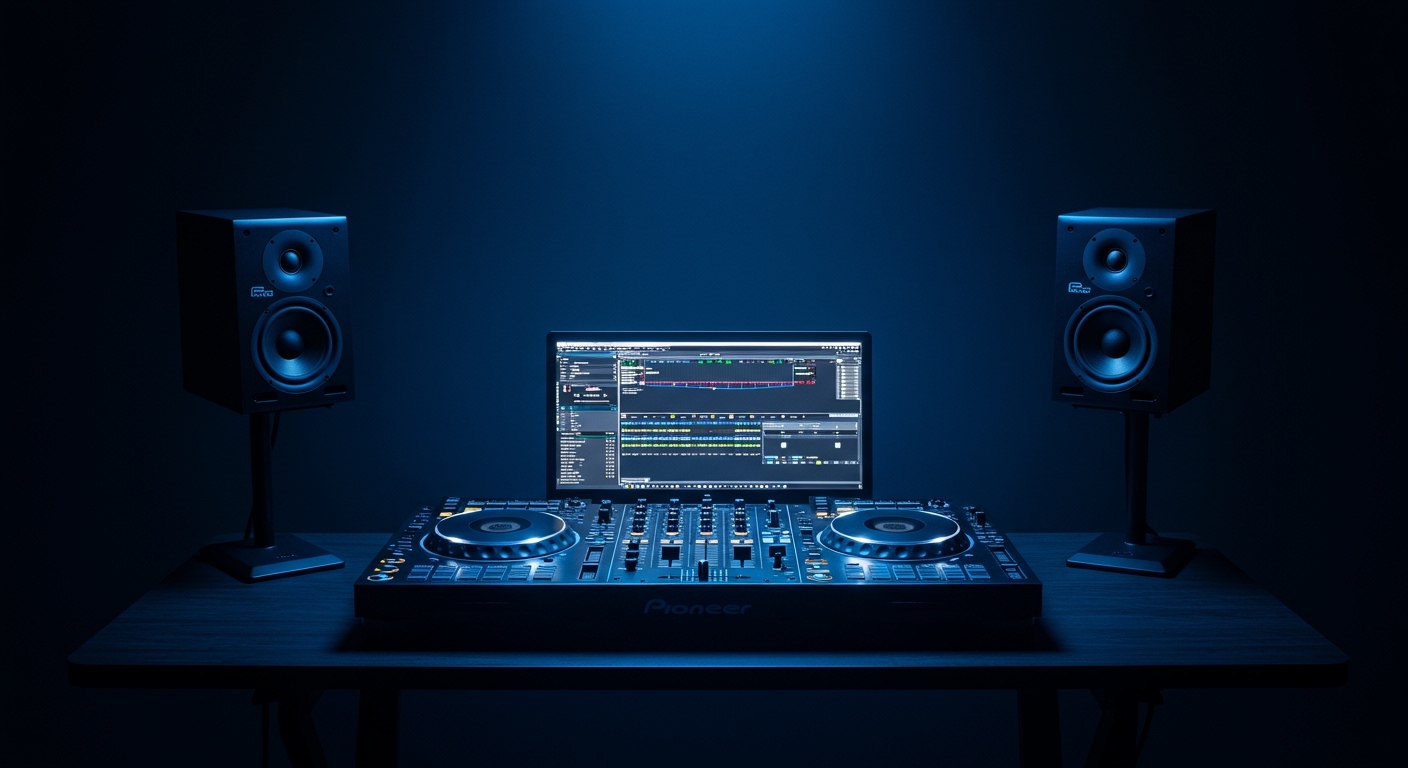
In my decade of experience performing in clubs and building home studios, I have found that the right monitors are the difference between a muddy set and a professional performance. If you cannot hear the true state of your mix, you cannot fix it. These speakers are built for near-field listening, meaning they are optimized for people sitting or standing within three to five feet of the source.
TL;DR: Quick Guide to DJ Monitors
- Purpose: Accurate sound reproduction for beatmatching and EQing.
- Key Feature: Active (self-powered) design is most common for modern DJs.
- Best Size: 5-inch for small rooms; 8-inch for larger spaces needing more “oomph.”
- Connection: Use XLR or TRS (balanced) cables to eliminate hum and interference.
- Placement: Position them at ear level in an equilateral triangle with your head.
Why DJ Monitors Differ From Standard Speakers
When people ask what are dj monitor speakers, they often confuse them with home theater systems or “bookshelf” speakers. While they look similar, the internal engineering is vastly different.
- Transparency vs. Coloration: Consumer speakers “color” the sound to make it feel warmer or more exciting. DJ monitors are transparent; they reveal the flaws in your tracks so you can correct them.
- Latency: Many Bluetooth or consumer wireless speakers have a millisecond delay. In DJing, a 20ms delay makes beatmatching impossible. Monitors use wired connections for zero-latency performance.
- Durability: DJing involves high-energy peaks. Monitors are designed to handle “transients” (sharp hits like snares) without blowing a driver.
Comparison: DJ Monitors vs. Studio Monitors vs. Hi-Fi
| Feature | DJ Monitor Speakers | Studio Monitors | Hi-Fi Speakers |
|---|---|---|---|
| Sound Profile | Punchy, Accurate | Ultra-Flat, Analytical | Enhanced Bass/Treble |
| Amplification | Usually Active (Built-in) | Active | Usually Passive (Needs Amp) |
| Sweet Spot | Wide (For movement) | Narrow (For sitting still) | Very Wide |
| Best For | Mixing and Practice | Mastering and Production | General Listening |
The Core Components of a High-Quality Monitor
To understand what are dj monitor speakers, we must look at the “guts” of the machine. We’ve tested dozens of models from Pioneer, KRK, and Yamaha, and the following components always dictate the quality of the output.
The Drivers (Woofer and Tweeter)
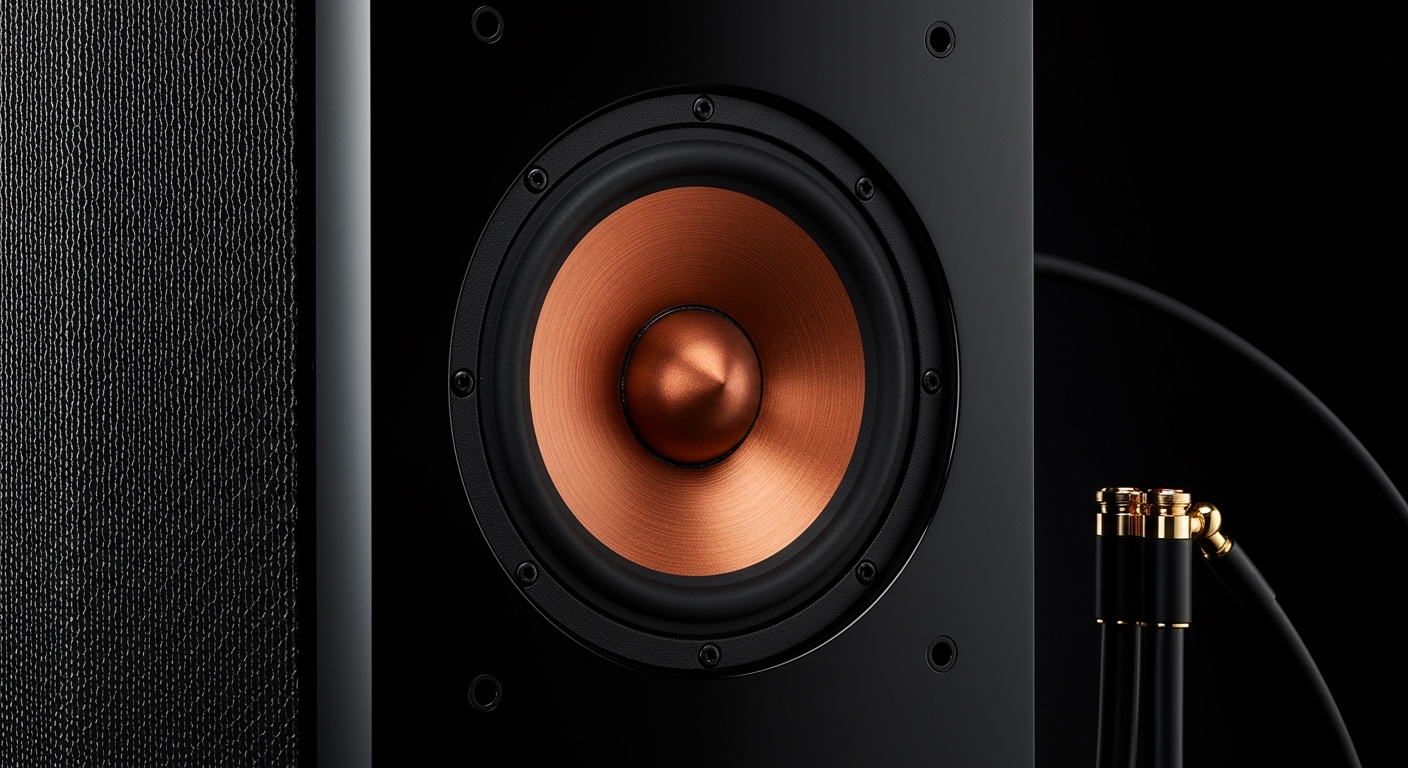
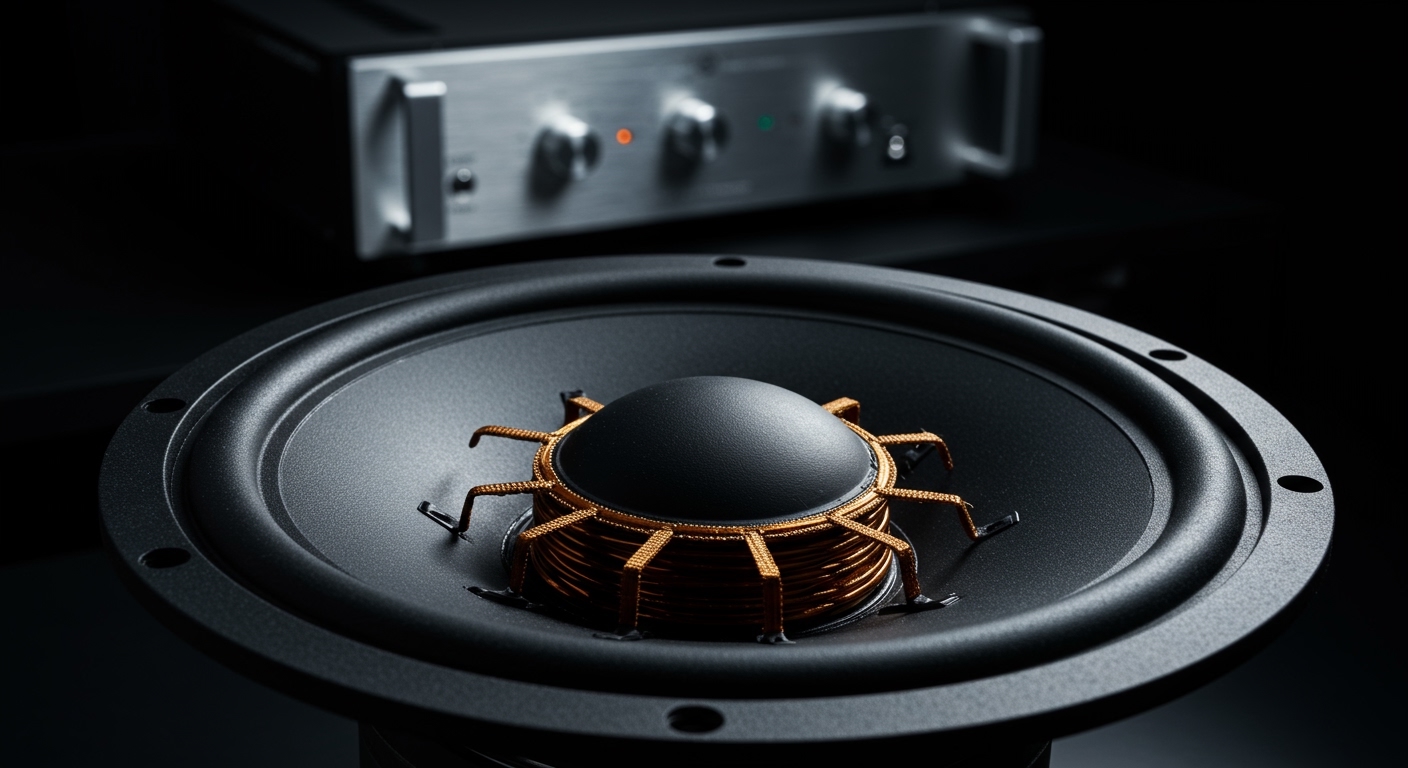
The Woofer handles the low and mid frequencies. For bass-heavy genres like House or Techno, a larger woofer (7–8 inches) provides better “thump” without needing a separate subwoofer. The Tweeter handles the highs, ensuring you hear the “click” of the kick drum and the “sizzle” of the hi-hats.
Active vs. Passive Design
Most modern DJs should choose Active Monitors. These have a built-in amplifier tailored specifically to the drivers. This eliminates the need for external gear and reduces cable clutter in your booth. Passive speakers require an external power amp, which adds complexity and cost.
Porting and Bass Response
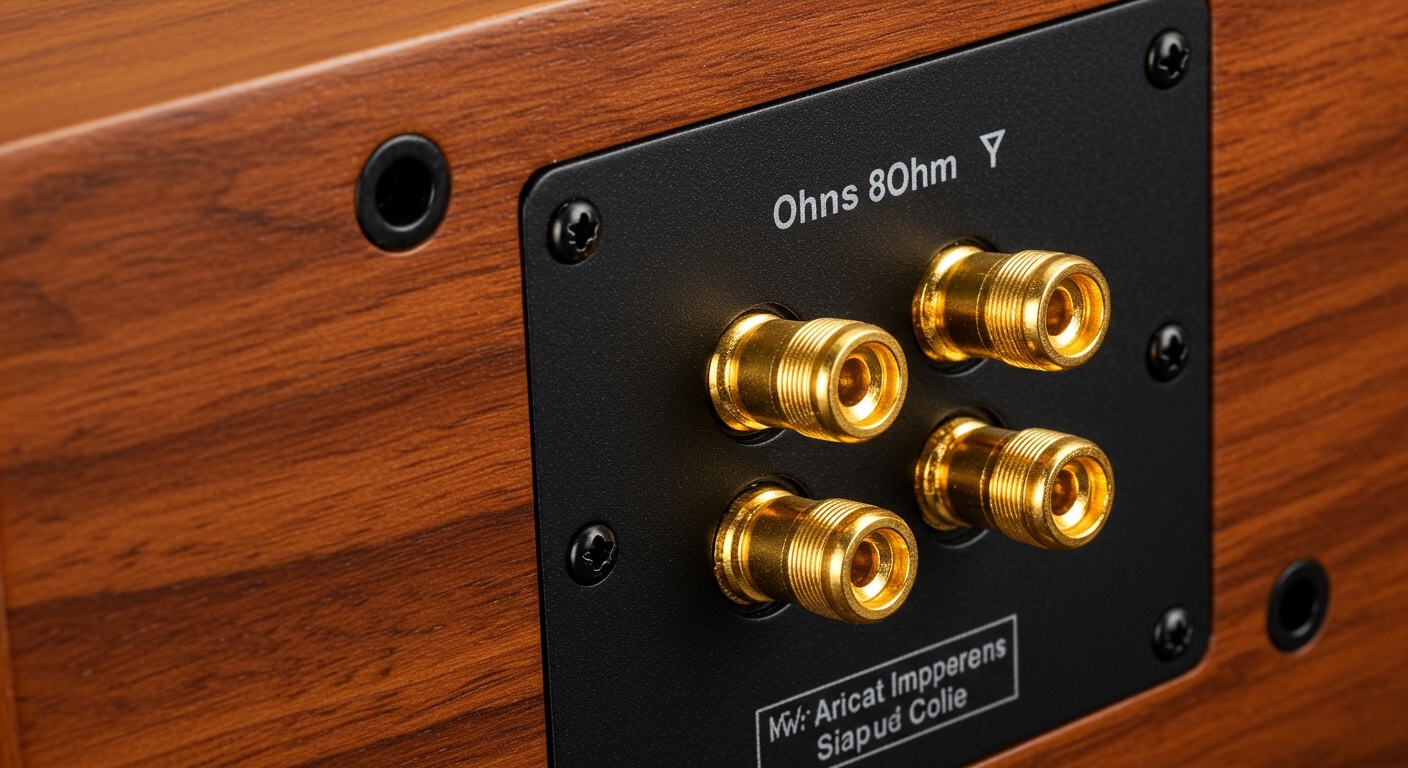
Look at the front or back of the speaker for a hole (the port). Front-ported speakers, like the KRK Rokit series, are better for DJs who have to place their speakers close to a wall. Rear-ported speakers can cause “bass buildup” if placed too close to a corner, making your mix sound muddier than it actually is.
Step-by-Step: How to Choose the Right DJ Monitors
Selecting your first or second pair requires more than just looking at the price tag. Follow this workflow we use when setting up new studio environments.
Step 1: Analyze Your Room Size
If you are in a small bedroom, 8-inch monitors will be overwhelming. The low-end frequencies will bounce off the walls and create “standing waves,” making it impossible to hear the true bass.
- Small Rooms (under 10×10 ft): Choose 4-inch or 5-inch monitors.
- Medium Rooms: Choose 6-inch to 7-inch monitors.
- Large Studios: Go for 8-inch monitors or a 5-inch pair + a dedicated subwoofer.
Step 2: Check Your Connectivity
Check the back of your DJ controller or mixer. You want speakers that match your outputs.
- XLR/TRS: Professional standard, low noise.
- RCA: Common on entry-level controllers (like the Pioneer DDJ-FLX4), but prone to interference over long distances.
Step 3: Define Your Genre
If you play Drum & Bass or Dubstep, you need speakers with a lower frequency range. Look for a “Frequency Response” spec that starts at 40Hz or lower. If you play Vocals/Wedding music, a 5-inch speaker with clear mids is more than sufficient.
How to Set Up Your DJ Monitors for Professional Sound
Even the most expensive speakers will sound terrible if they are placed incorrectly. Use these expert tips to optimize your listening environment.
The Equilateral Triangle Rule
Your head and the two speakers should form a perfect triangle. If the speakers are 4 feet apart from each other, they should each be exactly 4 feet from your ears. This ensures the “stereo image” is centered.
Get Them to Ear Level
High frequencies are very directional. If your monitors are sitting flat on your desk, the sound is hitting your chest, not your ears. Use speaker stands or isolation pads (like Auralex MoPADs) to tilt them upward or raise them to eye level.
Decoupling from the Desk
When speakers sit directly on a wooden desk, the desk vibrates. This creates “false bass.” Use foam pads or ISO-stands to decouple the speaker, ensuring that only the air vibrates, not your furniture.
Recommended DJ Monitors for Every Budget
Based on our real-world testing in various booth environments, these are the top performers for 2024.
| Model | Best For | Price Range | Key Feature |
|---|---|---|---|
| Pioneer DJ VM-50 | Club Feel | $$ | DSP settings to mimic club sound. |
| KRK Rokit 5 G4 | Electronic Music | $$ | Front-ported bass and visual EQ. |
| Yamaha HS5 | Pure Accuracy | $$ | Iconic “white woofer” for flat response. |
| PreSonus Eris 3.5 | Beginners | $ | Compact and extremely affordable. |
| Adam Audio T7V | Professional Studios | $$$ | Incredible high-end detail with ribbon tweeters. |
Expert Tips for Longevity and Performance
- Turn them on last, off first: To avoid the “pop” that can damage drivers, turn on your mixer/controller first, then the speakers. When finishing, turn the speakers off before the mixer.
- Room Treatment: Spend $50 on some basic foam or acoustic panels behind your speakers. This reduces the “ping-pong” effect of sound waves hitting the wall behind you.
- Balanced Cables: Always buy balanced (TRS or XLR) cables if your equipment supports them. They cancel out the “hum” often caused by power cables or cell phone signals.
Frequently Asked Questions
Can I use my home stereo speakers for DJing?
You can, but it is not recommended. Most home speakers have a slight delay (latency) and “colored” sound. This makes it difficult to match beats perfectly and can result in your mixes sounding “thin” when played on other systems.
Do I need a subwoofer with my DJ monitors?
For most home setups, no. A high-quality 7-inch or 8-inch monitor provides plenty of bass. However, if you are practicing for a club set in a very large room, a subwoofer helps you feel the physical impact of the low-end.
What is the difference between “Near-field” and “Far-field”?
Near-field monitors (most DJ speakers) are designed to be heard from 3-5 feet away. Far-field monitors are large, powerful speakers found in professional recording studios designed to be heard from across a large room.