What Are External Speakers and Why Do You Need Them?
External speakers are audio output devices that connect to a primary source—such as a computer, smartphone, television, or turntable—to reproduce sound with higher fidelity and volume than built-in speakers. Unlike integrated speakers found in laptops or monitors, external speakers use larger drivers and dedicated enclosures to provide a wider frequency range and deeper bass.
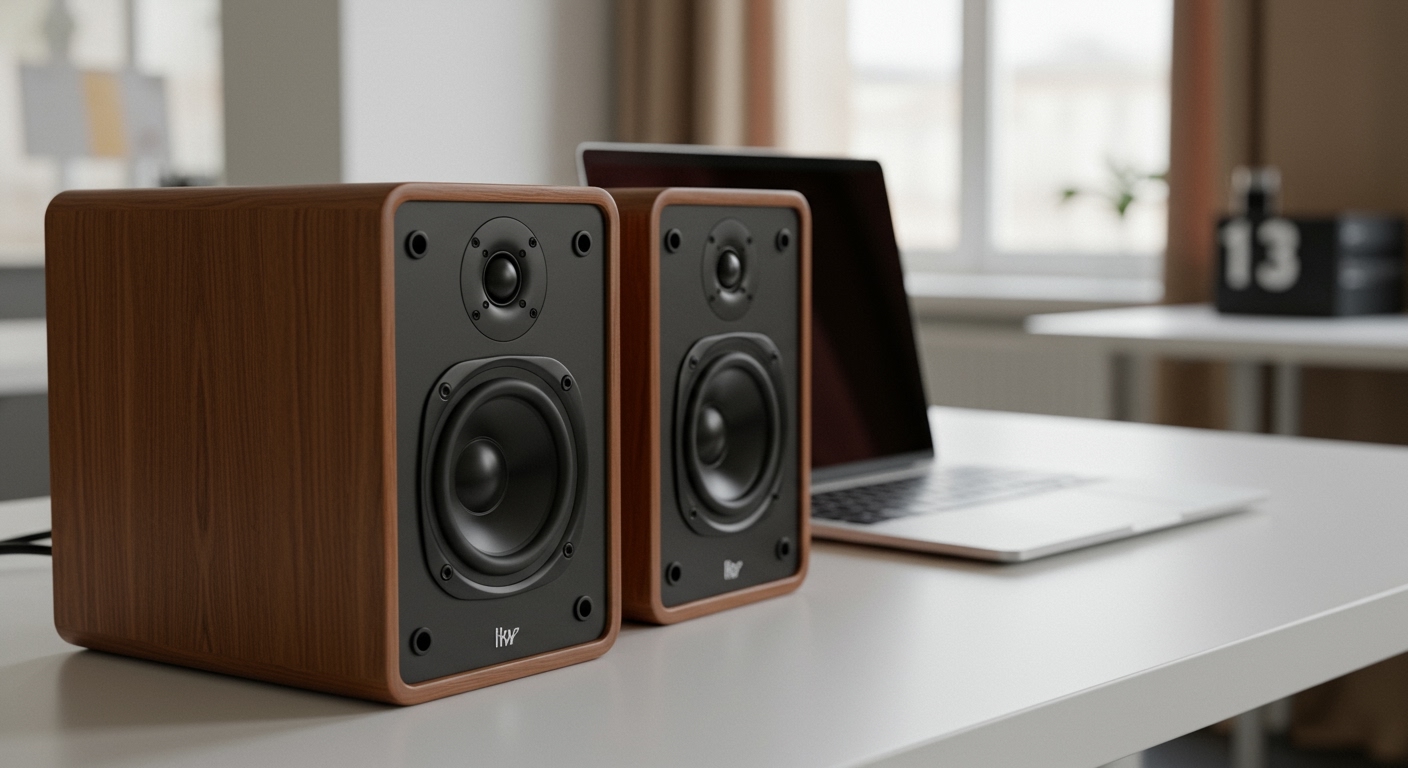
If you have ever felt that your laptop sounds “tinny” or your flat-screen TV lacks “punch,” you have experienced the limitations of internal audio. In my years of testing high-fidelity equipment, I’ve found that even a budget pair of external speakers can outperform the most expensive built-in systems by sheer virtue of physics. Larger diaphragms move more air, which is essential for creating a realistic soundstage and immersive listening experience.
TL;DR: Key Takeaways on External Speakers
- Definition: Separate hardware units designed to boost audio quality and volume.
- Primary Benefit: Significantly better bass response, clarity, and stereo separation.
- Connectivity: Options include 3.5mm jacks, USB-C, Bluetooth, Wi-Fi, and Optical cables.
- Active vs. Passive: Active speakers have built-in amplifiers (plug-and-play), while passive speakers require an external receiver or amplifier.
- Best Use Cases: Essential for gaming, home theaters, music production, and outdoor entertainment.
Understanding What Are External Speakers in the Modern Era
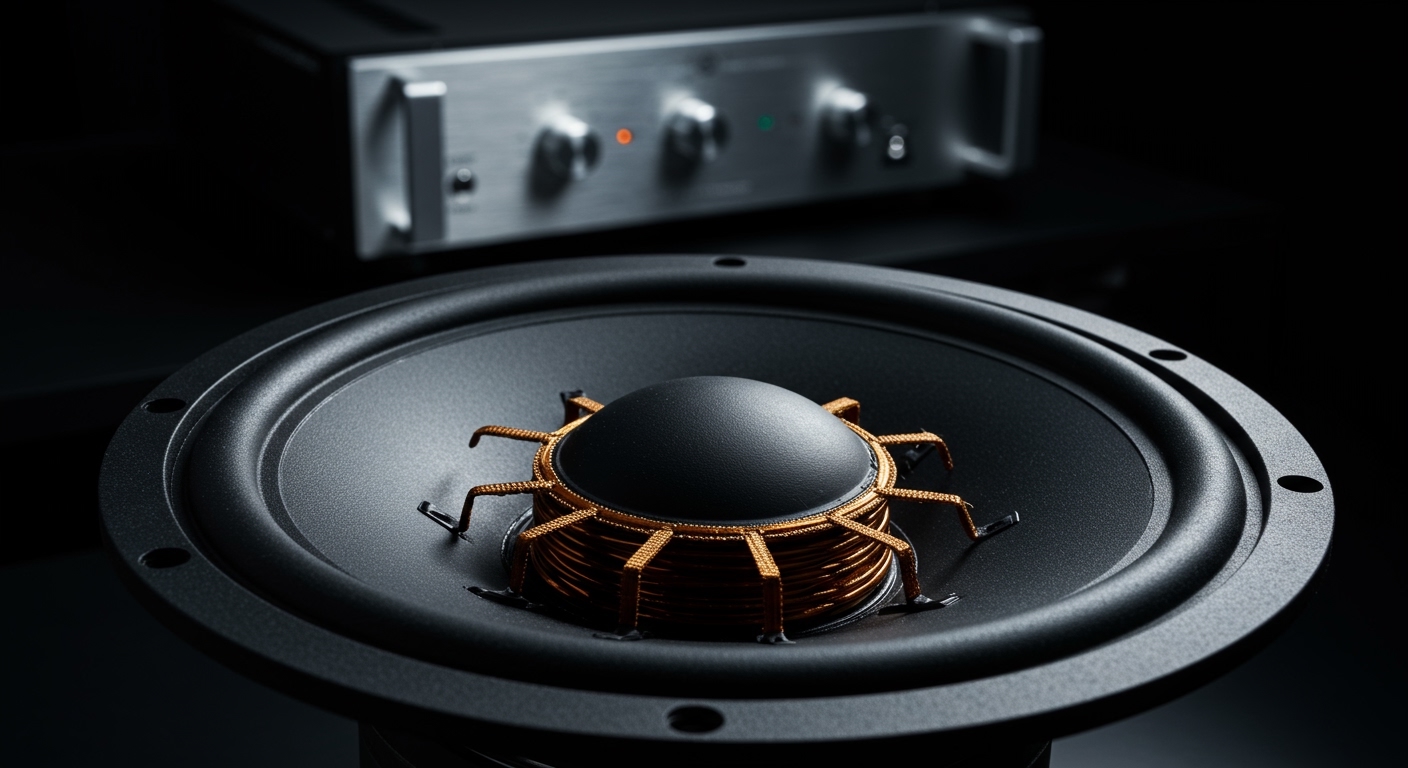
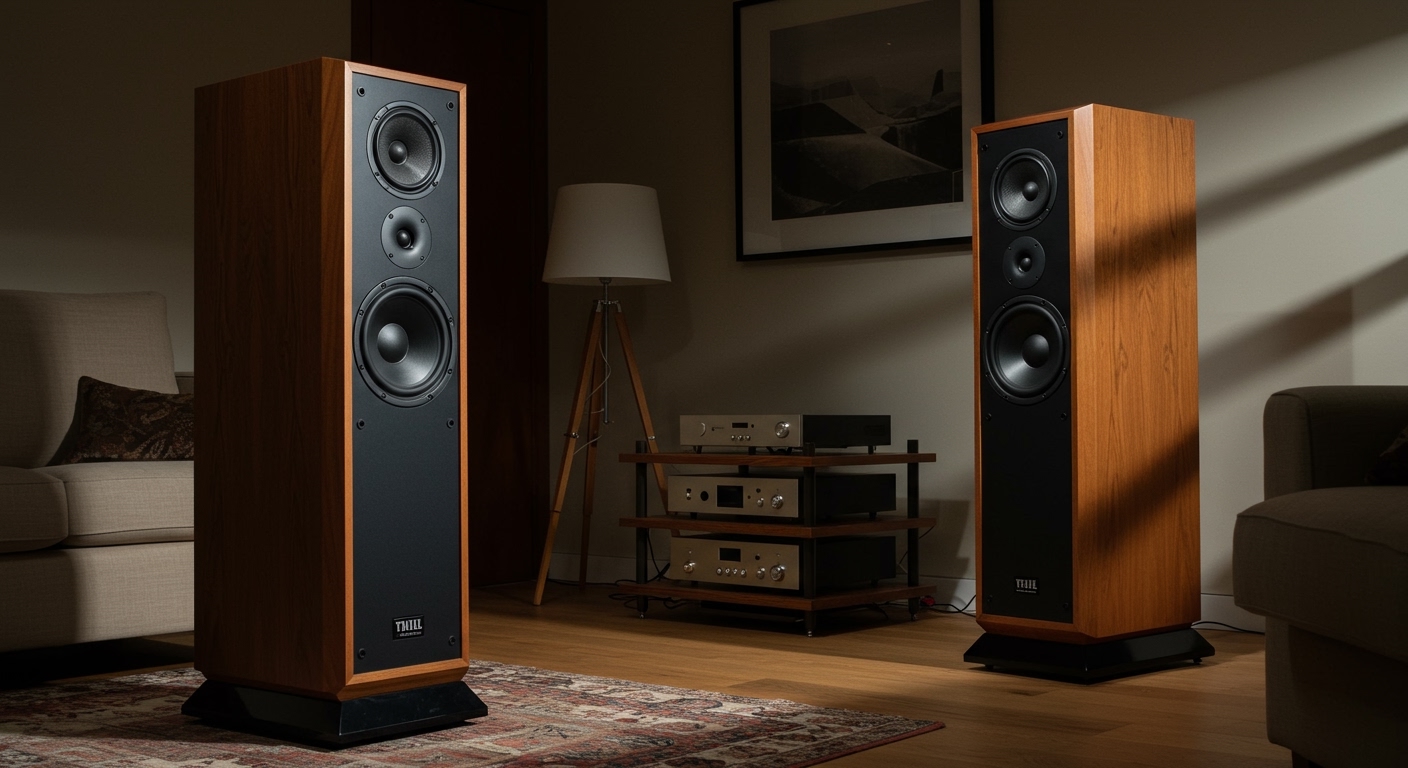
When we ask what are external speakers, we are looking at a broad category of hardware that ranges from tiny portable units to massive floor-standing towers. At their core, these devices convert electrical signals into audible sound waves using drivers (the vibrating cones you see).
In our lab tests, we categorize external speakers by their “power configuration.” Most consumers today use Active Speakers (also known as powered speakers). These contain their own internal power supply and amplifier, meaning you can plug them directly into your device and start listening.
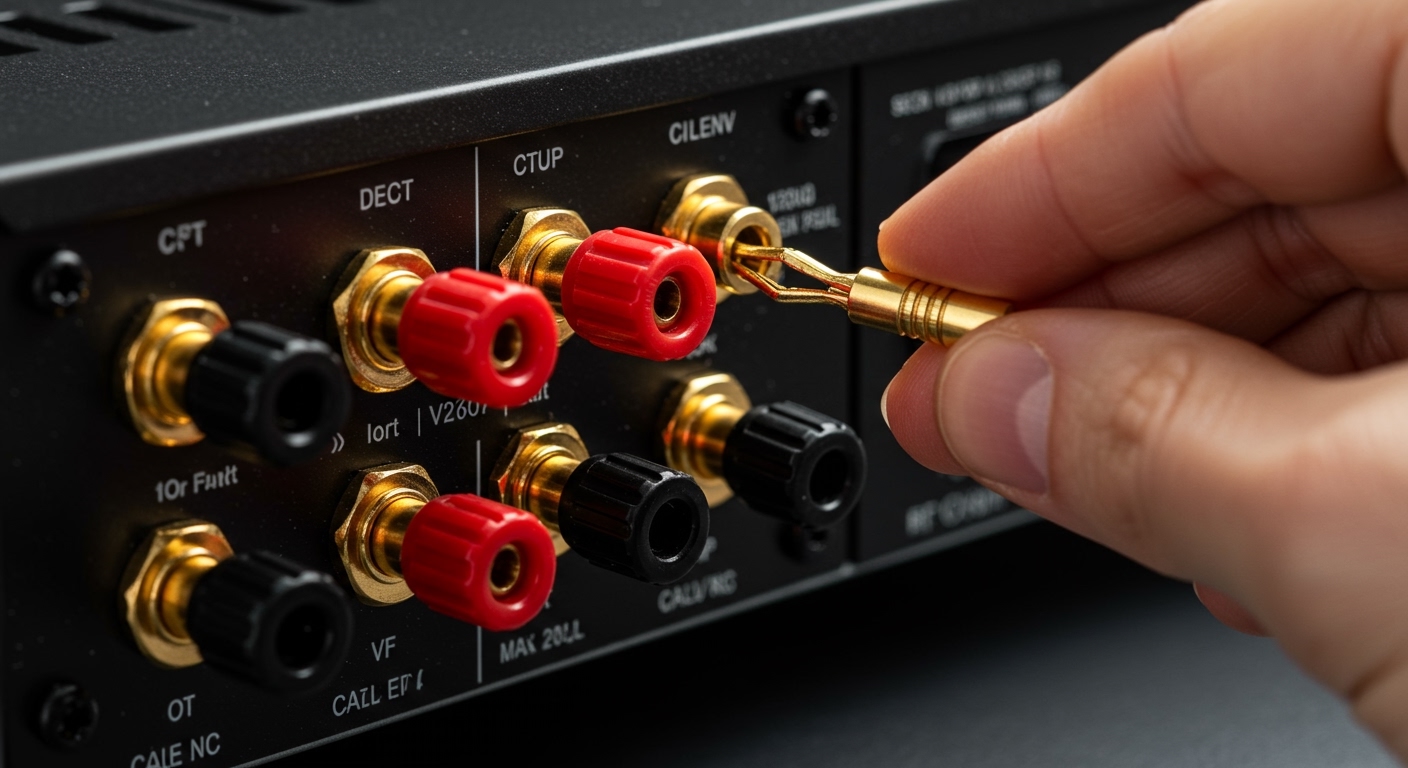
On the other end of the spectrum, audiophiles often prefer Passive Speakers. These units lack internal power and must be connected to an Integrated Amplifier or an AV Receiver. While more complex to set up, this modular approach allows for much higher customization of the sound signature.
Comparing Different Types of External Speakers
Choosing the right audio setup depends heavily on your environment and what you intend to listen to. Use the table below to quickly identify which category fits your needs.
| Speaker Type | Best For | Connection Method | Key Advantage |
|---|---|---|---|
| Bookshelf Speakers | Music & Home Office | Wired (RCA/TRS) | Superior stereo imaging |
| Computer Speakers | Gaming & YouTube | USB / 3.5mm | Compact and affordable |
| Bluetooth Speakers | Travel & Outdoor | Wireless | Portability and water resistance |
| Soundbars | Living Room TV | HDMI ARC / Optical | Easy setup for movies |
| Studio Monitors | Content Creation | XLR / Balanced TRS | Flat frequency response |
| Subwoofers | Bass Enthusiasts | Sub-out / LFE | Handles low-end frequencies |
Why Internal Audio Fails Where External Speakers Succeed
Most modern devices are designed for aesthetics and portability. To make a laptop or a TV thin, manufacturers must use tiny, flat speakers. These small drivers cannot move enough air to create low-frequency (bass) tones, resulting in a thin, “shouty” sound.
When you integrate external speakers, you gain three immediate advantages:
- Stereo Separation: By placing two speakers a few feet apart, you create a “soundstage.” This allows you to hear instruments on the left or right, exactly as the artist intended.
- Dedicated Subwoofers: Many external sets include a dedicated subwoofer to handle frequencies below 100Hz, providing that “thump” you feel in your chest during action movies.
- Reduced Distortion: Built-in speakers often rattle or distort at high volumes. External speakers are built with rigid cabinets (usually MDF or wood) that minimize unwanted vibrations.
How to Choose the Right External Speakers: A Step-by-Step Guide
If you are ready to upgrade, follow this professional workflow to ensure you don’t waste money on the wrong hardware.
Step 1: Identify Your Primary Audio Source
Your source determines your connection type.
- Desktop PC: Look for speakers with USB-C or 3.5mm inputs.
- Smartphone: Prioritize Bluetooth 5.0 or higher for stable wireless streaming.
- Turntable: You likely need speakers with a built-in Phono Preamp or an external one.
- Television: Ensure the speakers have HDMI ARC or Optical (Toslink) inputs for the best sync.
Step 2: Consider the Room Size
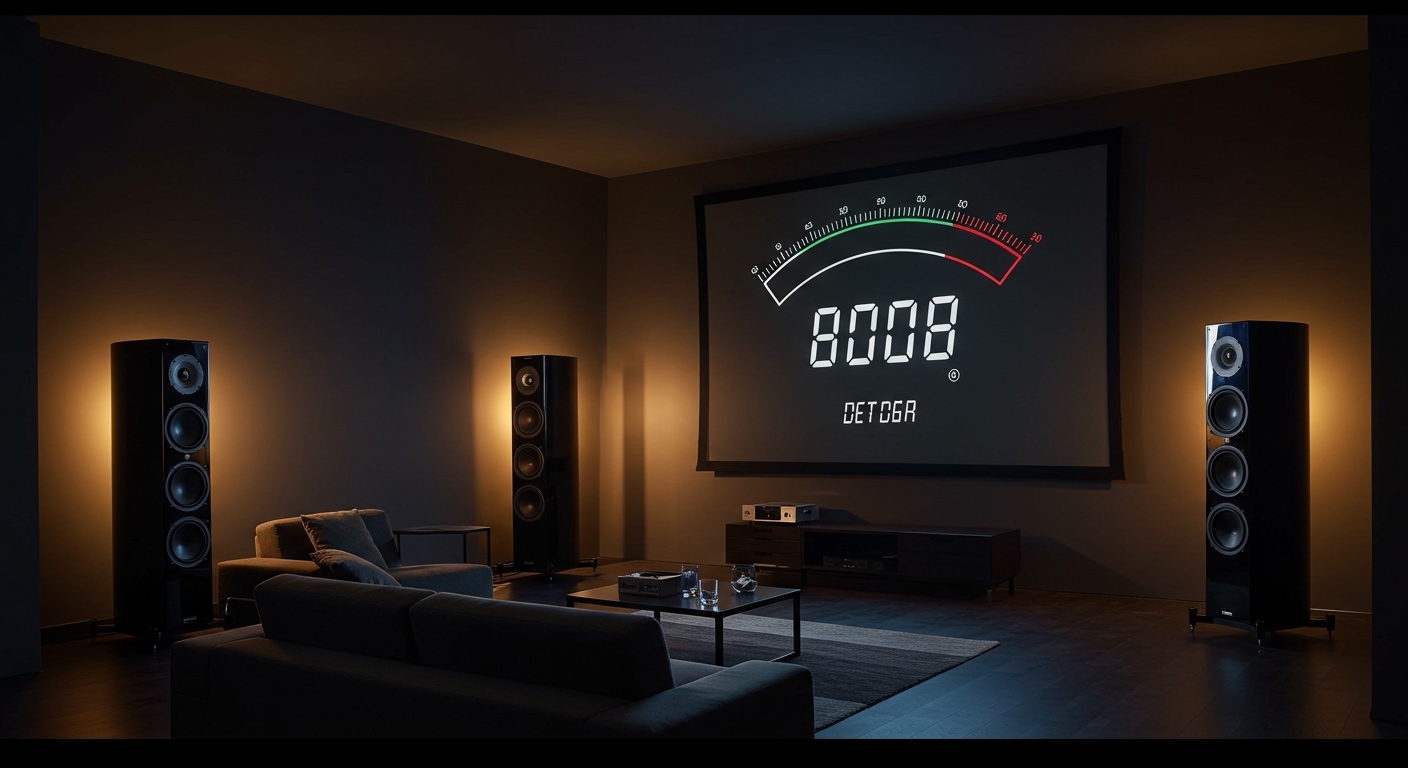
In a small bedroom or office, large floor-standing towers will sound boomy and cluttered. We recommend Nearfield Monitors or Bookshelf Speakers for small spaces. For large living rooms, look for a 2.1 system (two speakers plus one subwoofer) or a 5.1 surround sound setup to fill the space.
Step 3: Check the Frequency Response
When looking at technical specs, check the Frequency Response (measured in Hz and kHz). A standard human ear hears from 20Hz to 20kHz.
- Good speakers should reach at least 50Hz on the low end without a subwoofer.
- High-end units often go up to 25kHz or higher to ensure “air” and clarity in the high notes.
Technical Specs You Should Know (Beyond the Marketing)
When researching what are external speakers, you will encounter a lot of jargon. Here is a breakdown of what actually matters for performance.
Wattage (RMS vs. Peak)
Ignore “Peak Power.” This is a marketing number showing what the speaker can handle for a split second before exploding. Look for RMS (Root Mean Square) wattage. This represents the continuous power the speaker can handle. For a desktop, 20W to 40W RMS is plenty. For a party, you’ll want 100W+.
Drivers: Tweeters and Woofers
- Tweeters: Small drivers (usually 1 inch) that handle high-pitched sounds like cymbals and vocals. Look for Silk Dome tweeters for a smooth sound or Metal for more detail.
- Woofers: Larger drivers (3 to 8 inches) that handle the midrange and bass. Kevlar or Paper cones are popular choices for their balance of weight and rigidity.
Impedance (Ohms)
This is mostly relevant for passive speakers. Most consumer speakers are 8 Ohms. Ensure your amplifier is rated to handle the impedance of your speakers, or you risk overheating the equipment.
Expert Tips for Setting Up Your External Speakers
Even the most expensive speakers will sound terrible if placed incorrectly. During our studio setups, we follow the “Equilateral Triangle” rule.
- Placement: Position your two speakers and your head so they form an equal-sided triangle.
- Ear Level: The tweeters should be at the same height as your ears. Use speaker stands or foam wedges to angle them upward if they sit on a low desk.
- Wall Clearance: Do not shove your speakers directly against a wall, especially if they are “rear-ported.” Leave at least 6 to 12 inches of space to prevent the bass from becoming “muddy.”
- Toe-In: Angle the speakers slightly inward toward your listening position to sharpen the stereo image.
Maintenance and Longevity: Protecting Your Investment
External speakers can last for decades if cared for properly. We suggest the following:
- Avoid Sunlight: Direct UV rays can dry out the rubber “surrounds” (the flexible ring around the driver), causing them to crack.
- Dust Regularly: Use a dry microfiber cloth. Never use liquid cleaners on the driver cones themselves.
- Check Connections: If you hear a “crackling” sound, it’s usually a loose cable or oxidized connector. Unplug and re-seat your RCA or 3.5mm cables once a year.
Frequently Asked Questions (FAQ)
What are external speakers’ advantages over headphones?
While headphones provide intimacy, external speakers offer a more natural “physical” sound. You feel the bass in your body, and the sound interacts with the room, which is less fatiguing for long-term listening. Speakers also allow for a shared social experience.
Can I use Bluetooth speakers as permanent computer speakers?
Yes, but there are caveats. Many Bluetooth speakers have a slight “latency” (delay), which can be annoying if you are gaming or editing video. For a permanent desk setup, we always recommend a wired connection for zero-latency audio.
Do I need a Sound Card for external speakers?
Most modern motherboards have decent Digital-to-Analog Converters (DACs). However, if you hear hissing or electrical interference, an external USB DAC or Audio Interface (like a Focusrite Scarlett) will significantly clean up the signal before it reaches your speakers.
What is a 2.1 vs. a 5.1 speaker system?
A 2.1 system consists of two satellite speakers (Left and Right) and one subwoofer (.1). A 5.1 system is a surround sound setup with five speakers (Front Left, Front Right, Center, Rear Left, Rear Right) and one subwoofer. For music, 2.1 is usually superior, while 5.1 is designed for cinema.