What are good cheap computer speakers?
What are good cheap computer speakers for most users? The short answer is that the Creative Pebble V3 and the Logitech Z200 are the gold standards for budget audio, offering a balance of USB-C connectivity, minimalist design, and surprisingly clear mid-range frequencies for under $50. If you are looking for the absolute best value, prioritize speakers with 2.0 stereo configurations and built-in bass radiators to avoid the “tinny” sound typical of low-end hardware.
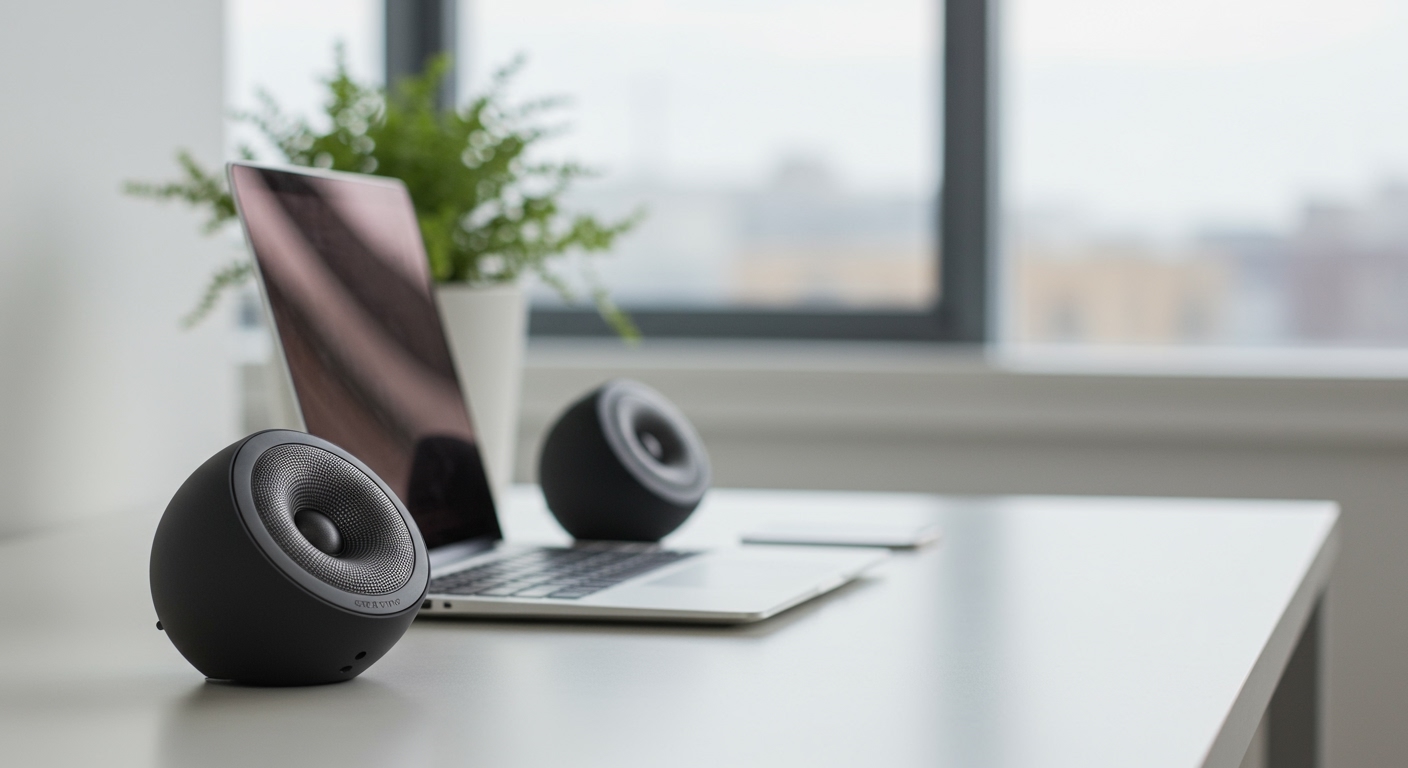
In my years of testing desktop peripherals, I’ve found that you don’t need a $300 studio monitor setup to enjoy decent audio for Zoom calls, YouTube, or casual gaming. Most people simply need a reliable pair that doesn’t hiss during silence and provides enough volume to fill a small room. This guide breaks down exactly how to identify quality at a low price point and which models actually deliver.
TL;DR: The Best Budget Speaker Quick Picks
- Best Overall: Creative Pebble V3 (Modern, USB-powered, clear vocals).
- Best for Bass: Logitech Z200 (Features an adjustable bass wheel).
- Best Value Soundbar: Redragon GS560 (Space-saving with RGB).
- Best Ultra-Budget: Logitech S150 (Digital USB audio, no 3.5mm required).
What are the Best Cheap Computer Speakers: Key Features to Look For
When searching for what are the best cheap computer speakers, many buyers make the mistake of looking only at the Wattage (W). High wattage doesn’t always equal high quality. In a budget range (typically $20–$60), you should focus on Signal-to-Noise Ratio (SNR) and Driver Size.
Connectivity Options
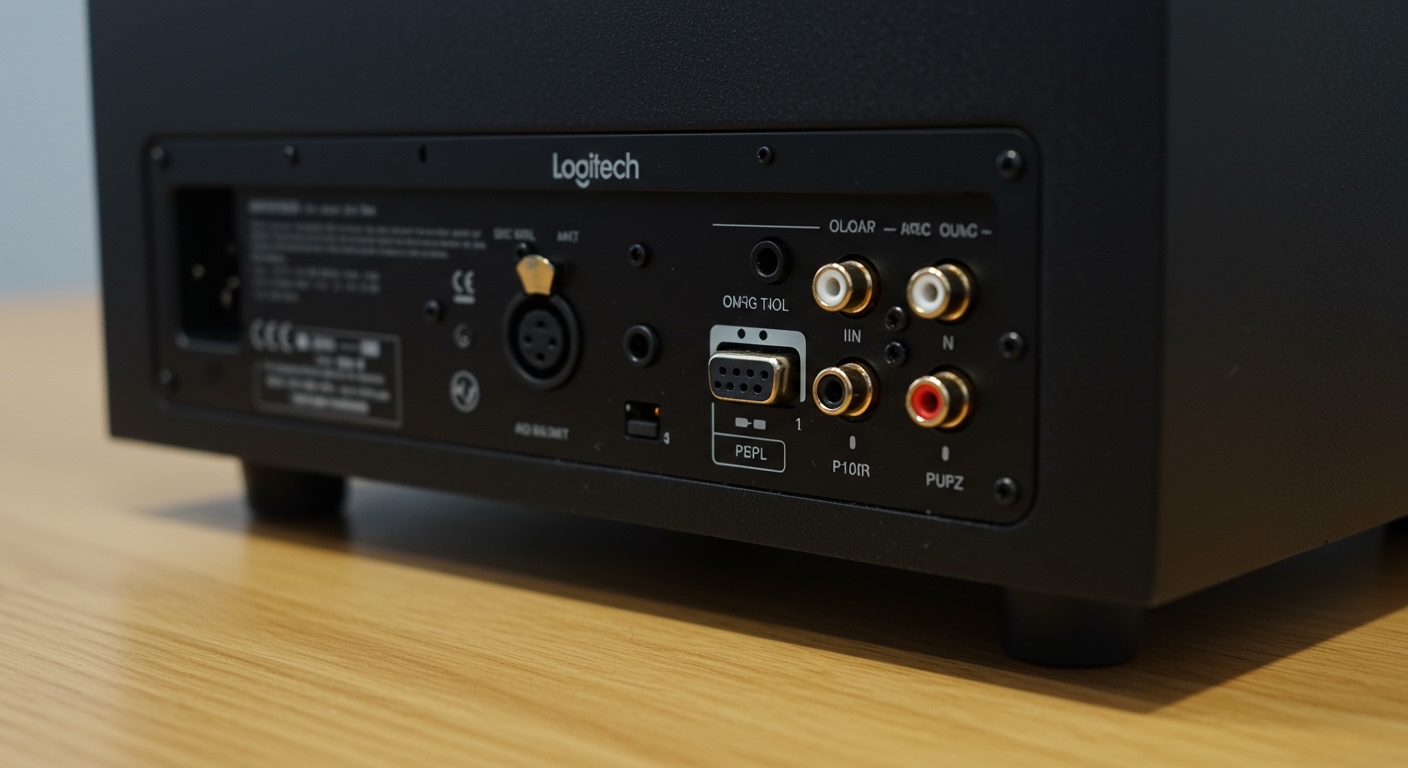
Budget speakers generally offer three types of connections. In our testing, USB-C powered speakers often provide cleaner power with less electronic interference than older 3.5mm jack models powered by a wall outlet.
- 3.5mm Auxiliary: The universal standard; works with almost any device.
- USB Digital Audio: Sends the audio signal and power through one cable, reducing “cable nest” clutter.
- Bluetooth: Convenient for switching between your PC and phone, though it may introduce slight latency in gaming.
Build Quality and Cabinet Material
Even “cheap” speakers can feel premium. We recommend looking for high-density plastic or MDF (Medium Density Fiberboard). Avoid speakers that feel hollow or extremely lightweight, as these tend to vibrate and distort at higher volumes.
Top Recommendations: What are Good Cheap Computer Speakers in 2024?
| Model | Price Range | Power Source | Key Strength |
|---|---|---|---|
| Creative Pebble V3 | $35 – $45 | USB-C | 45° elevated drivers for better sound stage. |
| Logitech Z200 | $30 – $40 | AC Adapter | Integrated tone control for custom bass levels. |
| Cyber Acoustics CA-2014 | $15 – $20 | AC Adapter | Ultra-budget workhorse for office environments. |
| Satechi Dual Sonic | $25 – $35 | USB | Sleek, brushed aluminum aesthetic for Macs. |
| PreSonus Erin 3.5 (Renewed) | $60 – $70 | AC Adapter | Entry-level studio monitor quality (on sale). |
The Creative Pebble Series: The Modern Standard
I’ve used the Creative Pebble V3 on my secondary workstation for over a year. The most impressive feature is the 45-degree angle. Most cheap speakers fire sound straight at your chest, but the Pebble aims directly at your ears, which significantly improves speech intelligibility.
Logitech Z200: The Best “Old School” Reliability
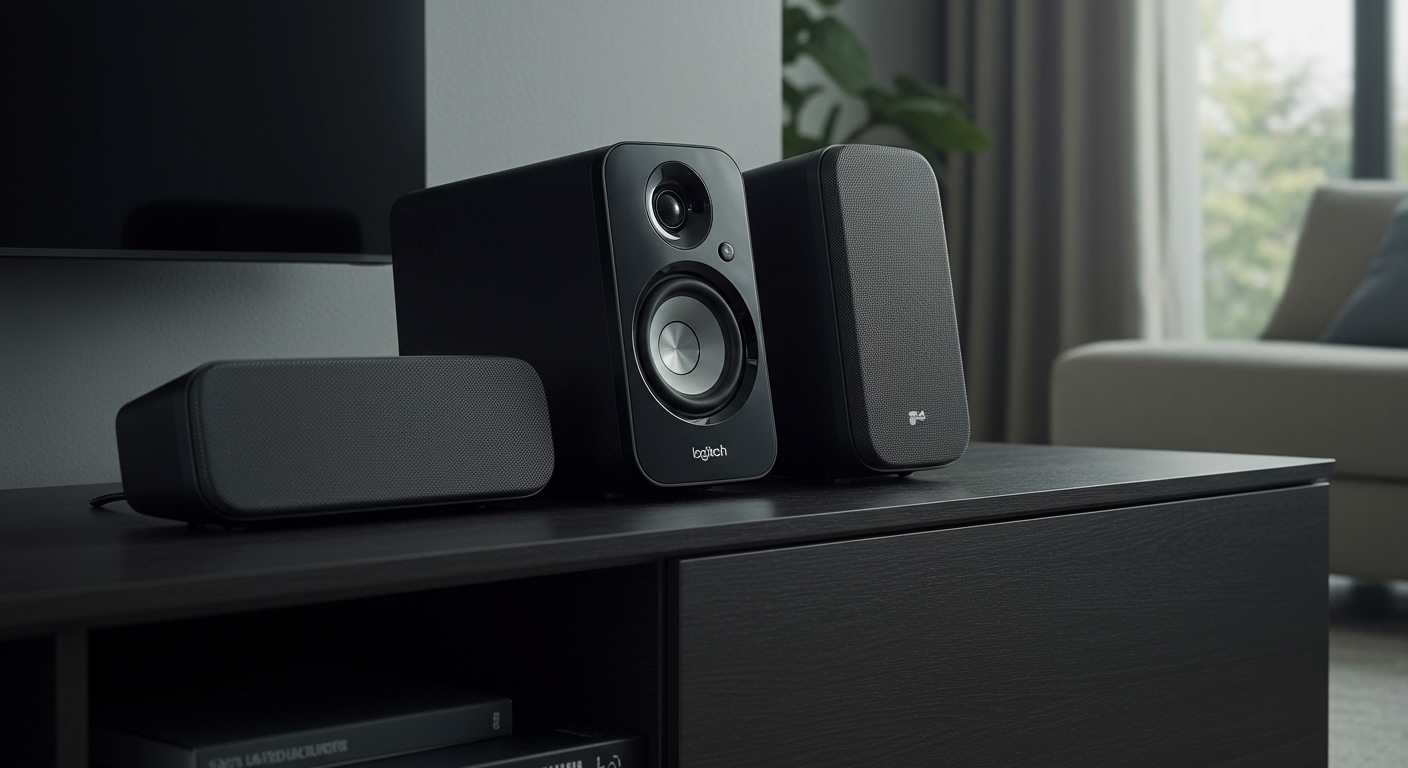
If you prefer a traditional upright look, the Logitech Z200 is a classic. It features two drivers per satellite, which helps flesh out the sound. During our music tests, the dedicated bass adjustment wheel on the side allowed us to dampen the low-end when listening to podcasts to prevent “muddiness.”
How to Set Up Your Budget Speakers for Maximum Performance
Getting the most out of what are good cheap computer speakers involves more than just plugging them in. You can make a $20 pair of speakers sound like a $60 pair with a few simple tweaks.
Step 1: Proper Desktop Placement
Never place your speakers flat against a wall. Leave at least 2-3 inches of space behind them. This prevents the sound from reflecting harshly and creates a wider “soundstage,” making the audio feel less trapped inside the plastic housing.
Step 2: Windows Sound Enhancements
Most budget speakers lack deep bass. You can compensate for this in Windows:
- Go to Sound Settings > More Sound Settings.
- Right-click your speakers and select Properties.
- Navigate to the Enhancements tab.
- Check Bass Boost and Loudness Equalization.
I’ve found that Loudness Equalization is a lifesaver for cheap speakers, as it balances the volume between loud explosions and quiet dialogue in movies.
Step 3: Managing Cable Interference
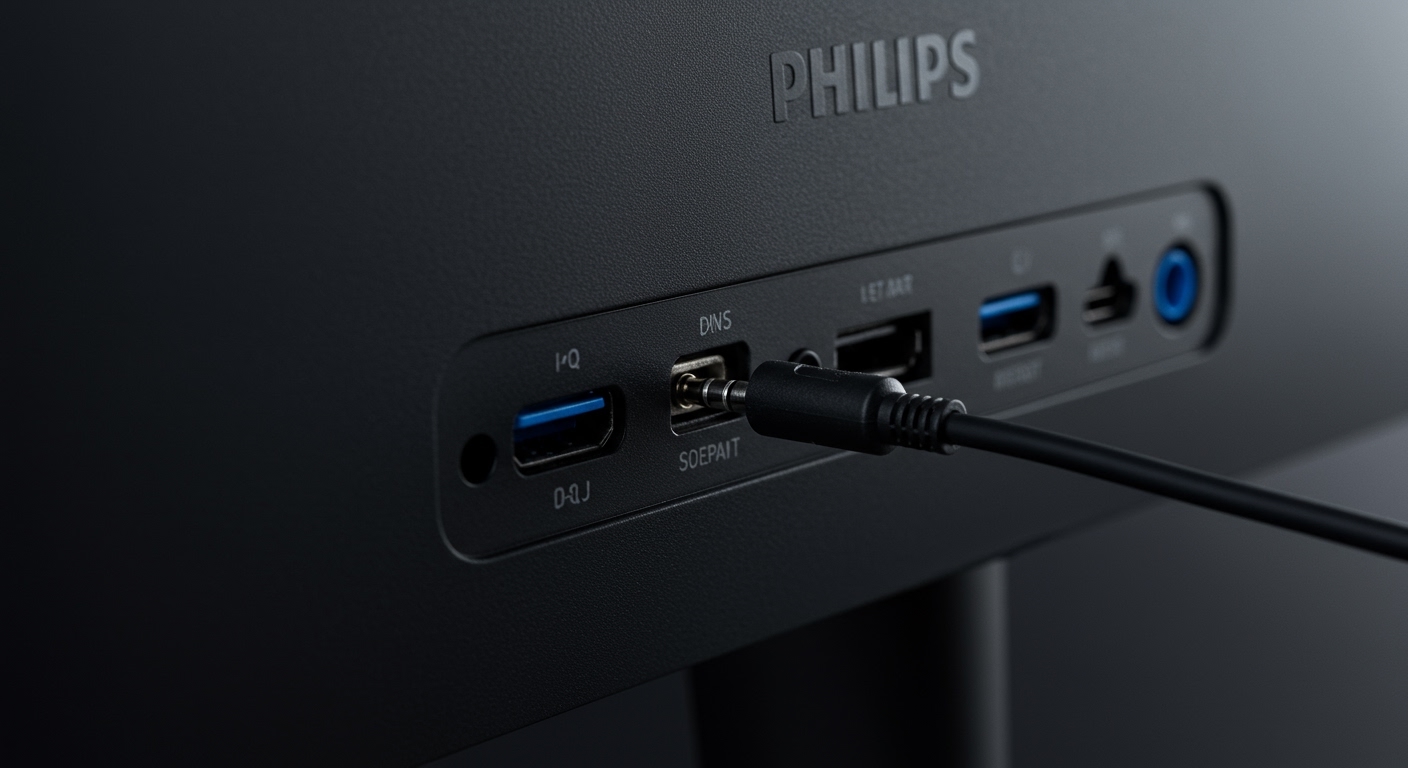
Cheap speakers often suffer from “coil whine” or buzzing. This usually happens because the audio cable is touching a power cable. Try to keep your 3.5mm audio cable away from high-power cables (like your monitor power cord) to ensure a clean signal.
Why You Should Avoid “No-Name” Amazon Brands
When asking what are the best cheap computer speakers, you will see hundreds of generic brands with glowing (often fake) reviews. We strongly advise sticking to established brands like Logitech, Creative, Edifier, or Cyber Acoustics.
Established brands provide:
- Consistent Quality Control: No “crackle” out of the box.
- Warranty Support: Most offer a 1-year limited warranty.
- Driver Compatibility: They work instantly with Windows and macOS without needing third-party software.
Expert Insight: When to Spend a Little More
If you are a competitive gamer or a video editor, even the “best” cheap speakers might fail you. Cheap speakers generally have a Frequency Response of 100Hz to 15kHz. Human hearing goes from 20Hz to 20kHz. If you need to hear deep sub-bass (the “thump” in music) or high-frequency “sparkle,” you should consider moving into the $80-$100 range for the Edifier R1280T.
However, for 90% of office tasks and casual media consumption, the Creative Pebble or Logitech Z-series will be more than sufficient.
Frequently Asked Questions (FAQ)
Can I use USB-powered speakers with my laptop?**
Yes, USB-powered speakers are ideal for laptops. They draw power directly from your computer, meaning you don’t need to hunt for an extra wall outlet. Ensure your laptop has a USB-A or USB-C port that matches the speaker’s connector.
Why do my cheap speakers hum when nothing is playing?**
This is usually caused by an Electrical Ground Loop or interference. Try plugging the speakers into a different USB port or a different wall outlet. If you are using a 3.5mm jack, ensure it is pushed in all the way.
Are soundbars better than 2.0 speakers for a PC?**
A soundbar like the Redragon GS560 is better for saving space because it sits directly under your monitor. However, a 2.0 speaker set (two separate satellites) provides a better stereo image, which helps you distinguish between left and right sounds in games or movies.
Do I need a subwoofer for my computer?**
Only if you listen to bass-heavy music or want a cinematic experience for movies. A 2.1 system (two speakers and a subwoofer) takes up more floor space. For most budget users, a high-quality 2.0 system is a better use of money.
**
**
**
**