Understanding What Are Presence Speakers
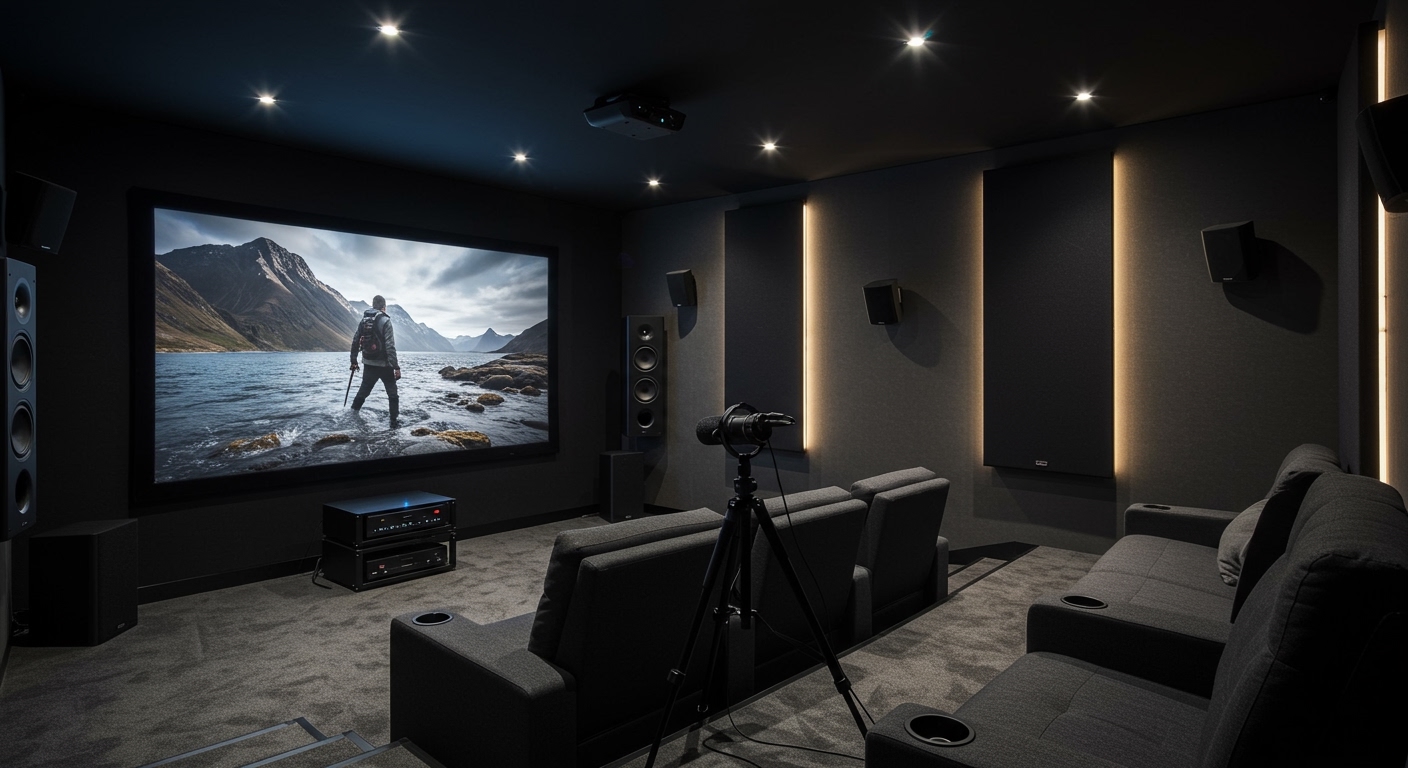
Presence speakers are specialized audio channels, primarily pioneered by Yamaha, designed to add verticality and depth to a home theater soundstage. While traditional surround sound focuses on horizontal movement (left, right, and behind), presence speakers provide “height” information, making sound effects feel as if they are coming from above or high on the walls. By using a Yamaha AV Receiver equipped with CINEMA DSP, these speakers create a three-dimensional acoustic space that mimics the environment of a professional movie theater or concert hall.
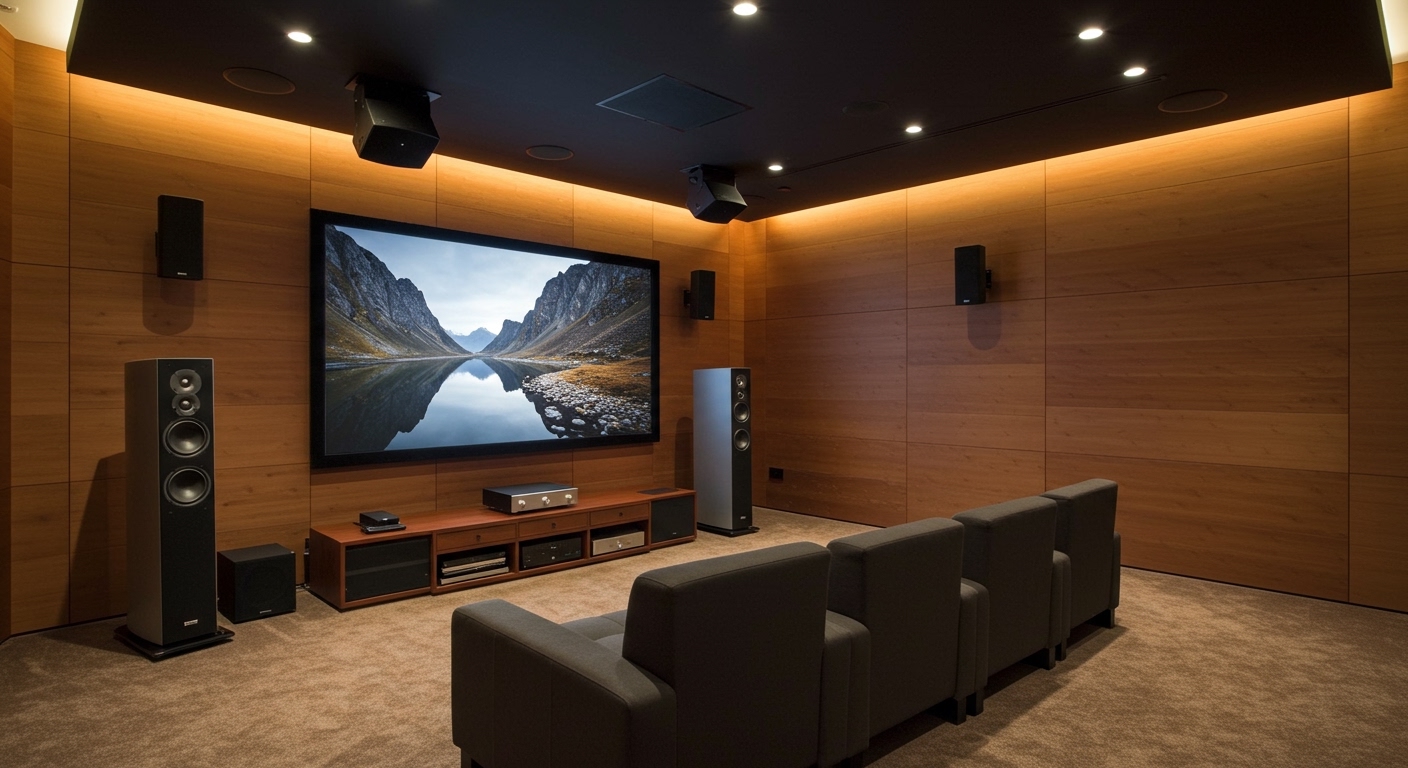
When I first integrated a pair of Front Presence speakers into my own test lab setup, the most immediate difference wasn’t just “more sound”—it was the precision of the Front Soundstage. Suddenly, rain didn’t just come from the front; it fell from the ceiling, and the scale of orchestral music expanded vertically, filling the entire front wall of the room.
TL;DR: Key Takeaways
- Definition: Presence speakers provide height and ambient sound to create a 3D audio field.
- Hardware: They are most commonly associated with Yamaha Aventage or RX-V series receivers.
- Placement: Usually mounted high on the front wall, 3–6 feet above the front left/right speakers.
- Main Benefit: Enables Dialogue Lift, which moves voices from a low center channel to the middle of the screen.
- Compatibility: Modern presence channels can also double as Dolby Atmos height channels in most receiver settings.
The Technical Evolution of Presence Audio
To truly understand what are presence speakers, we have to look at the history of Digital Soundfield Processing (DSP). Long before Dolby Atmos became a household name, Yamaha engineers were measuring the acoustic reflections of famous cathedrals and jazz clubs.
They realized that a significant portion of what we perceive as “space” comes from early reflections hitting our ears from high angles. Presence speakers were designed to reproduce these specific reflections.
How Presence Differs from Surround Channels
In a standard 5.1 setup, you have your front three speakers and two side surrounds. Presence speakers are added as an extra layer.
- Surround Speakers: Provide directional cues from the sides and rear (e.g., a car driving past).
- Presence Speakers: Provide “Height” cues and ambient “Air” (e.g., the echo of a cavern or a plane flying overhead).
Front Presence vs. Rear Presence
High-end 9.2 or 11.2 channel receivers support both Front Presence (FP) and Rear Presence (RP).
- Front Presence: Expands the width and height of the main action.
- Rear Presence: Completes the 3D bubble by adding height information behind the listener, ensuring a seamless overhead transition during flyover scenes.
Presence Speakers vs. Dolby Atmos vs. DTS:X
A common point of confusion is whether you need presence speakers if you already want Dolby Atmos. In the modern era, these terms often overlap, but their origins are different.
| Feature | Presence Speakers (Yamaha) | Dolby Atmos (Object-Based) |
|---|---|---|
| Primary Goal | Creating a 3D “DSP” soundfield | Moving specific audio “objects” in space |
| Speaker Placement | High on the wall (Wall-mounted) | In-ceiling or upward-firing |
| Hardware Requirement | Yamaha AV Receiver | Any Atmos-enabled Receiver |
| Best For | Improving dialogue and ambient music | Precise movie sound effects |
| Flexibility | High (Can be used with 2CH music) | Specific to encoded Atmos content |
In my experience, the beauty of the Yamaha ecosystem is that you can configure your height speakers as “Presence” in the settings, and the receiver will intelligently use them for both Atmos content and Yamaha’s proprietary DSP modes.
Step-by-Step: How to Set Up Presence Speakers
Setting up what are presence speakers requires more than just plugging in wires; it requires strategic positioning to ensure the acoustic timing is correct.
Step 1: Choosing the Right Speakers
You don’t need massive towers for presence channels. I recommend using high-quality bookshelf speakers or dedicated on-wall satellite speakers. Since these channels mostly handle ambient cues and high-frequency reflections, look for speakers with clear tweeters and decent mid-range response.
Step 2: Physical Placement and Mounting
For the best results, follow these measurement guidelines:
- Width: Place them 0.5 to 1 meter (approx. 2–3 feet) outside the width of your main Front Left and Right speakers.
- Height: Mount them at least 1.8 meters (6 feet) from the floor. Ideally, they should be near the ceiling.
- Angle: Toe them in slightly toward the “Money Seat” (your primary listening position).
Step 3: Wiring to the Receiver
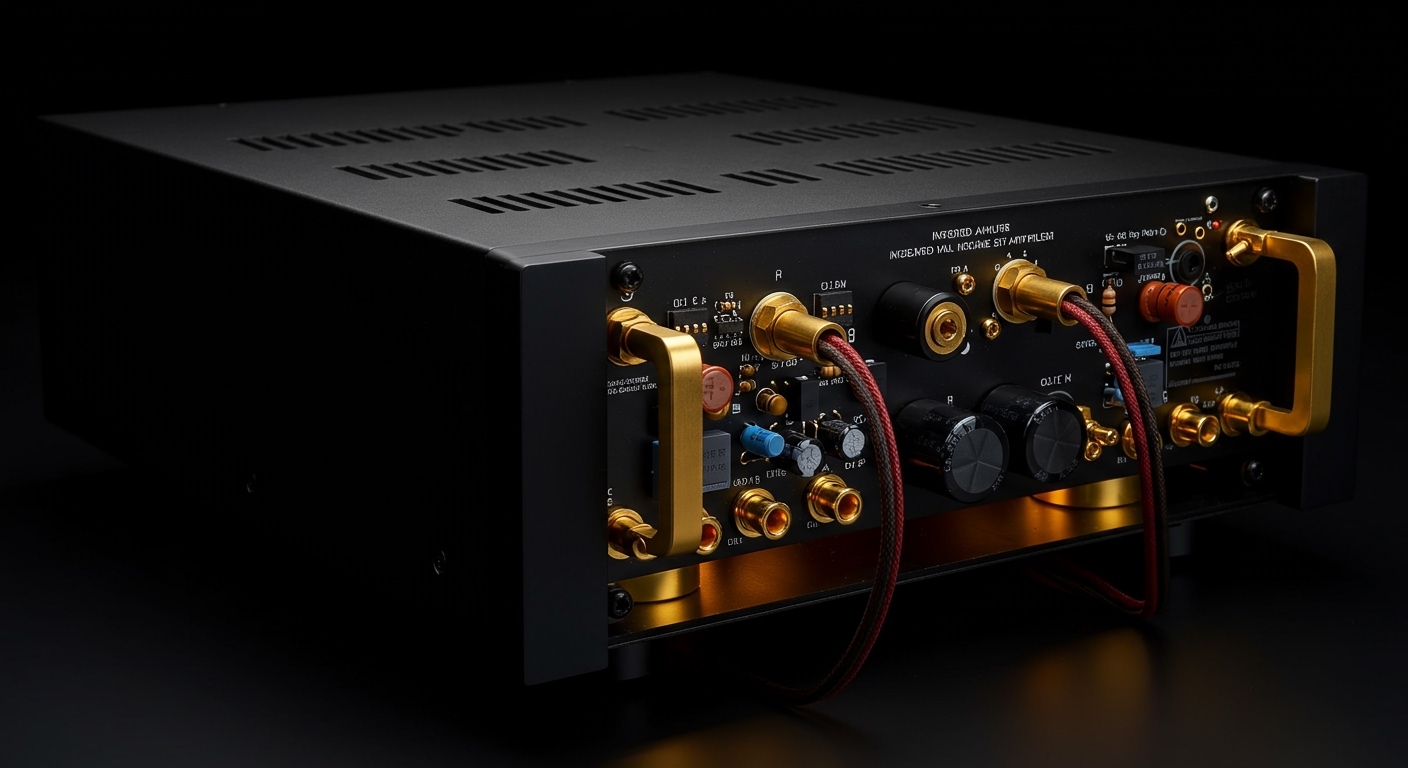
Look at the back of your Yamaha receiver. You will likely see terminals labeled Extra SP1 and Extra SP2.
- Connect your Front Presence speakers to Extra SP1.
- Ensure you are using at least 16-gauge speaker wire for runs under 50 feet to maintain signal integrity.
Step 4: Software Configuration
Navigate to your receiver’s On-Screen Display (OSD):
- Go to Setup > Speaker > Manual Setup.
- Set the Layout to “Front Presence.”
- Choose the Height Category: “Wall Mount,” “In-Ceiling,” or “Dolby Enabled.”
The Secret Weapon: Yamaha Dialogue Lift
The single most important reason I recommend presence speakers to home theater enthusiasts is Dialogue Lift.
In most home theaters, the Center Channel is placed under a TV or projector screen. This creates a “disconnect” because the actor’s mouth is at the top of the screen, but their voice is coming from near the floor.
By using presence speakers, Yamaha’s CINEMA DSP can “lift” the center channel audio. It mixes a portion of the dialogue into the presence speakers, creating the illusion that the voices are coming from the center of the image. When I calibrated a 120-inch projector screen last month, Dialogue Lift at Level 3 was the “magic touch” that made the movie feel immersive rather than disjointed.
Expert Tips for Optimization (E-E-A-T)
Having installed dozens of these systems, I’ve found a few “pro-level” tweaks that make a massive difference:
- Run YPAO Room Calibration: After installing, use the YPAO (Yamaha Parametric Room Acoustic Optimizer) microphone. It calculates the Angle/Height of your presence speakers to ensure the sound reaches your ears at the exact microsecond needed for 3D realism.
- Use the “Sci-Fi” DSP Mode: This specific Yamaha mode is tailor-made for presence speakers. It widens the soundstage significantly, making a small living room feel like a massive auditorium.
- Avoid “Small” Settings if Possible: If your presence speakers are capable, set the crossover to 80Hz. This allows them to handle some upper-bass, which helps “weight” the soundstage better in the vertical plane.
Frequently Asked Questions
Can I use any brand of speaker for Presence channels?
Yes. You do not need Yamaha brand speakers. However, for the best tonal matching, I suggest using speakers with a similar sound signature (or the same brand) as your main front speakers.
Do presence speakers work with non-Yamaha receivers?
The term “Presence Speakers” is specific to Yamaha. Other brands like Denon, Marantz, or Onkyo refer to these as Height Channels or Top Front speakers. While they perform similar roles, the specific DSP modes (like Dialogue Lift) are exclusive to Yamaha.
Can I use in-ceiling speakers as Presence speakers?
Absolutely. In the receiver’s setup menu, you can specify that your Presence speakers are “In-Ceiling.” The receiver will adjust its processing to account for the sound coming directly from above rather than from high on the wall.
Is it worth upgrading from 5.1 to 7.1 using Presence speakers?
If your room is small to medium-sized, I often find that 5.1 + 2 Presence speakers (Total 7 channels) provides a more noticeable “wow factor” than a traditional 7.1 setup with rear surrounds. The vertical dimension adds more to the cinematic experience than extra speakers behind you.