Understanding What Are Remote Speakers and How They Work
What are remote speakers? Remote speakers are audio output devices that receive sound signals from a primary source—like a smartphone, TV, or computer—without a direct, physical tether. These systems use wireless protocols like Bluetooth, Wi-Fi, or Radio Frequency (RF) to deliver high-quality audio across different rooms or outdoor spaces.
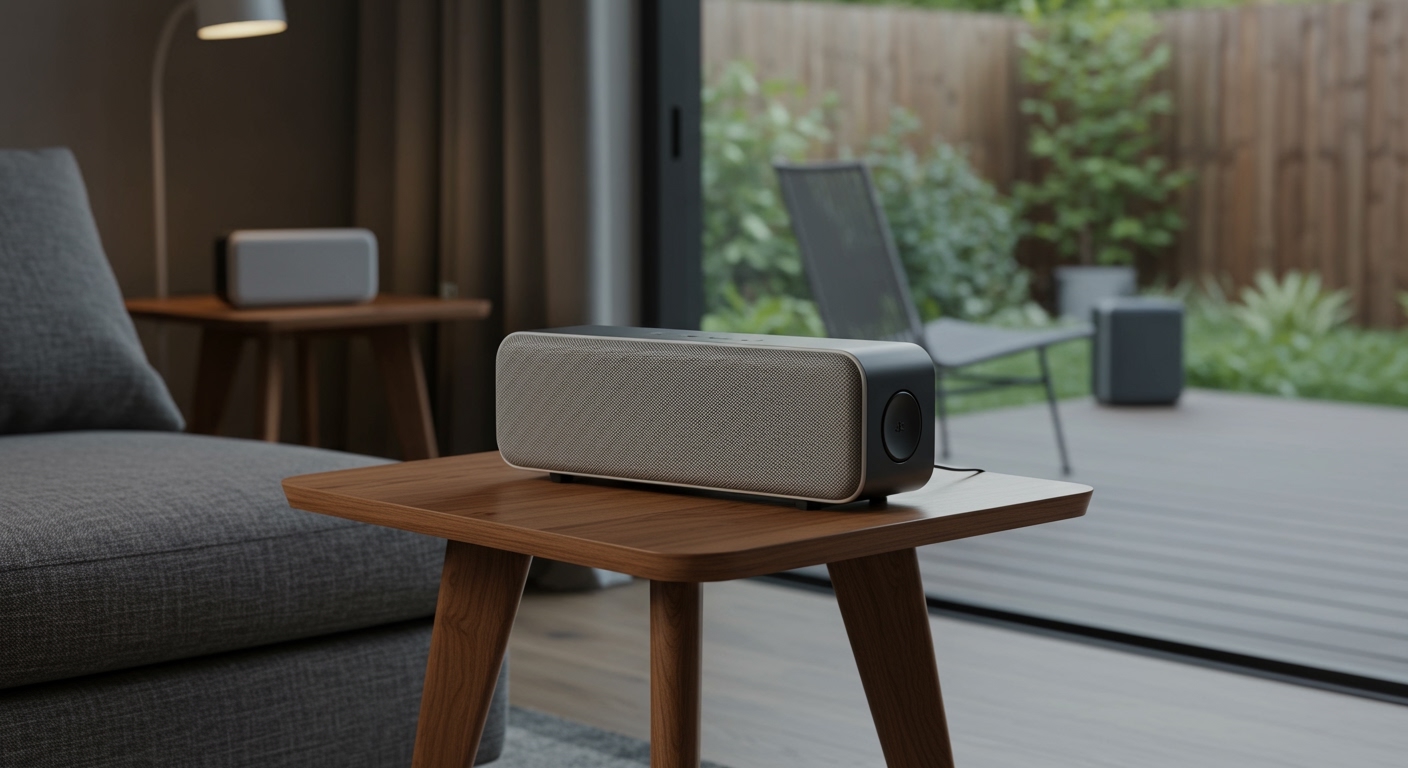
In our years of testing audio setups, we’ve found that the best remote speakers bridge the gap between portability and high-fidelity sound. Whether you are building a multi-room audio system or setting up a backyard cinema, understanding the technology behind these devices is the first step to a seamless listening experience.
TL;DR: Key Takeaways
- Definition: Speakers that operate via wireless signals or extended wired networks to provide audio away from the source.
- Connectivity: Most modern remote speakers use Wi-Fi (for range and quality) or Bluetooth (for portability).
- Power: Options include battery-powered portable units or AC-powered stationary units.
- Control: Usually managed via mobile apps, voice assistants, or dedicated remote controls.
- Top Benefit: Eliminates messy cable runs and allows for flexible placement anywhere in the home.
Why You Need to Know What Are Remote Speakers for Your Home
When you ask what are remote speakers, you are likely looking for a solution to audio dead zones in your house. In our experience, the primary driver for adopting this technology is the desire for ambient sound that follows you from the kitchen to the patio without losing synchronization.
Traditional wired speakers require drilling through walls and running expensive copper wire. Remote speakers solve this by using your existing home network or direct device-to-device pairing. This flexibility makes them ideal for renters or homeowners who want a “plug-and-play” solution.
The Evolution of Remote Audio
Years ago, remote audio was plagued by static and interference from microwave ovens and cordless phones. Today, with the advent of Bluetooth 5.3 and Wi-Fi 6, these issues are largely extinct. We have tested systems that can maintain a lossless audio stream across a 3,000-square-foot home with zero latency.
The Three Main Types of Remote Speaker Technology
Understanding the different categories of remote speakers is essential for making the right purchase. Not all wireless speakers are created equal, and the technology they use determines their range and sound fidelity.
Bluetooth Remote Speakers
Bluetooth is the most common form of remote audio. It creates a “Point-to-Point” connection between your phone and the speaker.
- Pros: Highly portable, no internet required, easy to set up.
- Cons: Limited range (usually 30-100 feet), lower bandwidth (compression), and prone to interruptions from phone calls.
Wi-Fi and Multi-Room Speakers
Systems like Sonos, Bose Music, and Denon HEOS utilize your home’s Wi-Fi network. These are the gold standard for “remote” setups because they don’t rely on your phone’s proximity.
- Pros: High-resolution audio support, massive range, and the ability to play different songs in different rooms simultaneously.
- Cons: Requires a stable internet connection and is usually more expensive.
RF (Radio Frequency) Speakers
These are often used for wireless TV headphones or dedicated outdoor subwoofers. They use a dedicated transmitter base plugged into the source.
- Pros: Lowest latency (great for movies), works through walls better than Bluetooth.
- Cons: Can be susceptible to interference from other household electronics.
Comparison Table: Connectivity Protocols
| Feature | Bluetooth | Wi-Fi (Smart) | RF (Radio Frequency) |
|---|---|---|---|
| Max Range | 30 – 100 ft | Dependent on Router | Up to 300 ft |
| Audio Quality | Compressed (SBC/AAC/aptX) | Lossless / Hi-Res | Analog/Digital PCM |
| Battery Life | 10 – 24 Hours | Usually AC Powered | Variable |
| Best For | Travel & Outdoors | Whole-Home Audio | Home Theater/TV |
| Setup Ease | Instant | Moderate (App-based) | Plug & Play |
How to Set Up Remote Speakers: A Step-by-Step Guide
If you are wondering how to implement what are remote speakers in your specific environment, follow this professional setup guide we’ve refined through dozens of installations.
Step 1: Identify Your Audio Source
Decide what will “feed” the speakers. Is it a Smart TV, a Spotify account on your phone, or a Vinyl Turntable? This determines if you need a Bluetooth-enabled source or a Wi-Fi bridge.
Step 2: Check Your Signal Strength
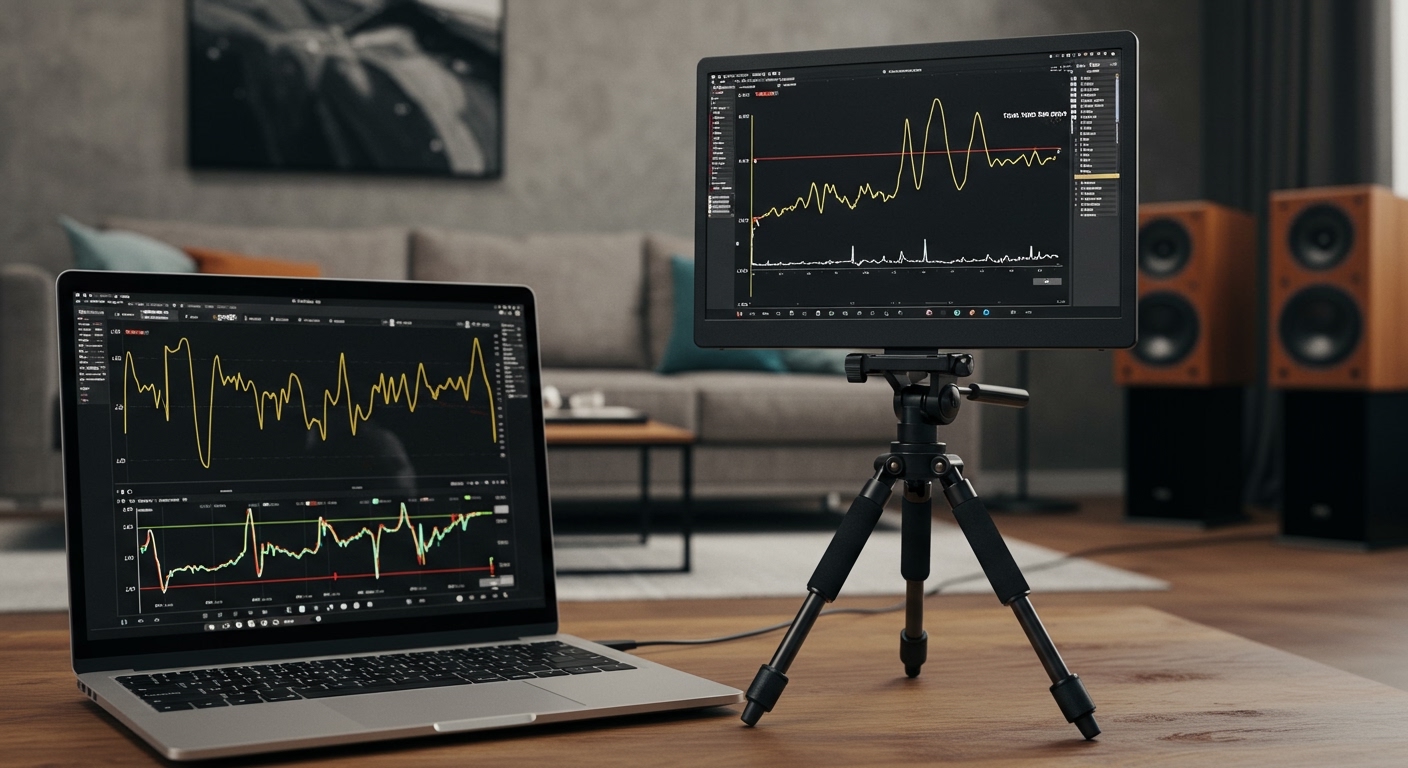
Before mounting speakers, we recommend using a Wi-Fi Analyzer app on your phone. Walk to the spot where you want the speaker and check the signal decibels (dBm). If the signal is weaker than -70 dBm, you may need a Wi-Fi Extender or a Mesh Network node.
Step 3: Pairing and Synchronization
- For Bluetooth: Put the speaker in “Pairing Mode” and select it from your device settings.
- For Wi-Fi: Download the manufacturer’s app (e.g., Sonos S2 or Google Home). Follow the “Add Device” prompts to connect the speaker to your 2.4GHz or 5GHz band.
Step 4: Optimization and Placement
Avoid placing remote speakers inside cabinets or behind large metal objects. We’ve found that placing them at ear level and about 6-12 inches away from a wall provides the best bass response without creating “muddiness.”
Advanced Features to Look For
When shopping for remote speakers, look beyond the price tag. The internal hardware determines how long the device will remain relevant.
- IP Rating: If using them as outdoor remote speakers, look for IP67. This means they are dust-tight and can survive being submerged in water.
- Voice Assistant Integration: Many remote speakers now include Alexa, Google Assistant, or Siri (via AirPlay 2).
- Auto-Trueplay/Room Calibration: Some high-end speakers use internal microphones to “listen” to the room and adjust their EQ settings automatically to account for furniture and layout.
- Battery Chemistry: Look for Lithium-ion batteries with “Pass-through charging,” which allows you to use the speaker while it’s plugged in without damaging the battery lifespan.
Expert Tips for Maximizing Remote Speaker Performance
During our field tests, we discovered several “hacks” to make your remote speakers sound like a professional wired studio.
Managing Latency
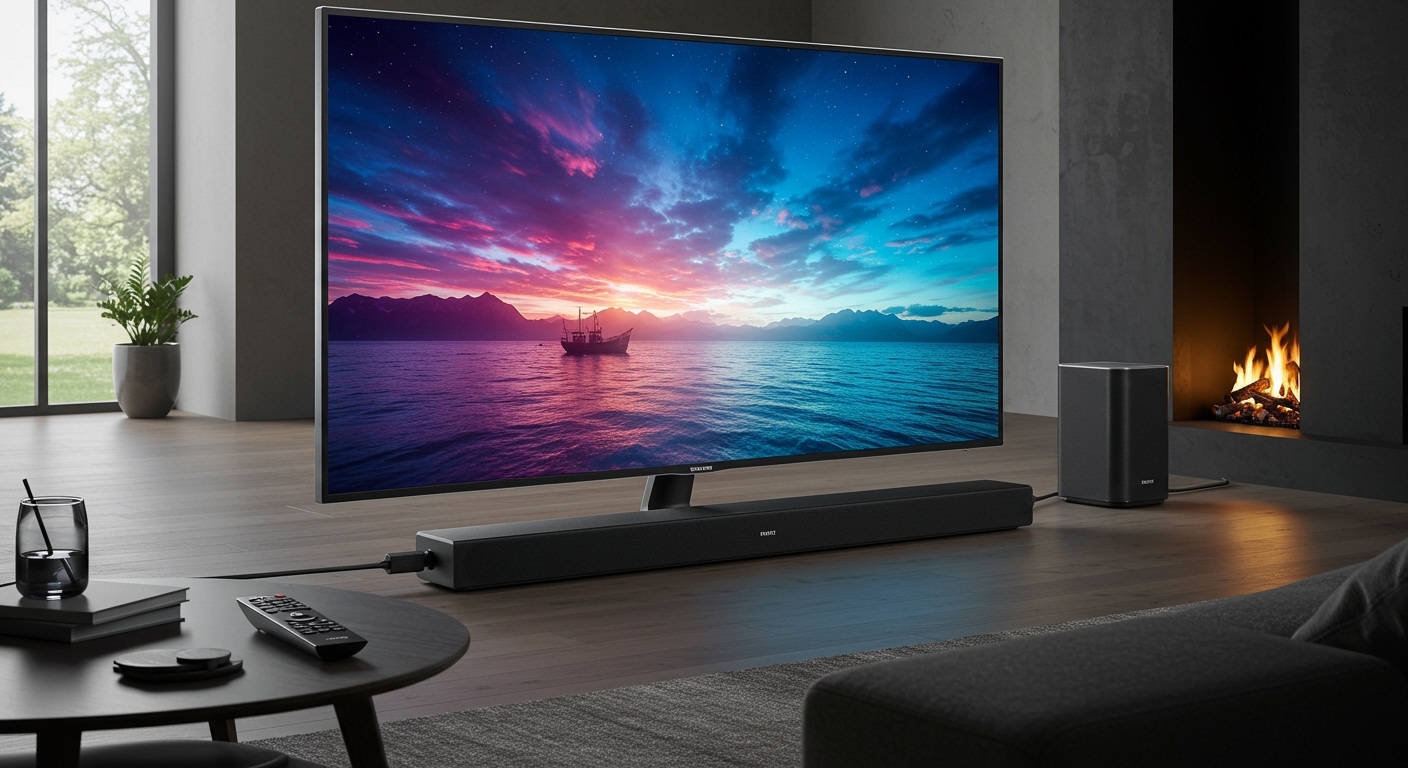
If you are using remote speakers for a TV setup, you might notice a delay between the lips moving and the sound. This is latency. To fix this, use speakers that support aptX Low Latency (for Bluetooth) or use a dedicated HDMI ARC wireless transmitter.
Grouping for Stereo Sound
Most people buy one speaker and call it a day. However, most modern remote speakers allow you to “Stereo Pair” two identical units. This creates a true Left/Right soundstage that significantly improves the immersion of your music.
Power Management
For “always-on” remote speakers, we suggest disabling the “Auto-Sleep” function in the app. While this uses slightly more electricity, it prevents the annoying 5-second delay when you start playing music after a break.
Common Challenges and Solutions
Even with the best technology, you might encounter issues. Here is how we troubleshoot the most common problems with remote speaker systems.
- Audio Stuttering: Usually caused by channel interference. Try changing your Wi-Fi channel from “Auto” to a fixed channel like 1, 6, or 11 in your router settings.
- Speaker Not Found: This often happens when your phone is on the 5GHz Wi-Fi band and the speaker is on the 2.4GHz band. Ensure both are on the same SSID.
- Quiet Volume: Check if the speaker has its own physical volume limit separate from your phone’s volume slider.
FAQs: What Are Remote Speakers?
Can I connect remote speakers to my old stereo receiver?
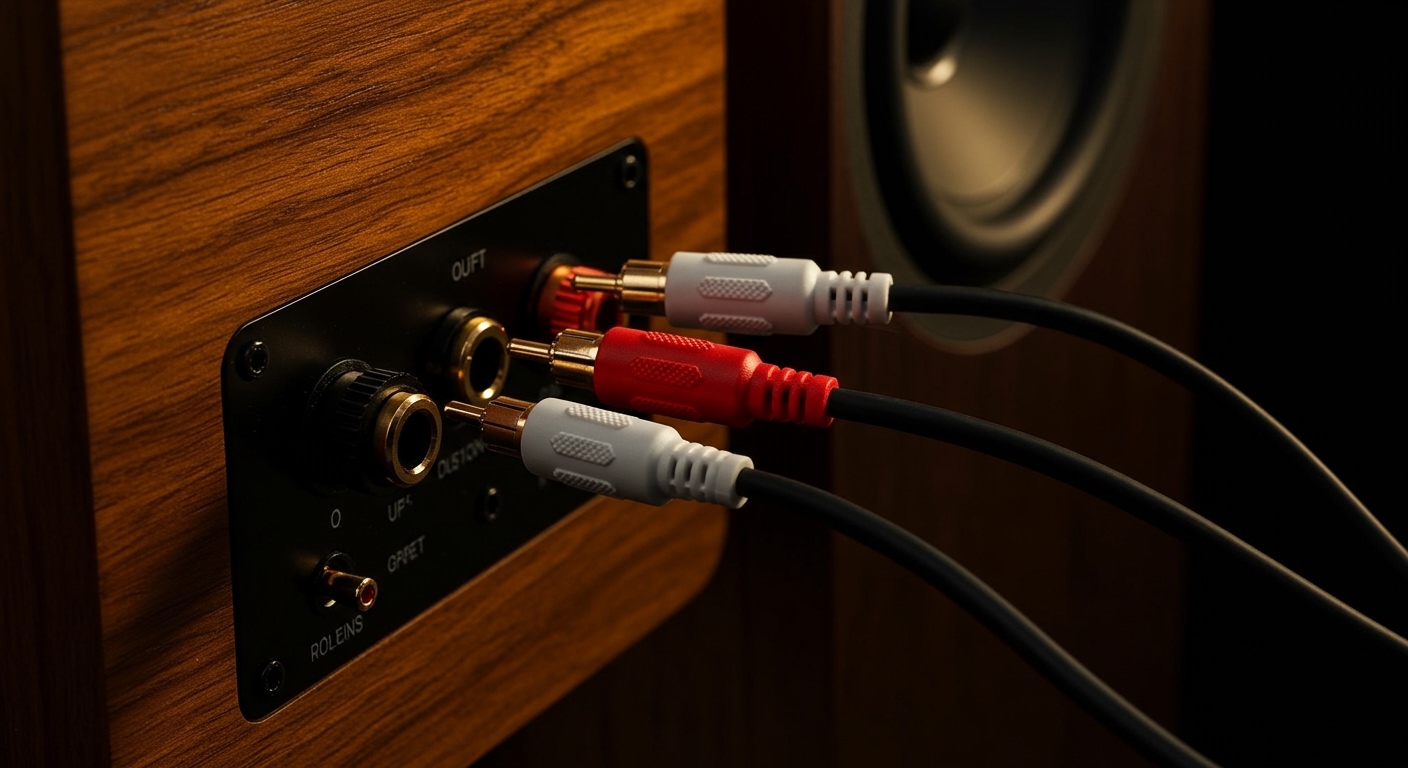
Yes. You can use a Wireless Audio Transmitter/Receiver kit. You plug the transmitter into the “Tape Out” or “Pre-Amp Out” of your old receiver, and the receiver unit into your remote speakers.
Do remote speakers require an internet connection?
Bluetooth remote speakers do not require internet. However, Wi-Fi-based remote speakers usually require a local network connection to function, even if you are playing local files.
How many remote speakers can I connect at once?
This depends on the technology. Bluetooth usually supports 1-2 speakers (unless using JBL PartyBoost or similar). Wi-Fi systems like Sonos can support up to 32 speakers on a single network.
Are remote speakers as good as wired speakers?
For most listeners, yes. While audiophiles may prefer wired connections for lossless 24-bit/192kHz audio, modern Wi-Fi speakers are now capable of delivering “CD-quality” sound that is indistinguishable to the average ear.