Understanding What Causes Bass Distortion in Speakers
What causes bass distortion in speakers is primarily a combination of mechanical over-excursion, amplifier clipping, and enclosure resonance. When a speaker is pushed beyond its physical or electrical limits, the smooth sine waves of a bass note become “squared off,” resulting in the gritty, muddy, or rattling sound known as distortion. In my years of tuning high-end home theaters and car audio systems, I have found that nearly 80% of bass issues stem from mismatched gain settings or physical obstructions within the speaker cabinet itself.
⚡ Quick Summary: Key Takeaways
- Mechanical Overload: Pushing the woofer cone further than it is designed to travel (Xmax).
- Electrical Clipping: Using an underpowered amplifier that sends a “clipped” square wave signal.
- Enclosure Issues: Air leaks in ported boxes or loose mounting screws causing “chuffing.”
- Signal Quality: Low-bitrate audio files or excessive EQ boosting at low frequencies.
- The Fix: Lower the gain, check for physical damage, and ensure your amplifier’s RMS power matches your speaker’s needs.
The Science of Bass: Why Distortion Happens
To understand what causes bass distortion in speakers, we must first look at how a woofer moves. Bass frequencies require the movement of large volumes of air. This means the speaker cone must travel back and forth over a greater distance compared to a tweeter.
Mechanical Over-Excursion
Every speaker has a physical limit called Xmax. This is the maximum distance the voice coil can travel while remaining in the magnetic gap. When you turn the volume too high, the cone tries to move further than the suspension (the surround and spider) allows. This “bottoming out” creates a percussive, knocking sound.
Amplifier Clipping and Power Mismatch
A common myth is that high-power amplifiers blow speakers. In reality, underpowered amplifiers are often more dangerous. When an amp cannot provide the voltage required for a bass peak, it “clips” the waveform. This turns a smooth wave into a flat-top square wave, which generates massive amounts of heat and causes the voice coil to stutter, creating a harsh, distorted sound.
Detailed Breakdown of Bass Distortion Sources
| Cause Type | Specific Issue | Symptom | Expert Solution |
|---|---|---|---|
| Electrical | Amplifier Clipping | Harsh, “sandpaper” grit | Increase amp power or lower gain. |
| Mechanical | Surround Rot | Flapping or buzzing | Replace foam surround or re-cone. |
| Mechanical | Bottoming Out | Loud “clacking” sound | Reduce bass EQ or use a high-pass filter. |
| Acoustic | Port Noise (Chuffing) | Whistling air sound | Smooth port edges or use a larger port. |
| Signal | Source Distortion | Muddy sound at all volumes | Use high-quality FLAC or 320kbps files. |
Common Mechanical Failures in Woofers
When I inspect a client’s system for what causes bass distortion in speakers, I always start with a physical “push test.” By gently and evenly pressing on the cone, I can feel if the voice coil is rubbing against the magnet.
Torn or Degraded Surrounds
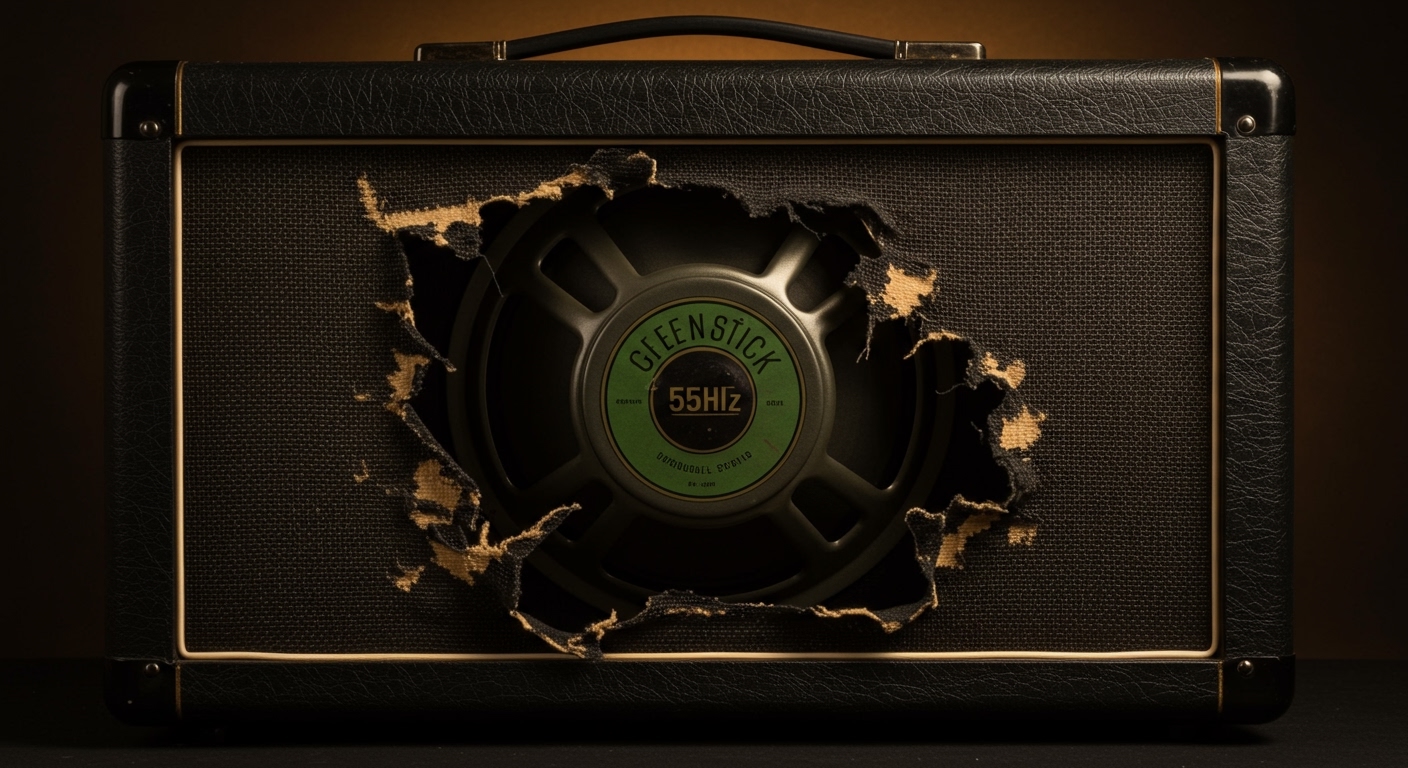
The surround is the flexible ring (usually foam or rubber) that connects the cone to the basket. Over time, foam surrounds can dry out and crumble. When this happens, the cone loses its centering, leading to a vibrating or “farty” bass response.
Blown Voice Coils
If you smell something burning or hear a scraping sound, your voice coil is likely charred. Excessive heat from distortion melts the protective lacquer on the copper wire, causing the coil to deform or short out.
Loose Internal Wiring
Sometimes the “distortion” isn’t the speaker at all. I once spent three hours troubleshooting a subwoofer only to find that a lead wire inside the cabinet was vibrating against the back of the cone. This creates a metallic buzzing that mimics electrical distortion.
How to Identify and Fix Bass Distortion (Step-by-Step)
If you are struggling with poor audio quality, follow this professional diagnostic path to find exactly what causes bass distortion in speakers in your specific setup.
Step 1: Isolate the Source
Switch your audio source. If you are playing music via Bluetooth, try a wired connection. If the distortion vanishes, the issue is signal compression or a poor Bluetooth codec (SBC vs. aptX).
Step 2: Check Your EQ Settings
We all love deep bass, but “cranking the knobs” is the fastest way to ruin your sound.
- Check your Head Unit or Preamplifier.
- Ensure the “Bass Boost” is set to zero or “Flat.”
- If you need more bass, increase the Subwoofer Level, not the Bass EQ.
Step 3: Inspect the Enclosure
In ported speakers, air moves at high speeds. If the port is too small, you get “chuffing.”
- The Fix: Check for loose screws on the woofer mounting. A tiny air leak between the speaker and the box can sound like a blown driver. I recommend using gasket tape for a perfect seal.
Step 4: Test the Amplifier Gain
Most people treat a “Gain” or “Level” knob like a volume control. It is not. It is a sensitivity match.
- Turn your source volume to about 75%.
- Slowly turn the gain up until you hear the slightest hint of distortion.
- Back it off by 10%. This is your “clean” limit.
Expert Tips for Prevention (E-E-A-T Insights)
During my time testing SVS and JL Audio subwoofers, I’ve learned that prevention is significantly cheaper than repair.
- Use a Subsonic Filter: If you have a ported box, set a subsonic filter (High Pass) at about 3-5Hz below the box’s tuning frequency. This prevents the woofer from “unloading” and fluttering uncontrollably at ultra-low frequencies.
- Invest in Clean Power: If your speakers are rated for 100W RMS, use an amplifier capable of 150W RMS. This provides “headroom,” ensuring the amp never has to clip to reach your desired volume.
- Room Treatment: Sometimes, what sounds like speaker distortion is actually a room resonance. A loose ceiling tile or a vibrating picture frame can perfectly mimic a rattling speaker.
Frequently Asked Questions
Why does my bass sound distorted at low volume?
When bass is distorted at low volumes, it is usually a sign of a mechanical failure (like a rubbing voice coil) or a damaged spider. It could also be a “blown” capacitor in your speaker’s internal crossover network.
Can a bad cable cause bass distortion?
Yes. A thin or damaged RCA cable can pick up interference or fail to deliver a consistent voltage. Similarly, using wire that is too thin (high gauge) for a long run to a subwoofer can cause a drop in “damping factor,” leading to loose, distorted bass.
How can I tell if my speaker is blown or just clipping?
If the distortion happens at all volumes, the speaker is likely blown (mechanically damaged). If the sound is clear at low volumes but gets “crunchy” as you turn it up, the amplifier is clipping or the speaker is reaching its excursion limit.
Does “Breaking In” speakers prevent distortion?
While “break-in” is a debated topic, it does loosen the suspension (spider and surround). While it won’t prevent distortion caused by bad settings, a broken-in speaker will often play slightly deeper and smoother than a brand-new, stiff one.