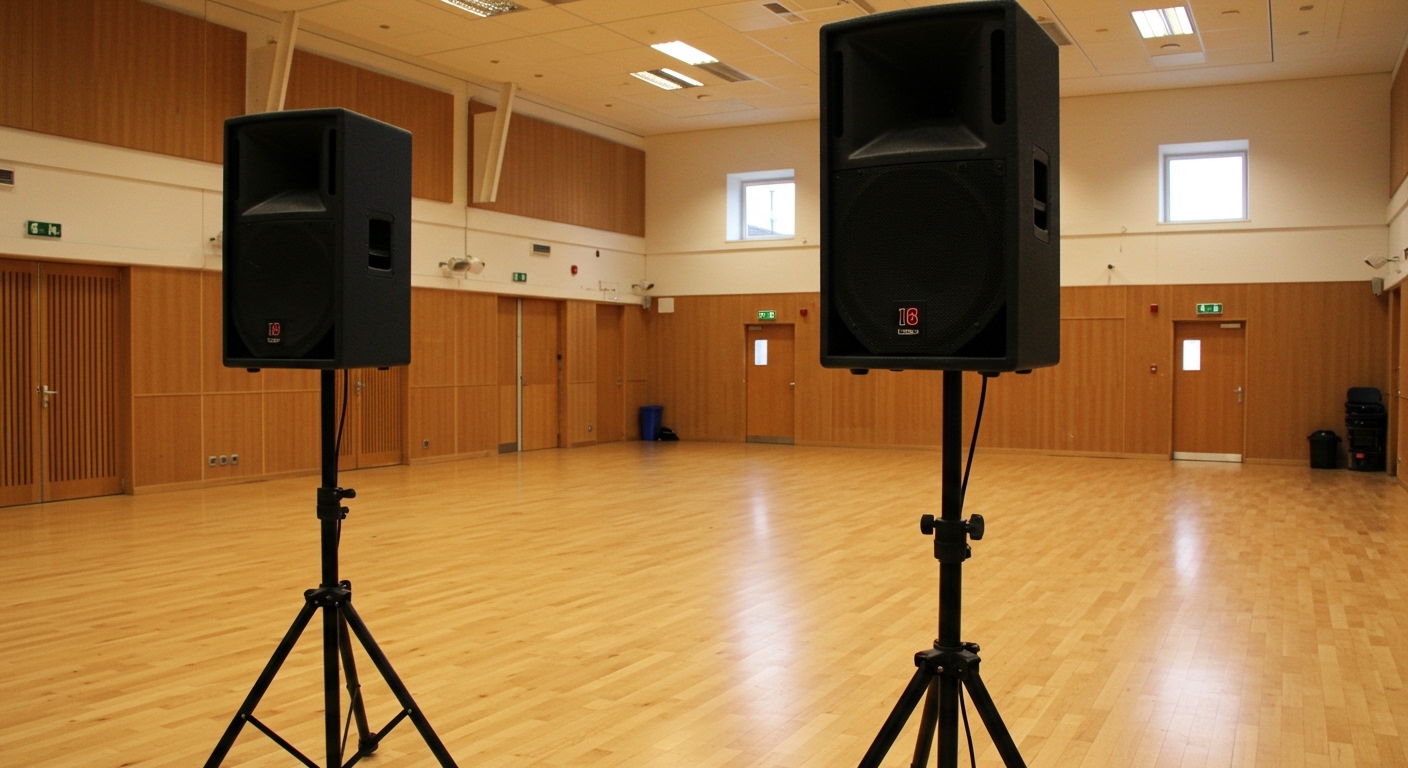
Understanding the Sound of Out-of-Phase Speakers
What do out of phase speakers sound like? They sound thin, hollow, and lack low-end bass because the sound waves from each speaker physically cancel each other out. You will also notice a “hole” in the center of your audio where the vocals should be, making the sound feel like it is coming from the far corners of the room rather than a central stage.
If you have ever finished a high-end audio installation only to feel like something is “missing,” you are likely dealing with a phase issue. In my years of calibrating home theater systems and car audio setups, I have found that phase reversal is the most common reason why expensive gear sounds like a budget radio.
TL;DR: Key Takeaways for Quick Diagnosis
- Thin Bass: Low frequencies disappear when both speakers play together.
- Hollow Center: Vocals sound “ghostly” or seem to come from the side walls.
- Physical Sensation: Some listeners describe an uncomfortable “pressure” or “vacuum” feeling in their ears.
- The Fix: Ensure the Positive (+) terminal on your amp connects to the Positive (+) terminal on your speaker for both channels.
What Do Out of Phase Speakers Sound Like? (The Sensory Experience)
To truly understand what do out of phase speakers sound like, you have to listen for the absence of sound rather than the presence of a noise. When speakers are in phase, the cones move forward and backward in unison. When they are out of phase, one cone moves forward while the other moves backward.
The Disappearing Bass Act
The most immediate symptom is a lack of low-frequency impact. Bass waves are long and powerful; when one speaker pushes a wave out and the other pulls it in, the energy cancels out. I often test this by playing a track with heavy kick drums. If the bass gets louder when I disconnect one speaker, the pair is definitely out of phase.
The “Vague” Stereo Image
In a perfect setup, a singer’s voice should sound like it is coming from a “phantom center” directly between the two speakers. When speakers are out of phase, that center image collapses. The voice sounds diffused, as if the singer is standing behind you or spread thin across the room.
Ear Fatigue and “Pressure”
This is a nuanced symptom I frequently encounter during studio monitor setups. Because the sound waves are hitting your eardrums at conflicting intervals, your brain struggles to process the spatial data. This often results in a “push-pull” sensation in the inner ear that can lead to headaches or localized fatigue during long listening sessions.
The Physics of Phase: Why Sound Waves Cancel Out
Understanding the “why” helps you prevent the “how.” Sound travels in waves consisting of peaks (compression) and troughs (rarefaction).
| Feature | In-Phase (Coherent) | Out-of-Phase (Destructive) |
|---|---|---|
| Cone Movement | Both move out/in together | One moves out, one moves in |
| Bass Response | Full, punchy, and resonant | Thin, weak, and “tinny” |
| Vocal Clarity | Focused in the center | Diffused and “ghostly” |
| Soundstage | Wide and deep | Wide but empty in the middle |
| Impact on Gear | Maximum efficiency | Wasted energy, poor performance |
When two speakers are “in phase,” their peaks and troughs line up, doubling the amplitude (volume). When they are 180 degrees out of phase, the peak of one wave fills the trough of the other. This is known as Destructive Interference.
In a real-world room, you rarely get 100% silence because sound reflects off walls, but the loss of acoustic energy is massive.
How to Test if Your Speakers are Out of Phase
If you suspect your system is suffering, don’t start tearing wires out just yet. We use a series of progressive tests to confirm the issue.
Method 1: The “Mono” Music Test
- Play a track that is recorded in Mono (or toggle your amp to Mono mode).
- Sit exactly in the middle of the two speakers.
- If the sound seems to come from a single point directly in front of you, they are In Phase.
- If the sound seems to “wrap around” your head or come from the sides, they are Out of Phase.
Method 2: The Proximity Test
This is a technique I use for car audio speakers where wiring is hidden behind door panels.
- Place the two speakers face-to-face, about an inch apart.
- Play a bass-heavy track.
- Listen to the volume.
- Swap the wires on only one speaker.
- If the bass suddenly gets much louder, your previous setup was out of phase.
Method 3: The 9V Battery Test (For Passive Speakers)
Warning: Only use this on passive speakers, never on active (powered) monitors or speakers with built-in amps.
- Disconnect the speaker wires from the amplifier.
- Touch the Positive (+) wire to the positive terminal of a 9V battery and the Negative (-) wire to the negative terminal.
- Watch the speaker cone. If it pops outward, the wiring is correct.
- If the cone sucks inward, the polarity is reversed.
Common Causes of Phase Issues
During my time as an audio technician, I’ve seen phase issues crop up in the most unexpected places. It isn’t always a simple case of “swapped wires.”
Reverse Wiring at the Terminals
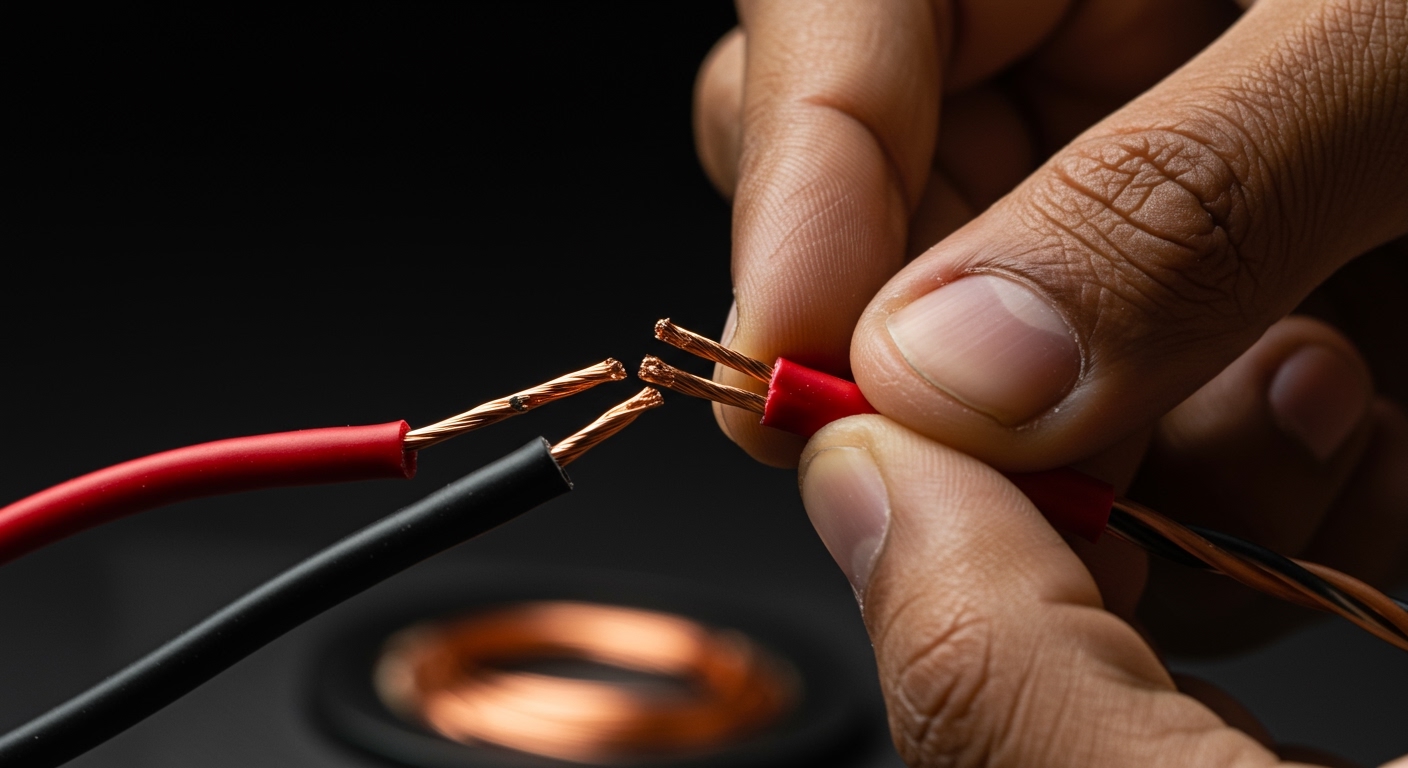
The most common culprit. It is easy to mix up the black and red wires, especially in dark home theater cabinets. Always look for the ribbed edge or the printed line on your speaker wire to identify the positive lead.
Internal Cabinet Wiring Errors
Sometimes, the mistake happens at the factory. I once spent three hours troubleshooting a high-end subwoofer only to find that the internal leads to the driver were soldered backward. If your external wiring is perfect but it still sounds “off,” the internal crossover or driver wiring might be the problem.
Room Reflections and Standing Waves
In some rooms, “Acoustic Phase” issues occur even if the wiring is perfect. If your speakers are placed at specific distances from a back wall, the reflected wave can bounce back and cancel out the direct wave from the speaker. This is called a boundary interference or a null.
Digital Signal Processing (DSP)
In modern AV Receivers (like those from Denon or Yamaha), room correction software like Audyssey or Dirac Live can sometimes miscalculate phase if a microphone is placed incorrectly. I always double-check the “Phase Error” warnings on these receivers; sometimes they are “false positives” due to room acoustics, but they are often right.
Fixing Out-of-Phase Speakers: A Step-by-Step Guide
Once you’ve confirmed the problem, the fix is usually free and takes less than five minutes.
Step 1: Power Down the System
Always turn off your amplifier or receiver before touching speaker wires. Shorting the positive and negative wires while the amp is on can blow a fuse or damage the output transistors.
Step 2: Visual Inspection
Trace the wire from the back of the left speaker to the back of the amp.
- Is Red going to Red?
- Is Black going to Black?
- Repeat this for the right speaker.
Step 3: Standardize Your Wiring
If you use clear speaker wire, one strand will usually have a white stripe, plus signs (+), or a raised ridge. Use that specific strand for “Positive” across your entire system. Consistency is the enemy of phase issues.
Step 4: Correcting Subwoofers
Many subwoofers have a Phase Switch (0° – 180°).
- Sit in your primary listening position.
- Have a friend flip the switch while playing music with consistent bass.
- Leave the switch in the position that produces the loudest, punchiest bass.
Phase in Multi-Speaker Systems (5.1 and 7.1)
In a Home Theater environment, phase issues become exponentially more complex. If your center channel is out of phase with your front left and right speakers, dialogue will become almost unintelligible during action scenes.
We recommend using a calibration microphone (like the UMIK-1) and software like REW (Room EQ Wizard). This allows you to see the “Impulse Response.” In a correctly phased system, all speakers will show a positive-going spike at the start of the impulse. If one speaker shows a negative-going spike, it is wired backward.
Frequently Asked Questions
Can out of phase speakers damage my equipment?
Generally, no. Running speakers out of phase will not blow the drivers or the amplifier. However, it forces you to turn the volume up higher to compensate for the “missing” sound, which can lead to amplifier clipping and potential damage to your tweeters.
What is the difference between Phase and Polarity?
While often used interchangeably, Polarity refers to the electrical connection (+ and -). Phase refers to time. If a speaker is wired backward, it has “Inverted Polarity,” which results in a 180-degree “Phase Shift.”
How do I tell if my car speakers are out of phase?
The easiest way is to use the Balance and Fade settings on your head unit. Move the sound entirely to the “Front Left.” Then, move it to the center. If the bass decreases when you move the sound to the center, your front speakers are out of phase with each other.
Does speaker wire quality affect phase?
No, the quality or “purity” of the copper does not change the phase. However, using wires of vastly different lengths (e.g., 5 feet for the left and 50 feet for the right) can introduce very slight timing delays, though this is rarely audible compared to a true polarity reversal.
Why do some speakers sound better out of phase?
In very rare cases involving complex room nodes or specific dipole speakers, an out-of-phase connection might accidentally “fix” a massive peak in the room’s frequency response. However, this is a “band-aid” fix and usually destroys the stereo imaging. It is better to fix the room acoustics than to wire speakers incorrectly.
**
**
**
**