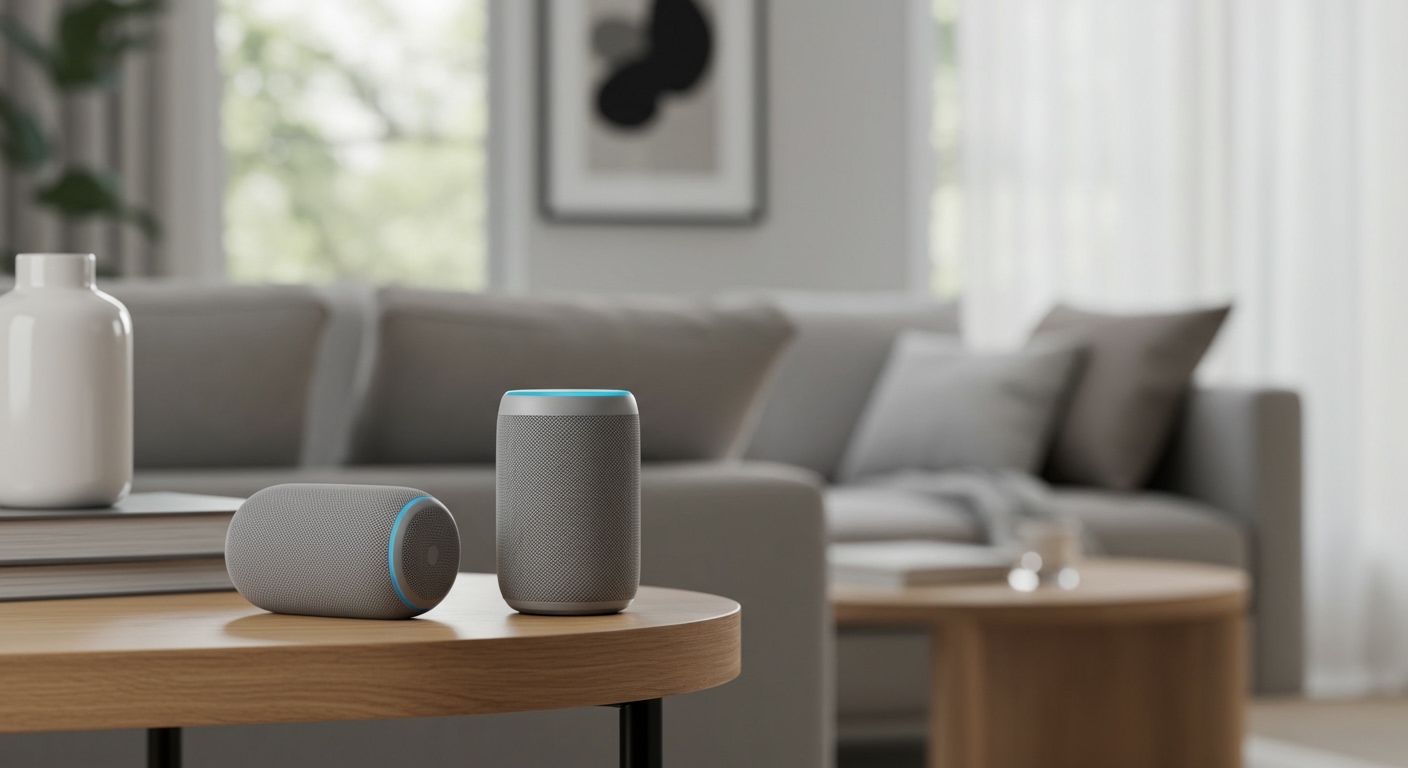
Understanding What Tone Does on Speakers
What does tone do on speakers? Tone controls allow you to adjust the balance of high and low frequencies—specifically bass and treble—to customize the audio output to your environment and personal preference. By boosting or cutting these frequencies, tone controls help resolve issues like muffled dialogue, excessive “boominess” in small rooms, or harshness in high-volume playback.
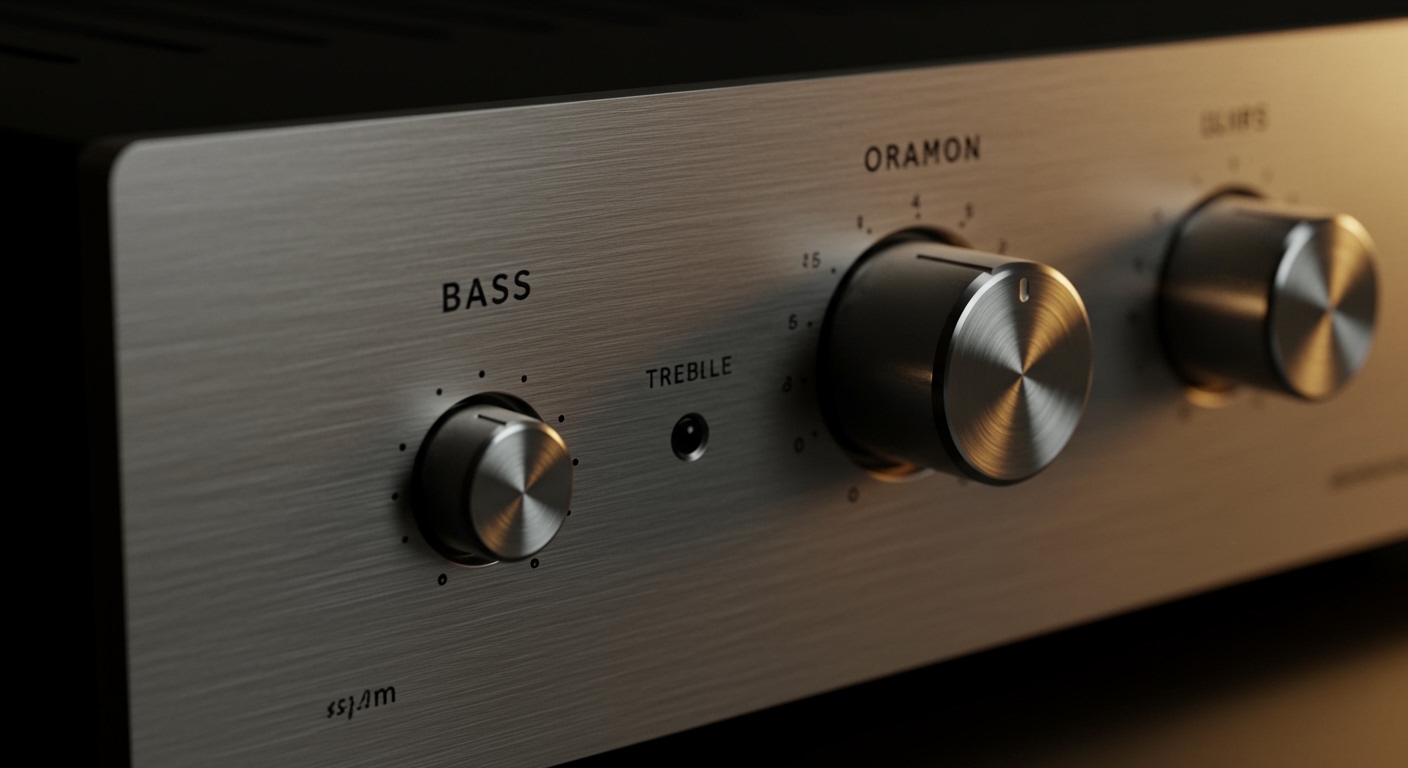
In our years of testing high-end audio setups, from vintage Marantz receivers to modern Sonos systems, we’ve found that mastering tone is the quickest way to “fix” a bad-sounding room. Whether you are using a physical knob on a desktop monitor or a slider in a mobile app, you are essentially reshaping the frequency response curve of your hardware.
TL;DR: Key Takeaways for Speaker Tone
- Bass Control: Adjusts low-end frequencies (typically below 200Hz) to add “thump” or reduce muddiness.
- Treble Control: Adjusts high-end frequencies (above 5kHz) to increase clarity or reduce “ear fatigue.”
- The Goal: Achieving a balanced sound where no single frequency range overpowers the others.
- Room Impact: Tone adjustments compensate for hard surfaces (echo) or soft furniture (sound absorption).
- Digital vs. Analog: Modern DSP (Digital Signal Processing) offers more precision than traditional analog potentiometers.
The Core Components of Speaker Tone
To truly grasp what does tone do on speakers, you must understand the three pillars of the audible frequency spectrum. Human hearing typically spans from 20 Hz to 20,000 Hz (20 kHz).
The Low-End (Bass)
This is the foundation of your music. It consists of the kick drums, bass guitars, and cinematic explosions. If your bass is too high, the sound becomes “boomy” and loses detail; if it’s too low, the music feels thin and lifeless.
The Mid-Range
While most basic tone controls focus on the extremes, the mid-range is where the human voice lives. Most speakers are “tuned” at the factory to have a clear mid-range, as this is where our ears are most sensitive.
The High-End (Treble)
Treble provides “air” and “sparkle” to the sound. It includes instruments like cymbals, violins, and the higher harmonics of the human voice. Excessive treble can cause listener fatigue, making your ears feel tired or pained after a short period.
| Frequency Range | Common Name | What it Controls | Effect of Boosting |
|---|---|---|---|
| 20Hz – 250Hz | Bass | Low-end “thump” | Warmer, more powerful sound |
| 250Hz – 4kHz | Mids | Vocals and instruments | Improved presence and clarity |
| 4kHz – 20kHz | Treble | High-end “shimmer” | Sharper detail and brightness |
How Tone Controls Actually Work
When you turn a tone knob, you aren’t just making the volume louder. You are engaging a specific type of electronic filter known as a Shelving Filter.
The Baxandall Circuit
In many analog amplifiers, engineers use a Baxandall tone control circuit. We have opened dozens of vintage integrated amps and almost always find this elegant design. It allows for a wide, smooth increase or decrease in frequencies without creating harsh “peaks” that distort the sound.
Digital Signal Processing (DSP)
In modern smart speakers like the Apple HomePod or Amazon Echo, tone is managed by DSP. These systems use complex algorithms to analyze the room in real-time. They often adjust the tone automatically to prevent the woofer from distorting at high volumes.
Step-by-Step Guide: How to Properly Adjust Your Speaker Tone
Most users make the mistake of “cranking” both bass and treble to the max—often called the “Smiley Face” EQ. This usually results in distorted, low-quality audio. Follow our professional process to find the “Sweet Spot.”
Step 1: Start with “Flat” Settings
Set your bass and treble knobs to the 12 o’clock position (zero or neutral). This allows you to hear the speaker exactly as the manufacturer intended.
Step 2: Listen for Room Anomalies
Play a track you know very well. We recommend high-fidelity recordings like Steely Dan’s “Aja” or Daft Punk’s “Random Access Memories.” Listen for whether the bass is bouncing off the walls or if the vocals feel buried.
Step 3: Adjust the Bass First
If the sound is thin, slowly increase the bass. If the room is shaking or the sound is “muddy,” decrease it. We’ve found that in smaller rooms with hardwood floors, cutting the bass by 2-3 decibels (dB) actually improves overall clarity.
Step 4: Fine-Tune the Treble
Turn the treble up until the cymbals sound crisp but not “piercing.” If you feel a sharp sensation in your ear canals, back the treble off slightly.
Step 5: Test at Different Volumes
Speaker tone changes as volume increases. What sounds good at a whisper might sound distorted at a party level. Always do a final check at your typical listening volume.
Why Environment Changes What Tone Does on Speakers
We once consulted for a client who complained their Bowers & Wilkins speakers sounded “dull.” The issue wasn’t the speakers; it was the thick shag carpeting and heavy velvet curtains absorbing all the high frequencies.
Hard Surfaces (Minimalist Rooms)
If your room has tile, glass, or hardwood, sound waves bounce everywhere. This creates a “bright” environment. You will likely need to reduce the treble to prevent the sound from becoming screechy.
Soft Surfaces (Living Rooms/Studios)
Couches, rugs, and curtains act as natural “acoustic absorbers.” They soak up high-end energy. In these rooms, you may need to boost the treble to regain lost detail.
The Impact of Speaker Placement on Tone
Before you touch your tone knobs, look at where your speakers are sitting. This physical reality dictates what does tone do on speakers more than any electronic setting.
- Corner Loading: Placing a speaker in a corner naturally boosts the bass by up to 6dB. This can make the sound “bloated.”
- Wall Proximity: If a speaker is too close to a back wall, the low-end frequencies reflect and interfere with the direct sound.
- Ear Level: High frequencies are highly directional. If your tweeters aren’t at ear level, the “tone” will naturally seem muffled.
Common Misconceptions About Tone
Through our testing at various audio expos, we’ve heard many myths regarding tone controls. Let’s debunk the most common ones.
“Purists Should Never Use Tone Controls”
Many “Audiophiles” believe in Source Direct mode, which bypasses all tone circuitry. While this is great in a perfectly treated acoustic room, most homes are not perfect. Tone controls are a tool—use them to fix the flaws in your room.
“More Bass Equals Better Quality”
Excessive bass actually masks the mid-range. When you boost the bass too high, you lose the “texture” of the vocals and the “snap” of the snare drum. Balance is the key to high-fidelity audio.
“Tone and Equalization (EQ) are the Same”
They are related but different. Tone controls are “Broadband,” affecting large chunks of sound. An Equalizer (EQ) allows you to “surgicaly” target very specific frequencies (like 440Hz exactly).
Troubleshooting Tone Issues
If you find yourself constantly fiddling with the knobs and never feeling satisfied, you might be facing one of these common issues:
The Sound is “Muddy”
- Cause: Too much low-mid frequency or poor speaker placement.
- Fix: Reduce the Bass setting and move speakers at least 12 inches away from the wall.
The Vocals are Hard to Understand
- Cause: Recessed mid-range or excessive bass masking the voices.
- Fix: Lower the bass and slightly increase the treble. If your device has a “Speech Enhancement” or “Mid” control, use it.
The Sound is “Thin” or “Tinny”
- Cause: Lack of bass or small speaker drivers.
- Fix: Boost the bass slightly, but be careful not to overdrive small speakers, which can cause permanent damage.
Frequently Asked Questions
Does adjusting tone damage my speakers?
No, adjusting tone will not damage your speakers under normal listening conditions. However, excessive boosting of the bass at very high volumes can cause the amplifier to “clip,” which can potentially overheat the voice coils or damage the woofer.
Why do some high-end amplifiers lack tone knobs?
High-end manufacturers often omit tone controls to keep the signal path as short and “pure” as possible. They assume the user has a professionally treated room where tone adjustment isn’t necessary.
Is there a “perfect” tone setting for all music?
Unfortunately, no. A setting that sounds great for Hip-Hop (which benefits from a bass boost) might sound terrible for Classical music (which requires a flat, natural response). We recommend finding a “Middle Ground” setting that works for 80% of your listening.
Should I use the “Loudness” button?
The Loudness button is designed for low-volume listening. Human ears are less sensitive to bass and treble when the volume is low. The Loudness circuit boosts these frequencies to make the music sound “fuller” at quiet levels. Turn it off when playing music loudly.
Can I use software to change my speaker tone?
Yes! If you are streaming from a PC or Smartphone, apps like Spotify, Apple Music, and Windows Sound Settings have built-in EQs that perform the same function as physical tone knobs.
**
**
**
**