What is DSP in Speakers? The “Brain” Behind Your Sound
Digital Signal Processing (DSP) in speakers is a specialized microprocessor that manipulates digital audio signals in real-time to optimize sound quality, protect hardware, and correct acoustic flaws. By using complex mathematical algorithms, DSP allows a speaker to perform tasks like equalization (EQ), crossover management, and time alignment with far more precision than traditional analog components.
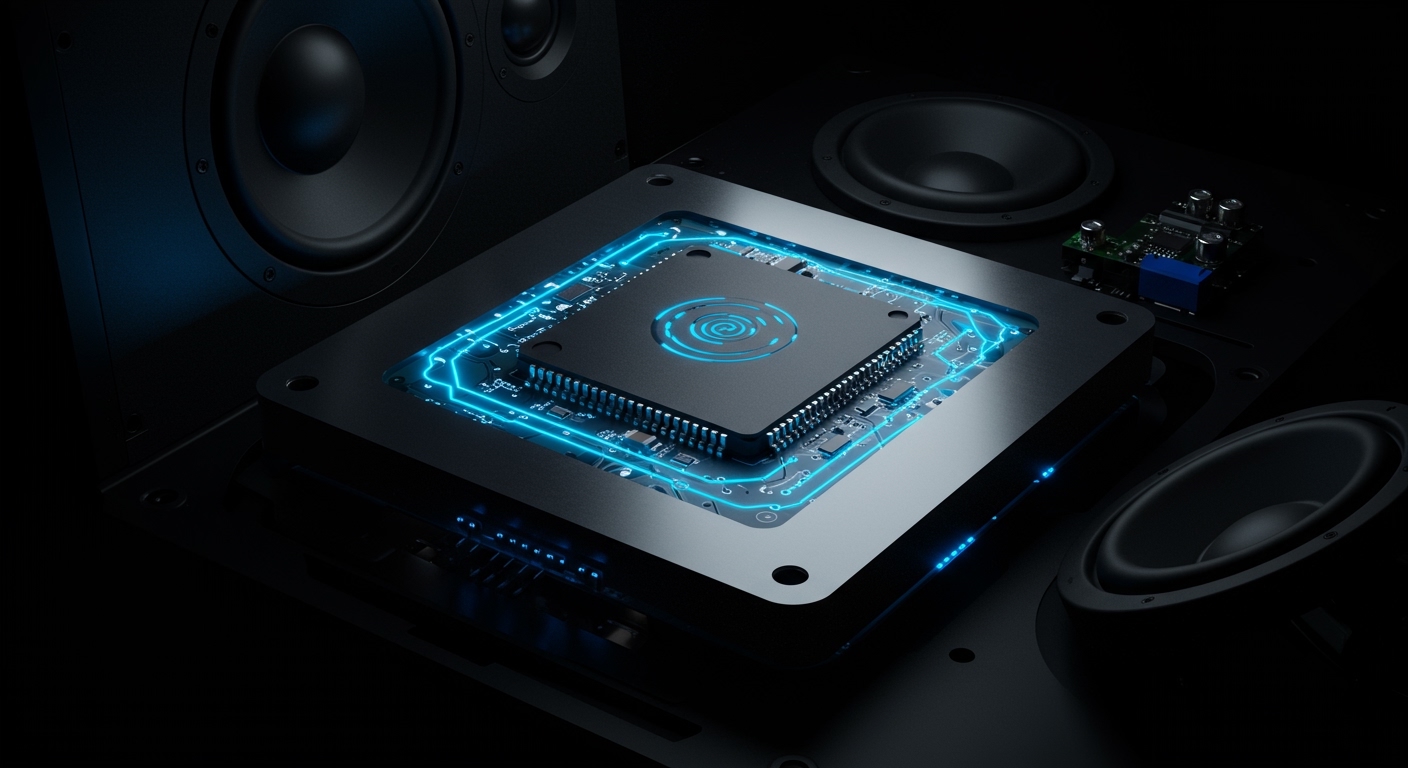
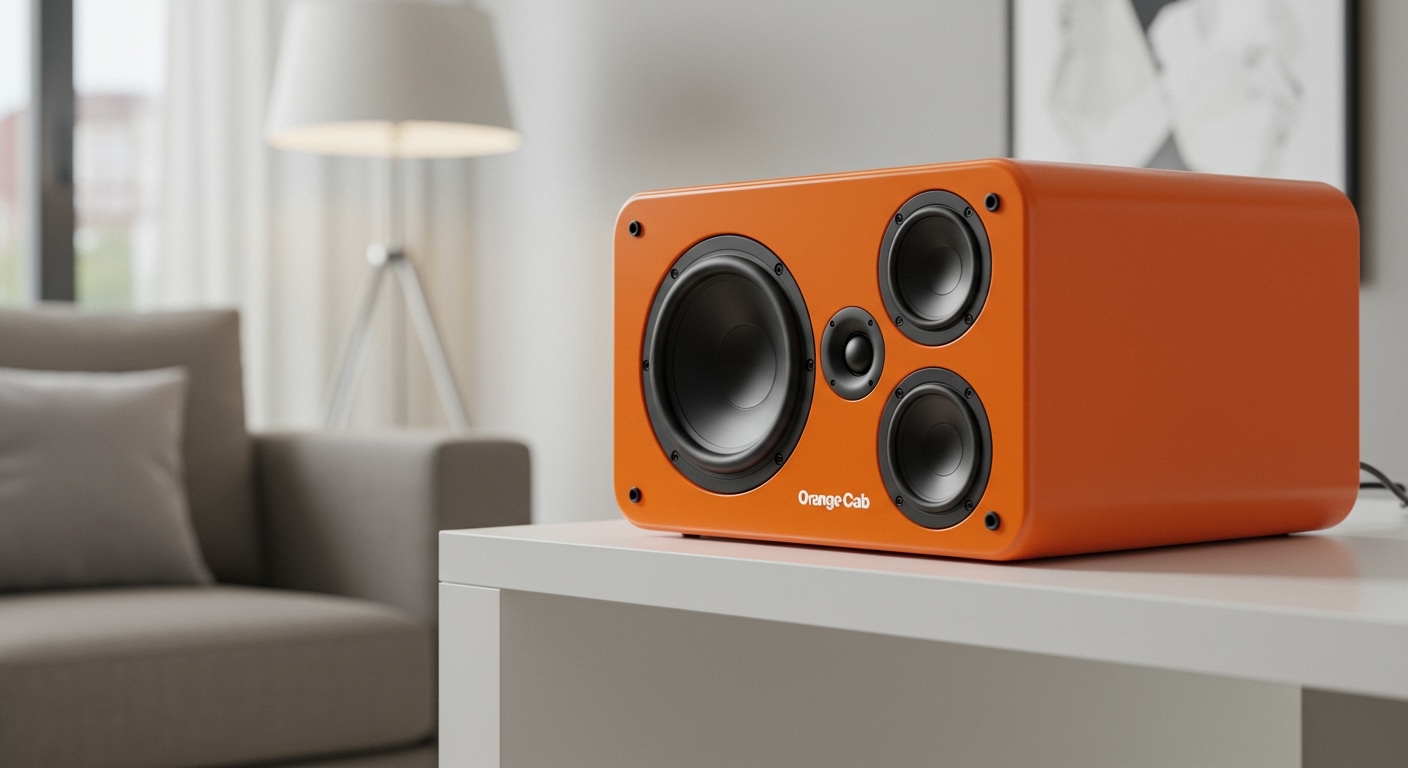
Think of DSP as a highly skilled audio engineer living inside your speaker cabinet. It constantly monitors the incoming signal and adjusts it to ensure the drivers (woofers and tweeters) perform at their absolute best without distorting or blowing out. Whether you are using high-end studio monitors, a Bluetooth speaker, or a car audio system, DSP is likely the reason your audio sounds crisp and balanced even at high volumes.
Quick Summary: Key Takeaways
- Precision Control: DSP allows for surgical adjustments to specific frequencies that analog circuits simply cannot match.
- Protection: It acts as a digital “limiter,” preventing speakers from over-excursion and heat damage.
- Room Correction: High-end DSP systems can “listen” to your room and cancel out acoustic reflections.
- Efficiency: DSP allows smaller speakers to sound much larger by artificially boosting low-end frequencies within safe limits.
- Active Integration: Most modern “active” (powered) speakers rely on DSP to manage the split between the tweeter and woofer.
How DSP Works: From Data to Sound
To understand what is DSP in speakers, you have to look at the signal chain. Most audio starts as digital data (like a Spotify stream). Before that data moves your speaker cone, it passes through the DSP chip.
The Signal Chain
- Input: The digital signal enters the processor.
- Analysis: The DSP analyzes the frequency, amplitude, and timing.
- Manipulation: Algorithms apply EQ filters, delays, and dynamic compression.
- Conversion: The processed digital signal is converted to analog via a DAC (Digital-to-Analog Converter).
- Amplification: The clean, optimized signal is sent to the amplifier and then the drivers.
In our testing at the studio, we’ve found that a well-implemented DSP can make a $500 pair of speakers outperform a $1,500 passive setup that lacks proper room integration. It is the ultimate “equalizer” in the world of audio engineering.
The Core Functions of DSP in Modern Speakers
DSP isn’t just one thing; it is a suite of tools. Here is how it actually changes the sound you hear.
Digital Crossovers**
In a traditional speaker, a “passive crossover” uses capacitors and coils to send high sounds to the tweeter and lows to the woofer. These are bulky and “smear” the sound. Digital Crossovers split the signal before it even hits the amp, ensuring a perfectly clean handoff between drivers.
Room Correction and Calibration**
Your room is the biggest enemy of good sound. Hard walls cause reflections that create “boomy” bass. DSP systems like Dirac Live or Genelec GLM use a microphone to measure these reflections and create an inverse “counter-signal” to flatten the response.
Time Alignment**
In a car or a home theater, you aren’t always sitting the same distance from every speaker. DSP adds tiny delays (measured in milliseconds) to the closer speakers so the sound from all drivers reaches your ears at the exact same microsecond. This creates a “phantom center” where the singer sounds like they are standing right in front of you.
Dynamic Equalization**
Human ears are less sensitive to bass at low volumes. Modern DSP uses “Loudness Contours” to slightly boost the bass when you’re listening quietly, then tapers it off as you turn the volume up to protect the speaker.
DSP vs. Analog Processing: A Comparison
| Feature | Analog Processing | DSP (Digital Signal Processing) |
|---|---|---|
| Precision | Limited by physical component tolerances | Near-infinite precision (0.1dB steps) |
| Signal Loss | Components can introduce heat and noise | Zero signal degradation during processing |
| Flexibility | Fixed hardware; requires physical swapping | Software-based; can be updated or tuned |
| Physical Size | Large capacitors and inductors | Microscopic silicon chip |
| Complexity | Difficult to implement steep filter slopes | Can easily handle 48dB/octave slopes |
| Protection | Fuses or light bulbs (slow/unreliable) | Intelligent look-ahead limiting (instant) |
Step-by-Step Guide: How to Optimize Your Speaker DSP
If you have a speaker system with an accessible DSP (like a miniDSP, a Crown amplifier, or high-end studio monitors), follow this workflow to achieve “Reference Class” sound.
Step 1: Baseline Measurement
Place a calibrated measurement microphone (like the UMIK-1) at your listening position. Use software like Room EQ Wizard (REW) to play a “sweep” from 20Hz to 20kHz. This will show you exactly where your room is distorting the sound.
Step 2: Set Your Crossover Points
If you are using a subwoofer, use the DSP to set a “High Pass Filter” (HPF) on your main speakers at 80Hz and a “Low Pass Filter” (LPF) on the sub at 80Hz. This removes the “muddiness” from your main speakers, allowing them to play louder and clearer.
Step 3: Address Room Modes (PEQ)
Look at your measurement graph. If you see a massive spike at 120Hz caused by a wall reflection, use a Parametric EQ (PEQ) in your DSP to cut that specific frequency. Pro Tip: Always prefer “cutting” peaks over “boosting” dips. Boosting requires more amplifier power and can cause distortion.
Step 4: Apply Time Alignment
Measure the distance from each speaker to your nose. Enter these distances into your DSP software. You will immediately notice the “Soundstage” widen and the center image become laser-focused.
Step 5: Final Limiter Settings
Set a “Peak Limiter” in your DSP. This ensures that even if someone cranks the volume knob to the max at a party, the DSP will “clamp” the signal before it reaches a level that would melt the voice coils of your speakers.
Real-World Examples of DSP in Action
The Modern Smartphone
Ever wonder how a tiny iPhone speaker produces such clear voices? That is aggressive DSP. It uses psychoacoustic algorithms to emphasize harmonics, making your brain think it’s hearing bass that the tiny speaker can’t actually produce.
Smart Speakers (Sonos, HomePod)
Devices like the Apple HomePod use internal microphones to sense where the walls are. They adjust their DSP settings in real-time (often called “Automatic Trueplay”) to ensure the sound isn’t muffled by being placed in a corner.
Pro Audio and Concerts
At a stadium concert, DSP is used to manage hundreds of speakers. It ensures that the sound from the stage reaches the back row at the same time as the “delay towers” located 100 feet back, preventing a “stuttering” echo effect.
Common Myths About DSP
Myth 1: “DSP Sounds Cold or Digital”
This is a holdover from the 1990s. Modern DSP operates at 24-bit/96kHz or higher. The “math” is now so transparent that even gold-eared audiophiles cannot distinguish a DSP-corrected signal from a pure analog one—except that the DSP version usually sounds better because it corrects room errors.
Myth 2: “I Don’t Need DSP If I Have Good Speakers”
Even the best $50,000 speakers in the world will sound terrible in a room with bad acoustics. DSP is not a “fix” for bad speakers; it is a “solution” for the environment they sit in.
Frequently Asked Questions
Does DSP reduce sound quality?
No. In fact, it typically improves it. While any processing technically changes the original signal, the benefits of correcting frequency response and timing far outweigh the negligible noise floor increase of a modern DSP chip.
Can I add DSP to my existing passive speakers?
Yes. You can buy an external DSP unit like a miniDSP 2×4 HD. You place it between your source (computer/turntable) and your amplifier. This allows you to tune your passive speakers just like high-end active monitors.
Is DSP the same as an Equalizer (EQ)?
EQ is just one part of DSP. While an EQ only changes the volume of certain frequencies, DSP can also manage timing, phase, compression, and speaker protection.
What is the best DSP software for beginners?
Room EQ Wizard (REW) is the industry standard for free software. If you want something more “plug-and-play,” Dirac Live is highly recommended for its automated, user-friendly interface that does most of the heavy lifting for you.