Understanding What is Gain in Speakers: The Expert Guide
What is gain in speakers? Gain is a measurement of an amplifier’s input sensitivity, determining how much the incoming audio signal is boosted before it reaches your speakers. Unlike a volume knob which controls the output level, gain matches the output of your source device (like a phone or mixer) to the input requirements of your amplifier to ensure the cleanest possible sound without clipping.
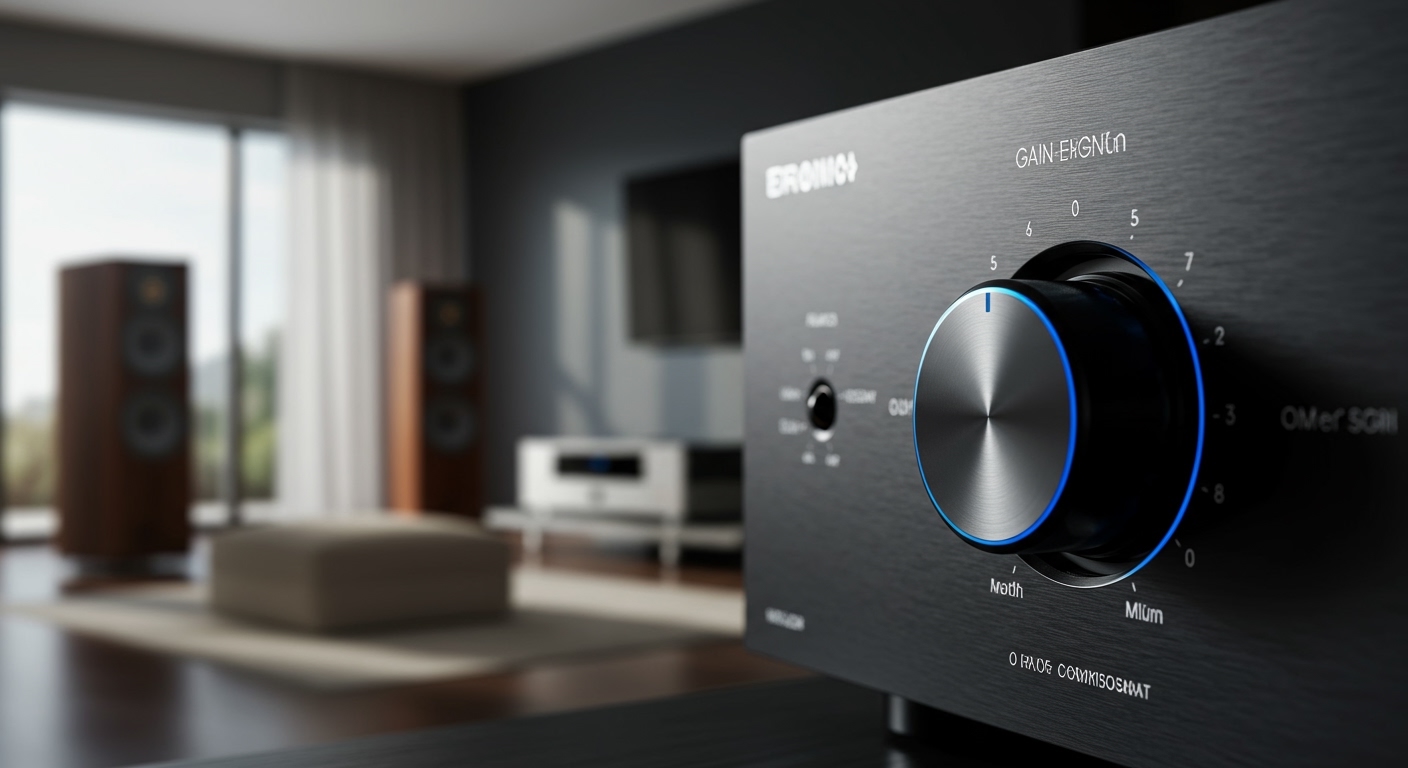
If you have ever heard a harsh, “crackling” sound or a constant background hiss, you are likely dealing with a gain staging issue. In my decade of experience as a live sound engineer and home theater consultant, I have found that mastering what is gain in speakers is the single most important step to protecting your equipment and achieving studio-quality audio.
Key Takeaways for Perfect Audio
- Gain is not Volume: Gain controls the input sensitivity; Volume controls the output loudness.
- The Goal is Headroom: Proper gain settings provide enough headroom to handle loud peaks without distortion.
- Avoid Clipping: Setting gain too high causes clipping, which can physically melt the voice coils in your speakers.
- Signal-to-Noise Ratio (SNR): Correct gain settings minimize background “hiss” by keeping the signal much stronger than the noise floor.
- Gain Staging: This is the process of managing levels at every step of the audio chain (Source > Mixer > Amp > Speaker).
The Technical Reality: How Gain Actually Works
To understand what is gain in speakers, we have to look at the signal chain. When an audio signal travels from your Spotify player or turntable, it is incredibly weak (measured in millivolts).
The amplifier‘s job is to take that weak signal and make it strong enough to physically move the heavy magnets and cones inside your speakers. Gain acts as the “gatekeeper” for this process. It tells the amplifier: “Here is how strong the incoming signal is; please adjust your internal magnification to match.”
Gain vs. Volume: The Critical Difference
Many people mistakenly use the gain knob as a “loudness” control. This is a recipe for hardware failure.
| Feature | Gain Control | Volume Control (Attenuator) |
|---|---|---|
| Function | Adjusts Input Sensitivity | Adjusts Output Level |
| Placement | Usually at the start of the circuit | Usually at the end of the circuit |
| Primary Goal | Preventing distortion/clipping | Controlling room loudness |
| Analogy | Adjusting the height of a doorway | Adjusting how fast you walk through it |
Why Setting the Right Gain Matters for Your System
When we talk about what is gain in speakers, we are really talking about “Unity Gain” and “Signal-to-Noise Ratio.” If your gain is set too low, you have to crank the volume, which brings up the noise floor (that annoying “shhh” sound).
If the gain is too high, you hit the “ceiling” of what the electronics can handle. This creates Square Waves, which are the natural enemy of speaker drivers. I have personally replaced dozens of tweeters for clients who thought “more gain equals more power.” In reality, more gain just equals more heat and more distortion.
Benefits of Proper Gain Management:
- Increased Clarity: You hear the nuances in the music rather than electronic artifacts.
- Longer Equipment Life: Prevents overheating in the voice coils.
- Consistent Performance: Your system sounds the same at low volumes as it does at high volumes.
- Optimal Dynamic Range: The difference between the quietest and loudest parts of a song remains intact.
Step-by-Step Guide: How to Set Speaker Gain Properly
Whether you are setting up a car audio system, a home theater, or a PA system, follow this professional “Gain Staging” workflow.
Step 1: Zero Out Your System
Start with your source volume (phone or PC) at about 75-80%. Turn the gain knobs on your amplifier or active speakers all the way to the left (the lowest setting). Ensure all EQ settings (Bass/Treble) are set to “Flat” or “0.”
Step 2: Choose Your Reference Track
Use a high-quality, uncompressed audio file (FLAC or WAV). I recommend using a 1kHz Sine Wave tone for absolute precision, but a well-produced song you know well will work for “ear-tuning.”
Step 3: Increase Volume to Max Clean Level
Turn your source unit (receiver or interface) up until it just starts to show a “clip” light, then back it off slightly. This ensures you are sending the strongest clean signal possible to the amp.
Step 4: Dial in the Gain
Slowly turn the gain knob up. Listen for the moment the sound changes from “clear” to “harsh” or “fuzzy.”
- Pro Tip: If you have an Oscilloscope or a Multimeter, you can measure the voltage to ensure it stays within the speaker’s RMS power rating.
- Once you hear distortion, turn the gain knob back down by about 5-10%. This is your “sweet spot.”
Tools for Professional Gain Matching
If you want to move beyond “ear-tuning,” these tools are essential for understanding what is gain in speakers in a measurable way.
- Digital Multimeter (DMM): Use this to measure the AC voltage at the speaker terminals. You can calculate the target voltage using the formula:
Voltage = Square Root of (Watts x Ohms). - SMD DD-1 Distortion Detector: This is a favorite in the car audio world. It lights up the moment it detects even 1% distortion.
- Oscilloscope: This provides a visual representation of the sound wave. If the top of the wave looks “flat” or “clipped,” your gain is too high.
Common Misconceptions About Speaker Gain
“Gain is a Power Rating”
False. A 500-watt amplifier is always a 500-watt amplifier. Adjusting the gain does not make it a 600-watt amplifier; it simply changes how much input it takes to reach that 500-watt limit.
“Max Gain Means Max Performance”
Actually, the opposite is often true. Most high-end Audiophile systems run with relatively low gain settings to maintain the lowest possible Total Harmonic Distortion (THD).
“Active Speakers Don’t Have Gain”
Active speakers (like studio monitors) have built-in amplifiers. The knob on the back labeled “Sensitivity” or “Level” is exactly what we mean when we discuss what is gain in speakers.
Troubleshooting Gain Issues
If you are experiencing issues, use this checklist to diagnose your gain staging:
- Issue: Constant Hissing.
- Issue: Music Sounds “Crunchy” at Low Volumes.
- Issue: Speakers Get Hot to the Touch.
Frequently Asked Questions
Does gain affect sound quality?
Yes, significantly. Improperly set gain introduces noise (if too low) or harmonic distortion (if too high). Proper gain ensures the most transparent and accurate reproduction of the original recording.
Should I set my gain to 50%?
There is no “perfect” percentage. The correct position for a gain knob depends entirely on the output voltage of your source device. A high-voltage professional interface might only require 10% gain, while a low-voltage phone might require 60%.
Can high gain blow my speakers?
Yes. When an amplifier is pushed into clipping due to high gain, it sends a DC-like signal to the speakers. This prevents the voice coil from moving back and forth properly to cool itself, leading to heat buildup and eventual failure.
What is the difference between Gain and Sensitivity?
In the context of what is gain in speakers, these terms are often used interchangeably. Sensitivity usually refers to the specification (e.g., 90dB @ 1W/1m), while Gain is the adjustable control used to match that sensitivity to the rest of the system.
Is gain the same as “Drive” on a guitar amp?
While “Drive” is a form of gain, it is used artistically to create distortion. In Hi-Fi or Pro Audio speaker systems, the goal of gain is the exact opposite: to maintain 100% purity and avoid any “drive” or coloration.