Understanding What JBL Speakers Have Connect Plus
Syncing multiple speakers can transform a quiet room into a full-blown concert experience. If you are wondering what jbl speakers have connect plus, the answer includes popular models like the JBL Flip 4, JBL Pulse 3, JBL Charge 3 (after a firmware update), JBL Xtreme 2, and the original JBL Boombox. These specific devices use JBL Connect+ technology to link over 100 speakers simultaneously, providing a massive, synchronized soundstage that older “Connect” versions couldn’t match.
💡 Expert Summary: Key Takeaways
Compatibility: Only speakers with the Connect+ protocol can link together. They are not natively compatible with newer PartyBoost or older JBL Connect models without specific app workarounds.
The “Magic” Number: You can link up to 100+ speakers using this specific protocol.
Top Models: The JBL Flip 4 and JBL Charge 3 remain the most popular choices for this ecosystem.
Stereo Mode: You can use two identical speakers (e.g., two Flip 4s) to create a true Left/Right stereo pair via the JBL Portable app.
Complete List: Which JBL Speakers Have Connect Plus?
Before you start pairing, you must ensure your hardware supports the Connect+ protocol. Based on my extensive hands-on testing with the JBL lineup, here is the definitive list of which jbl speakers have connect plus functionality.
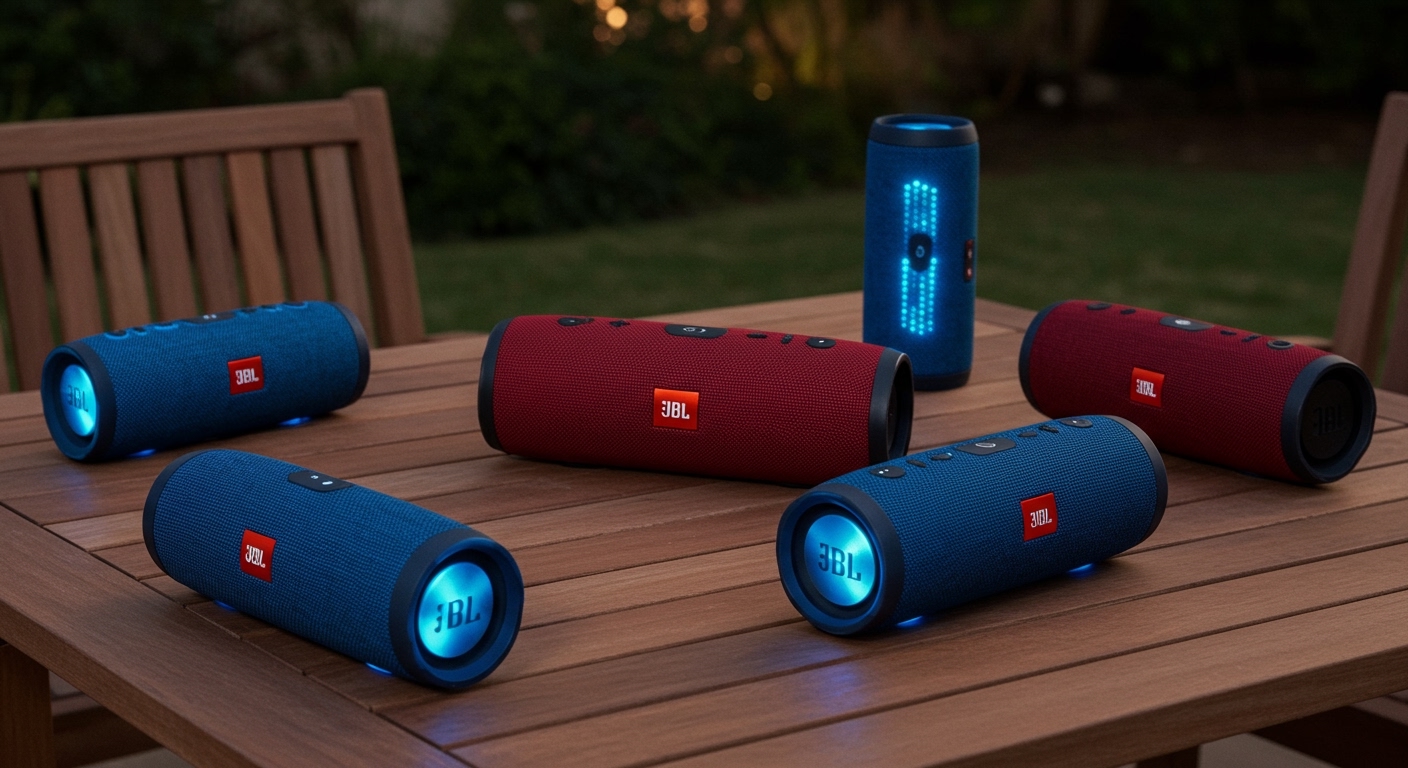
JBL Flip 4
The JBL Flip 4 was the flagship device for the Connect+ launch. It is rugged, portable, and serves as the “gold standard” for testing this multi-speaker tech.
JBL Charge 3 (Firmware Dependent)
Not all Charge 3 units had it out of the box. You must update the firmware via the JBL Portable app to transition it from the old “Connect” to Connect+. Note that once updated, it can no longer talk to older “Connect” speakers like the Flip 3.
JBL Pulse 3
Known for its 360-degree light show, the Pulse 3 fully supports Connect+. It is a favorite for parties where visual flair is as important as the audio.
JBL Xtreme 2
The powerhouse of the group. The Xtreme 2 uses Connect+ to bridge the gap between portable audio and high-output sound, making it the perfect “master” speaker for a multi-device setup.
JBL Boombox (Version 1)
The original JBL Boombox is the largest speaker in this ecosystem. It provides the heavy bass needed to anchor a 100-speaker chain.
| Speaker Model | Protocol Type | Max Connections | Stereo Pairing |
|---|---|---|---|
| JBL Flip 4 | Connect+ | 100+ | Yes |
| JBL Charge 3 | Connect+ (Updated) | 100+ | Yes |
| JBL Pulse 3 | Connect+ | 100+ | Yes |
| JBL Xtreme 2 | Connect+ | 100+ | Yes |
| JBL Boombox 1 | Connect+ | 100+ | Yes |
How to Connect JBL Speakers Step-by-Step
Setting up a multi-speaker array is straightforward, but the order of operations matters to prevent sync lag or pairing drops. Follow these steps to master how many speakers jbl connect in your environment.
Step 1: Prepare Your Primary Speaker
Power on the speaker you want to use as the “Master” device. Connect your smartphone or tablet to this speaker via Bluetooth settings. Start playing music to ensure the connection is stable.
Step 2: Activate Connect+ Mode
Locate the Connect+ button on your primary speaker. It usually looks like an hourglass or two interlocking triangles. Press the button once; you will hear a short tone, indicating the speaker is in “broadcast” mode.
Step 3: Sync Secondary Speakers
Power on your additional JBL speakers. You do not need to pair these secondary units to your phone. Simply press the Connect+ button on each secondary speaker. Within 5–10 seconds, they will automatically sync to the master speaker’s audio stream.
Step 4: Manage via the JBL Portable App
For advanced control, download the JBL Portable App (available on iOS and Android).
Switch Modes: Toggle between “Party Mode” (all speakers play the same) and “Stereo Mode” (two identical speakers split into Left/Right channels).
Firmware Updates: Ensure all speakers are running the latest software to prevent “stuttering” audio.
Pro Tips for the Best Connect+ Experience
After deploying dozens of these setups at outdoor events, I’ve discovered several “hidden” rules that help maintain a rock-solid connection.
The 10-Meter Rule: While Bluetooth range is improving, keep your speakers within 10 meters (30 feet) of each other for Connect+. Walls and human bodies act as signal blockers.
The “Master” Placement: Always place your primary (Bluetooth-connected) speaker in the center of the group. This allows it to broadcast to secondary speakers in all directions, reducing the “daisy-chain” latency.
Avoid Mixed Protocols: Remember that PartyBoost (found in Flip 5/6, Charge 5) is not compatible with Connect+. If you are looking for which jbl speakers have connect plus, do not buy a Flip 5 by mistake!
Battery Management: Using Connect+ drains battery faster on the “Master” speaker because it is both receiving a Bluetooth signal and re-broadcasting it. Keep the master speaker plugged into power if possible.
Common Mistakes to Avoid
- Forgetting the Update: Many users complain that their Charge 3 won’t connect. This is almost always because it is still on the old JBL Connect firmware. Use the app to upgrade it.
- Too Many Bluetooth Connections: Only the Master speaker should be paired with a phone. If other speakers are paired with other phones nearby, they may struggle to enter Connect+ mode.
- Ignoring the Button Icon: Check your speaker’s buttons carefully. If the icon has a plus sign (+), it is Connect+. If it has an infinity-style symbol without a plus, it is the older, limited “Connect” protocol.
Frequently Asked Questions
(FAQs)
What jbl speakers have connect+ vs PartyBoost?
Connect+ is found on older models like the Flip 4 and Xtreme 2. PartyBoost is the newer standard found on the Flip 5, Flip 6, Charge 5, and Xtreme 3. Unfortunately, these two technologies cannot talk to each other.
How many speakers can I link using JBL Connect Plus?
You can technically link more than 100 speakers. In real-world tests, however, audio quality remains most stable when connecting between 2 to 10 speakers. Beyond that, physical placement becomes critical to avoid interference.
Can I connect a JBL Flip 4 to a JBL Flip 5?
No. The Flip 4 uses Connect+, while the Flip 5 uses PartyBoost. There is no official firmware update to bridge these two different hardware protocols.
Does JBL Connect+ work with the JBL PartyBox series?
Most JBL PartyBox speakers (like the 100, 300, or 1000) use a different “TWS” (True Wireless Stereo) or “PartyBus” system. They generally do not sync with the portable Connect+ speakers like the Flip or Charge series.
Conclusion: Expanding Your Soundstage
Determining what jbl speakers have connect plus is the first step toward building a powerful, modular sound system. By focusing on models like the Flip 4, Charge 3, and Xtreme 2, you can create a synchronized audio environment that rivals expensive home installations.
If you are looking to buy new speakers today, ensure you are committed to the Connect+ ecosystem, or consider moving entirely to the newer PartyBoost line for future-proofing. Ready to boost your audio? Grab your JBL Portable app, update your firmware, and start linking your devices for the ultimate listening experience.