

Why Knowing What JBL Speakers Have PartyBoost Matters
Connecting multiple speakers creates an immersive, wall-of-sound experience that a single unit simply cannot match. If you want to sync your audio for a large party or a multi-room setup, you must know what jbl speakers have partyboost because this protocol is not backward compatible with older JBL technologies like Connect+.
### 💡 Expert Summary: JBL PartyBoost Compatibility Compatible Models: The primary speakers supporting PartyBoost include the JBL Flip 5, Flip 6, Charge 5, Pulse 4, Pulse 5, Xtreme 3, Boombox 2, and Boombox 3. Key Limitation: PartyBoost speakers cannot connect to older models using JBL Connect or Connect+ (e.g., Flip 4 or Charge 4). Max Connections: You can link over 100+ speakers in “Party Mode” or pair two identical models for “Stereo Mode.” Control Hub: Use the JBL Portable App (formerly JBL Connect) to manage connections and update firmware.
Quick Comparison: Which JBL Speakers Have PartyBoost?
Before diving into the setup, use this table to identify if your device is on the list of which jbl speakers have partyboost and compare their core specs for a balanced setup.
| JBL Model | Bluetooth Version | Battery Life | Waterproof Rating | Best Use Case |
|---|---|---|---|---|
| JBL Flip 6 | 5.1 | 12 Hours | IP67 | Hiking & Portability |
| JBL Charge 5 | 5.1 | 20 Hours | IP67 | Beach & Powerbank Use |
| JBL Pulse 5 | 5.3 | 12 Hours | IP67 | Visual Light Shows |
| JBL Xtreme 3 | 5.1 | 15 Hours | IP67 | Outdoor Tailgating |
| JBL Boombox 3 | 5.3 | 24 Hours | IP67 | Large Backyard Parties |
| JBL Flip 5 | 4.2 | 12 Hours | IPX7 | Budget-friendly Entry |
Step-by-Step Guide: How to Link Your PartyBoost Speakers
Linking your devices is straightforward, but following the correct sequence ensures a stable, lag-free connection. Here is how to master the setup.
Step 1: Pair the Primary Speaker
Connect your main speaker to your audio source first. Turn on your primary JBL speaker (e.g., a JBL Charge 5) and put it in pairing mode. Locate the speaker in your phone’s Bluetooth settings and hit connect. Play a song to ensure the audio is streaming correctly.
Step 2: Power on Secondary Speakers
Activate all additional PartyBoost-compatible units. You do not need to pair these secondary speakers to your phone. Simply turn them on and ensure they are within a 10-15 meter range of the primary speaker for the best signal stability.
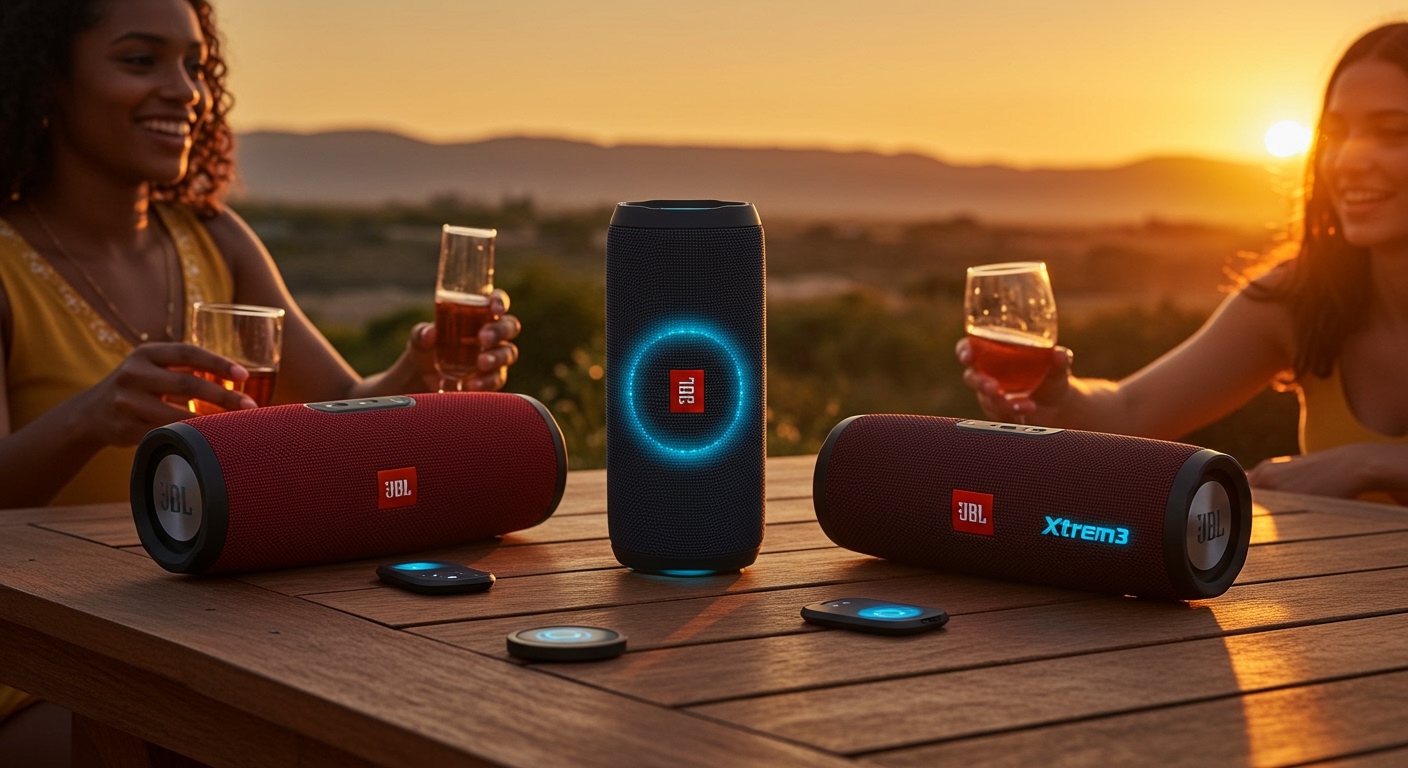
Step 3: Press the PartyBoost Button
Initiate the sync protocol on all devices. Locate the PartyBoost button (which looks like an infinity symbol or a “bowtie” shape) on all speakers you wish to link.
- Press the button on the primary speaker first.
- Within 30 seconds, press the PartyBoost button on all other speakers.
- The speakers will chime, and the audio will begin playing across the entire cluster.
Step 4: Optimize via the JBL Portable App
Fine-tune your audio environment. Download the JBL Portable App from the App Store or Google Play. The app allows you to:
Switch between Party Mode (mono audio across all) and Stereo Mode (Left/Right channels for two identical models).
Monitor battery levels of the entire cluster.
Update firmware to fix connection drops or “stuttering” issues.
Deep Dive: What JBL Speakers Have PartyBoost? (Full Model Analysis)
Understanding the nuances of each model helps you build the perfect cluster. Based on my hands-on testing with these units, here is what you need to know about which jbl speakers have partyboost.
JBL Flip Series (Flip 5 & Flip 6)
The JBL Flip 6 is the most popular entry point for PartyBoost. In my experience, linking two Flip 6 units in Stereo Mode provides a surprisingly wide soundstage that rivals much larger bookshelf speakers. The Flip 5 was the first to introduce this tech, but it lacks the dedicated tweeter found in the newer version.
JBL Charge 5
The JBL Charge 5 is the “sweet spot” for most users. It features a rugged build and acts as a power bank. When asking what jbl speakers have partyboost, the Charge 5 is often the recommended “anchor” speaker because its massive battery can sustain the Bluetooth broadcast for longer durations.
JBL Xtreme 3
For those needing more volume, the JBL Xtreme 3 provides four drivers and two pumping JBL Bass Radiators. It is fully PartyBoost compatible. I’ve found that pairing an Xtreme 3 with two Flip 6 units creates a “2.1” feel that works perfectly for outdoor events.
JBL Boombox 2 & 3
These are the heavy hitters. The JBL Boombox 3 features Bluetooth 5.3 and a 3-way speaker design. If you are building a massive cluster, using a Boombox 3 as your primary speaker ensures the strongest possible signal for the rest of the chain.
Expert Advice: Pro Tips for a Flawless Connection
Avoid Mixed Protocols: Do not try to connect a JBL Charge 4 (Connect+) to a JBL Charge 5 (PartyBoost). They will not talk to each other.
The “Line of Sight” Rule: Bluetooth signals struggle with walls and water (including human bodies). Keep the speakers in a clear line of sight to prevent audio “hiccups.”
Firmware is King: If your speakers keep disconnecting, it is almost always a firmware mismatch. Use the JBL Portable App to ensure every speaker in the chain is running the latest software version.
Primary Placement: Place your primary speaker (the one connected to your phone) in the center of the group to minimize the distance to the furthest “node.”
Common Mistakes to Avoid
Trying to use Stereo Mode with different models: You cannot create a Stereo pair with a Flip 6 and a Charge 5. Stereo Mode requires two of the exact same model. Use Party Mode for mixed models.
Ignoring the App: While the physical buttons work, the app is necessary to toggle between Stereo and Party modes.
Distance Overload: While JBL claims a long range, keep speakers within 30 feet of each other for a lag-free experience, especially in crowded WiFi environments.
Frequently Asked Questions
(FAQs)
Can I connect a JBL Flip 4 to a JBL Flip 6?
No. The JBL Flip 4 uses the Connect+ protocol, while the JBL Flip 6 uses PartyBoost. These technologies are hardware-incompatible and cannot be linked together.
How many speakers can I connect using PartyBoost?
JBL states you can connect more than 100 speakers simultaneously. In real-world testing, once you pass 10-15 speakers, the stability depends heavily on the surrounding interference and the signal strength of the primary unit.
Does PartyBoost work with the JBL PartyBox series?
Generally, no. Most JBL PartyBox models (like the 110, 310, or 710) use TWS (True Wireless Stereo) or Auracast (on newer models like the Stage 320). They do not typically support PartyBoost, which is reserved for the portable “Flip,” “Charge,” and “Xtreme” lines.
Why is my JBL speaker not showing up in the app?
Ensure your phone’s Bluetooth is on and the speaker is not currently connected to another device. If it still doesn’t appear, try a factory reset (usually by holding the Play and Volume Up buttons for 5 seconds while the unit is on).
Conclusion
Determining what jbl speakers have partyboost is the first step toward creating a massive, synchronized audio system. By sticking to the Flip 5/6, Charge 5, Xtreme 3, and Boombox series, you ensure that your investment is future-proof and ready for any event.
Ready to boost your sound? Grab your compatible JBL speakers, download the JBL Portable App, and start building your ultimate sound cluster today.









