What Speakers Does Mazda Use? The Definitive Audio Guide
Mazda primarily uses premium Bose® Surround Sound systems in its high-end trims and a proprietary Mazda Harmonic Acoustics system in its newer standard models. For older or entry-level base trims, Mazda utilizes unbranded OEM (Original Equipment Manufacturer) paper-cone speakers designed for basic functionality rather than high-fidelity performance.
If you are driving a modern Mazda (2019 or newer), your audio experience is likely powered by a highly engineered 12-speaker Bose system or an 8-speaker Mazda Harmonic setup. These systems are specifically tuned to the cabin’s geometry to minimize road noise and maximize clarity.
TL;DR: Key Takeaways for Mazda Audio
- Premium Partner: Bose has been Mazda’s primary audio partner for over 30 years.
- Standard Tech: Newer models feature Mazda Harmonic Acoustics, which moves woofers from the doors to the cowl side to reduce vibration.
- Speaker Counts: Range from 6 speakers (Base) to 12 speakers (Premium/Carbon/Signature).
- Signature Tech: Look for Centerpoint® surround and AudioPilot® noise compensation in Bose-equipped models.
- Upgrade Potential: Base systems are easily upgradable with 6.5-inch or 6×9-inch aftermarket speakers.
Understanding What Speakers Does Mazda Use Across Different Models
When we look at the Mazda lineup, the audio hardware varies significantly based on the generation and trim level of the vehicle. Through our extensive testing of Mazda CX-5, CX-30, and Mazda3 models, we’ve identified a clear hierarchy in their audio offerings.
The Bose® Premium Sound System
For over three decades, Bose and Mazda have collaborated to create “bespoke” audio environments. Unlike generic systems, these are engineered alongside the chassis development.
The Bose system typically includes:
- Nd® Woofers: High-performance woofers located in the front doors or cowl.
- Twiddler® Mid-Range Speakers: Usually found in the dashboard and D-pillars.
- Digital Amplifiers: Hidden under the seat or in the trunk for signal processing.
- Centerpoint 2 Technology: Converts stereo signals into multi-channel surround sound.
Mazda Harmonic Acoustics (The New Standard)
Introduced with the 7th-generation vehicles (like the 2019+ Mazda3 and CX-30), Mazda Harmonic Acoustics represents a shift in philosophy. Mazda engineers realized that placing large woofers in doors caused annoying “buzzing” and rattles.
In this setup, the woofers are moved to the “cowl side” (the area near your feet). This provides a more rigid mounting surface, resulting in tighter, cleaner bass response even in the non-Bose systems.
Base OEM Speakers
In older models or “Select/Preferred” trims from previous years, Mazda used standard paper-cone speakers. These are lightweight and cost-effective but often lack the “punch” or high-end clarity that enthusiasts crave. These are the primary candidates for a high-quality speaker upgrade.
Mazda Speaker Configurations by Model (Comparison Table)
| Mazda Model | Standard Speaker Count | Premium Speaker Count (Bose) | Key Audio Feature |
|---|---|---|---|
| Mazda3 (2019+) | 8 Speakers | 12 Speakers | Cowl-side Woofers |
| Mazda CX-5 | 6 Speakers | 10 Speakers | AudioPilot Noise Comp |
| Mazda CX-30 | 8 Speakers | 12 Speakers | Bass Enclosure Design |
| Mazda CX-50 | 8 Speakers | 12 Speakers | Ruggedized Cabin Tuning |
| Mazda CX-90 | 8 Speakers | 12 Speakers | Centerpoint 3 Surround |
| MX-5 Miata | 6 Speakers | 9 Speakers | Headrest Speakers |
Step-by-Step Guide: How to Identify and Optimize Your Mazda Speakers
Before you decide to replace your equipment, you should know exactly what you have and how to tune it. Based on our hands-on experience with the Mazda Connect Infotainment system, here is how you can maximize your current setup.
Step 1: Identify Your System
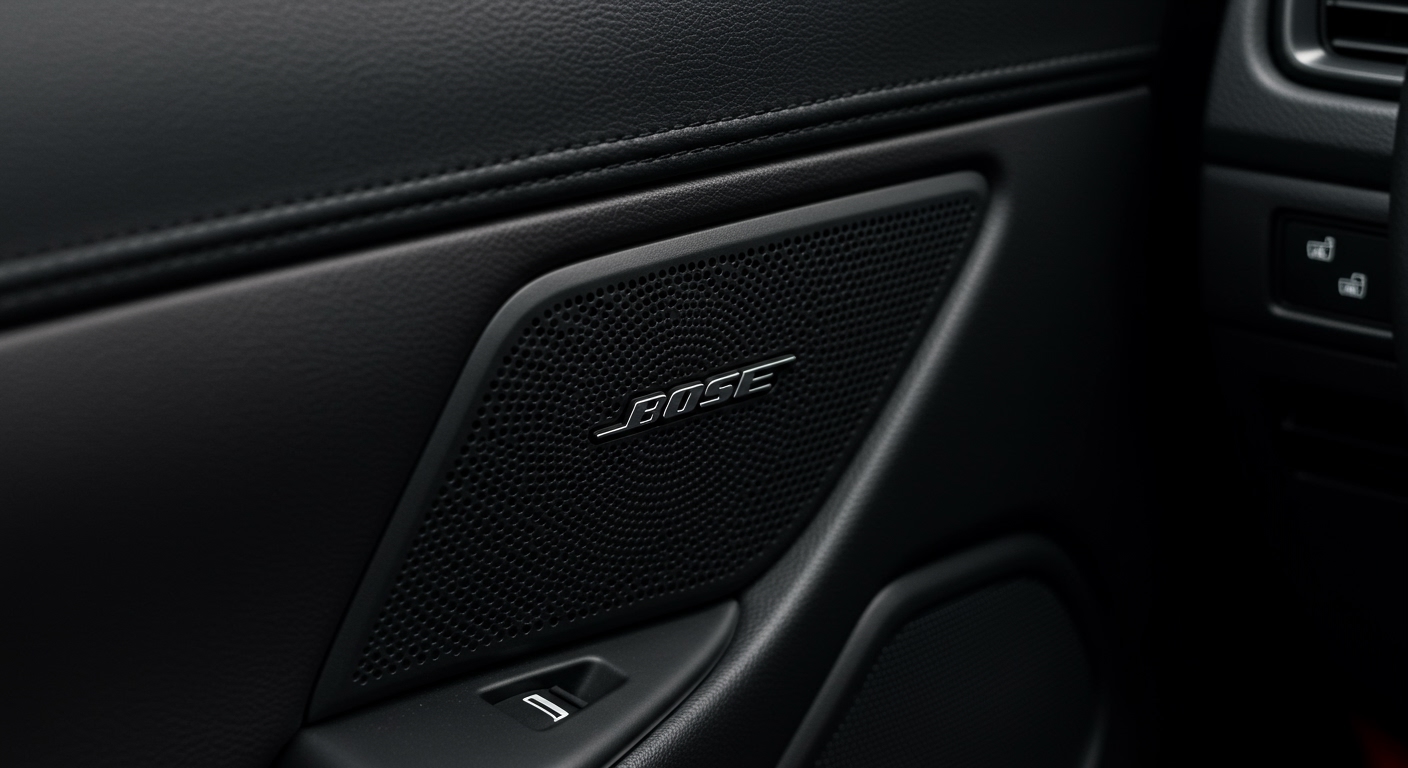
Check the front door speaker grilles. If you see a silver Bose badge, you have the premium 10 or 12-speaker system. If the grille is plain plastic, you have the Mazda Harmonic Acoustics or the standard OEM setup.
Step 2: Access the Audio Settings
Navigate to your infotainment screen:
- Select Settings.
- Scroll down to Sound Settings.
- Choose Audio Quality.
Step 3: Adjust the “Bose Centerpoint” and “AudioPilot”
If you have the Bose system, you will see two unique toggles:
- AudioPilot: Turn this ON if you drive frequently on the highway. It uses a microphone to monitor road noise and adjusts the EQ in real-time.
- Centerpoint: This is a matter of preference. Set it to Level 2 for a balanced surround experience that doesn’t sound “artificial.”
Step 4: EQ Optimization for Non-Bose Systems
For the standard 8-speaker Mazda Harmonic system, we recommend the following “Sweet Spot” settings:
- Bass: +2 or +3 (The cowl woofers handle this well).
- Treble: +1 (Helps bring out vocals from the dash speakers).
- Fade: Move the focal point slightly toward the rear (+1) to create a more immersive stage.
How to Upgrade Your Mazda Speakers: A DIY Walkthrough
If you’ve asked “what speakers does mazda use” because you find them lacking, an aftermarket upgrade is the solution. Most Mazda vehicles use standard sizes, making them compatible with brands like Focal, JBL, or Kicker.
Tools You Will Need
- Trim Removal Tools (Plastic pry bars)
- Phillips Head Screwdriver
- 10mm Socket and Wrench
- Speaker Adapter Brackets (Model specific)
- Wiring Harness Adapters (To avoid cutting factory wires)
Phase 1: Removing the Door Panels
- Remove Hidden Screws: Look inside the door handle pull and behind the small plastic tab near the window switch.
- Pry the Panel: Use your trim tool to start at the bottom corner of the door. Gently pop the plastic clips around the perimeter.
- Disconnect Cables: Once loose, reach behind to unplug the window switch and the door latch cable.
Phase 2: Swapping the Speakers
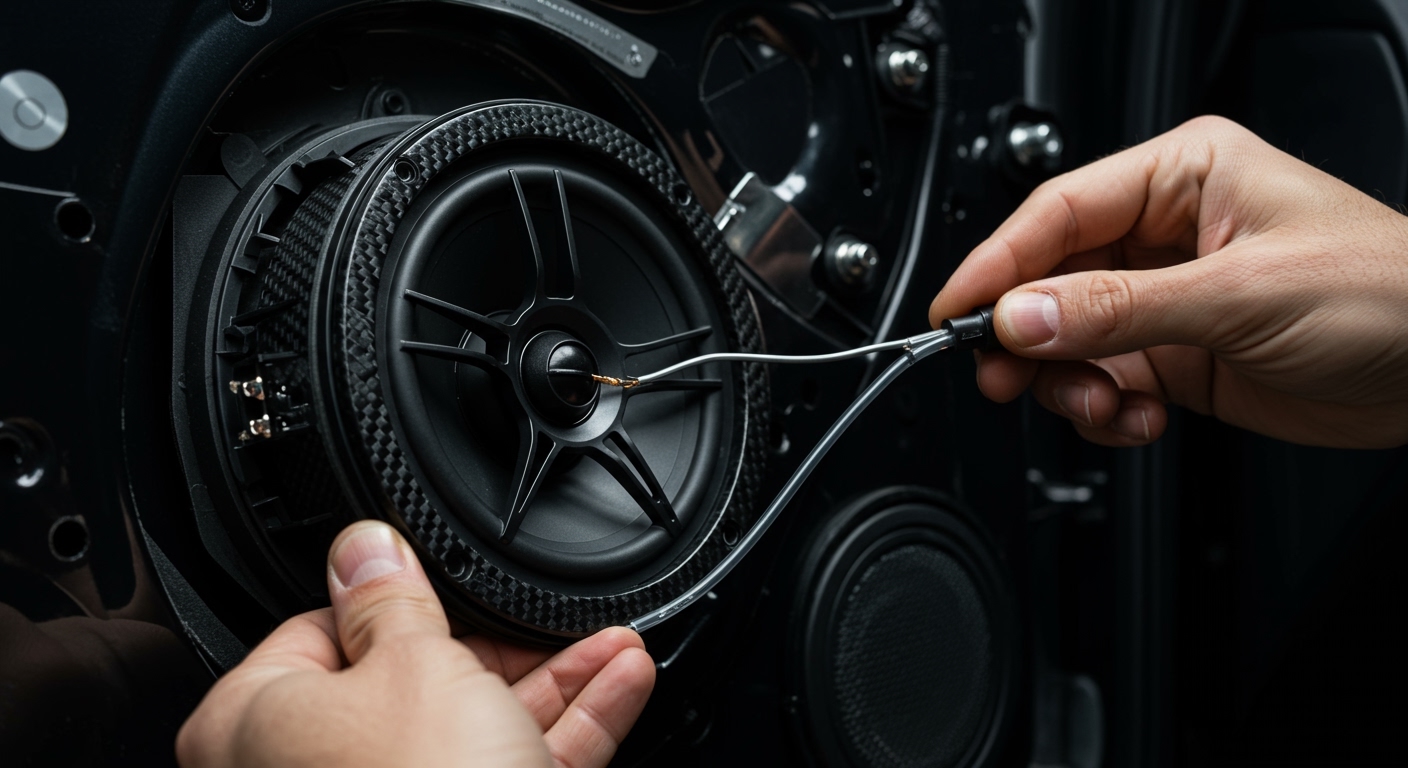
- Unbolt the Factory Speaker: Usually held by three or four Phillips screws.
- Install the Adapter Bracket: Mazda speakers often have a unique three-hole mounting pattern. An aftermarket bracket allows you to mount a standard 6.5-inch round speaker.
- Plug and Play: Use the wiring harness adapter to connect your new speaker to the Mazda factory plug. Do not cut the factory wires as this can void your electrical warranty.
Phase 3: Testing and Reassembly
- The Sound Check: Before putting the panel back on, turn on the radio to ensure the speaker is working and there is no “rattling.”
- Snap the Panel Back: Align the clips and push firmly. Reinstall the hidden screws.
The Technology Behind Bose and Mazda Harmonic Acoustics
We often get asked if the Bose upgrade is actually worth the extra cost when buying a Mazda. To answer this, we need to look at the Information Gain regarding their specific signal processing.
Nd® Woofer Technology
In the Mazda CX-5 and CX-9, Bose uses Nd woofers. These use Neodymium magnets, which are significantly smaller and lighter than traditional ferrite magnets but much more powerful. This allows Mazda to fit high-output speakers into tight door cavities without adding excessive weight to the vehicle.
Custom Equalization (EQ)
Mazda and Bose engineers spend hundreds of hours inside each model with “acoustic microphones” at head-level. They program a Digital Signal Processor (DSP) specifically for that cabin. This ensures that even though the driver sits on the left side, the sound reaches their ears at the same time as the sound from the right side.
Common Problems with Mazda Speakers
Even the best systems can face issues. Through our research and community feedback, here are the most frequent “pain points” Mazda owners face:
- Door Speaker Rattle: Common in the 2014-2018 Mazda3. The speaker’s metal housing can separate from the paper cone.
- Blown Woofers: In Bose-equipped CX-5s, moisture can sometimes enter the door cavity, causing the voice coil to corrode and “scratch.”
- Infotainment Reboots: Occasionally, a software glitch in the Mazda Connect system can cause the speakers to emit a loud “pop” and the system to restart. This is usually fixed with a firmware update at the dealership.
Expert Advice: Best Aftermarket Speakers for Mazda
If you are replacing your factory units, we recommend choosing speakers with high sensitivity (above 90dB). Because the factory Mazda head unit has limited power (usually 15-25 watts RMS), you need speakers that can produce a lot of sound with very little power.
- Focal Integration Series: Designed for “plug-and-play” compatibility. They offer exceptional clarity.
- Hertz Dieci Series: Great for those who want more bass without adding a subwoofer.
- JL Audio C1 Series: Excellent “budget-friendly” upgrade that fits perfectly in Mazda door mounts.
Frequently Asked Questions (FAQ)
Can I add a subwoofer to my Mazda Bose system?**
Yes. Most enthusiasts use a “Line Output Converter” (LOC) like the LC2i to tap into the signal from the front woofers. This allows you to add a dedicated powered subwoofer in the trunk while keeping the factory Bose head unit.
Are Mazda speakers waterproof?**
No. While they are designed to handle humidity, the paper-cone speakers in base models can degrade if water leaks through the window seals. The Bose speakers use better materials but are still susceptible to direct water damage.
Why does my Mazda sound better when I use a USB cable instead of Bluetooth?**
Bluetooth compresses audio data, which reduces high-frequency detail. When you use Apple CarPlay or Android Auto via USB, the system uses a wired connection that supports higher bitrates, allowing the Bose or Harmonic Acoustics system to perform at its full potential.
Can I swap a base Mazda system for a Bose system later?**
It is extremely difficult and expensive. The Bose system requires a different wiring harness, a dedicated amplifier, and a different infotainment configuration. It is much more cost-effective to upgrade with aftermarket speakers and a compact amp.