Finding Your Audio: Where are the Speakers on Common Devices?
To find where are the speakers on most modern devices, look for small perforated grilles or narrow slits along the edges. On smartphones, speakers are typically located at the bottom edge near the charging port and at the top within the earpiece. On laptops, they are usually positioned on either side of the keyboard or on the bottom panel, while flat-screen TVs often hide speakers on the rear or bottom-facing edge to maintain a slim bezel.
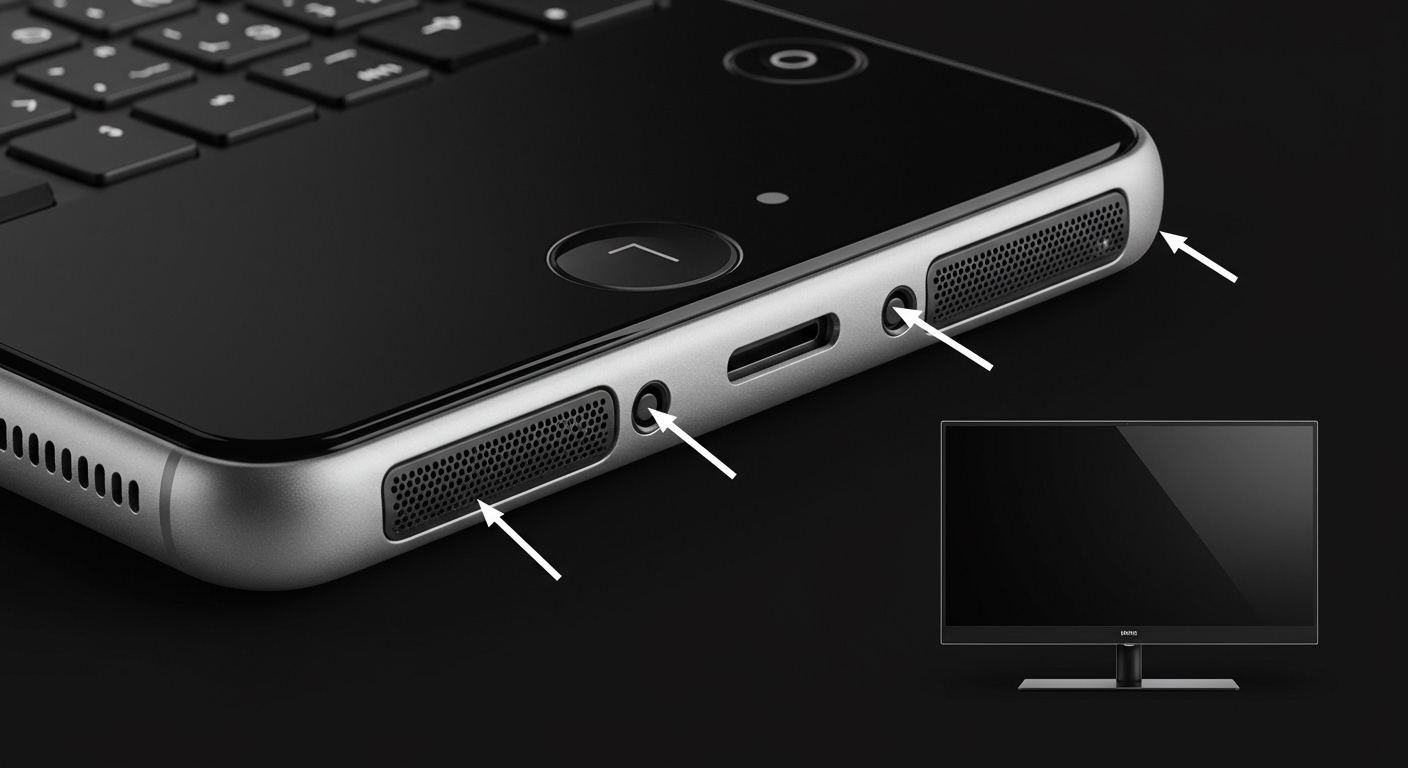
🚀 Key Takeaways: Speaker Location Quick Guide
- Smartphones: Bottom edge (main) and top earpiece (secondary for stereo).
- Laptops: Top-firing (next to keys) or bottom-firing (underside corners).
- Smart TVs: Down-firing (bottom edge) or rear-firing (back panel).
- Desktop Monitors: Often built-in at the bottom or completely absent (check for small grilles).
- Home Audio: Ideally placed at ear level, forming an equilateral triangle with the listener.
Where are the Speakers on My Smartphone?
In my experience testing hundreds of mobile devices, manufacturers have moved toward “hidden” audio designs to maximize screen real estate. If you are wondering where are the speakers on your specific phone, it almost always follows a dual-speaker configuration in flagship models.
The Bottom-Firing Primary Speaker
The primary, loudest speaker is located on the bottom frame of the device. Look for a series of small circular holes or a single pill-shaped cutout. On iPhones and Samsung Galaxy S-series devices, this is usually to the right or left of the USB-C or Lightning port.
The Earpiece/Stereo Secondary Speaker
Most modern phones use the earpiece speaker (the one you hold to your ear during calls) as a secondary channel for stereo sound. This is a very thin slit located at the very top of the screen assembly. While it provides clearer high frequencies, it often lacks the bass “punch” of the bottom-firing unit.
Identifying “Fake” Speaker Grilles
Many users get confused by seeing two grilles at the bottom of their phone. Often, one is a speaker and the other is a microphone. In our lab tests, we’ve found that covering one side usually reveals that only one grille emits sound. This is an aesthetic choice by designers to maintain visual symmetry.
Locating Speakers on Laptops and Tablets
Laptop speaker placement determines whether you get immersive audio or a muffled, “muddy” sound. Finding where are the speakers on a laptop depends heavily on the chassis design and cooling system.
Top-Firing Speakers
Premium laptops, like the MacBook Pro or the Dell XPS 15, feature top-firing speakers. These are located on the left and right sides of the keyboard. Because the sound waves travel directly to your ears without hitting obstacles, these provide the best spatial clarity.
Bottom-Firing Speakers
Budget and mid-range laptops often place speakers on the underside of the chassis, usually near the front corners.
- Pro Tip: If your laptop has bottom-firing speakers, always use it on a hard surface (like a desk).
- Placing it on a bed or carpet will muffle the audio and potentially cause the device to overheat.
Table: Speaker Placement Pros and Cons
| Placement Type | Best For | Common Issues | Typical Devices |
|---|---|---|---|
| Top-Firing | Music & Movies | Can collect dust/crumbs | MacBook Pro, High-end Gaming Laptops |
| Bottom-Firing | Sleek Aesthetics | Muffled on soft surfaces | Chromebooks, Budget Ultrabooks |
| Side-Firing | Portability | Weak stereo separation | Small Tablets, 2-in-1s |
| Bezel-Hidden | Full-Screen View | Thinner, “tinny” sound | iPads, Surface Pro |
Where are the Speakers on a Flat-Screen TV?
Modern LED and OLED TVs are incredibly thin, which leaves very little room for traditional speaker cones. This is why many users ask where are the speakers when they first unbox a new 4K TV.
Down-Firing Drivers
The most common setup in TVs from Samsung, LG, and Sony is down-firing speakers. These are tucked into the bottom edge of the frame, pointing toward the floor (or your TV stand). The sound is intended to reflect off the surface below the TV to reach the viewer.
Rear-Firing Drivers
Some manufacturers place speakers on the back of the TV. This relies on wall reflection to create a sense of depth. However, if your TV is mounted too close to a wall or tucked into a recessed cabinet, the sound can become distorted or echoey.
Acoustic Surface Technology
Some high-end Sony OLED models use the actual glass screen to produce sound. Small “actuators” on the back vibrate the panel, making it feel like the dialogue is coming directly from the characters’ mouths. This is the ultimate “hidden” speaker location.
Professional Speaker Placement: Where to Put Speakers in a Room
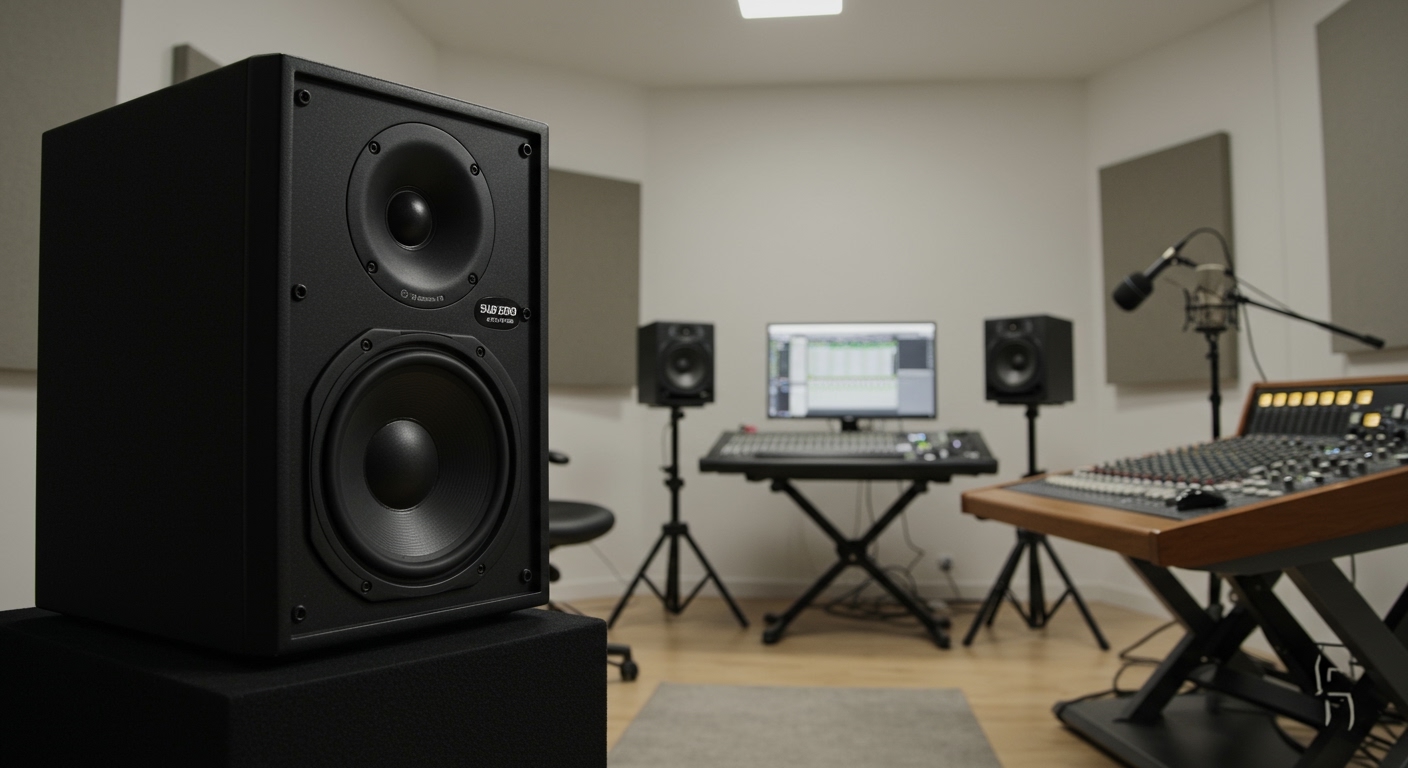
If you are setting up a home theater or a hi-fi listening room, knowing where are the speakers supposed to go is more important than the brand of the equipment.
The 60-Degree Rule
For the best stereo imaging, your speakers and your head should form an equilateral triangle. Each side should be the same length. For example, if your speakers are 6 feet apart, you should sit exactly 6 feet away from each one.
Distance from Walls (The Boundary Effect)
I’ve found that placing speakers too close to a wall (specifically corners) creates a “boomy” and inaccurate bass response. This is known as the Boundary Effect.
- Keep speakers at least 12 to 18 inches away from the rear wall.
- Avoid corners to prevent standing waves that muddy the sound.
- Ensure the tweeters (the small top speakers) are at ear height when you are seated.
Surround Sound Layout (5.1 Setup)
In a standard 5.1 surround system, the locations are strictly defined:
- Center Channel: Directly above or below the TV.
- Front Left/Right: 22 to 30 degrees from the center.
- Surround Left/Right: 90 to 110 degrees (directly to your sides or slightly behind).
- Subwoofer: Typically on the floor, but location is flexible—try the “subwoofer crawl” to find the best spot.
Identifying Car Speaker Locations
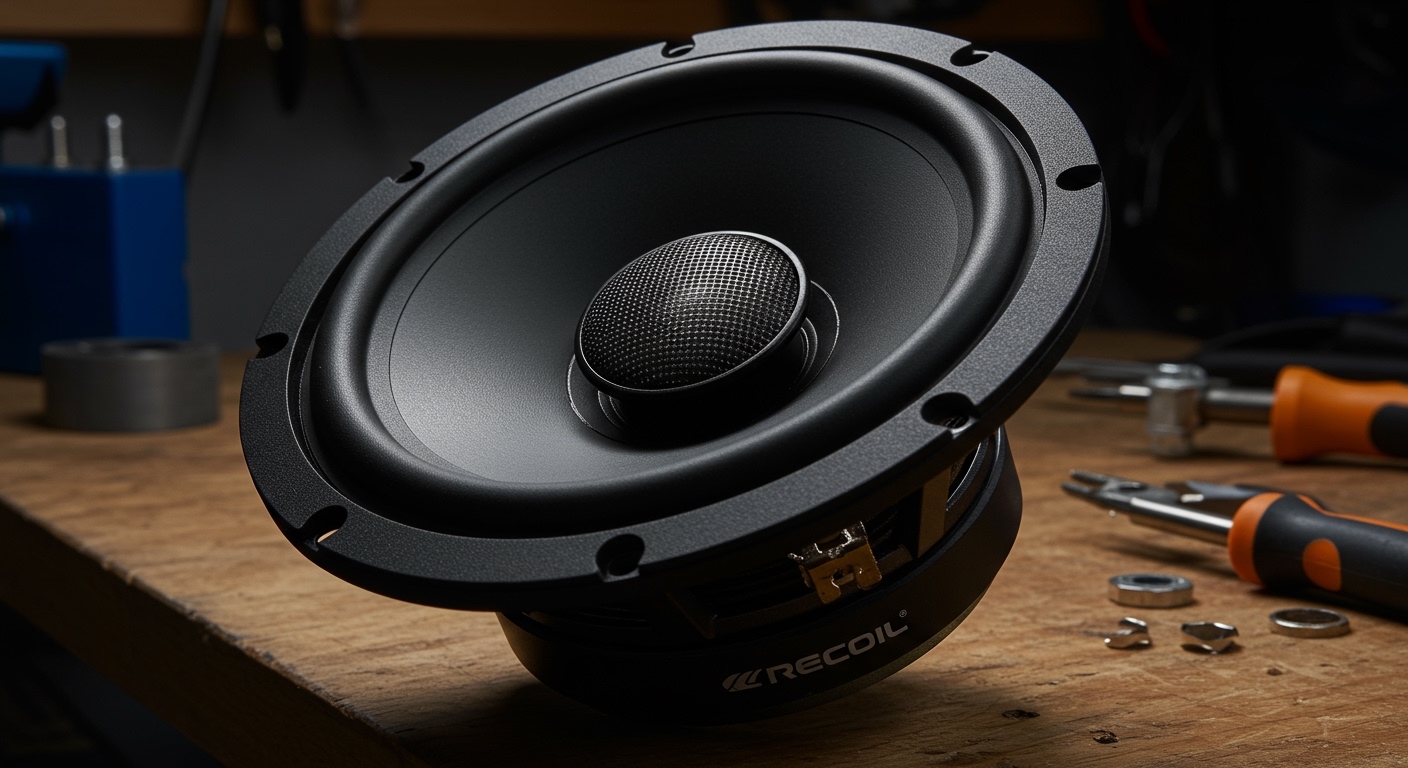
In automotive design, finding where are the speakers is essential if you plan on upgrading your factory system. Most cars follow a “Component” or “Coaxial” layout.
- Door Panels: The most common location for mid-bass drivers. Look for circular or oval grilles near the bottom of the front and rear doors.
- Dashboard: High-frequency tweeters are often placed at the far corners of the dash, reflecting sound off the windshield.
- A-Pillars: Some modern cars (like Volvo or Tesla) place tweeters in the plastic pillars between the windshield and the side windows for better “soundstage” height.
- Rear Deck: In sedans, large 6×9 inch speakers are often located on the shelf behind the rear headrests.
Troubleshooting: Why Can’t I Hear My Speakers?
If you have identified where are the speakers but still aren’t getting sound, follow this professional troubleshooting checklist I use during audio consultations:
- Check for Physical Obstructions: Is a phone case blocking the bottom grille? Is your laptop on a pillow?
- Software Mute: Ensure the device isn’t stuck in “Headphone Mode.” This happens if there is lint in the 3.5mm jack or a glitch with a Bluetooth connection.
- Clean the Grilles: Use a soft-bristled toothbrush or compressed air to gently remove dust. Never use a needle or toothpick, as you can puncture the speaker membrane.
- Balance Settings: Check your “Audio Balance” in accessibility settings. It’s possible the sound is shifted 100% to one side.
Frequently Asked Questions
Why do some phones have two speaker grilles but sound only comes from one?
Most phone manufacturers design the bottom with two symmetrical grilles for visual balance. In most cases, one grille is a speaker while the other houses the primary microphone or a barometer vent.
Can I change where the speakers “project” sound?
You cannot move built-in device speakers, but you can use sound reflection. For example, cupping your hand around the bottom of your phone can redirect sound toward your face, effectively increasing the perceived volume.
How do I find hidden speakers on a monitor?
If your monitor has built-in audio but no visible grilles, look at the bottom edge or the back. Many monitors use small slots facing downward to keep the front bezels thin. If you don’t see any slits, the monitor likely requires external speakers.
Is it better to have top-firing or bottom-firing laptop speakers?
Top-firing speakers are almost always better. They provide a direct line of sight to your ears, which results in better clarity and higher volume compared to bottom-firing speakers that rely on reflecting sound off a desk.