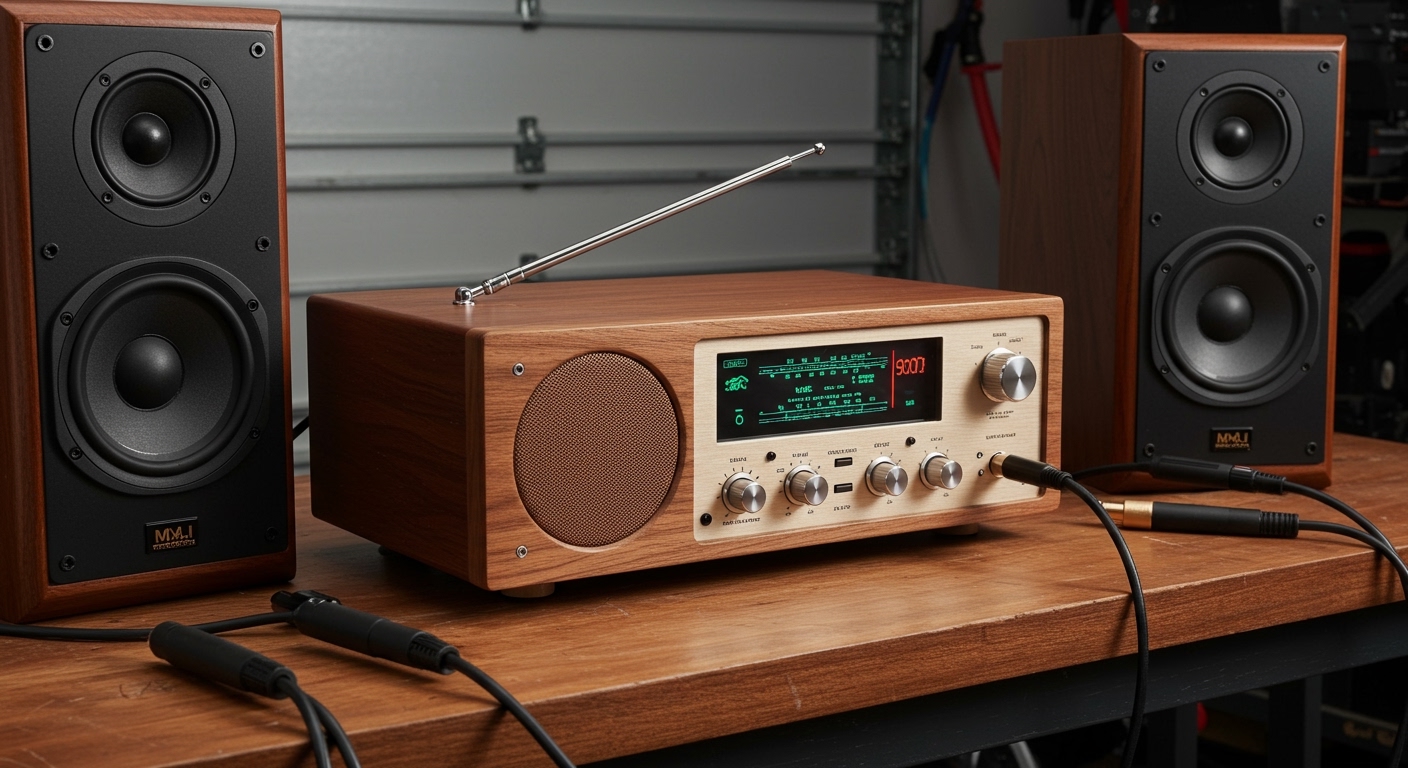
Understanding Why Do I Get Humming From My Speakers
If you are asking “why do I get humming from my speakers,” the most common cause is a Ground Loop, where your audio components are fighting over different electrical paths to the earth. Other primary culprits include Electromagnetic Interference (EMI) from nearby electronics, low-quality unbalanced cables, or a failing internal transformer within the speaker itself. To fix it, you must systematically isolate your power sources and upgrade your signal shielding.
In my years of setting up professional recording studios and high-end home theaters, I have learned that speaker hum is rarely a “broken” speaker and almost always a “noisy” environment. By identifying the specific frequency of the buzz—usually a 60Hz hum in North America or 50Hz in Europe—we can pinpoint exactly which piece of hardware is leaking electrical noise into your audio path.
TL;DR: Quick Fixes for Speaker Hum
- Identify the Source: Unplug the audio input; if the hum persists, the issue is the power or the speaker itself.
- Check the Ground: Plug all audio equipment into the same power strip or wall outlet to eliminate ground loops.
- Swap Cables: Replace cheap RCA cables with shielded cables or switch to balanced XLR connections.
- Distance is Key: Move your speakers away from Wi-Fi routers, cell phones, and fluorescent lights.
- Hardware Solution: Use a Ground Loop Isolator (like the Behringer HD400) between your source and the speakers.
Why Do I Get Humming From My Speakers? The Science of Noise
The low-frequency “bzzz” or “hummm” you hear is typically the sound of your mains electricity leaking into your audio signal. In the United States, our power grid operates at 60Hz, which happens to be an audible frequency that sounds like a low G# note.
When we ask “why do I get humming from my speakers,” we are usually looking at a ground loop. This happens when two pieces of equipment are connected to different ground points with different electrical potentials. This difference forces a small amount of current to flow through your audio cables (the ground shield), which the amplifier then boosts and sends to your drivers.
Beyond ground loops, we often encounter Radio Frequency Interference (RFI). I’ve seen scenarios where a nearby 4G/5G tower or even a baby monitor induced a high-pitched “chirping” in high-end monitors. Understanding these distinctions is the first step to a silent setup.
Step 1: Isolate the Ground Loop (The Power Test)
The first thing I do when a client asks “why do I get humming from my speakers” is the “Isolation Test.” We need to determine if the noise is coming from the wall or the source device (like your PC or Turntable).
- Disconnect the Inputs: Unplug the audio cables (RCA, 3.5mm, or XLR) from the back of the speakers.
- Listen: If the hum disappears, the noise is entering through your signal cables. If the hum stays, the problem is your power supply or the speaker’s internal components.
- The “One-Circuit” Rule: Ensure your speakers, computer, and mixer are all plugged into a single high-quality power strip. Using different wall outlets across a room often creates the very ground loop you are trying to avoid.
I highly recommend using a Power Conditioner like those from Furman or APC. Unlike a standard power strip, these units actively filter out “dirty” power noise caused by refrigerators or AC units sharing your home’s electrical lines.
Step 2: Evaluate and Upgrade Your Audio Cables
If the hum vanished when you unplugged the input cables, your cables are likely acting as antennas. This is a common reason for why do I get humming from my speakers in home offices filled with tangled wires.
Unbalanced vs. Balanced Cables
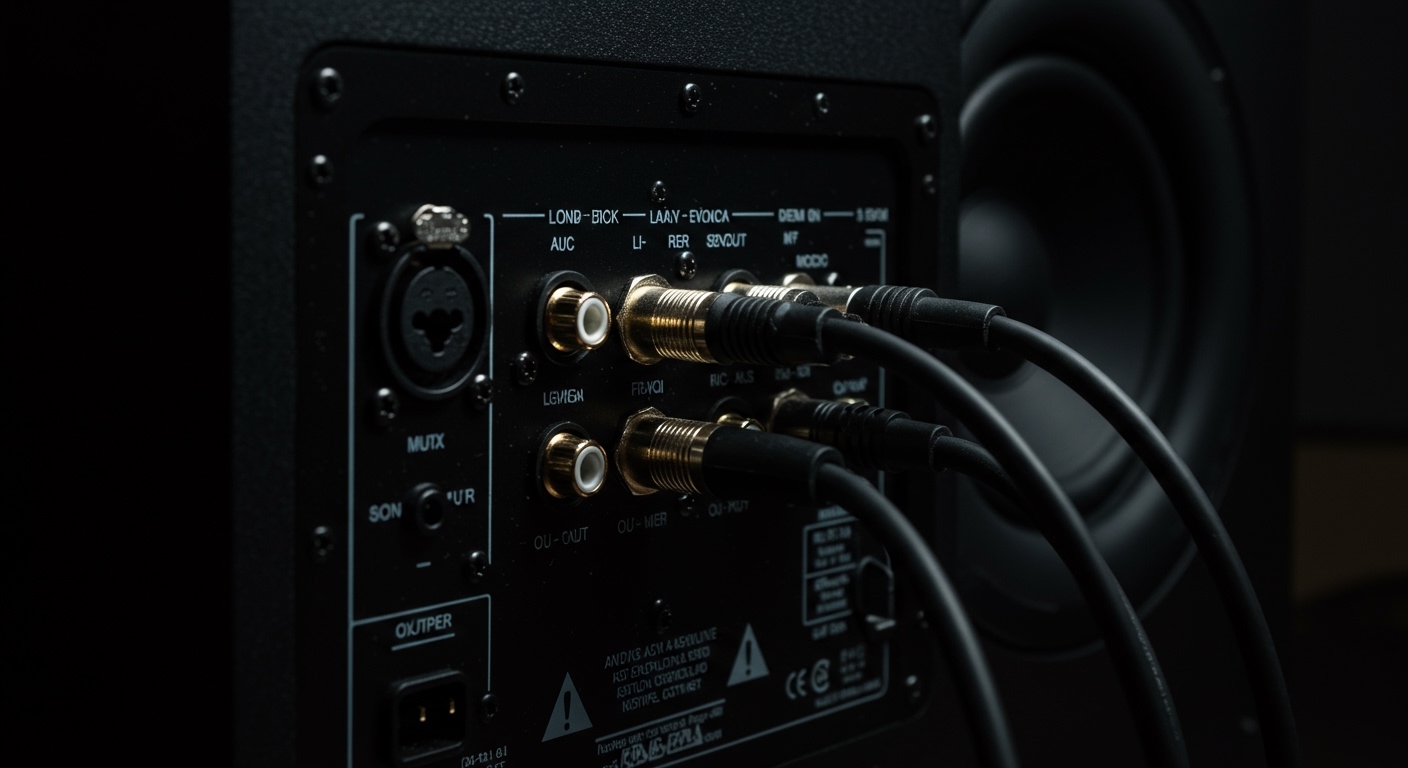
Most consumer electronics use unbalanced RCA or 3.5mm jacks. These consist of only two wires: signal and ground. Because the ground wire also acts as the shield, it is highly susceptible to noise.
Professional gear uses balanced XLR or TRS cables. These use three wires and a clever phase-cancellation trick called Common Mode Rejection. If your speakers support XLR, switching to them will almost always kill the hum instantly.
| Cable Type | Connection | Noise Resistance | Recommended Use |
|---|---|---|---|
| RCA | Unbalanced | Low | Short runs (< 6ft) |
| 3.5mm Jack | Unbalanced | Very Low | Basic PC audio |
| XLR | Balanced | High | Pro Audio / Studio |
| TRS (1/4″) | Balanced | High | Instruments / Monitors |
The “90-Degree” Rule
In my experience, many people run their power cords and audio cables in parallel bundles. This is a mistake. Power cables create a magnetic field that “bleeds” into audio lines. Always cross power and audio cables at a 90-degree angle to minimize induction.
Step 3: Managing Electromagnetic Interference (EMI)
Sometimes the answer to “why do I get humming from my speakers” isn’t inside the wires, but in the air. We live in a soup of wireless signals that can easily penetrate poorly shielded speaker cabinets.
Check for these common EMI offenders:
- LED Dimmers: Dimmer switches are notorious for “chopping” the electrical wave, creating a massive amount of high-frequency noise.
- Wi-Fi Routers: If your router is sitting right next to your active speakers, move it at least 5 feet away.
- Cell Phones: We’ve all heard that “ba-da-da, ba-da-da” pulse when a text message arrives; that is classic RFI.
- Computer Components: If you hear a whining sound that changes when you move your mouse, you are likely hearing GPU coil whine leaking through your USB or Motherboard audio.
To solve PC-related noise, I suggest using an External USB DAC (Digital-to-Analog Converter). This moves the sensitive audio processing away from the “noisy” electrical environment inside your computer case.
Step 4: Troubleshooting Specific Devices
The reason why do I get humming from my speakers changes depending on what you are listening to. Let’s look at three specific scenarios I frequently troubleshoot.
The Turntable Buzz
Vinyl setups are the most prone to humming. Almost every turntable has a dedicated Ground Wire (usually a small spade lug). If this isn’t screwed into the “GND” terminal on your Preamp or Receiver, you will get a massive roar.
PC and Laptop “Digital” Noise
If you use a laptop, try unplugging the power brick and running on battery. If the hum stops, your laptop charger is the culprit. In this case, a USB Ground Loop Isolator like the iFi iDefender+ is a lifesaver. It breaks the noisy ground connection while allowing the data to pass through.
Active Studio Monitors (e.g., KRK, Yamaha, Genelec)
Active speakers have built-in amplifiers. If you hear a hum even with nothing plugged in, the filter capacitors inside the speaker’s power supply might be failing. If your speakers are over 10 years old, they may need a professional recap.
Advanced Solutions: Ground Loop Isolators and DI Boxes
If you have tried everything and still ask “why do I get humming from my speakers,” it is time to bring in the heavy hitters.
Ground Loop Isolators are small transformers that physically “break” the electrical connection between two devices while allowing the audio signal to pass via magnetic induction. I always keep a Mpow Ground Loop Noise Isolator or a Behringer HD400 in my toolkit for emergencies.
For long cable runs (like running audio from a stage to a mixer), use a Passive DI Box. This converts an unbalanced signal to a balanced one and usually features a “Ground Lift” switch. This switch is the “silver bullet” for hum because it manually interrupts the ground path without compromising safety.
Summary of Troubleshooting Steps
To ensure you never have to ask “why do I get humming from my speakers” again, follow this hierarchy of fixes:
- The Power Strip Move: Move all gear to one outlet.
- The Cable Audit: Replace unshielded cables with high-quality brands like Mogami or Canare.
- The Physical Gap: Move routers and phones away from the speakers.
- The Balanced Upgrade: Move from RCA to XLR if your gear allows it.
- The External DAC: If using a PC, get the audio processing out of the box.
- The Isolator: Use a transformer-based ground loop isolator as a final resort.
Frequently Asked Questions (FAQ)
Can a humming speaker cause damage?
While a low-level hum usually won’t damage your speakers immediately, it can cause the voice coils to heat up over time. More importantly, it indicates an electrical inefficiency or a grounding issue that could potentially lead to a short circuit in your amplifier.
Why do my speakers hum only when my PC is under load (gaming)?
This is almost certainly GPU Coil Whine. When your graphics card draws a lot of power, it creates electromagnetic noise. This noise leaks through the motherboard’s ground plane into your audio jack. Using an Optical (Toslink) cable to an external DAC is the only 100% effective fix, as light doesn’t carry electrical noise.
Is it safe to use a “Cheater Plug” (3-prong to 2-prong adapter)?
No, I strongly advise against this. While a cheater plug can stop a ground loop by lifting the safety ground, it creates a massive safety hazard. If a fault occurs inside your equipment, the metal chassis could become “live,” potentially delivering a lethal shock. Use a dedicated Ground Loop Isolator instead; they are safe and more effective.
Does the volume knob affect the hum?
If the hum gets louder when you turn up the volume, the noise is entering before the amplifier (likely from your cables or source). If the hum stays at the same level regardless of the volume setting, the noise is likely coming from the amplifier’s power supply or the wall outlet itself.
Why do I hear a hum from my subwoofer but not my main speakers?
Subwoofers are often plugged into a different outlet across the room, which is a classic recipe for a ground loop. Additionally, many subwoofers use long unbalanced RCA cables which act as massive antennas for 60Hz noise. Try a subwoofer cable with quad-shielding and ensure it’s on the same circuit as your receiver.

![Are Fusion Speakers Any Good? [Expert Marine Audio Guide]](https://bestsounds.net/wp-content/uploads/2026/03/are-fusion-speakers-any-good-expert-marine-audio-guide-featured-1774172251.jpg "Are Fusion Speakers Any Good? [Expert Marine Audio Guide]")