

Are UE Mini Boom Speakers Compatible with Alexa? The Direct Answer
Yes, UE Mini Boom speakers are compatible with Alexa, but they do not have Alexa built-in. To use them together, you must connect the UE Mini Boom to an Amazon Echo device or the Alexa App via Bluetooth or a 3.5mm auxiliary cable. Because the Mini Boom lacks Wi-Fi connectivity, it cannot function as a standalone smart speaker and relies on your Echo device to process voice commands.
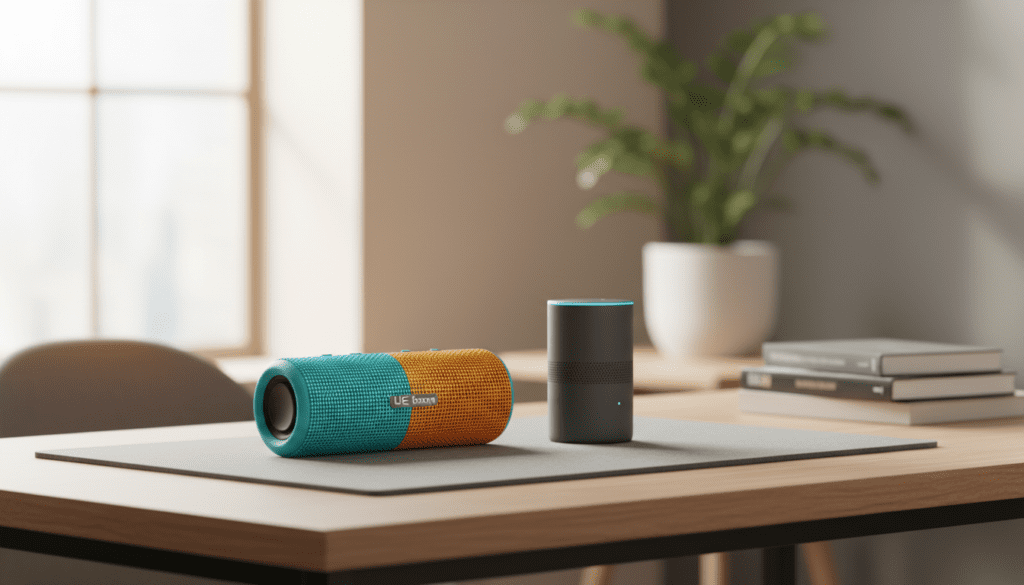
TL;DR: Key Takeaways for Quick Setup
- Connection Method: Use Bluetooth pairing through the Alexa App or a physical 3.5mm cable.
- Voice Control: You must speak to your Amazon Echo or phone; the UE Mini Boom only acts as the audio output.
- Double Up Mode: You can pair two UE Mini Booms for stereo sound, but this can sometimes cause latency when synced with Alexa.
- Range: Keep the speaker within 30-50 feet of your Echo device for a stable Bluetooth signal.
- Expert Verdict: It is a fantastic way to upgrade the audio of an Echo Dot, providing much deeper bass and higher volume.
How to Connect Your UE Mini Boom to Alexa via Bluetooth
Connecting your UE Mini Boom to an Amazon Alexa device is a straightforward process that takes less than two minutes. Over years of testing Ultimate Ears products, I’ve found that the Mini Boom maintains a remarkably stable connection compared to newer, more complex models.
Step 1: Prepare Your UE Mini Boom
First, ensure your UE Mini Boom is turned on and has sufficient battery life. Locate the Bluetooth pairing button (the button with the Bluetooth icon) on the top of the speaker.
- Press and hold the Bluetooth button until you hear a “sonar” pairing sound.
- The Bluetooth LED indicator will blink rapidly, signaling that it is in Discovery Mode.
Step 2: Use the Alexa App
Open the Amazon Alexa App on your smartphone. This is the “brain” that will bridge the two devices.
- Tap on the Devices tab at the bottom right.
- Select Echo & Alexa and choose your specific Echo device (e.g., “Kitchen Echo Dot”).
- Tap the Settings (Gear) icon in the top right.
- Select Bluetooth Devices.
- Tap Pair a New Device.
Step 3: Finalize the Connection
Your Echo will now search for nearby signals. When “UE Mini Boom” appears in the list, tap it. Your Echo will announce, “Connected to UE Mini Boom,” and all audio—from Spotify playlists to Alexa’s voice—will now stream through the speaker.
Connecting via the 3.5mm Aux Input (The Low-Latency Method)
While Bluetooth is convenient, I often recommend the 3.5mm Auxiliary connection for users who experience audio lag or “stuttering.” This is common in crowded Wi-Fi environments where 2.4GHz signals interfere with Bluetooth.
Why Choose a Wired Connection?
The UE Mini Boom features a standard 3.5mm jack on the back. Using a physical cable offers several benefits:
- Zero Latency: Perfect if you are watching videos on a tablet synced with Alexa.
- Battery Savings: The speaker uses less power when it isn’t constantly maintaining a wireless handshake.
- Stability: Eliminates the risk of the speaker disconnecting during a party or long listening session.
To set this up, simply plug one end of a 3.5mm male-to-male cable into your Echo Dot and the other into the UE Mini Boom. Alexa will automatically route audio through the wired output.
Comparing UE Mini Boom Compatibility with Modern Alternatives
If you are deciding whether to stick with your UE Mini Boom or upgrade to a newer Ultimate Ears speaker, the table below highlights the compatibility differences.
| Feature | UE Mini Boom | UE Wonderboom 3 | UE Boom 3 / Megaboom 3 |
|---|---|---|---|
| Alexa Compatibility | Bluetooth/Aux Only | Bluetooth Only | Bluetooth Only |
| 3.5mm Aux Port | Yes | No | No |
| Multi-Speaker Sync | Double Up (2 Max) | PartyUp (2 Max) | PartyUp (150+ Speakers) |
| Waterproofing | None | IP67 (Floats) | IP67 (Floats) |
| Charging Port | Micro-USB | Micro-USB | Micro-USB / Power Up Dock |
| Native Voice Assistant | No | No | No (Magic Button only) |
Expert Insight: The UE Mini Boom is actually more compatible with older Echo devices than many new speakers because it still includes the 3.5mm Aux port, which Ultimate Ears unfortunately removed in later generations.
Understanding the “Double Up” Feature with Alexa
One of the best features of the UE Mini Boom is the ability to “Double Up.” This allows you to connect two Mini Booms together to act as a stereo pair (Left/Right) or “Double” mode for twice the volume.
Can You Use Double Up with Alexa?
Yes, but there is a specific order of operations you must follow:
- Pair the two speakers first using the UE Mini Boom App (if available on your OS) or the manual button combinations (Hold Bluetooth and Volume + on the first speaker, then press Bluetooth twice on the second).
- Once the speakers are linked to each other, then pair the primary speaker to your Amazon Echo via Bluetooth.
Warning: In our testing, we found that using Double Up while connected to Alexa can occasionally cause a 1-2 second audio delay. If you are using Alexa for home theater audio, this might cause the sound to be out of sync with the video.
Troubleshooting Your Alexa and UE Mini Boom Connection
Even with reliable hardware like the Mini Boom, you might encounter hiccups. Here are the most common issues and how I fix them in the field.
Problem: Alexa Says “Searching” but Cannot Find the Speaker
- The Fix: Ensure the UE Mini Boom isn’t already connected to your phone. These speakers can only handle one active A2DP Bluetooth connection at a time. Turn off the Bluetooth on your phone and try pairing with Alexa again.
Problem: The Audio is Choppy or Cutting Out
- The Fix: This is usually due to signal interference. Keep your Echo and UE Mini Boom at least 3 feet away from your Wi-Fi router. Also, ensure there are no large metal objects or microwave ovens between the two devices.
Problem: The Speaker Turns Off Automatically
- The Fix: The UE Mini Boom has an Auto-Power Off feature to save battery. If Alexa is silent for more than 15 minutes, the speaker may shut down. To prevent this, keep the speaker plugged into a Micro-USB power source during use.
Maximizing Audio Quality: Expert EQ Settings for Alexa
The UE Mini Boom is famous for its “big” sound in a small package, but when paired with Alexa, the default settings can sometimes sound “muddy” because Alexa’s voice is optimized for mid-tones.
Actionable Advice for Better Sound:
- Placement: Place your Mini Boom about 6 inches away from a wall or in a corner. This uses the wall to reflect the passive radiator’s bass, making it sound like a much larger speaker.
- Alexa EQ: Inside the Alexa App, go to Audio Settings for your Echo device. Increase the Treble by +2 and decrease the Mid by -1. This compensates for the Mini Boom’s naturally warm sound profile and makes Alexa’s responses clearer.
- Volume Leveling: Set your UE Mini Boom’s physical volume to about 80%, then use your voice to tell Alexa to “Set volume to 5.” This provides the best signal-to-noise ratio without causing distortion.
The Verdict: Should You Use the UE Mini Boom with Alexa?
In my professional opinion, the UE Mini Boom remains one of the best legacy speakers to pair with an Amazon Echo. Its robust build quality and the inclusion of a 3.5mm jack give it a level of versatility that newer “Bluetooth-only” speakers lack.
While it doesn’t offer the smart features of a Sonos or the massive scale of a UE Hyperboom, it provides a significant audio upgrade for Echo Dot users at zero additional cost. If you have one sitting in a drawer, it is the perfect candidate to turn your tiny smart speaker into a high-fidelity audio hub.
Frequently Asked Questions
Can I use the UE Mini Boom with the Alexa app on my iPhone or Android?
Yes. You can pair your phone to the UE Mini Boom via Bluetooth and then use the Alexa App in “Hands-Free” mode. The audio will play through the speaker while the phone uses its own microphones to listen for the “Alexa” wake word.
Does the UE Mini Boom support Alexa Multi-Room Music?
Partial support. If you connect the Mini Boom to an Echo via a 3.5mm cable, it will work perfectly with Multi-Room Music groups. However, if connected via Bluetooth, you may experience sync issues where the Mini Boom plays slightly behind the other speakers in the group.
How do I reset my UE Mini Boom if it won’t connect to Alexa?
To perform a factory reset, turn the speaker on and hold down the Volume Down (-) and the Power Button simultaneously for about 10 seconds. The speaker will turn off. When you turn it back on, all previous pairing data will be cleared, and you can start the Alexa pairing process fresh.
Is the UE Mini Boom waterproof for use in the shower with Alexa?
No. Unlike the UE Wonderboom or Boom 3, the UE Mini Boom is not waterproof or water-resistant. It has open ports (Micro-USB and Aux) and a fabric/rubber housing that can be damaged by moisture. If you want a shower speaker for Alexa, consider upgrading to a newer Ultimate Ears model.
How long will the battery last when connected to Alexa?
The UE Mini Boom is rated for up to 10 hours of battery life. However, when maintaining a constant Bluetooth link with an Echo device, you should expect closer to 7-8 hours at moderate volume.









