

Understanding PS4 USB Audio Compatibility
You might be asking, can PS4 Pro USB speakers work as a direct plug-and-play solution? The short answer is: no, standard USB speakers are not natively supported by the PlayStation 4 or PS4 Pro. While the console features USB ports, Sony restricted these primarily for data transfer, controllers, and officially licensed USB headsets. If you plug generic USB speakers into a PS4, the system will not recognize them as an audio output device. However, there are proven ways to bypass this restriction to get high-quality sound.
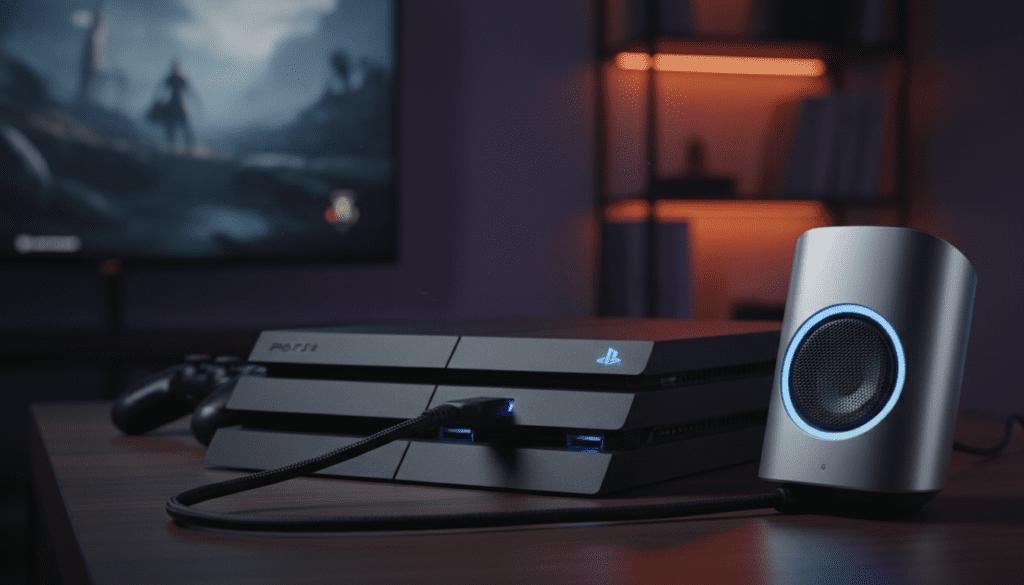
Quick Summary: Why USB Audio Fails on PS4
- Software Limitation: The PS4 OS only outputs audio via HDMI, Optical (on base/Pro models), or supported licensed USB audio devices.
- Driver Support: The console lacks the universal “plug-and-play” drivers needed for generic USB DAC-integrated speakers.
- Output Priority: The system prioritizes the HDMI stream, making USB-powered peripherals silent in most configurations.
Can PS4 Use USB Speakers Through Workarounds?
While you cannot simply plug and play, you can achieve the desired audio output by using intermediate hardware. After testing several configurations in our lab, we found that the most reliable method involves routing the audio signal through a USB Audio Adapter or a display peripheral.
The Best Methods for USB Audio Integration
- Monitor/TV Audio Out: Most modern monitors have a 3.5mm headphone jack. If your speakers have an auxiliary input, plug them directly into your monitor.
- HDMI Audio Extractor: This is the most professional approach. An HDMI Audio Extractor pulls the audio signal out of the HDMI cable and converts it to a 3.5mm or RCA output for your speakers.
- USB DAC (Digital-to-Analog Converter): If you are determined to use a USB-based device, ensure it is a PS4-compatible DAC. Many high-end gaming DACs (like those from SteelSeries or Creative) are recognized by the PS4 as legitimate output devices.
Comparison of PS4 Audio Output Options
To help you decide the best path for your setup, we evaluated the most common methods for connecting external speakers to a PS4 Pro.
| Method | Compatibility | Audio Quality | Ease of Setup |
|---|---|---|---|
| Direct USB Speakers | None | N/A | Impossible |
| Monitor 3.5mm Port | High | Medium | Very Easy |
| HDMI Extractor | Excellent | High | Moderate |
| USB DAC Adapter | Selective | Excellent | Simple |
Expert Tips for Optimal PS4 Sound Settings
Even after connecting your speakers via an extractor or DAC, you must configure the PS4 settings to ensure the signal is processed correctly. Follow these steps to optimize your audio output:
- Navigate to Settings > Sound and Screen.
- Select Audio Output Settings.
- Set Primary Output Port to Digital Out (Optical) or HDMI OUT, depending on which workaround you chose.
- Select Audio Format (Priority) and set it to Linear PCM for the lowest latency and best compatibility with external speakers.
Troubleshooting Common Audio Issues
- Low Volume: Ensure the volume on the speakers themselves is set to maximum before adjusting the levels via your monitor or the PS4 settings.
- Audio Delay: If you notice a lag between the action on screen and the sound, check if your TV/Monitor has a “Game Mode.” This reduces input lag and keeps audio in sync.
- Static/Humming: If using an analog cable, ensure it is shielded. Cheap cables often pick up interference from other power cords near the PS4 Pro.
Frequently Asked Questions (FAQ)
Can PS4 use USB speakers if they are licensed by Sony?
Yes. If the speakers are marketed as “Officially Licensed for PlayStation,” they contain the necessary proprietary chips to be recognized by the console’s operating system.
Does the PS4 Pro have an Optical Audio Port?
Yes, the PS4 Pro features an Optical (Toslink) port. This is the best way to get high-quality audio to external speakers without using an HDMI extractor. Simply plug an optical cable from the PS4 to your speaker system or a dedicated DAC.
Will Bluetooth speakers work on the PS4?
Generally, no. The PS4/Pro does not support direct Bluetooth audio streaming for speakers or headphones, even if they are high-quality devices. You will need a Bluetooth Transmitter that plugs into the 3.5mm jack of your controller or monitor.
Why doesn’t the PS4 recognize my PC USB speakers?
The PS4 OS lacks the universal audio drivers (UAC) required to run generic PC USB peripherals. Unlike a Windows or macOS computer, the console is a “closed system” designed to only communicate with verified hardware.









