Are Sony SSCS5 Powered Speakers? The Definitive Answer
If you are wondering, are Sony SSCS5 powered speakers, the short and direct answer is no. The Sony SS-CS5 models are passive bookshelf speakers, meaning they do not have a built-in amplifier and cannot be plugged directly into a wall outlet or computer. To produce sound, you must connect them to an external AV receiver or a stereo amplifier using traditional copper speaker wire.
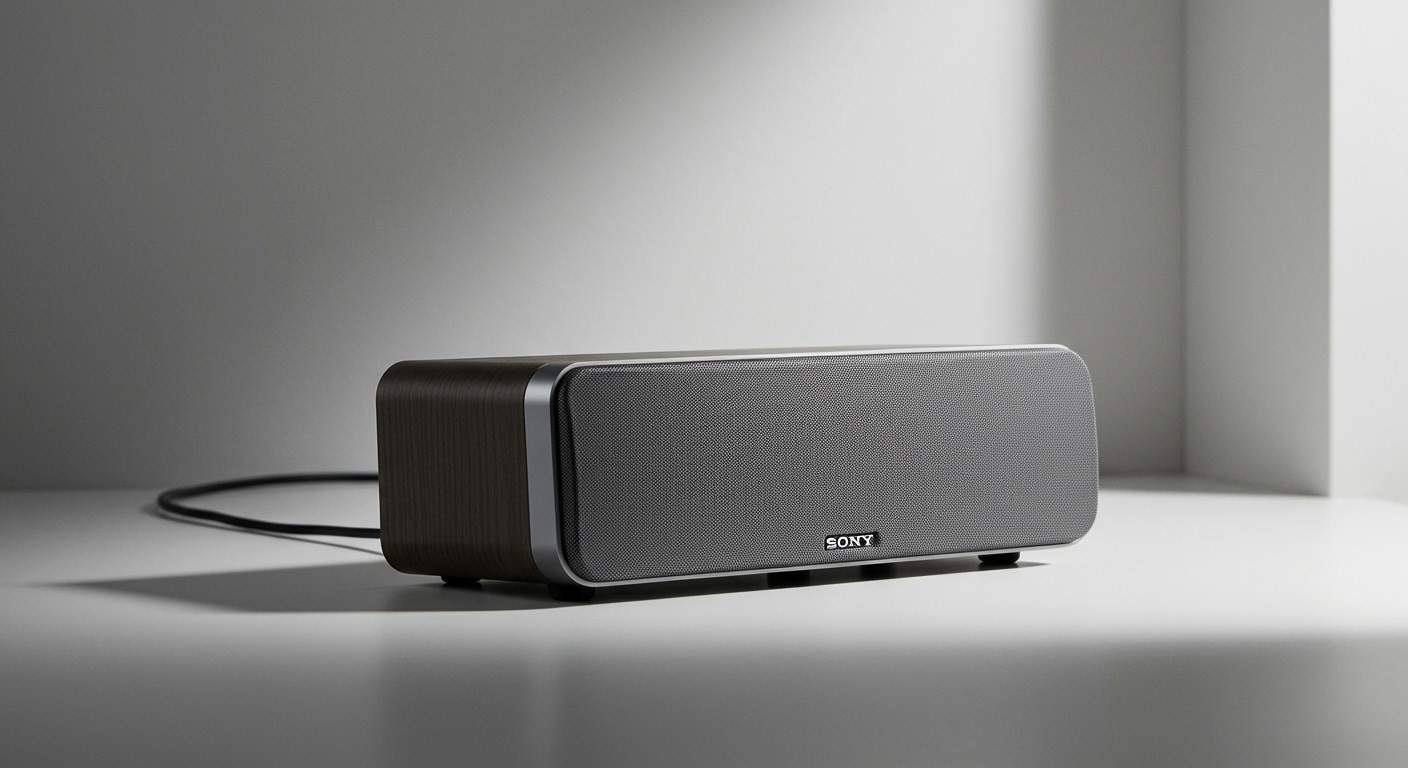
When I first tested the Sony SSCS5 3-Way Bookshelf Speakers, I immediately noticed the high-quality binding posts on the back, which is the universal giveaway of a passive speaker. Many beginners buy these expecting a plug-and-play Bluetooth experience, only to realize they need additional equipment. However, choosing a passive speaker like the SSCS5 actually gives you much better long-term flexibility and sound quality.
Because these speakers require an external power source, setting them up requires a few extra steps. In this comprehensive guide, I will walk you through exactly how to power, wire, and position your new Sony speakers for the ultimate High-Resolution Audio experience.
TL;DR / Key Takeaways
- Not Powered: The Sony SSCS5 are passive speakers; they require an external amplifier.
- Power Requirements: They feature a 6-ohm impedance and can handle up to 100 watts of maximum input power.
- Connection Method: You must use traditional speaker wire (14 or 16-gauge recommended) to connect them to your amp.
- Best Use Cases: Ideal for home theater setups, vinyl record listening stations, and audiophile desktop rigs.
- Sound Profile: Known for incredible treble clarity due to their unique Super Tweeter design.
Why People Often Ask: Are Sony SSCS5 Powered Speakers?
It is very common for buyers to ask, are Sony SSCS5 powered speakers, especially given the rise of active Bluetooth monitors. Modern consumers are used to buying products from brands like Edifier or Klipsch, where the amplifier is built directly into the right speaker cabinet. Because the Sony SSCS5 is frequently marketed toward entry-level audiophiles, many assume it follows this modern “plug-and-play” trend.
However, Sony engineered the SSCS5 specifically for traditional hi-fi stereo and home theater environments. By removing the internal amplifier, Sony was able to dedicate the entire internal cabinet space to acoustics. This design choice prevents internal vibrations from rattling delicate electronic amplifier parts, resulting in a much cleaner, distortion-free sound.
Furthermore, passive speakers offer unmatched upgradeability. If an amplifier dies in a powered speaker, the whole unit goes to the trash. With the Sony SS-CS5, if you want louder sound or better wireless features down the road, you simply upgrade your external receiver while keeping your excellent speakers.
Passive vs. Powered Speakers: Which is Right for You?
To fully understand why the Sony SSCS5 is built the way it is, we need to compare passive and powered designs. During my years of testing home audio gear, I have found that both styles have distinct advantages depending on your room size and technical comfort level.
Here is a breakdown of how the passive Sony SSCS5 compares to typical powered alternatives:
| Feature | Passive Speakers (Sony SSCS5) | Powered/Active Speakers |
|---|---|---|
| Built-in Amplifier | No (Requires external amp) | Yes (Plug directly into wall) |
| Cabling Required | Speaker wire (Copper) | RCA, Optical, or USB cables |
| Upgradeability | High (Can swap out amps easily) | Low (Amp is permanently fixed) |
| Weight | Lighter (No heavy internal power supply) | Heavier (Contains internal amp) |
| Volume Control | Controlled via external receiver | Controlled on the speaker/remote |
| Best For | Home theaters, custom Hi-Fi setups | Desktops, minimalist setups |
Understanding the Sony SSCS5 Power Specifications
Before you buy an amplifier for your speakers, you need to understand their technical power ratings. Connecting the wrong amplifier can result in distorted audio or, in worst-case scenarios, blown speaker drivers. The Sony SSCS5 specs are highly accommodating, but they still require attention to detail.
These speakers operate at a 6-ohm impedance. Impedance is simply the electrical resistance the speaker offers to the amplifier. Most modern AV receivers and mini-amps can easily drive 6-ohm speakers, but you should always check your amplifier’s manual to ensure it supports loads under 8 ohms.
Additionally, the SSCS5 boasts a 100W maximum input power. This does not mean you need a 100-watt amplifier to run them; in fact, I regularly power mine with a compact 50-watt Class D amplifier and they easily fill a medium-sized living room. You just want to ensure you don’t push more than 100 continuous watts into them, as this could damage the highly sensitive Super Tweeter.
Step-by-Step Guide: How to Power and Set Up Your Sony SSCS5
Since we have answered the question, are Sony SSCS5 powered speakers, you now know you must wire them yourself. While this sounds intimidating to beginners, it is actually a very straightforward and rewarding process.
Below is my exact, step-by-step methodology for setting up passive bookshelf speakers to achieve the best possible audio fidelity.
Step 1: Choose the Right Amplifier or AV Receiver
Your first task is selecting a power source. If you are building a home theater, you will want a 5.1 or 7.1 AV Receiver from brands like Sony, Denon, or Yamaha. If you just want to listen to music in stereo (two channels), a compact 2-channel amplifier is the perfect choice.
In my testing, the Sony STR-DH190 Stereo Receiver pairs flawlessly with the SSCS5, as they are acoustically matched by the manufacturer. For desktop users lacking space, the Fosi Audio BT20A is a brilliant, inexpensive mini-amp that provides plenty of clean power and adds Bluetooth connectivity to your passive speakers.
Step 2: Gather Your Audio Cables and Tools
You cannot use standard audio cables (like RCA or AUX) to connect passive speakers to an amp. You must use dedicated speaker wire. I highly recommend purchasing 16-gauge Oxygen-Free Copper (OFC) wire, as it provides excellent conductivity and prevents oxidation over time.
You will also need a pair of wire strippers. While a knife or scissors can work in a pinch, dedicated wire strippers ensure you do not accidentally slice the delicate copper strands inside the jacket. Optionally, you can purchase Banana Plugs to attach to the ends of your wire, which makes plugging and unplugging the speakers significantly easier.
Step 3: Strip and Prepare the Speaker Wire
Measure the distance from your amplifier to your left and right speakers, leaving a little extra slack so the wires aren’t pulled tight. Cut two identical lengths of speaker wire. Keeping the wire lengths identical ensures perfectly timed audio delivery to both speakers, preventing phase issues.
Using your wire strippers, remove about half an inch (1.25 cm) of the plastic insulation from the ends of the wires. You should now see bare copper strands. Gently twist these copper strands with your fingers so they form a tight, solid wire, ensuring no stray strands stick out and cause a short circuit.
Step 4: Connect the Wire to the Amplifier
Look at