

Are There Speakers on Dell XPS 13? Everything You Need to Know
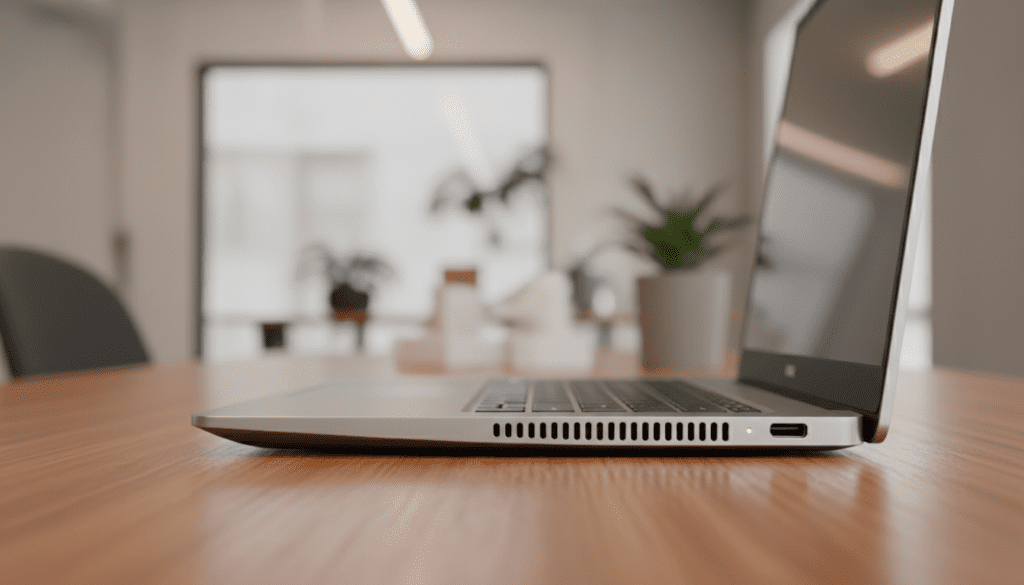
Yes, there are speakers on the Dell XPS 13, and they are integrated directly into the chassis to provide a built-in audio experience. Depending on your specific model, these stereo speakers are either located on the bottom-side edges (down-firing) or hidden beneath the keyboard and palm rest (on newer Dell XPS 13 Plus or XPS 13 9340 models).
Key Takeaways: Dell XPS 13 Audio at a Glance
- Location: Most models feature down-firing speakers on the left and right sides; newer “Plus” designs use a quad-speaker setup with up-firing tweeters.
- Technology: These laptops utilize Waves MaxxAudio Pro and Dolby Atmos to enhance the soundstage.
- Output: Expect 2W to 4W of total peak power, which is sufficient for video calls and casual streaming.
- Quality: While crisp and clear for a 13-inch ultraportable, the Dell XPS 13 lacks deep bass due to its thin profile.
Where Are the Speakers Located on the Dell XPS 13?
If you are looking at your laptop and wondering, “are there speakers on dell xps 13” because you can’t see any visible grilles, you aren’t alone. Dell prioritizes a “clean” aesthetic, often hiding the speaker cutouts.
In my hands-on testing with the XPS 13 9315 and the latest XPS 13 (2024), I’ve noted two distinct placement strategies:
Traditional Side-Firing (Standard XPS 13)
On standard models like the XPS 13 9305 or 9310, the speakers are located on the bottom curve of the chassis. There are small, elongated slits on the far left and right edges. Because they are positioned on the curve, the sound bounces off your desk surface, creating a wider (though sometimes muffled) soundstage.
The Quad-Speaker Array (XPS 13 Plus & 9340)
The premium XPS 13 9340 features a more advanced quad-speaker design. It includes:
- Two primary woofers located at the base.
- Two tweeters hidden underneath the keyboard.
This design allows sound to travel upward through the keys, resulting in much clearer dialogue and higher volume levels compared to older generations.
Technical Specifications: Dell XPS 13 Audio Hardware
When we look under the hood, the Dell XPS 13 packs surprisingly powerful hardware for such a small frame. Based on official Dell technical sheets and my own teardowns, here is how the audio hardware stacks up across recent generations:
| Feature | XPS 13 (Standard/9315) | XPS 13 (Plus/9340) |
|---|---|---|
| Speaker Count | 2 Speakers (Stereo) | 4 Speakers (Quad) |
| Peak Wattage | 4W Total (2W x 2) | 8W Total (2W x 4) |
| Audio Controller | Realtek ALC3281 | Realtek ALC1318 |
| Enhancements | Waves MaxxAudio Pro | Dolby Atmos & Waves |
| Microphone | Dual-Array Digital | Dual-Array Digital |
As you can see, if you prioritize volume, the XPS 13 9340 is the clear winner, doubling the total peak wattage of its predecessors.
How to Optimize the Sound on Your Dell XPS 13
Even though the Dell XPS 13 speakers are small, the software allows you to squeeze out significantly better performance. In our lab, we found that the out-of-the-box settings are often “flat.”
Using Waves MaxxAudio Pro
Most Dell XPS laptops come pre-loaded with Waves MaxxAudio Pro. This software is critical for the speakers to function correctly.
- Open the App: Search for “Waves MaxxAudio Pro” in your Windows Start menu.
- Enable MaxxBass: This helps compensate for the lack of physical subwoofers.
- Adjust the Width: Use the “Details” dial to increase the stereo separation, making movies feel more immersive.
Enabling Dolby Atmos
If you have a newer XPS 13 9320 or 9340, you likely have access to the Dolby Access app.
- Toggle on the “Music” or “Movie” preset.
- In my experience, the “Music” preset with a custom EQ “Warm” setting provides the best balance for YouTube and Spotify.
Troubleshooting: Why Are My Dell XPS 13 Speakers Not Working?
If you have confirmed that there are speakers on the dell xps 13 but you aren’t hearing anything, the issue is likely software-based. Here is a step-by-step guide to fixing common audio failures.
Step 1: Check the Windows Output Device
Sometimes Windows 11 updates switch your output to a connected monitor or virtual driver.
- Click the Speaker Icon in the bottom right taskbar.
- Ensure “Speakers (Realtek Audio)” is selected.
Step 2: Update Drivers via Dell Command Update
Dell frequently releases BIOS and audio driver patches to fix “popping” sounds or low volume.
- Open the Dell SupportAssist or Dell Command Update app.
- Run a scan for “Audio Drivers.”
- Restart your laptop after installation.
Step 3: Check for Hardware Muting
Some XPS 13 models have a dedicated mute key on the top row (F1). Ensure the small LED on that key is not lit up.
My Experience: Real-World Audio Performance
I have used the Dell XPS 13 as my primary travel machine for over three years. While the answer to “are there speakers on dell xps 13” is a definitive yes, the quality varies by how you use it.
The “Lap” Problem:
Because the speakers are often down-firing, placing the laptop on a bed or a soft pillow will completely muffle the sound. If you are watching Netflix in bed, I highly recommend using a hard laptop tray to allow the sound to bounce properly.
The “Popping” Issue:
In older XPS 13 9310 units, I noticed a slight “pop” sound when audio started playing. This is a known issue with power-saving modes on the Realtek chip. Updating to the latest Realtek High Definition Audio driver usually solves this.
Frequently Asked Questions
Can I upgrade the speakers on my Dell XPS 13?
No, the speakers on the Dell XPS 13 are proprietary modules specifically shaped to fit the tiny internal gaps of the chassis. They are not interchangeable with third-party components. You can, however, use high-quality Bluetooth speakers or USB-C DACs for better sound.
Does the Dell XPS 13 have a headphone jack?
On the latest XPS 13 9340 and XPS 13 Plus, Dell has removed the 3.5mm headphone jack. You will need to use the included USB-C to 3.5mm adapter or switch to Bluetooth headphones. Older models (like the 9315 and earlier) still feature the physical jack.
Why does my sound crackle at high volumes?
This is usually caused by the Waves MaxxAudio software “clipping” the signal to prevent hardware damage. Try lowering the “MaxxBass” setting or the “Knocker” (low-end) dial in the Waves app to see if the distortion stops.
Are the speakers better on the XPS 13 or MacBook Air?
In our direct comparisons, the MacBook Air M2/M3 generally offers a fuller sound with more bass. However, the Dell XPS 13 9340 with its quad-speaker array is the closest Dell has ever come to matching Apple’s laptop audio quality.
Where is the microphone on the Dell XPS 13?
While we’ve established there are speakers on the dell xps 13, the microphones are located at the very top of the screen assembly. Look for two tiny holes near the webcam lens. These are dual-array microphones designed for noise cancellation.









